AppleTV Video Playback Slowed

Yes, Sir. This is why I don't understand what difference the over-the-air/antenna/HD HomeRun HEVC signal makes when I'm watching a DVR recorded show off my Channels Server. The DVR'ed / recorded shows are in mpg format. If the problem really is that the older AppleTV HD can't handle it, great! BUT why did it work fine a few weeks ago and for the last 8 months. Can I set Channel DVR recording to be at 2k instead of 4k? (Edit) Actually, I just checked. All my Channels DVR recordings from the last 8 months are in HD (1080) format. The old AppleTV HD should be able to handle that just fine.

I'm going to assume it is somthing on my network that I changed and not some technical issue with Channels. I just wish there was more trouble shooting steps to figure it out.

(Edit #2, then I'll quite.) I also think Channels needs to specify minimum equipment requirments for client devices, and not just continually suggest we need to upgrade equipment when we ask for support.
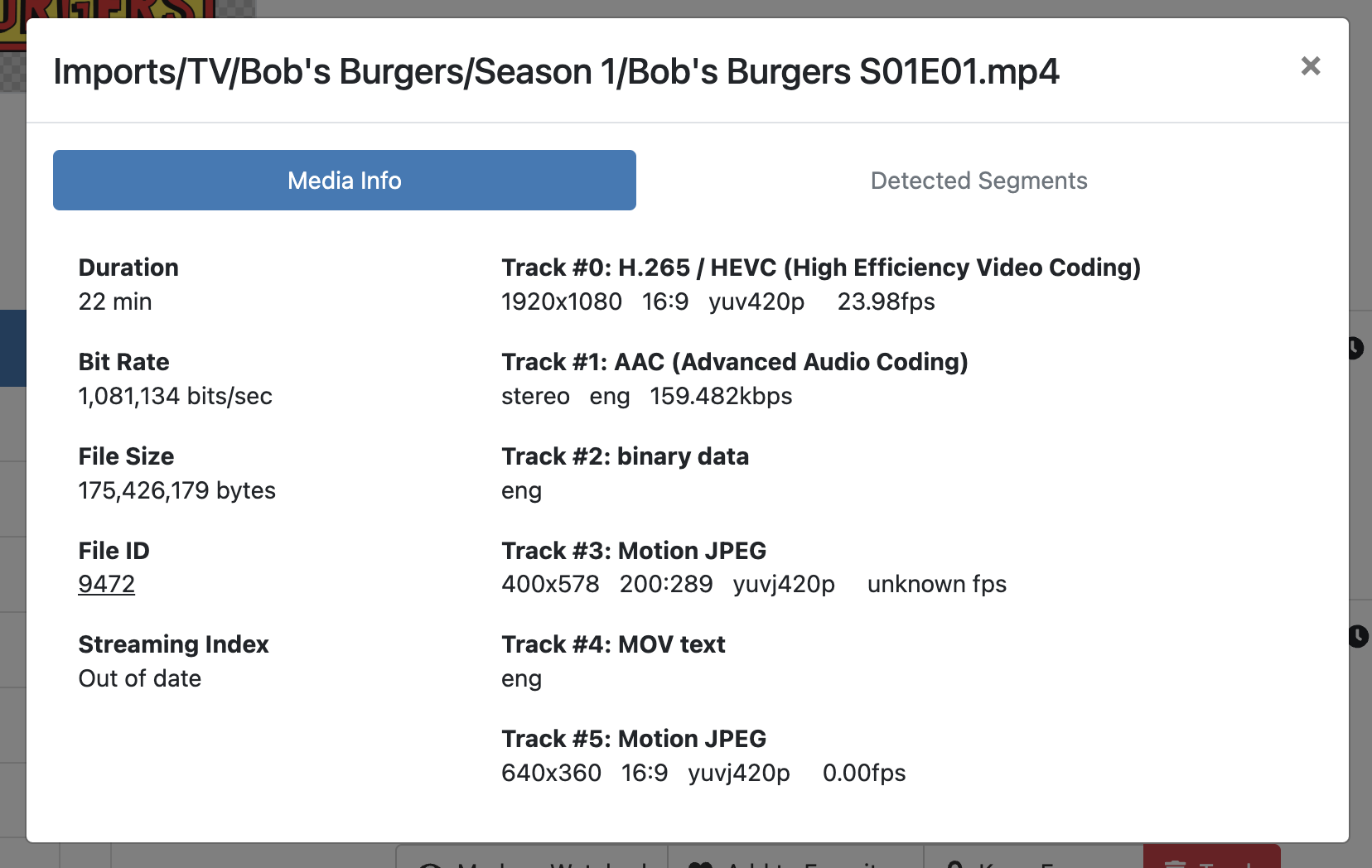
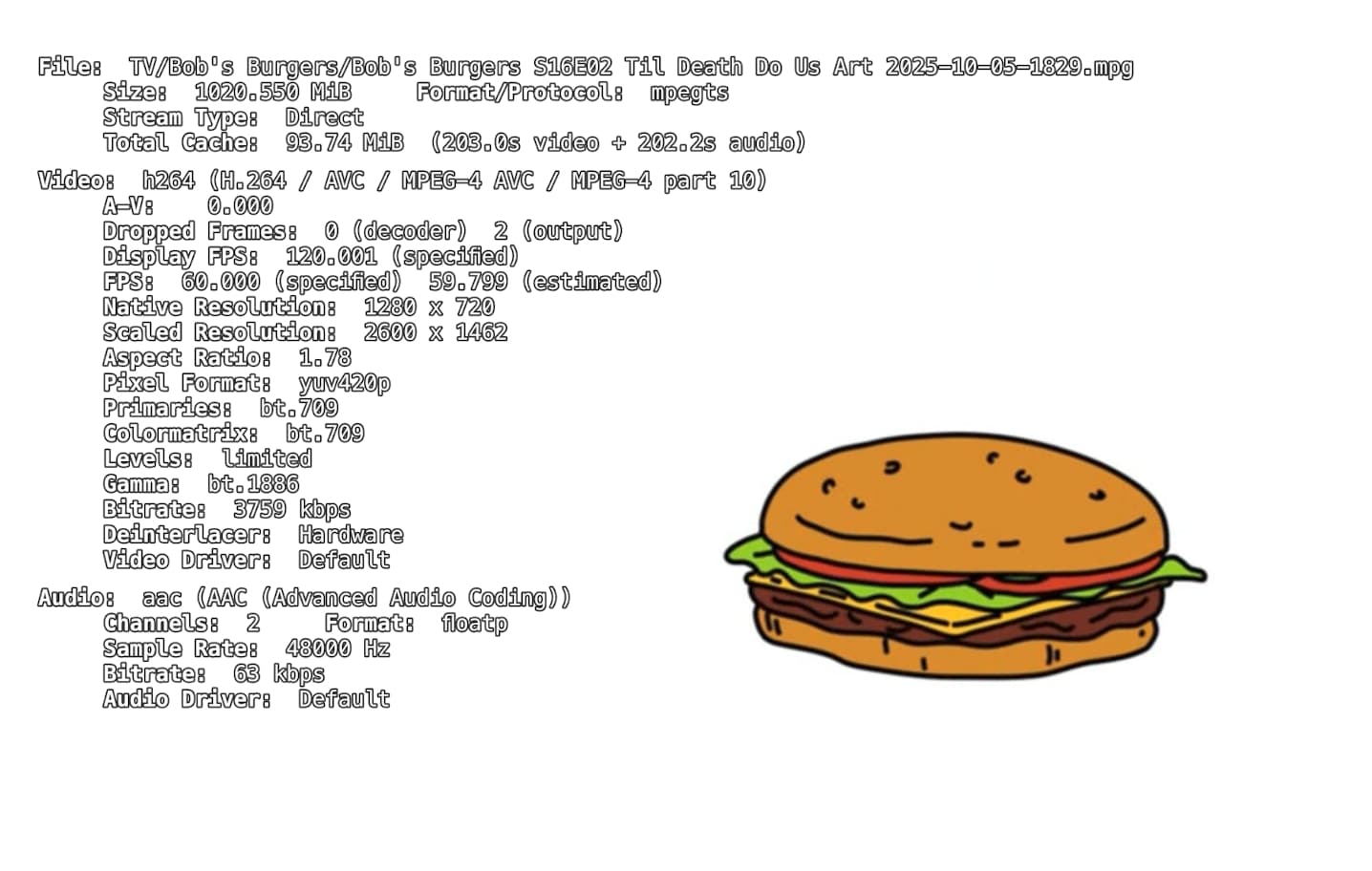
mpg is a generic format. You have to check the contents of what's inside. You can do so via View Details on a recording in the web UI

In the player you can swipe down as I suggested earlier, and view the stats. If you did that, you would see that there are frames being dropped because they cannot be decoded fast enough.

If you watch channel 105.1 live, the same problem with occur.

If you make a recording from another channel, it will play back just fine because it won't be ATSC3.

Maybe the ATSC3 NBC channel just showed up in your area and that's what changed. In that case, as I mentioned earlier you can disable that channel and then your recordings will not be in this upgraded video format.

Thanks, tmm.

This is silly. The Apple TV has its own technical specifications. Channels attempts to play anything you send to it. If the content format you're sending to it is not supported by your hardware, then it won't play back well.

We don't need to list what Channels supports, because that is dependent on the hardware, not the software.

As for things "changing" are you sure your recordings were even coming from the ATSC 3.0 channels before? Were they recording on ATSC 1.0 channels and then started happening on ATSC 3.0 channels?

Did you even have ATSC 3.0 channels before? Did the broadcaster just light them up and now you have them and now the recordings are happening on those channels?

Was the format they were broadcasting over your ATSC 3.0 channels changed? ATSC 3.0 is not official and broadcasters are doing a lot of things to test them. This includes ramping up bitrates, etc.

You should go back and look at your old recordings and compare them with the new ones. See what channel numbers they happened on. See if there's a difference in format. Use View Details to see the video codec, format, resolution, and bitrates.

Yes, Channels is super friendly software, but it's an open system. We let you throw whatever you want at it from an incredible amount of sources. We can't possibly do that and also police it. Because of that, there's a bit of responsibility on the person using it.

Sir, I understand this all better now. Thank you for explaing things further. I have marked tmm's explination as the solution.