So far this is looking great!

The UI on both apple TV and iPAD are much more responsive. Remote shortcuts on ATV noticeably quicker and smooth!!
Thanks for all you folks do!

So far this is looking great!
The UI on both apple TV and iPAD are much more responsive. Remote shortcuts on ATV noticeably quicker and smooth!!
Thanks for all you folks do!
I will get signed up for the beta and get to testing.
One thing I love about Channels is how FAST the UI is. I don't care about liquid glass. Stay fast!!!
While watching a few episodes of an imported TV show, the player seemingly paused twice on its own. Playback resumed as normal after seeking backwards. I have no idea if it's related to the new build but I submitted diagnostics.
I have experienced the same issues, the channel I am watching live starts to get behind the time line, then starts stuttering. I usually have to fast forward to get back to real-time or restart the show. The issue does not affect my recordings so I think it is related to installing TVOS 26. I have submitted my diagnostic logs and contacted support.
This is an ongoing issue with tvOS 26 and not with this build.
New build out. This adds a bit of Liquid Glass, in what will be likely a slow but not over exhaustive adoption of Liquid Glass.
Very nice additions with the Liquid Glass. 
Sidebar is 
Nice to have the stock looking skip buttons too!
Match Content - Match Frame Rate/ Match Dynamic Range- is not working/triggering with these new builds.
My TV (Samsung QN90C) still is in 60p mode when playing 24p content.
Used to go to a black screen for a couple seconds when switching.
The Stats when playing back content also report the screen is at 60p.
This is for local content playback.
Setting on the Apple TV is enabled.
Play back with Infuse Pro player will trigger the switch to 24p.
Same here. I had to roll back to an earlier version to get mode switching to work again .
Loving the Liquid Glass implentation. So much that can be done with the UI.
The new UI makes the iPad app work a tad batter in the Vision Pro. Not that anyone cares.
 I care!
This doesn’t even appear to be iOS 26. Is it?
It's tvOS 26. But I just realized that it's the latest 26.5 beta, not the current 26.4 public release, which probably explains the difference here, so please disregard the report. Sorry about that.
Do you have transparency set to almost off?
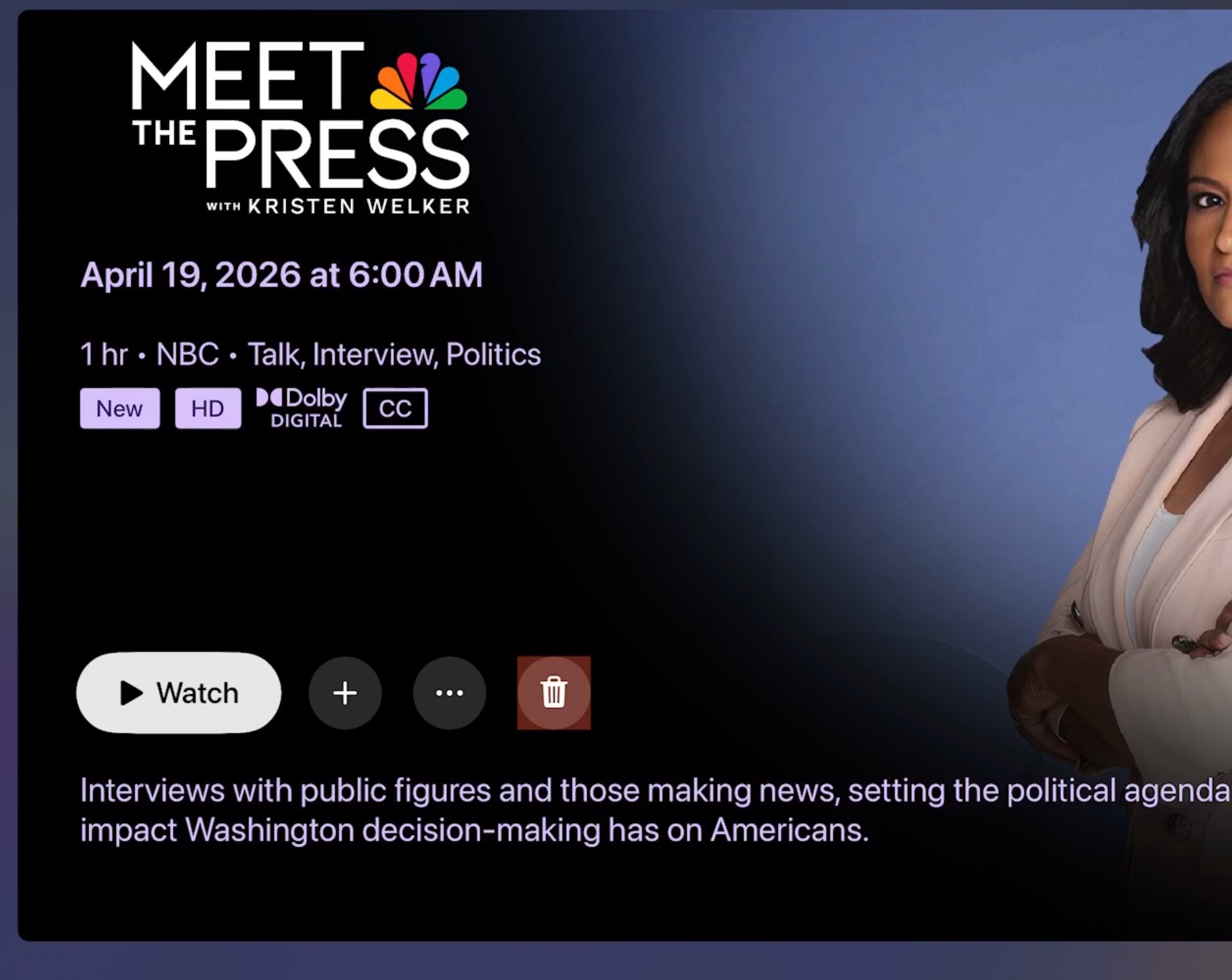
Curious that the buttons have no glass effect at all.
Here’s what they looks like:
Oh, you’re on a first gen 4K aren’t you. Liquid Glass isn’t enabled on that hardware.
This is so fun to test.
Pre-liquid glass OS’s, different settings of Liquid Glass, and hardware that just has it disabled. 
Yep, came here to post just that. I compared the beta on my other AppleTV's since I have some 2nd gens installed too. And yes, the liquid glass buttons look fine on the 2nd gen AppleTVs, on the latest betas. It's only that trash button that looks awkward on the 1st gen, which doesn't have any Liquid Glass effects at all.
The only tvOS Accessibility > Display setting I've toggled on any of these devices is the "Focus Style - High Contrast" one, because we prefer how that highlights what we're selecting on the tvOS home screen, but I tested that out too and see that particular settting has no effect on how the Channels trash icon is displayed.
Anything for a fix on the Match Content issue? This makes it quite hard to watch movies or a lot of my local library. Playback is juddery when not in 24fps mode. Also having to manually switch to HDR etc.
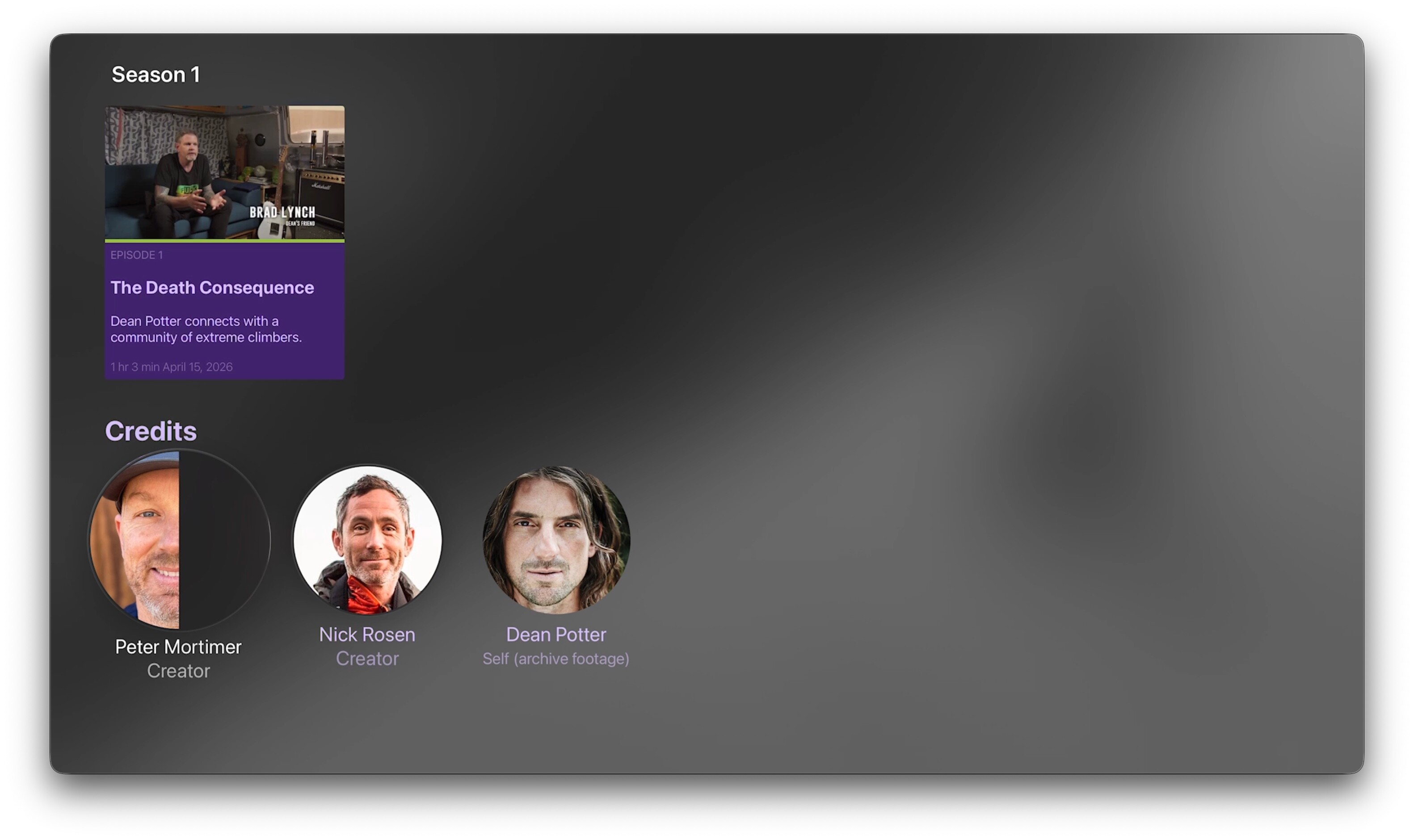
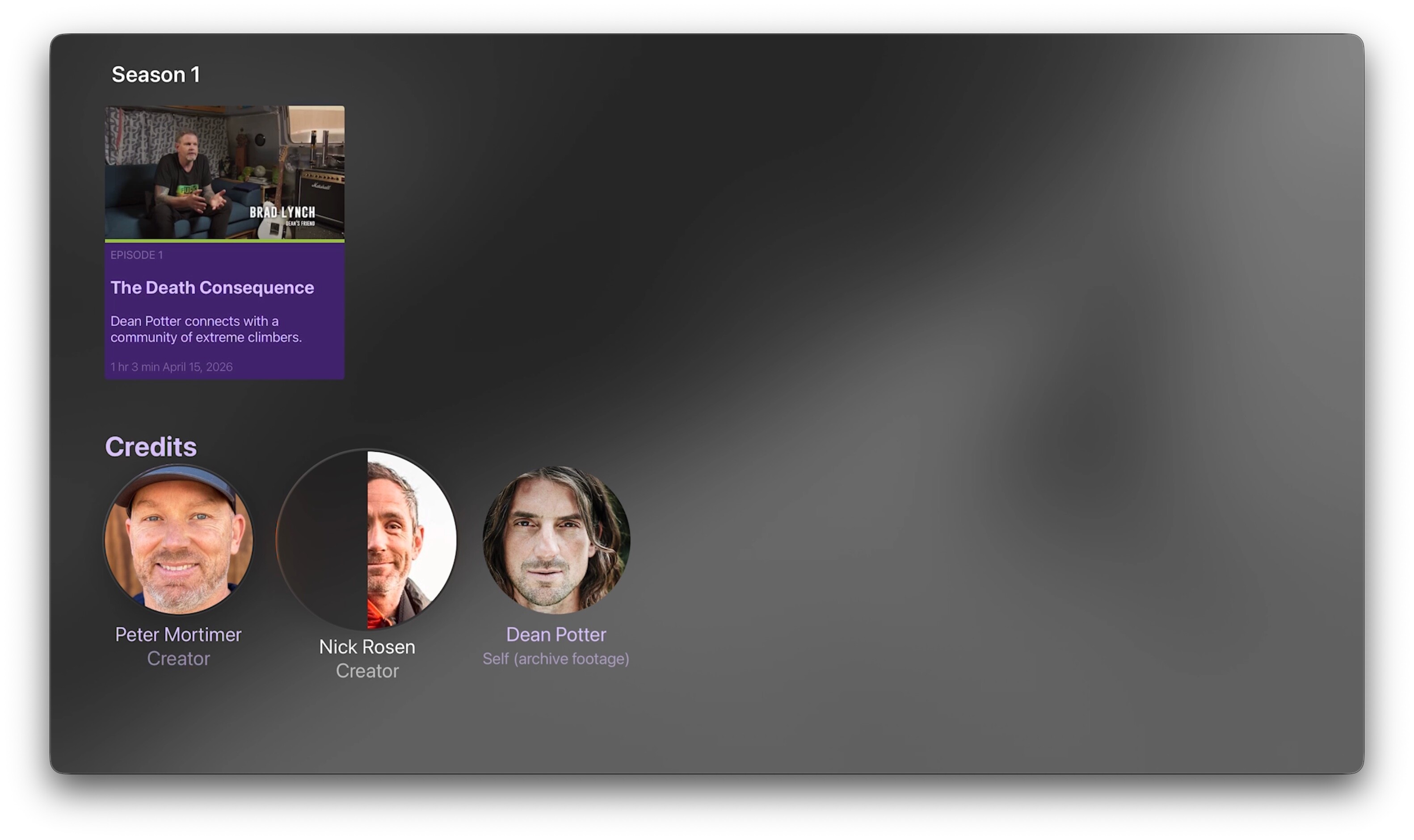
On the 2nd gen AppleTV with Liquid Glass sffects, the first and sometime second cast members' circle icons are getting these odd half-shaded effects when swiping over them:
The 3rd and later ones are fine.
We have to look into it. It’s a beta. You know the rules.