Remotely connecting channels server
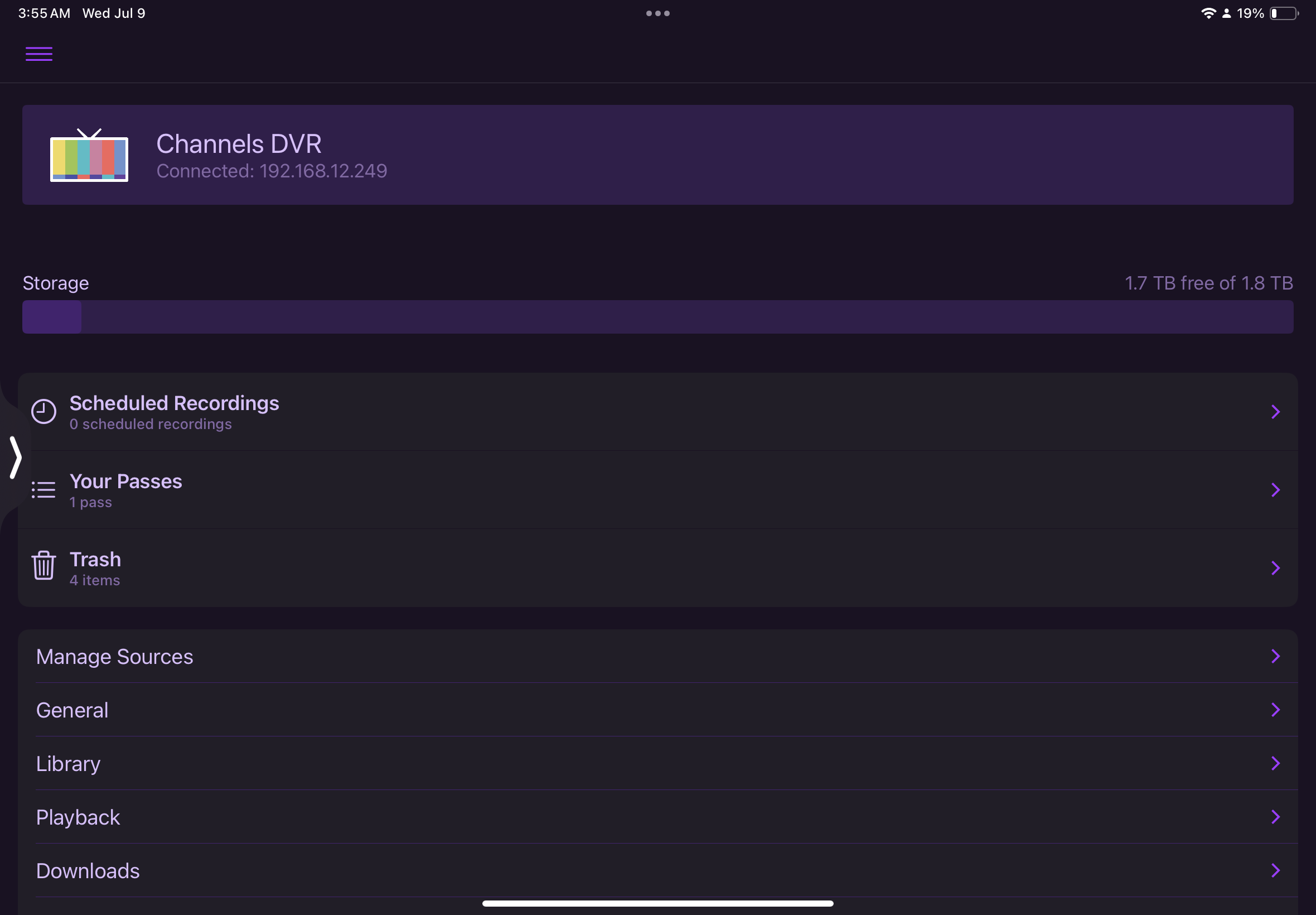
I can use the channels server app to view my Movies and TV shows at home using my internal IP address; now, … I would like to hit the road and share them
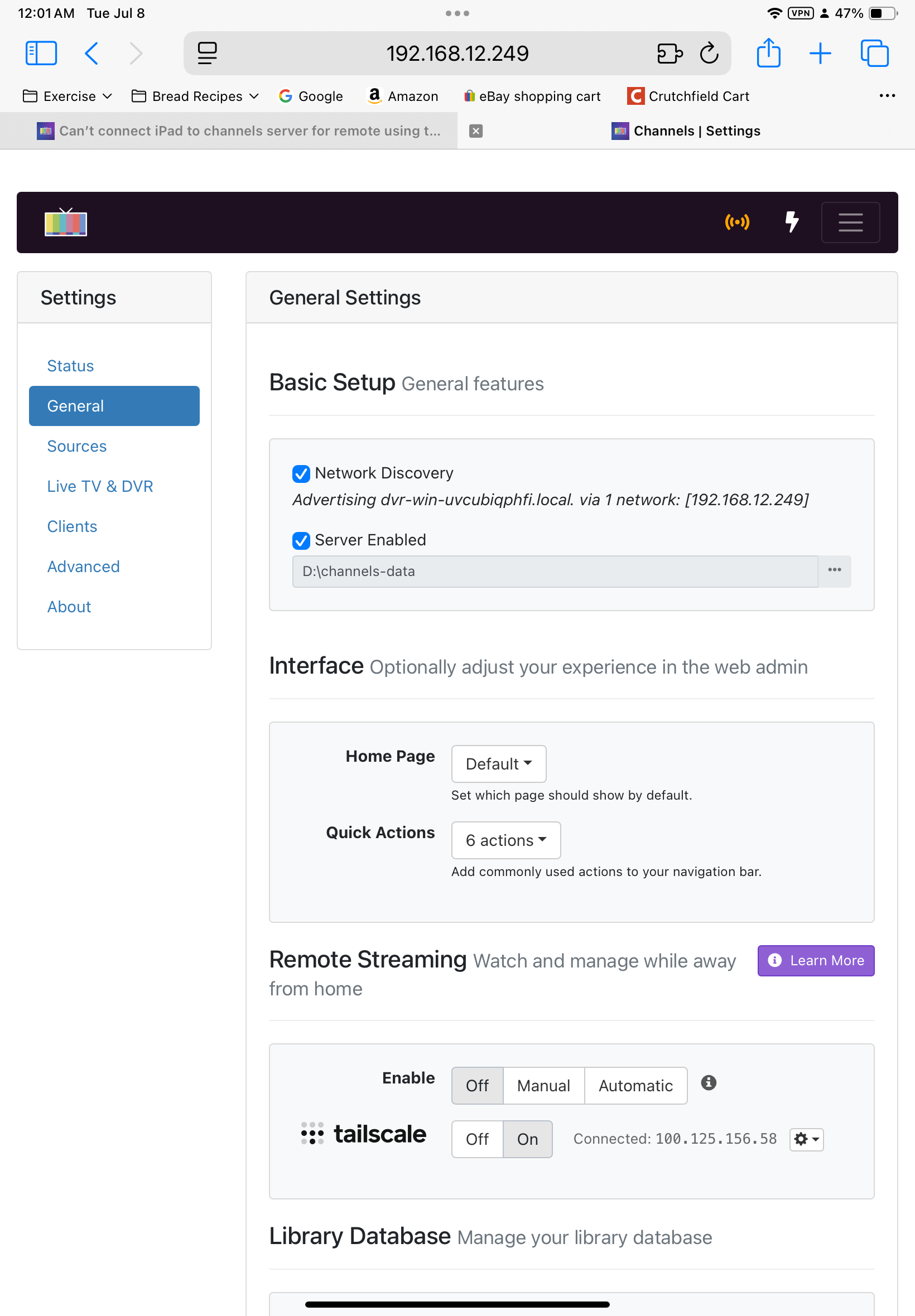
I have channels server using Tailscale for “Remote Connectivity” because my TMobile uses CG-NAT which won’t support port 8089 port forwarding
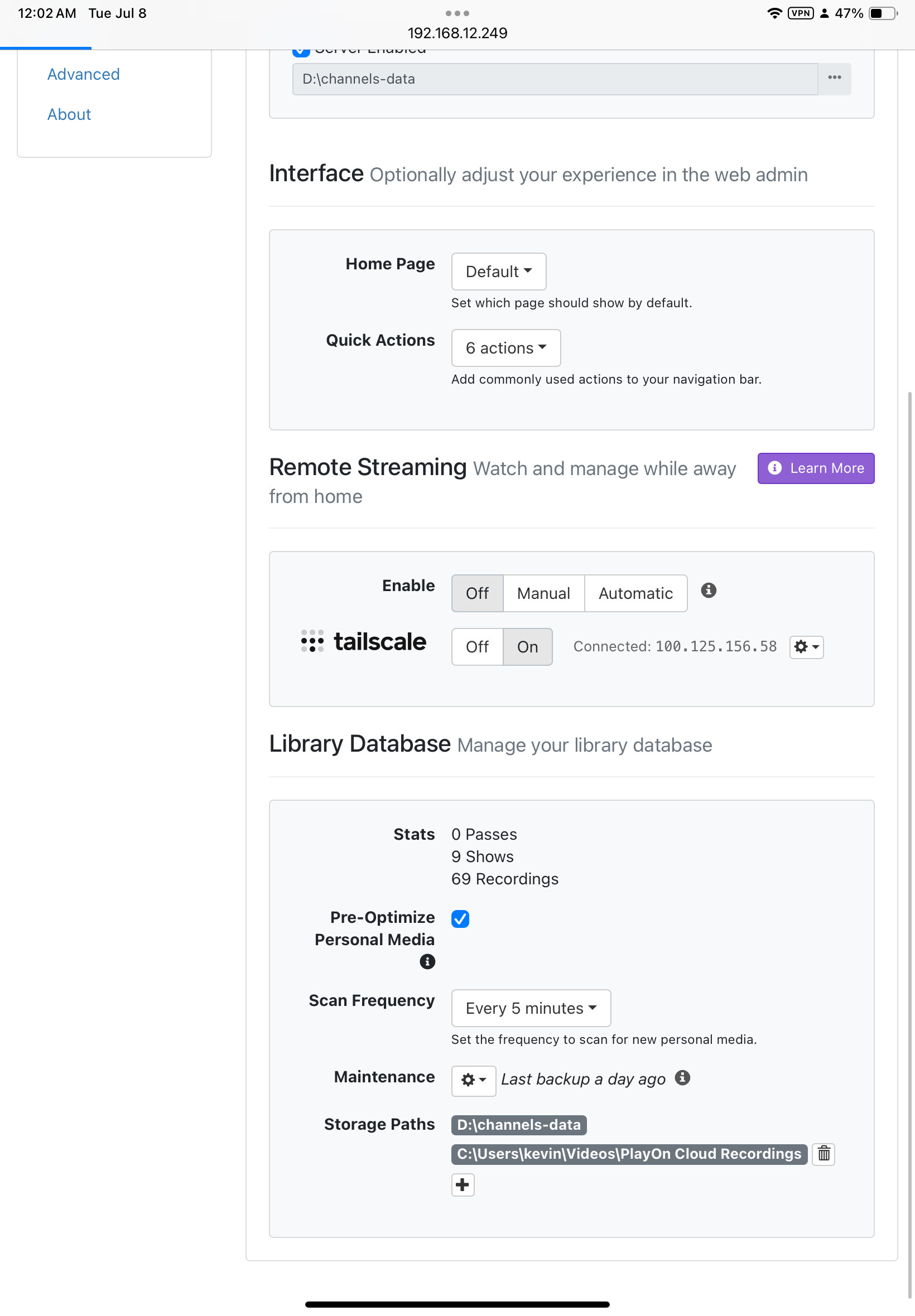
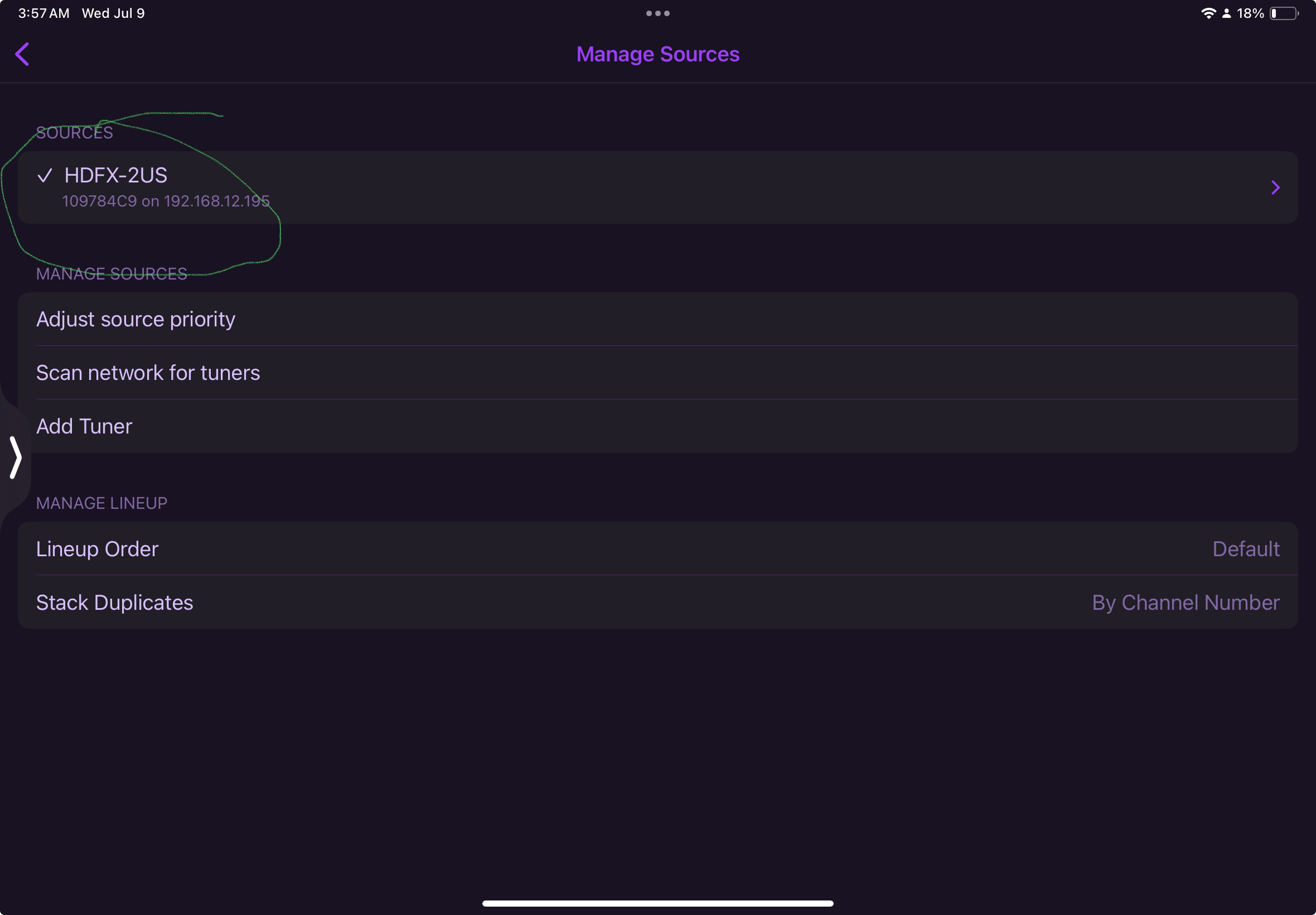
After considerable research I have installed “TailScale” as the alternative in the “Admin” of channels server. I then installed Tailscale on both the windows 11 and IPad Air 5; they show connectivity.
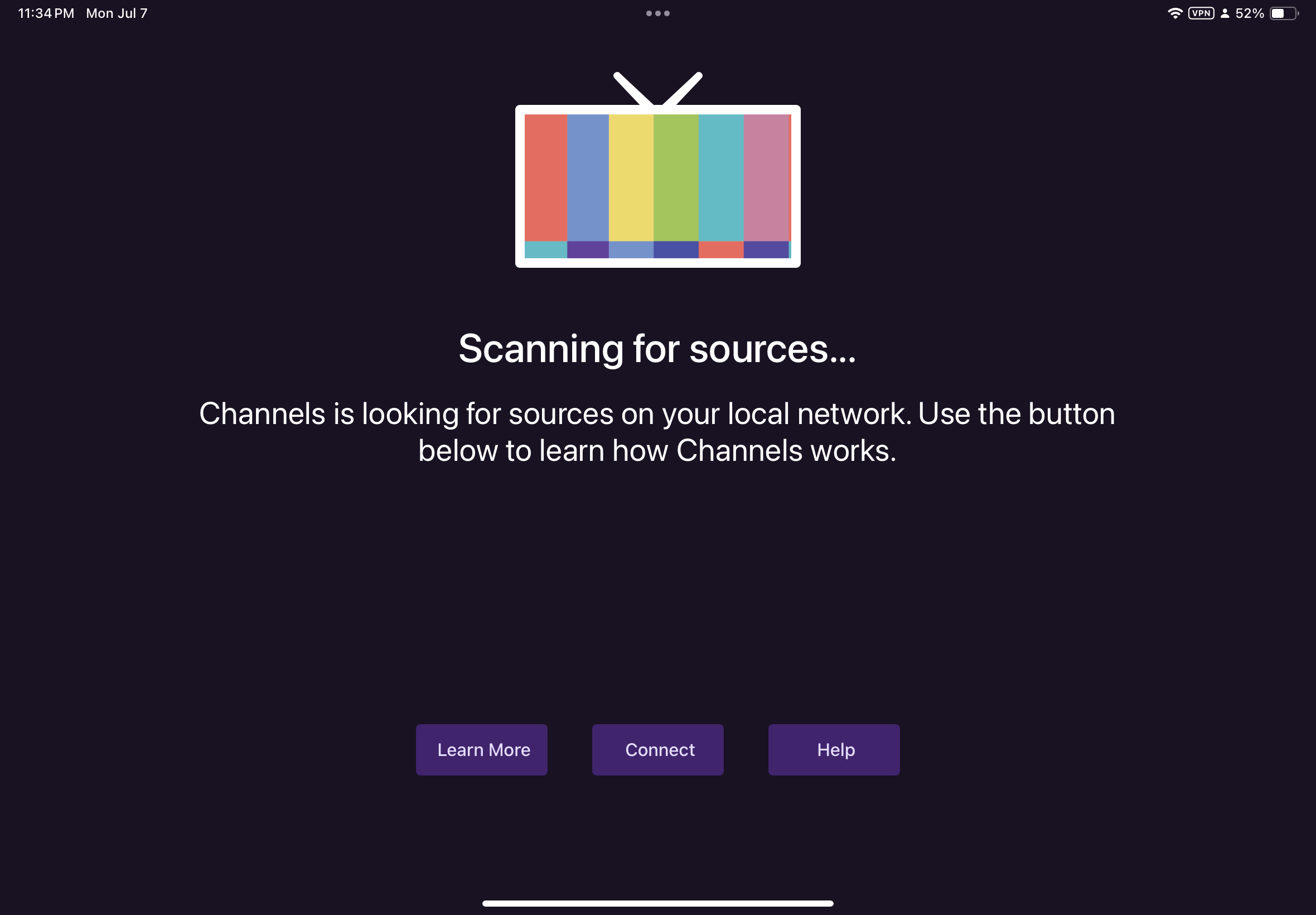
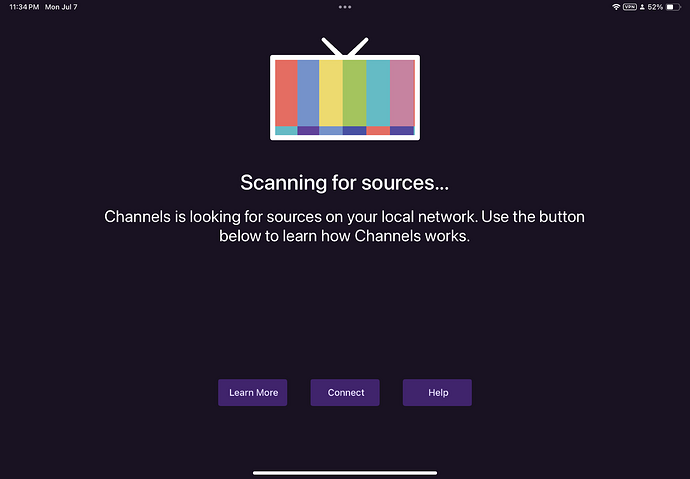
When I connect using “Tailscale” as my IP provider I get an error message that says: “channels is looking for source on local network”
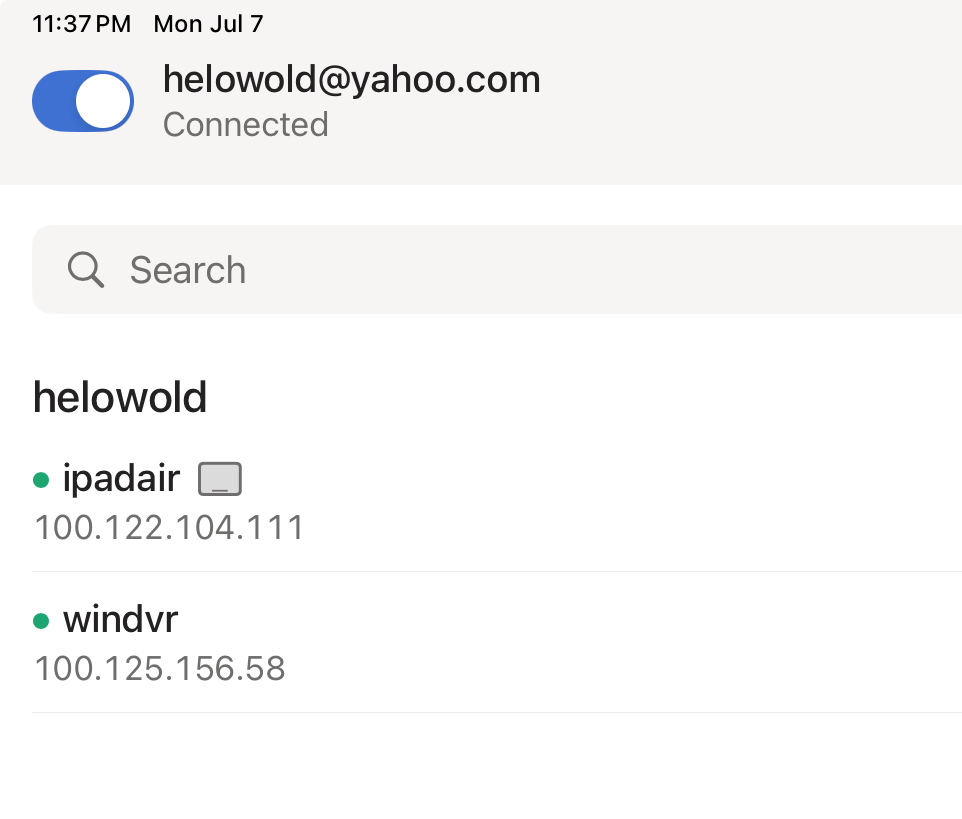
I checked Tailscale and the machine page, “first tab” shows my IP address for both my windows11 used as a server for channels server DVR, and, my iPad Air 5 as connected devices.
I did some searching and it states that I need to add “ :8089 “ at the end of the IP address but that didn’t help
Research showed me how to ping from my IPad and from my windows 11 used as a server and the result show the connections are good
I used PingLite on iPad and CMD on windows!
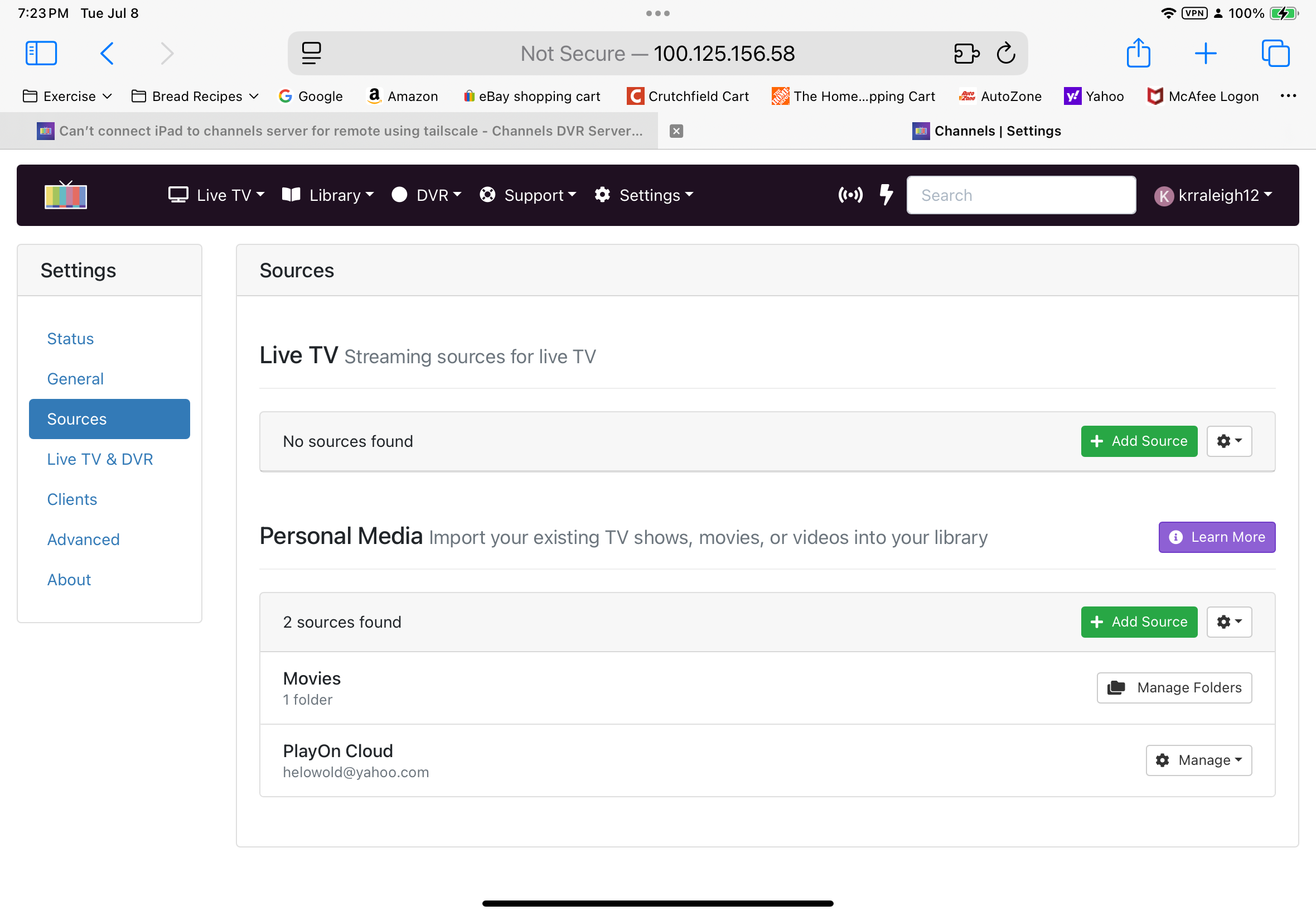
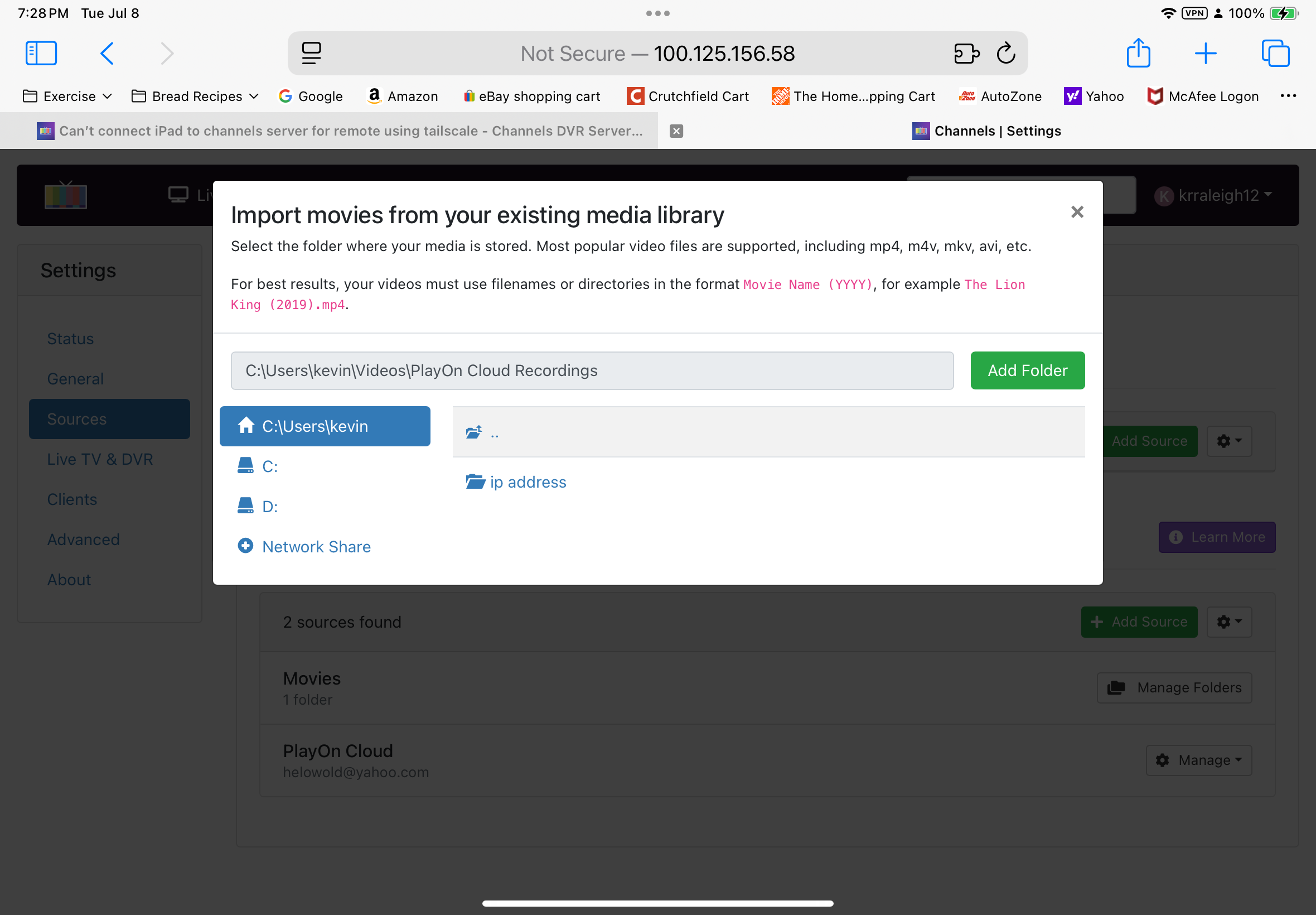
I checked to see that the playoncloud was working properly and my movies and TV shows are listed in both the C: drive under videos > …playoncloud
And in my external drive listed as D:/
I installed a few times before getting it right in my head
Research stated that I might correct the problem by restarting both the IPad and the channels server machine. It didn’t help
Research said that I should remove the Firewall on the windows 11 acting as server and that was easy enough, but, that was no help
Research suggested that my VPN’s might be malfunctioning so I checked them and Tailscale is handling the VPN with the McAfee virus software is silent unless needed
When clicking on Tailscale on the tool bar on windows using right click I get access to the Exit Nodes and research states that I should check to make sure I have local network access. I checked and it is working
When I check to see which devices are available on the windows tool bar access point for Tailscale it clearly shows my iPad Air 5
I currently think I have exhausted the basics and I might be left with working with the “ACL” which I believe is a type of programming.
I have worked with web, C, JavaScript, Assembly to a small degree; hopefully helpful
I have tried searching for the last couple of weeks using every type of search that I could think of. The AI for google on IPad really makes that helpful.
I have exhausted my questions!!!
Can you advise on what I might try next??
Thank You
Kevin