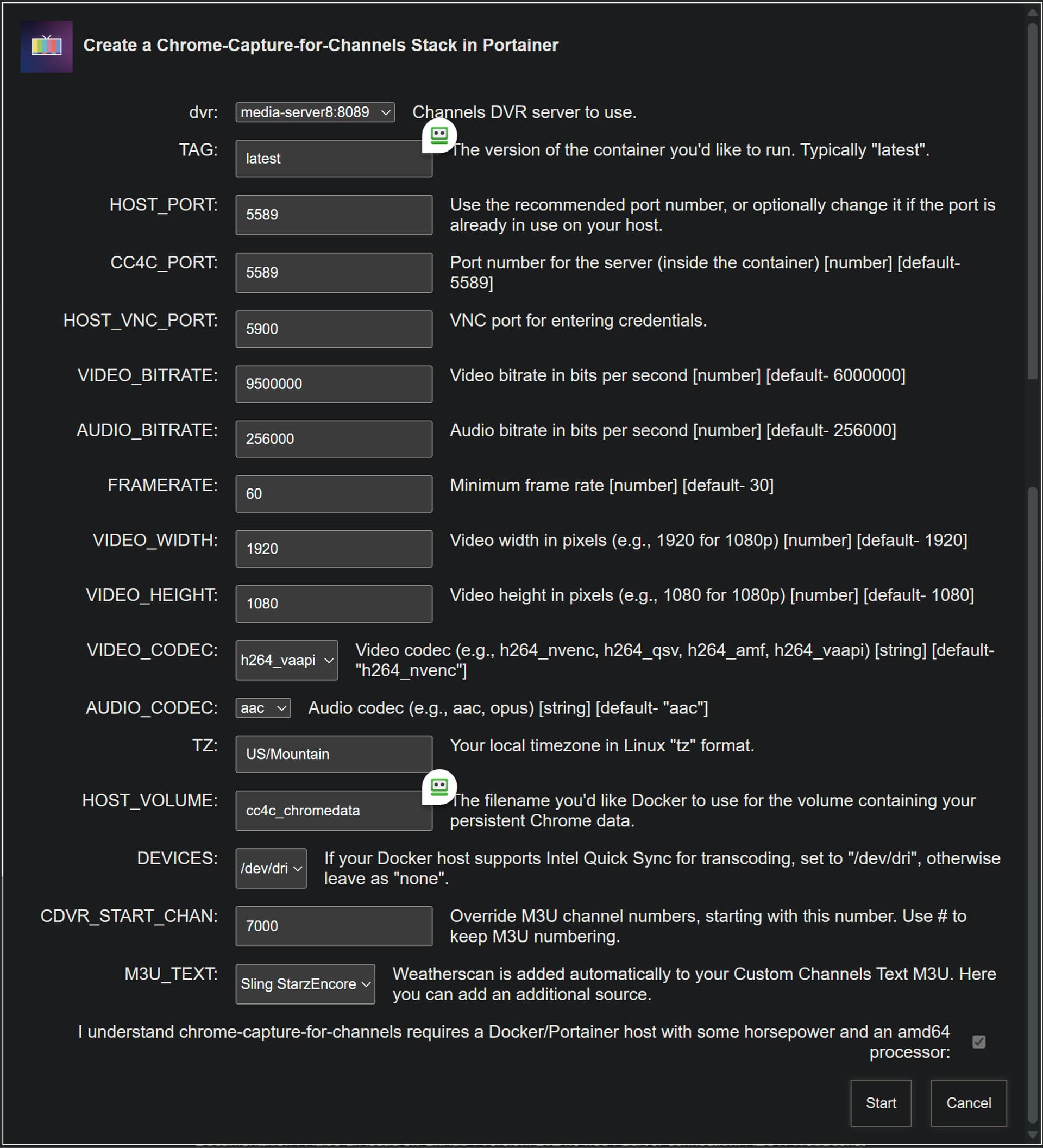
I have the iGPU working. So, If you're willing, it'd be great if you could spin-up a similar LXC to verify.
Most of the original instructions are the same, but here are the differences:
This time, start with a Debian 12 template, and run these commands right from the first prompt:
sed -i 's/contrib$/contrib non-free non-free-firmware/' /etc/apt/sources.list

apt update

apt install intel-media-va-driver-non-free vainfo libva-drm2 libva-x11-2 mesa-va-drivers
After that, you should be able to follow the original instructions, starting with:
apt upgrade
and on from there...
Running the "Weatherscan" channel:
intel-gpu-top: Intel Raptorlake_s (Gen12) @ /dev/dri/card1 -  157/ 617 MHz;  52% RC6
    0.24/66.45 W;      186 irqs/s

         ENGINES     BUSY                                               MI_SEMA MI_WAIT
       Render/3D    6.65% |██▉                                       |      0%      0%
         Blitter    0.00% |                                           |      0%      0%
           Video    0.00% |                                           |      0%      0%
    VideoEnhance    0.00% |                                           |      0%      0%

   PID              NAME    Render/3D       Blitter         Video      VideoEnhance
292179            chrome |█            ||             ||             ||             |
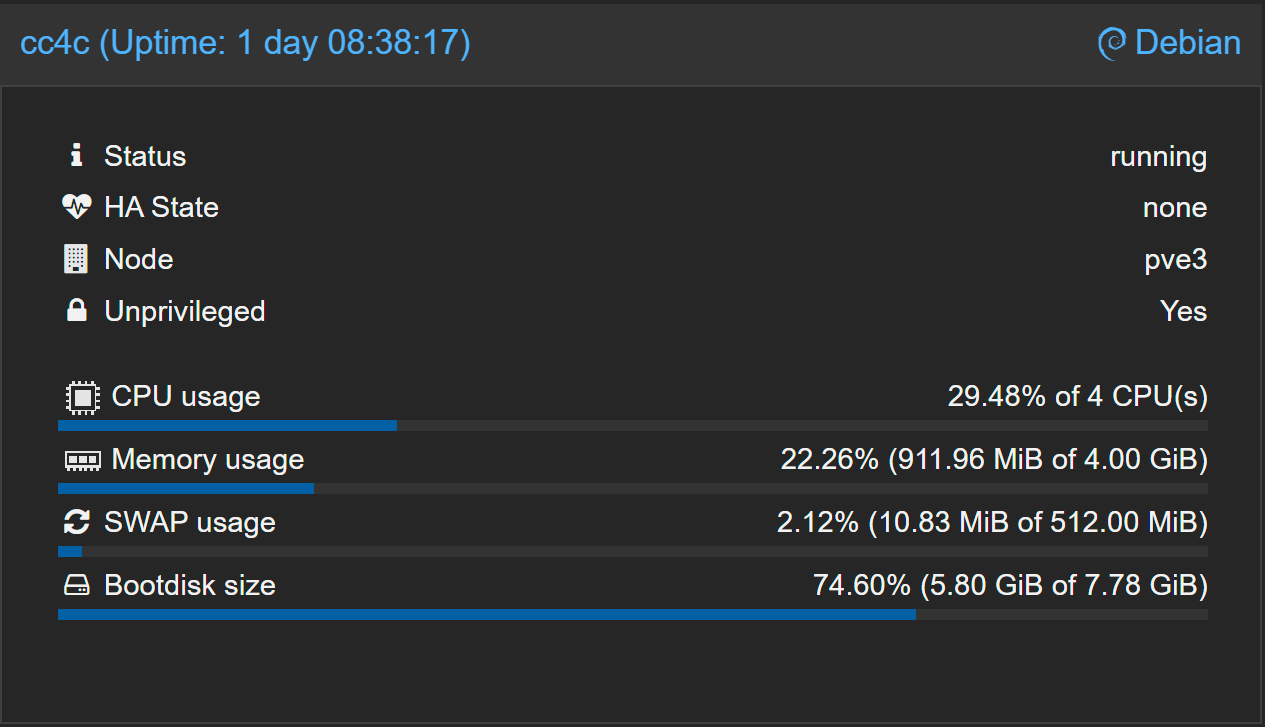
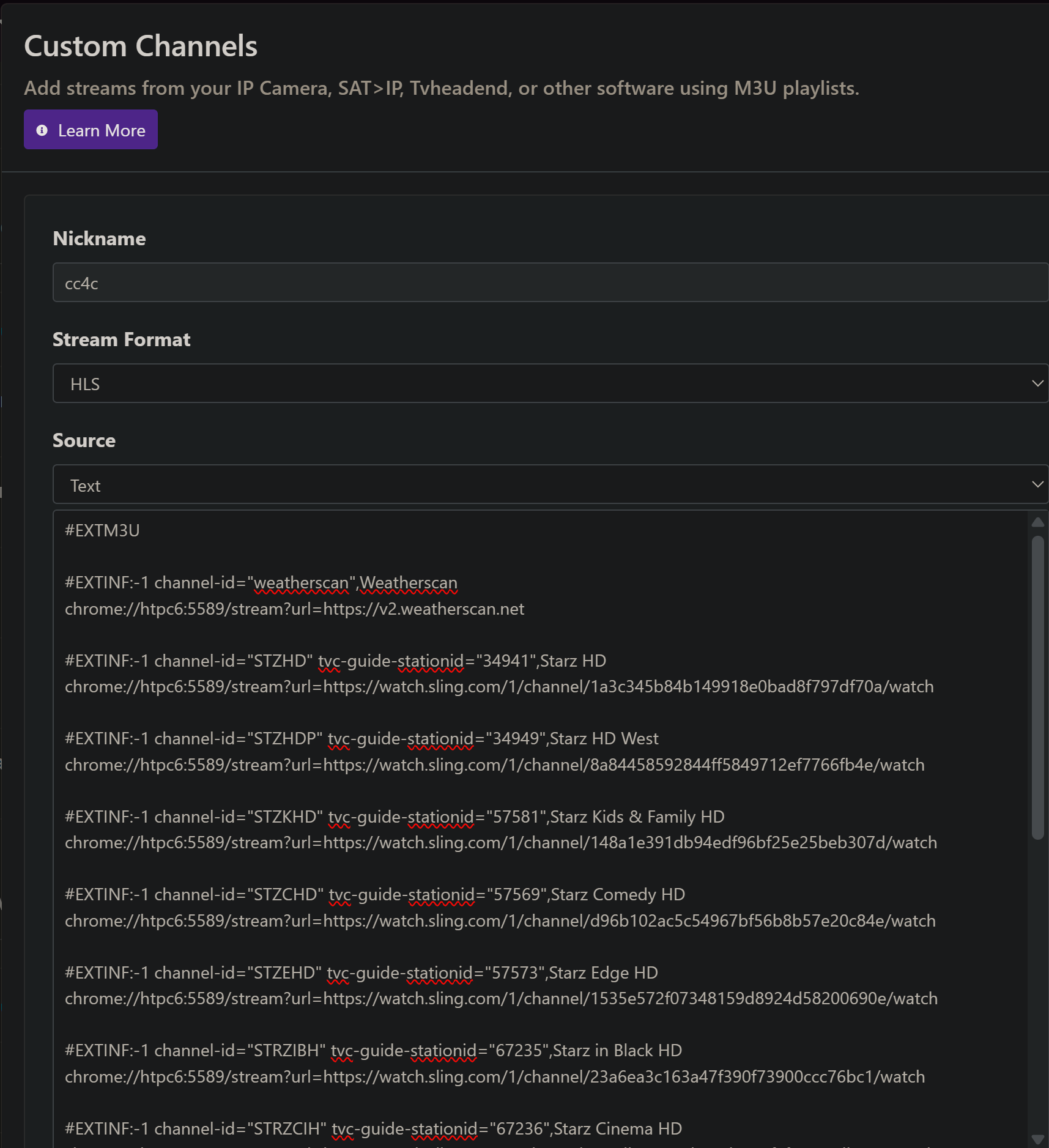
I'm watching a free Sling channel right now, "T2", and it looks really good -- while using about 35-70% of 4 CPUs. The weird thing though, is that this channel is not using any iGPU, so maybe there's more tweaking to do. Interestingly, running the Weatherscan channel, I saw intel_gpu_top spike to 100% a few times.
But, as I said, we now know the iGPU is getting passed through and is working at some level. chrome://gpu still shows a couple of features using "software". Every Chrome/Puppeteer flag change I've tried so far, has disabled hardware somewhere, so I'm back to the current default flags.