
I already done that, I have some clients with the new address but others still say the older one?
1 Like
Reboot the client or force close and relaunch the Channels app?
Works now, What else do you recommend I install with OliveTin?
You could do Pluto-for-Channels, Plex-for-Channels, Samsung-TVPlus-for-Channels or Tubi-for-Channels through Project One-Click. Probably just one is enough as there's a lot of overlap in all the FAST (Free Ad Supported TV) channels.
Project One-click has a Delete a Project One-Click Channels DVR Extension Action to remove everything installed by the Action if you decide you don't like it.
Those dont have proper guide data though right, or do some?
Does anyway have a already made spectrum TV channels list, I hate adding all the channels 
Yeah...thats gonna be tough as Spectrum channels lineup differ based on location so no
The tmsid's should be the same?
2 Likes
Added Live News Stream: Watch FOX 5 New York to my CC4C list it opens fine has sound BUT wont open full screen stays windowed any ideas???
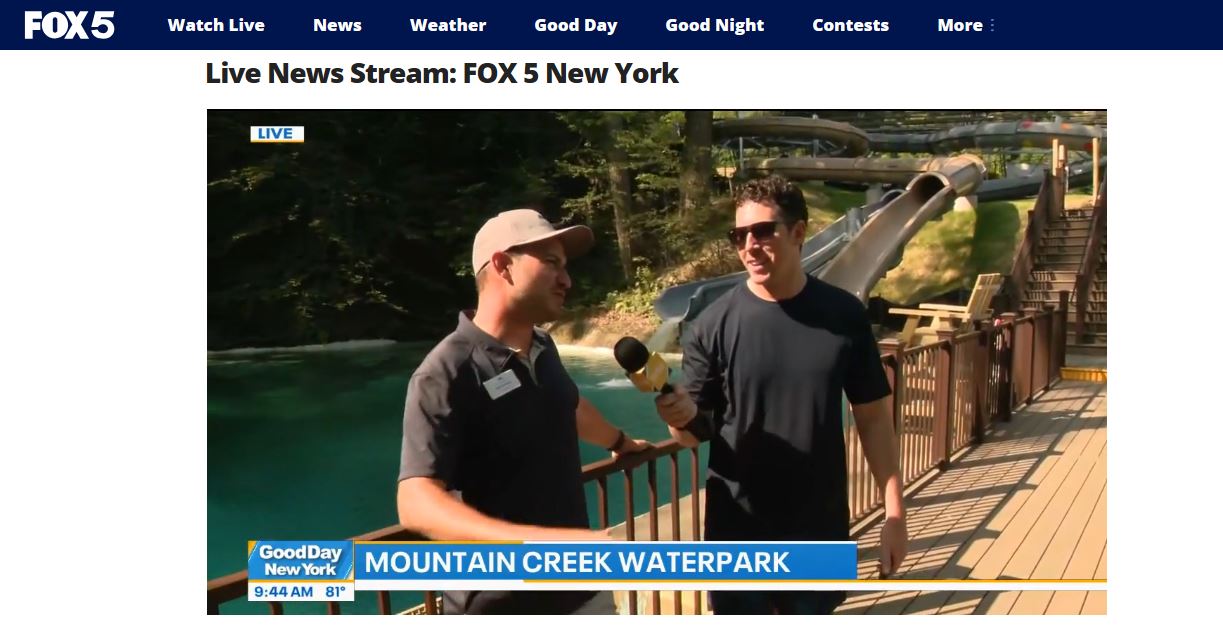
You can get this Channel using tubi-for-channels. No need for CC4C
Mine seemed to stop working a few days ago. It looks like it was running chrome version 139 at the time it stopped.
The terminal window opens saying listening on port 5589. When I tune into a channel, it opens chrome for a split second, then both the chrome window and terminal close. Seems like something is crashing.
I have tried reverting to chrome version 135 and I am having problems from stopping Chrome from updating itself despite renaming the updater and doing registry edits.
The only other thing I can think of is 2025-08 Cumulative Update for Windows 11 Version 24H2 for x64-based Systems (KB5063878) (26100.4946) was installed on 8/13, which was right around when it stopped working.
I ran into this same issue and here’s what I did. I uninstalled chrome. I completely deleted my chrome capture for windows install. I installed chrome version 135. I went into services.msc and found the 2 google update processes, right clicked and went to properties, then changed automatic to disabled and applied that. I then reinstalled chrome capture for windows. I use the node option as I customize my main.js file. After doing all these steps, it’s working like normal for me again.
2 Likes
I did the same. You have to disable the services very quickly or chrome will try to update. This happened to me the first time I did this.
I presume that is a prior version. Is there somewhere relatively safe to download that version? (My Chrome Capture setup stopped working recently, too, but I haven't had time to troubleshoot).
I got it from a site called uptodown. I researched them and it seems pretty secure and reputable. I scanned the file too and everything seems clean.
Here’s the link to the version I downloaded:
1 Like
Have downgraded and disabled those services before and have still seen Chrome auto update at some point.
Well.... I had to disconnect the internet to the router so that I could install google chrome version 135 on my server and have time to disable all the services / rename stuff.
While it is stuck on ver 135, it is still having the same problem where the chrome window opens for a split second before crashing.
Both v0.1.10 and v1.4.1 have problems. V0.1.10 crashes the terminal as well, while v1.4.1 only has google chrome crash.
I am wondering if it was something in the latest windows update that is causing problems. Or is google chrome elevation service required for this to work?
edit:
Reverting the windows security update and enabling google chrome elevation service still doesn't change it. I'll have to do try the node option i guess.
Thanks (just getting to this now). I'm on a Mac, and found the Mac download on that site after wiping Chrome from my system using an app called App Cleaner. But Chrome version 135 immediately crashes for me, unfortunately. Not sure where to go from here.
Try the node option, that worked for me.
Do you mean running it via node main.js? That's how I do have mine setup. Will that work even with the crashes?