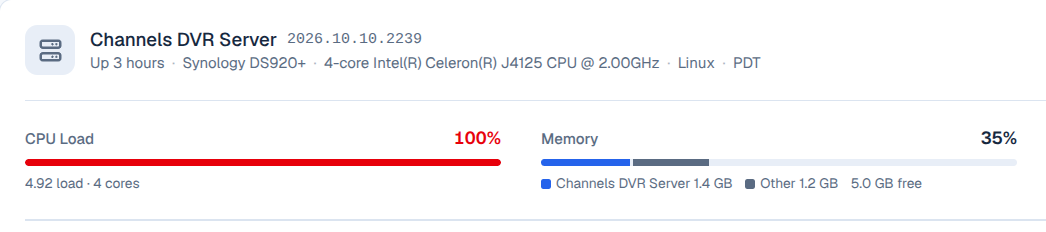
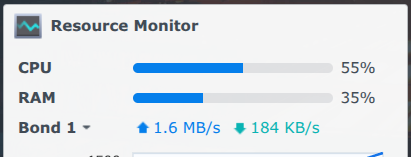
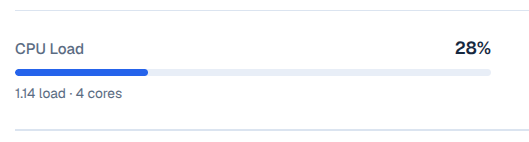
I'm seeing that the 1, 5 and 15 minute averages match each other with the exception of a slight lag.
On the Channels GUI, the calculated CPU System Load looks to be the 1 minute average divided by the number of cores.
On the Synology GUI, the resource monitor charts and reports CPU utilization, rather than system load based upon load average. These two data sets are calculated differently. So, we can't expect to see the same number between GUI's. It appears that the Utilization (Synology) is always a little lower than the system load (CDVR).
I found the following explanation online:
Understanding Load Average vs. Utilization
Synology also displays a Load Average for 1, 5, and 15 minutes, which measures the run-queue length (the sum of actively running processes plus processes waiting for CPU time)
Why Load Average and Utilization Differ: Load average scales with the number of CPU threads/cores (e.g., a load of 4.0 on a 4-core system is 100% capacity), whereas Utilization strictly measures the active percentage of time the CPU cores are busy executing User or System instructions. High I/O Wait or processes waiting on storage can push the system load up while keeping active CPU utilization relatively low