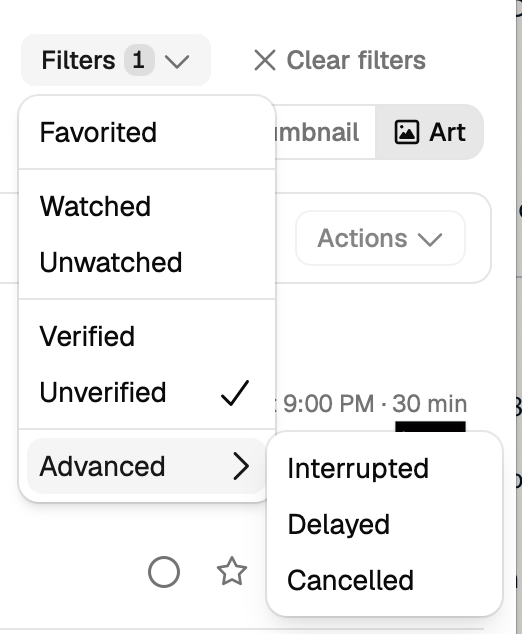
Description of issue: DVR -> Manage not present on v2
I expected: To be able to use it to troubleshoot why recordings had issues etc. I use the view debug log functionality quite often. It will also show me recordings that failed easily.

Description of issue: DVR -> Manage not present on v2
I expected: To be able to use it to troubleshoot why recordings had issues etc. I use the view debug log functionality quite often. It will also show me recordings that failed easily.
We're phasing that out in lieu of the Library.
Are you talking about where it lists all the items that are in the library but no files are found?
Basically being able to filter on recordings/imports and then whether or not the commercials are verified seems to be missing in v2. I also use the manage section to look at the logs of failed recordings so I can see where my project I'm working on failed if the recording was missed or interrupted etc. It would be really nice to have the ability to view debug logging directly from the calendar when clicking the 3 dots. This example was interrupted so I will look at the debug logs to find out why.
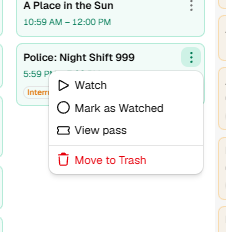
Here are the other examples of the functionality missing from v2 discussed above.
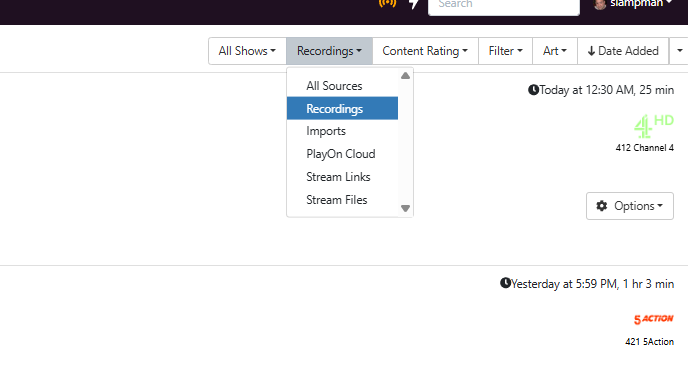
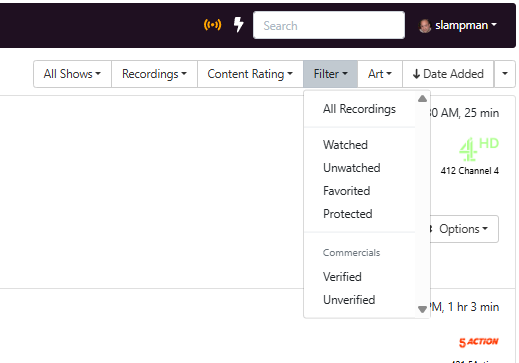
I think this is what you're asking:
Click ON the item in the Calendar, and you'll get its content modal, and from there you can get to View Debug Log.
Thats true for movies but when you select shows you are missing some filter options specifically Verified/Unverified and advanced.
Vs.
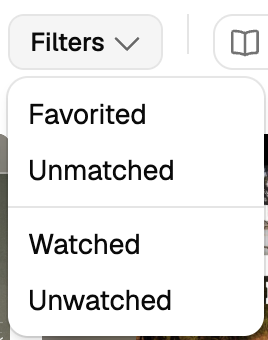
TV Shows don't have that level of metadata, that is a file based attribute. You need to filter on Episodes.