
I know I'm going to be mocked, but why is there never any instructions on how to update a container? Do I have to blow v2.4.0 away and start over? I'm sure this is ridiculously easy for you guys, but this is outside my wheelhouse.
If you're going to be using docker containers, you need to figure out how to do that with the tools you're using. There are many ways to do it and depends on the tool you use.
How did you install the docker container?
I would recommend using Portainer to manage containers.
1 Like
This is a safe space- no mocking here! We all started somewhere.
Tell me how you installed it (what operating system, etc) and I’ll help you. In my opinion, Portainer is the easiest way to upgrade a container if you’re not comfortable with command line stuff.
2 Likes
Yep. And regarding those that say they were born knowing everything, best to ignore them 
2 Likes
I installed nicholas-fedor/watchtower and run it frequently in order to update all of my running docker containers. Watchtower has proven to be a very useful tool.
3 Likes
New Mac mini, running Sequoia 15.7.5. Docker v4.66.0. Deployed FastChannel with Docker following the GitHub page. Tried Portainer when I was running Maddox's pluto-for-docker and found it just made things more complicated and frustrating. Only running 2 containers - fastchannels and adbtuner. Installed fastchannels 23 days ago, haven't touched adbtuner in 4 months. As an outsider trying to figure it out, it gets frustrating because I don't know what I'm looking at, don't know what terms to search for and asking a question gets "run Portainer" responses. Network Engineer, not a Systems person. Cisco ACI makes more sense to me than Docker.
There are three deployment methods listed there GitHub - kineticman/FastChannels: Aggregrator of FastChannel services with admin console that exports M3U/XML · GitHub.
Portainer
Docker command line
Docker compose
I understand what you're saying and was hesitant to deploy Portainer to manage my docker containers at first, thinking that I didn't want to learn yet another tool. But I was convinced after installing it.
Dumb home user, not an engineer or developer.
Before installing Channels DVR in a docker container, all I knew about docker was that it was a brand of pants!
Docker command line.
Been a while and I don't recall what issues I was having, but it seemed like it would a lot easier to just run a few command lines every one in a while than to have another administrative tool for just a couple of containers.
Set in my ways I guess. Rather have an app that runs natively than deal with Docker. Don't know why it hasn't clicked yet - maybe because I set it up, let it run and try to keep hands-off as much as possible. Trying to reduce the administrative overhead of systems running at home.
For docker command line you want to;
- Stop the container
- Remove(delete) the container
- Remove(delete) the image
- Pull and run the new image
Or using Portainer
- Stack editor > Update the stack > Re-pull image and redeploy
For containers that use persistent storage in a docker volume or bound host directory, the persistant data will survive updates.
1 Like
Here's a simple script I use for updating E+TV, just change the container names for FastChannels update.
docker stop eplustv
docker rm eplustv
docker image prune -a -f
docker pull tonywagner/eplustv
And then a separate run script afterwards (FastChannels will be different):
docker run -d -p 8000:8000 -v config_dir:/app/config --name eplustv --restart unless-stopped tonywagner/eplustv
Could do all this in one script.
Yes, other Dockers use internet facing URL's. FastChannels is actually the first one I've come across that doesn't, which is too bad as it's far superior to the others in every other way.
For example, here is a Plex URL from Plex-For-Channels Docker:
https://epg.provider.plex.tv/library/parts/5e20b730f2f8d5003d739db7-6745dca72832b870acf53220.m3u8?X-Plex-Token=gxyoU_2RcdNV5NLvmyAk
.....and here is a Samsung URL from Samsung-For-Channels Docker:
https://jmp2.uk/stvp-US4000033L
I don't know the technical side of how they do it compared to what FastChannels does, but they are all internet facing. I had six of them setup in total, and every one worked outside my LAN.
Here are directions for all methods that would apply here, as well:
First, I'd like to say thank you to everyone who've had the patience to help me. Secondly, I apologize for my tone. I've had a very hard week and I'm exhausted. Decided to look at everything again this morning after finally getting some sleep. Since it's been nearly 2 years since the last time I tried using Portainer, I thought I'd give it another shot. I'm an idiot.
Still feeling my way around in Portainer, but I went to Home > Local > Containers and stopped FastChannels. From there I clicked on the fastchannels name, hit recreate and toggled re-pull image. When that finished, I went back to Containers and saw that FastChannels was running again, then went into Images and deleted the old image.
I don't know if that was the right or wrong way to do it, your way sounds a lot easier, but I don't see FastChannels in Stacks. Maybe because I didn't build it in Portainer? I'm probably doing it the hard way, but it did work.
2 Likes
That's why.
You can delete your container and create a stack for it.
There still a chunk of Pluto channels that have The Generic Pluto TV logo. They used to have the show airing thumbnails. I did Guide delete and re-create and deleted image cache in the app on my Apple Tv but still showing the Pluto tv icon both on clients and int eh web ui guide.
Not seeing that.
I have my Pluto sources set to Prefer channel logos from M3U
I have set to guide data.
Isn't that the same thing though, since the guide data is from the .m3u (and not Gracenote)
Also, Channel Logos, and the programs show art (thumbnails) are different things, are they not?
A channel has but only one Logo.
But a channel has many show artworks it can show, based on what program is airing.
I am talking about the show artwork, not channel logos
I cahgned the setting to Logos from m3u, not change.
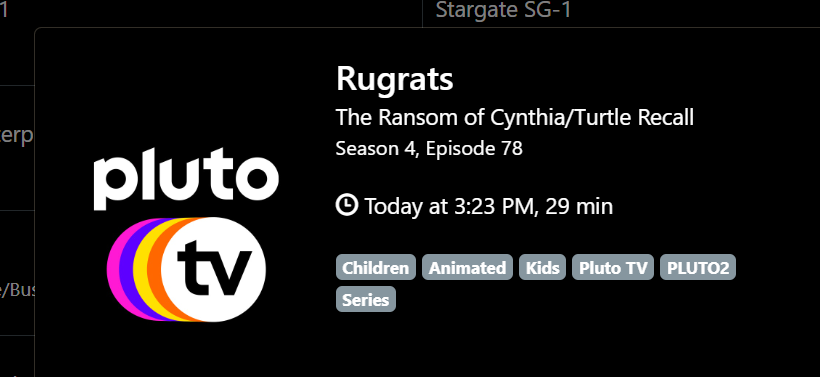
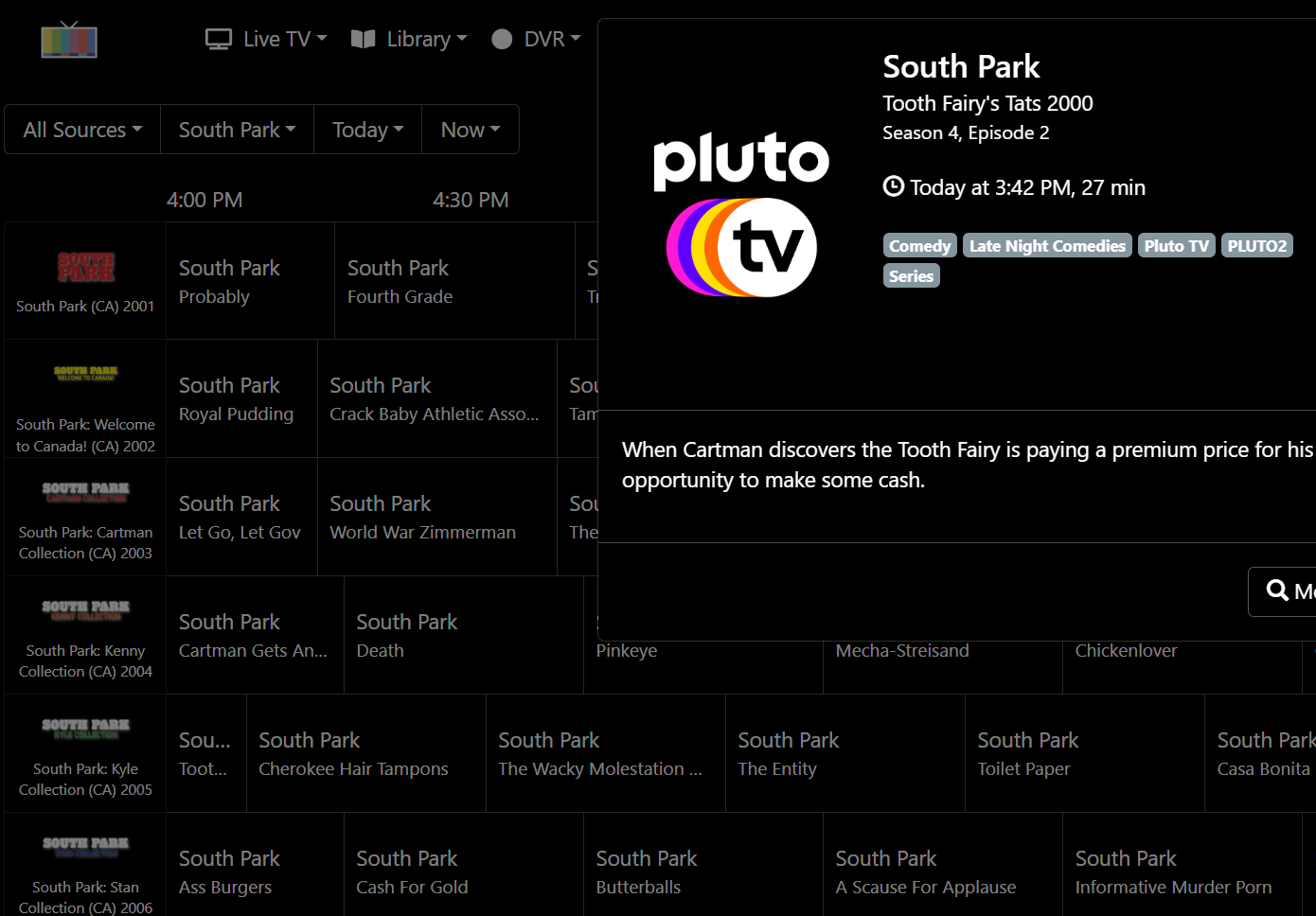
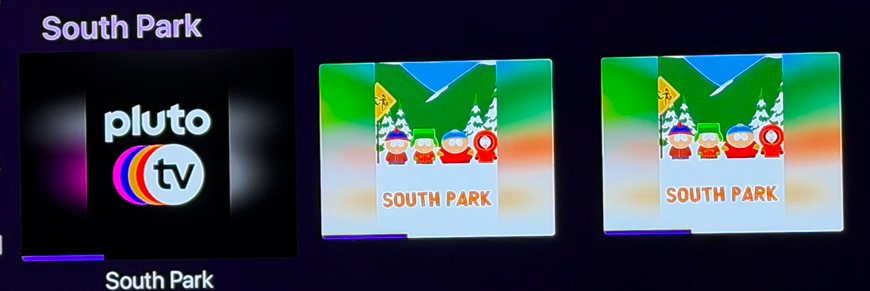
Yah. You're talking about the show artwork, not the channel logo.
You're seeing what Pluto is providing in the XMLTV guide data for non-gracenote channels.
1 Like
If you want super easy to use and understand Docker management, then take a look at the UnRaid OS. Everything Docker related is GUI based and built into the OS out of the box. However, that does mean you have to figure out UnRaid...
I did mess with the Pluto images last release. Let me make sure it’s picking the right preference - Pluto returns 3 options.