Thanks for this great project!
One issue I'm having:
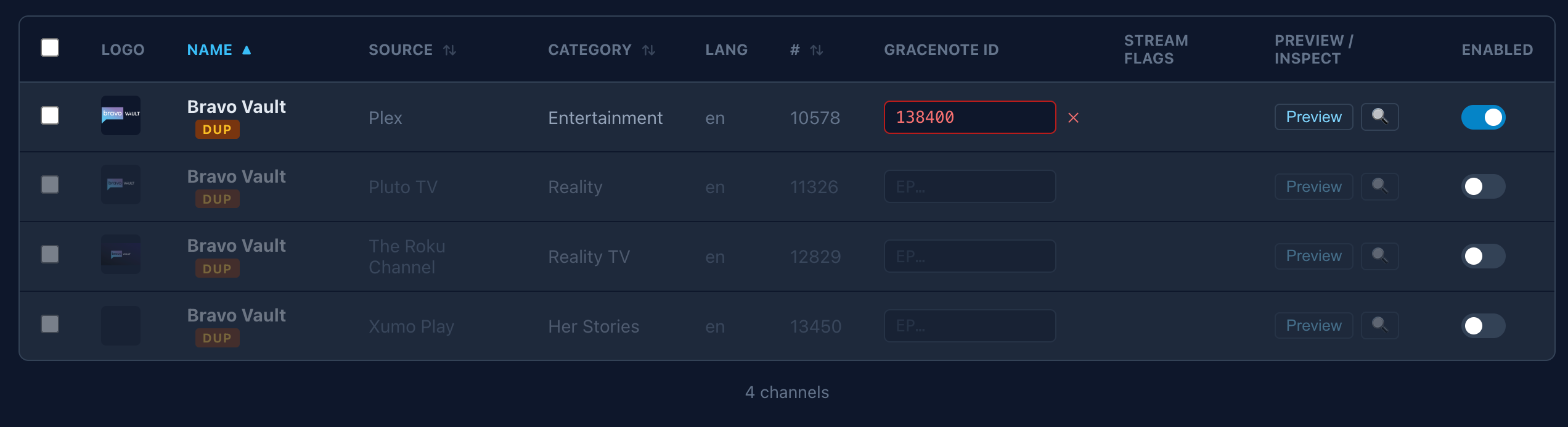
I can't seem to set any Gracenote IDs. This is what I see when I try to enter one:

Thanks for this great project!
One issue I'm having:
I can't seem to set any Gracenote IDs. This is what I see when I try to enter one:
Nice piece of work....A couple things....
Thanks.
FastChannels v1.4.0 — What's New
LocalNow scraper (beta)
Admin dashboard improvements
Bug fixes
Under the hood
I'll message you if you want to experiment. All streams DRM though.
Fixing in next version
Probably not. I'd prefer to push people to use feeds. I understand your ask, but that'd start to get hairy if I went down that path.
@KineticMan Feature request: Add a link to your github (preferably from the version number in the upper-right corner, but anywhere would be handy) 
Took a quick look at this. Looks impressive.
The main thing for me i would like to see...or maybe i just not see the way to do it they way my mind wants to...
Is to be able to easy exclude categories of channels from each source while editing each sources available channels. (or globally from all sources)
I did see in creating feeds you can check boxes to include categories, but guess my logic is to have it the other way around. Or that feeds, is the step after one cleans up and removes each sources available channels.
In my mind, much easier and faster, to filter down to the specific channels i want to see, and not be bothered seeing ones i don't, is to be able to just remove them straightaway in the source list.
Like, i want to check a box, to disable an entire category at once, like all Sports, News, non English, Heath, Food...etc channels. Inside each source channel list.
Would be even better as a nice polish, to then have an option to hide/unhide disabled channels fully, or hide whole categories from the lists, to make the UI much cleaner and only show the user the things they want to see.
If i could disable and hide/remove/ignore all Sports and News and Non-English channels first thing, and globally, that would drastically cut down on all the duplicates and further sorting/comparing i would need to do.
(not just filter them out passively via search)
I see i can filter to view each category specifically, inside each source, but then have to go through all those single channels and disable each one in each category i want disabled.
Can we get a case insensitive sort for the Channel names when we're in the Channels tab?
LocalNow....had heard of them.
i looked at their site. Is not live stream of local OTA tv.
Is more aggregated VOD like service.
I do see certain News programs are streamed at same time as live OTA, but seems to be the same web stream as going to the local news stations own website.
Nice to have those in one place though i guess.
Ok will add to next version.
Thanks!
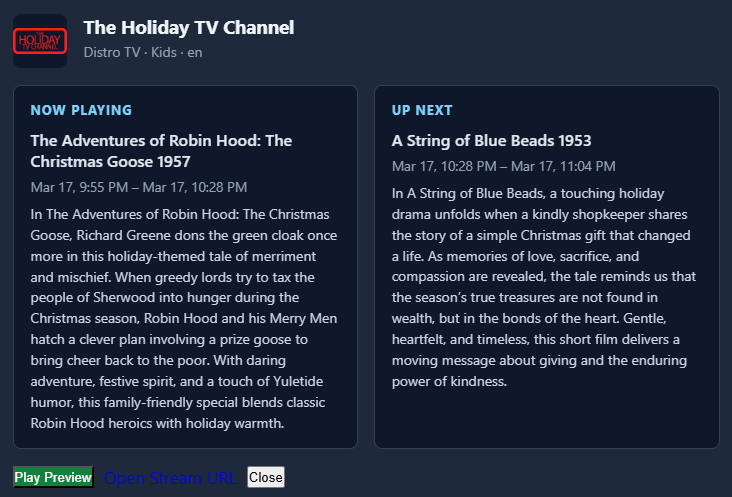
Also, when on the Channels tab and I click the Preview button on a channel, the guide data displayed is for 10pm, but it's 3pm here. The program shown is correct and currently playing, just the time displayed is wrong.
I have my timezone set in my compose.
    environment:
      # Set the timezone to your local timezone
      - TZ=America/Los_Angeles
No, not true. Click the box at the top left on the header line. It will select all the channels and you'll get options to Disable/Enable all selected
ah ok. but still., There is a crap ton of categories, some are kinda the same as each other. So, not practical really to do things that way i see now. needs to be a easier way.
I think it’s defaulting to UTC time for almost everything. I’m messing with getting it to respect local times. But minor issue as it’s just a preview of what’s on/next. Regardless I’ll address.
Garbage in, garbage out. I largely took the categories that the source provides. I did try to normalize some. I know it’s not perfect but I’m just a one man show and not interested in personally auditing every Channel category for 3000 channels and maintaining it.
I challenge you to think differently. Think more of filtering IN instead of filtering OUT. Like, build a feed with Music video channels and Music channels. Then in that feed, unclick the channels you don’t want in that feed. Don’t even concern yourself with the source as primary filter.
I'm experiencing the same thing.
Guess it's on the to do list.
Yep oversight on my part. I had a simple JS error in there. Already fixed for next version.
the canadian one is playing a different episode - the others all play the same episode at the same time- with top gear i like some extra choice 
Yah, the categories from the sources are all over the place.
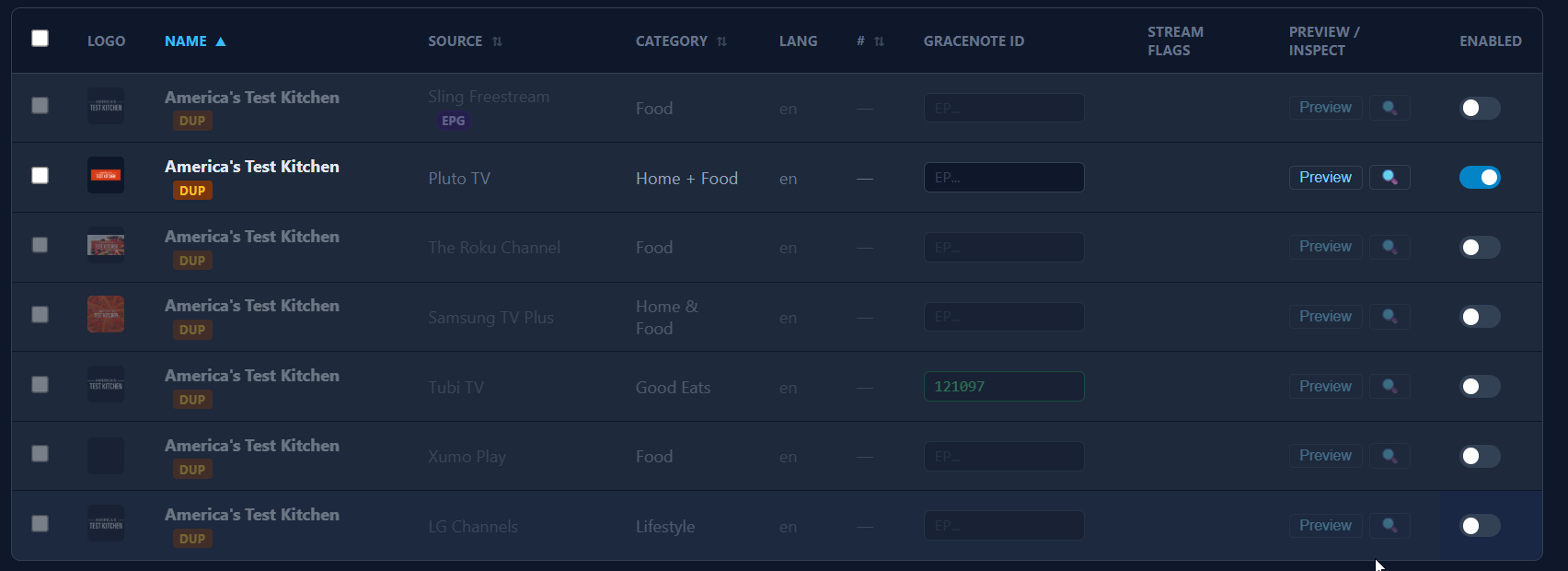
If you sort all channels by name and see the duplicate ones, the same channel name has different categories from different sources. Same with language, it's not accurate enough to rely on just those.