
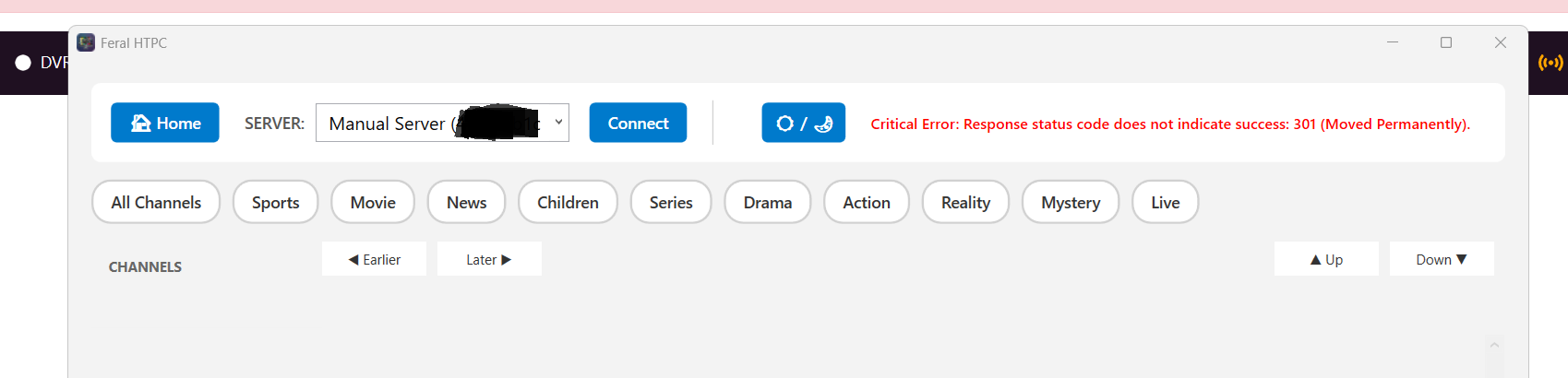
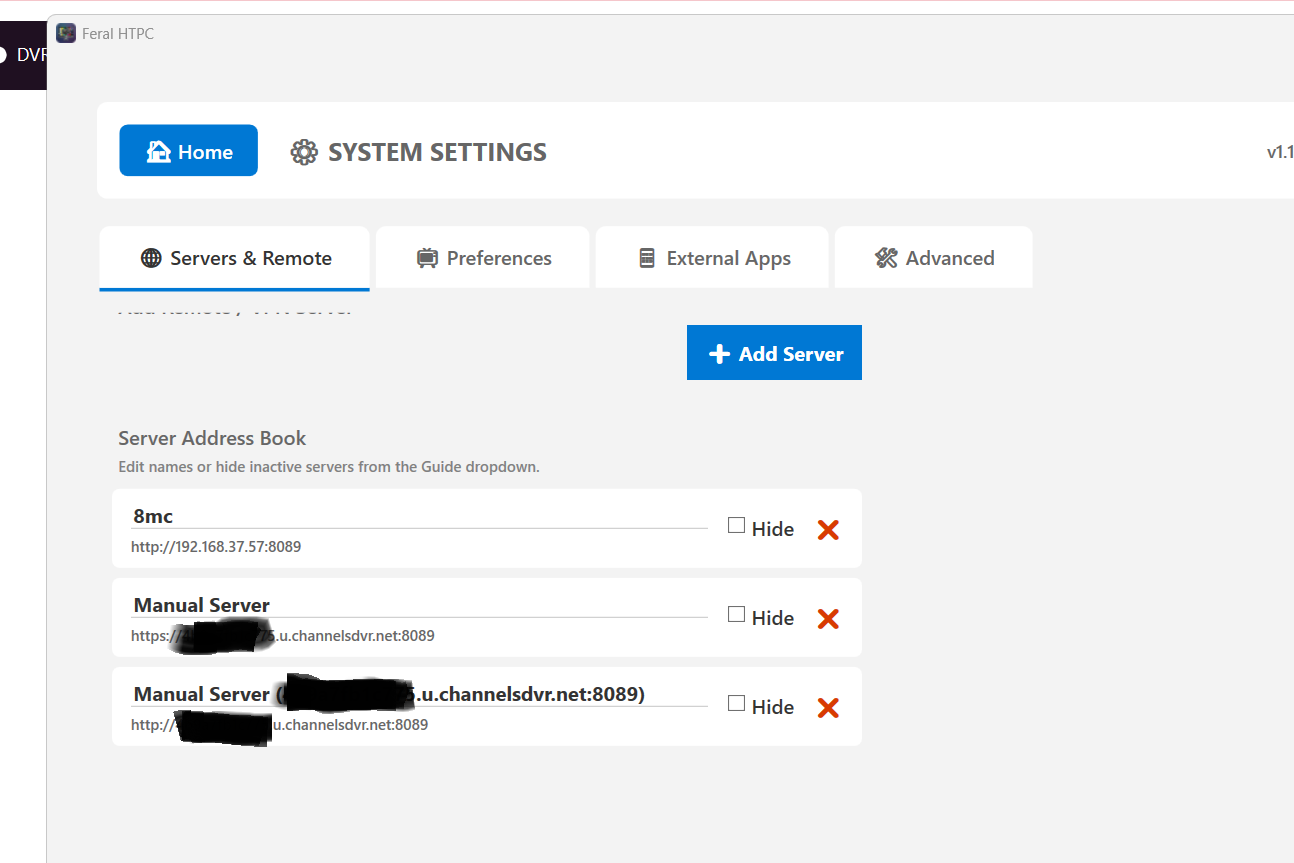
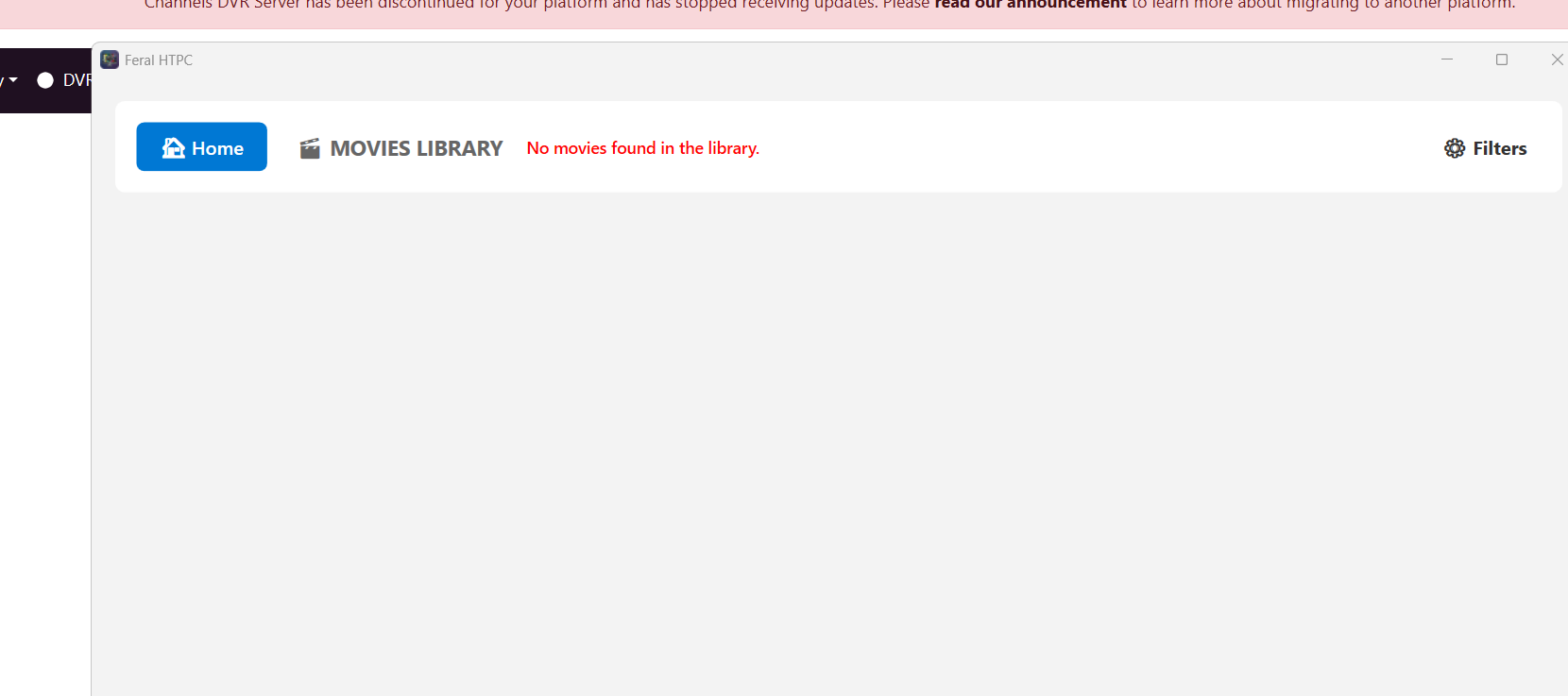
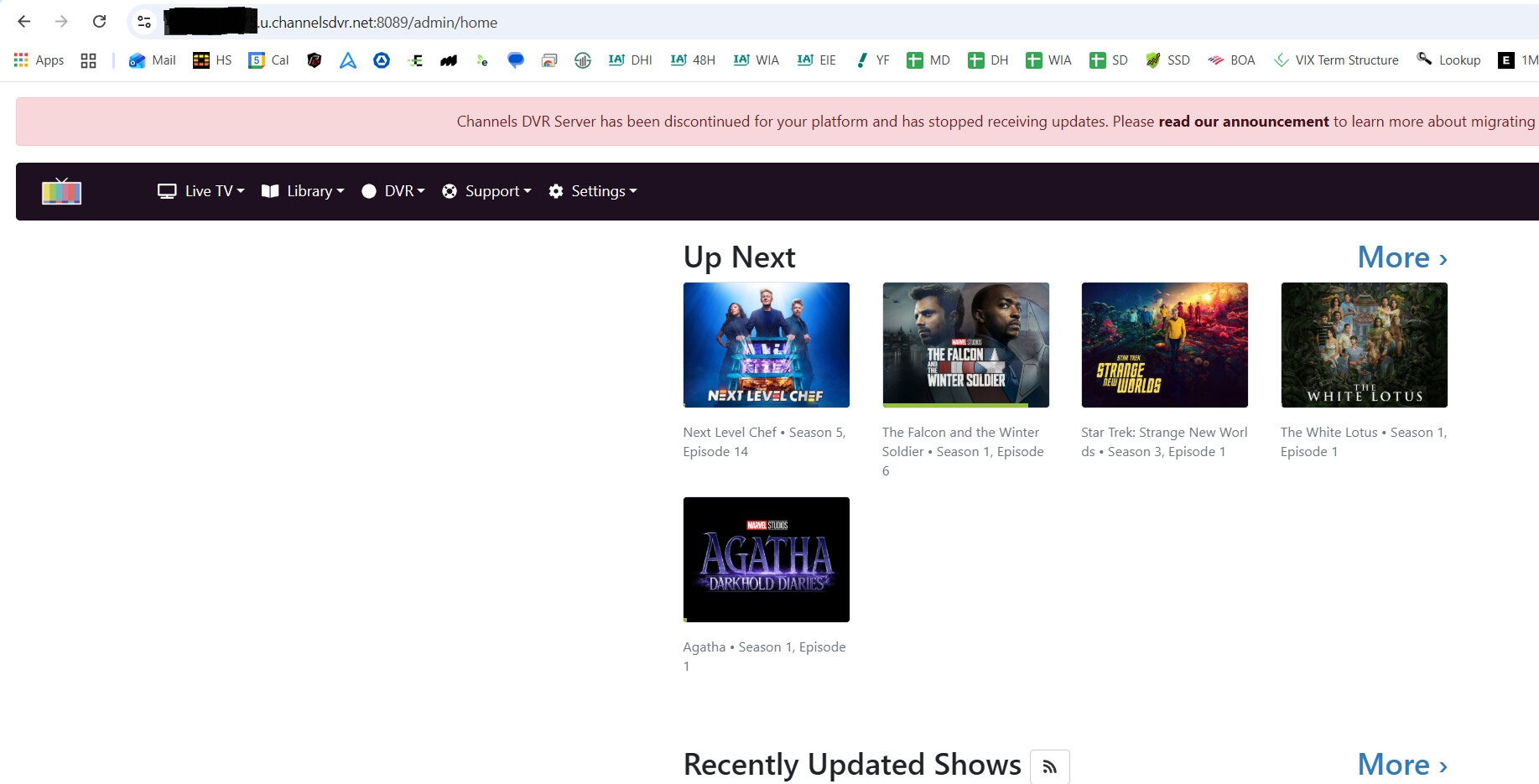
in this case, i used a vpn to connect elsewhere and changed the sever to the away link, however ive tried with 3 external machines with the same result.
I will look into it deeper.
1 Like
is there a port a need to forward that ive forgotten?
8089 seems to forward fine with the admin page..
I will have to modify Feral to work with session tokens and authentication headers. This will be on my list.
1 Like
I'm running 64-bit Windows 10 Pro. I'm installing the latest C++ redistributable now. It wants me to restart, which isn't convenient right now. I'll get 1.1.18 and see what happens. Do I need to restart before I can test properly?
1 Like
If you are busy, just wait until you have a convenient time to test, no rush. You can test before restart. I don't really know if the C++ update will help or not.
I installed & it wouldn't start. But I also added the latest c++ redistributable, which wants a restart before it kicks in. So when I have a chance to restart, I'll try again. Should I install again then, or just see if it runs? (That is, would install do anything different if the updated redistributables are present?)
Hold off on restarting. I think it is Windows 10 Pro that has this issue. The W10 Pro at work had the same issue. Let me dig deeper today and hopefully have a fix soon.
Ok, thanks. I'll be shutting down for the night in a few minutes anyway, so that will be a restart when I bring the box back up tomorrow.
I got it to work on my W10 Pro test machine. When you have time, download the 1.1.8 again and run it. I added some extra debugging on startup to it. You should see a file on your desktop named feral_crash_ui.txt. If it does not run correctly for you, paste the contents of that file. If the file does not generate, press Win + R, type %appdata%, and hit Enter.
- Open
FeralHTPCfolder - Inside that folder, create a new text file and name it
user_settings.json
add the following to that file:
{"EnableDebugLogging": true}
Save it and restart Feral.
There was no feral_crash_ui.txt file created on run.
In %appdata% there was no feralHTPC folder, so I created one and put the user_settings.json there (I assume that's the location you meant, but for good measure, I put the same file in program files\feralhtpc)
Ran again; still, nothing happens, no crash_ui.txt file created. Nothing.
Uninstalled, reinstalled, repeated as above. No change.
Do you see the splash screen that says waking the server?
Just to be sure, the folder should be FeralHTPC
So far working for me!
As an aside, I've had no issue installing and running on Windows 10 Pro this entire time.
1 Like
I'm at a loss with Windows 10 Pro. Once the test machine updated, everything is working here too. @SageLois, what build version is your W10 Pro at?
it installs and works perfectly fine on win 8.1 (bypassing the signing warning aside) , so i doubt its the runtimes.
it could be being suppressed by the OS because its not signed due to some odd policy setting, or av tossing it in quarantine..
check the event viewer maybe?
To your question about splash screen - I get absolutely nothing. No indication of any sort that anything has been clicked. I don't regularly update my Windows because updates tend to break as much as they fix, so I've always been hesitant. My Windows is 22H2, build 19045.2728.
I opened Event Viewer and found something:
Faulting application name: FeralHTPC.exe, version: 1.1.8.0, time stamp: 0x69e27a45
Faulting module name: KERNELBASE.dll, version: 10.0.19041.2728, time stamp: 0xe7e53a4e
Exception code: 0x80131506
Fault offset: 0x000000000010fd12
Faulting process id: 0x2134
Faulting module path: C:\Windows\System32\KERNELBASE.dll
Is any of that info useful?
are you using any 3rd party anti virus?
It's about my bed time. I will look into it tomorrow. Thanks.
I have successfully tested it with OS Build 19045.6466 and OS Build 19045.7291. Your build is pretty old and a lot of supporting software has been updated since then. I think that is where the issue is at.