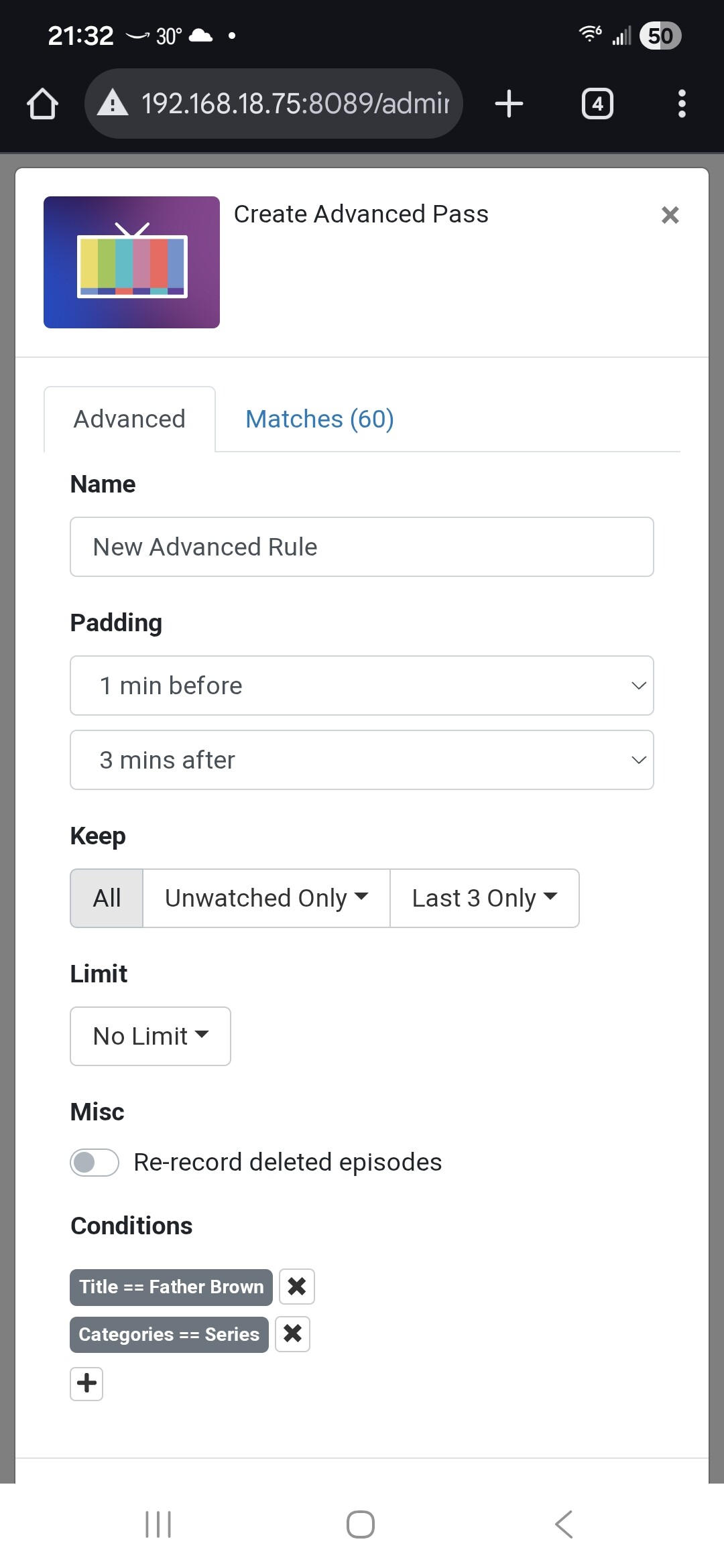
Merge Passes and TV Series for two different Pass collections

My Channels DVR has two separate passes for Father Brown. One for SeriesID == 9680964 and the other for Pluto SeriesID == pluto/67efe62c6baaac5c4682d272. I would like to merge them. I could edit the pass for both Series IDs but would that merge the two collections?
(The same issue exists for the Sister Boniface series.)

By the way, the first Pass assigns Series and Episode numbers. The Pluto pass assigns the correct episode title and description but not the number. That doesn't bother me except that every repeat is recorded and saved as Extras. I fix that by editing metadata and trashing duplicate episodes.
(I have the Pluto pass set to record All episodes because there is no Series/Episode information)
You cant merge any pluto recordings with regular recordings. They will always be 2 seperate passes. You could i believe delete them from CDVR and then move them to the imports folder though as i believe that forces a gracenote match.

Like @slampman says, you would have to move the Pluto recordings to an import directory and import them.

If you have the Plex project installed you could record them from its BritBox Mysteries channel and get gracenote data which will match what you record with SeriesID == 9680964. The Plex BritBox Mysteries channel also airs Sister Boniface Mysteries using gracenote data with SeriesID == 21628798

I have Plex, Pluto and even FrndlyTV projects installed. I added the Plex BritBox Mysteries channel to my Favorites in one of my collections and created a pass for Sister Boniface. I'll record them in parallel just to make sure. Father Brown doesn't appear in Upcoming Shows at the moment so I'll have to wait until it appears in the EPG.
The problem may solve itself as they seem to rebroadcast the same series for a while. Assuming the Gracenote info is matches correctly I will just trash the one collection as it only has the one series. The same goes for Father Brown.

Thanks @slampman and @chDVRuser

1 Like

Strange.

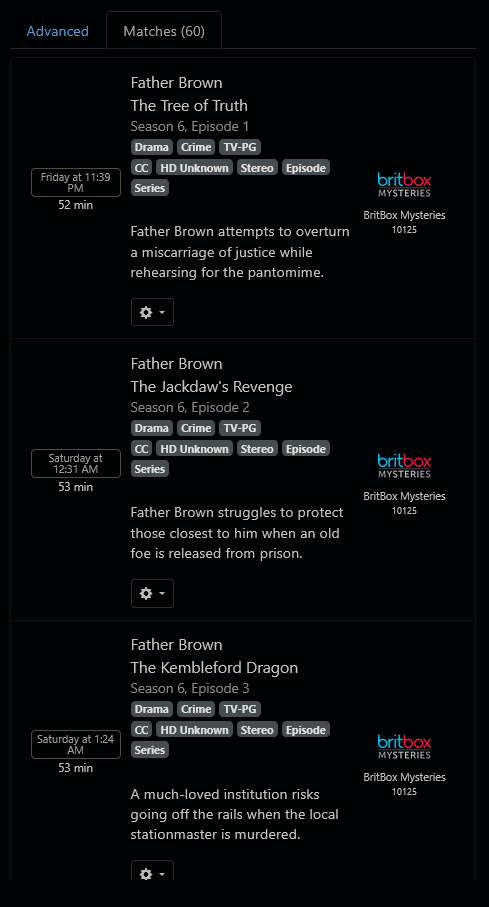
I'm seeing 60 episodes (Seasons 1, 6 and 7) on the Plex BritBox Mysteries channel


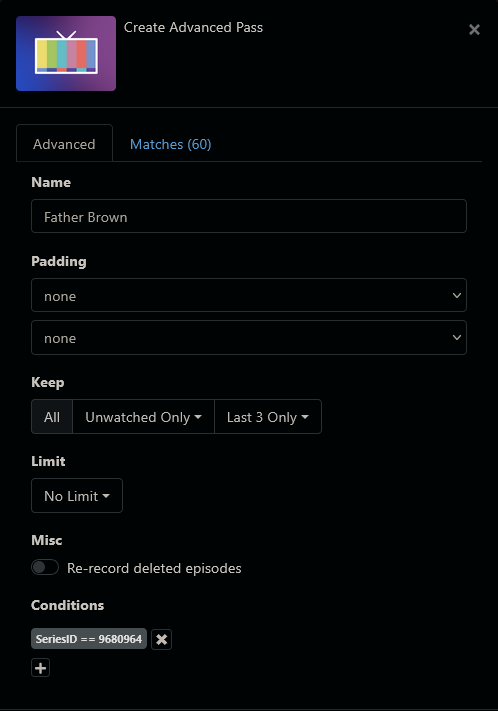
FYI, if you had an advanced pass, you wouldn't have to wait for it show up in the guide:

You could potentially catch other shows with similar names but you can add other conditions.

Thanks. I already have a pass with the same series ID that is in the image. I also tried creating the same advanced pass as you did. I get zero Matches. That's crazy because last week they were running episodes back to back. They were repeating the same series but there were loads of Matches.

I wish I could see what you're seeing. My container image is Package plex-for-channels · GitHub. Is this the same as the one you're using?

Yes.
I'm using the 2 source method to get gracenote and non gracenote channels.
The Plex BritBox Mysteries channel has gracenote guide data.

Just like you use two sources for frndlyTV

Where does this menu in the image come from? Also, I don't have these same open ports for the sources. Is there another container I need to install?

This menu is visible at <IP address of Docker>:<port number of Plex container>.

In @chDVRuser's screenshot, you can see that he is running Docker at address 192.168.1.3 and the port number of the Plex Docker container is 7781.

Make sure you are running @joagomez's latest Docker image.
I had to update mine yesterday to get this new menu, I was way behind.

1 Like

I understood the IP:Port# but my container doesn't have port 7781 listening so I'll have to update my container.

Thanks

The port number doesn't have to be 7781. It is whatever you chose during your installation of the Plex container.

My port number for the Plex container is 7779. My choice at the time.

1 Like

I updated the Docker container and it is working fine. I just haven't set up the non-Gracenote source yet. The Gracenote source is working great. I see the previously "invisible" 60 Father Brown episodes. I also see that the two current series they are binge broadcasting have only been queued up once. This is much cleaner. Thanks to both of you for your helpful tips and advice.

@mjitkop
@chDVRuser

1 Like

Glad to hear it's working for you.
I don't like recording from non-gracenote sources, unless there are no gracenote alternatives and I really want the airing (pretty rare).