Movies selection not refreshing

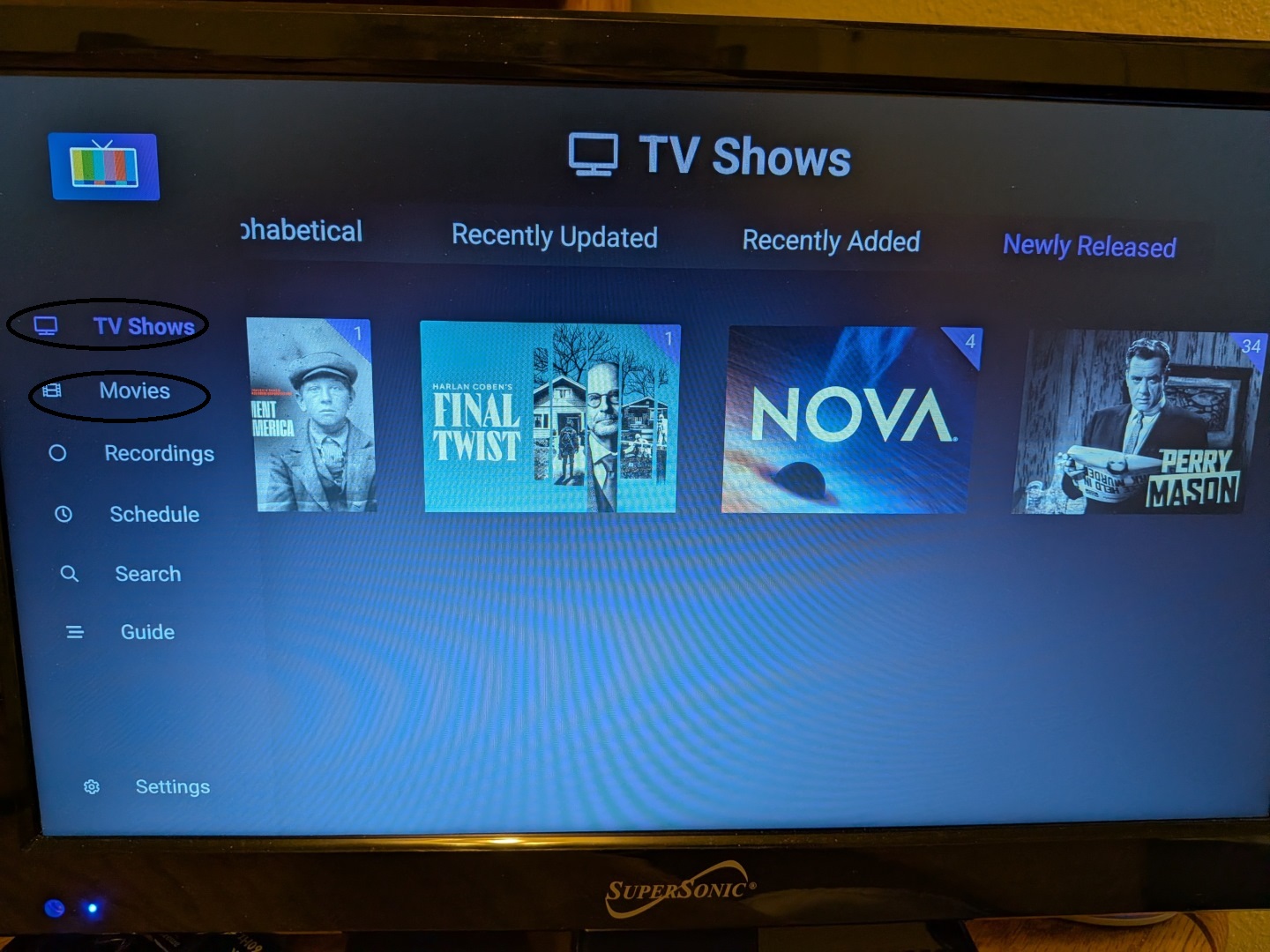
I have the clients set like this: TV, Movies, etc. on the start screen.

When I delete a show from "TV Shows" section, the screen redraws, and the old show drops off.

When I delete a movie from the "Movies" section, nothing happens. I have to go out and back in to see if it is gone. And then, yes, it is gone. So it is deleting just fine, just does not behave like the "TV Shows" section.

If this a known issue, apologies for 2x posting, I searched and could not fine any mention of this.

TIA
Rick
I can confirm that this behavior has persisted for years on the Android clients. Deletions clear off of the Movies screen as expected on Apple TV clients.

I have always hoped that the Android clients would be corrected to behave the same way. Though, I suppose that since I never made issue of it on this forum, how would the developers know to make the change? Thank you for bringing it up, Rick.

Yes, that's how it works on my system. It will take hours for the deleted movie to disappear in the Movies section, but it does eventually disappear. It's the same on my Google Streamer as it was on the Fire Cube, so I believe it's a server issue--I use a Windows device as a server.

I haven't seen mine take hours. Usually, exiting the "Movies" page to another tab, then re-entering the "Movies" screen, refreshes it and the deleted title is gone.

The developers have released an update to address this problem.

In my testing of the new beta v2026.11.19.2018, I'm not seeing a change in behavior.

1 Like

same

I'll add one more data point here - no change on my end, either.
I did do a force stop on the app to be sure.....

I see now I don't have v .2018.
How to get it? I did a "check for pre-release" on the status page, that's how I got to the new .1922 version.

Thanks!

image

Hi Rick,
These updates are to the beta software release for the Android Client, rather than the CDVR server.

The latest client app Beta release is now v2026.11.20.0057.
You can check your version under Settings: Support: About

works for me now.

1 Like

Still not working for me, what am I doing wrong? The server is 2026.11.20.2213
image

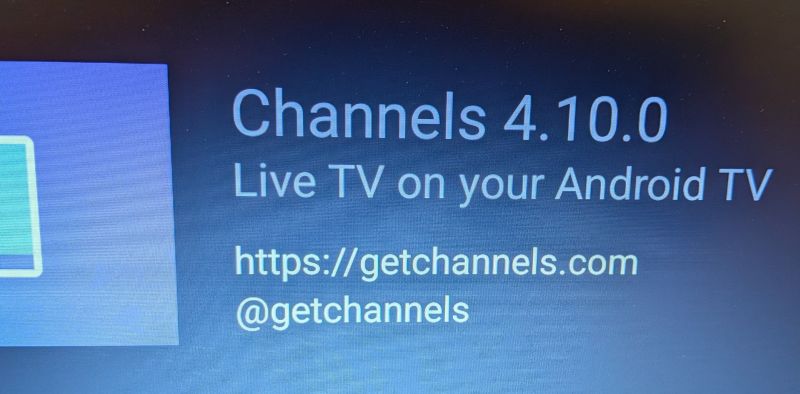
and the app is 4.10.0. I have 3 ONN 4k pros and a Google streamer, and they all exhibit this behavior.

Thanks!
Rick

The fix is not in 4.10

You can read more about signing up for the Android beta here: https://getchannels.com/beta/

I did the sign up thing, and now the app is on V10.20.1926, (ONN 4k Pro) however, the movies section still does not refresh.

Thanks!

Please go to Settings -> Support -> Submit Diagnostic Logs from your device and let us know when it's been submitted so we can have a better idea of what was going on.

Done. Thanks!

The latest update fixed it for me! :white_check_mark::slightly_smiling_face: You should be able to update though the Google Play Store.
EDIT: For your onn 4k Pro, you can go into your settings menu, Settings: Apps: Manage Updates

So, the update v2026.11.20.1926 did fix the problem on the "All Movies" page.
EDIT: NOT v2026.11.20.1926, it was v2026.11.20.0057 which corrected the problem for me.

Unfortunately, I am seeing the same problematic behavior on the Search results page. I was just using "Search" to locate and remove some duplicate movies and tv shows I was aware of. Neither of the deletions refreshed while I remained on the search results page.

I think we're discussing two different things here: The Movie refresh is not working for me on the Android app, Version 10.20.1926

I am not using the server app for this,which for me is now at 2026.11.20.2213

Thanks!
Capture

My Bad, I copied and pasted the wrong version number. The fix for the behavior you are seeing on the Movies page is in v2026.11.20.0057, not v2026.11.20.1926. I'll update my last comment to reflect the right version.