
I'll have to check the logs again to see what I can on the running ah4c stacks, but I always get lost in wsl.
there may be a log somewhere I'm missing, but typically when portainer fails to start at boot, there is no record of even the attempt in the log. it's as if docker say's oops, figure it out.
That's why I say this is a bug in Docker Desktop. Because there's no record of the failure, it doesn't try to restart as it should, and the containers are sitting in an exited state.
I just tested this approach using Windows Task Scheduler:
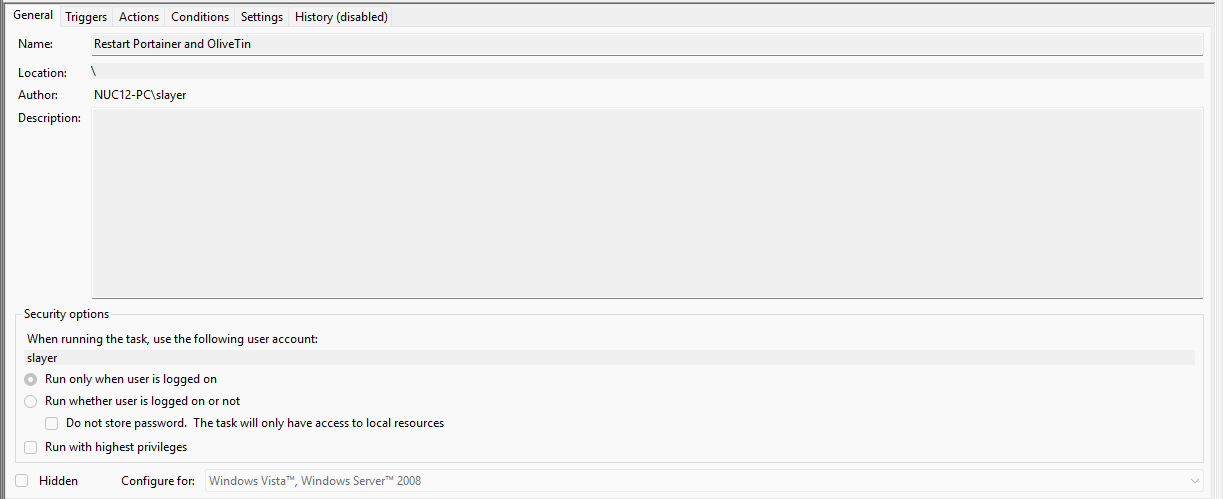
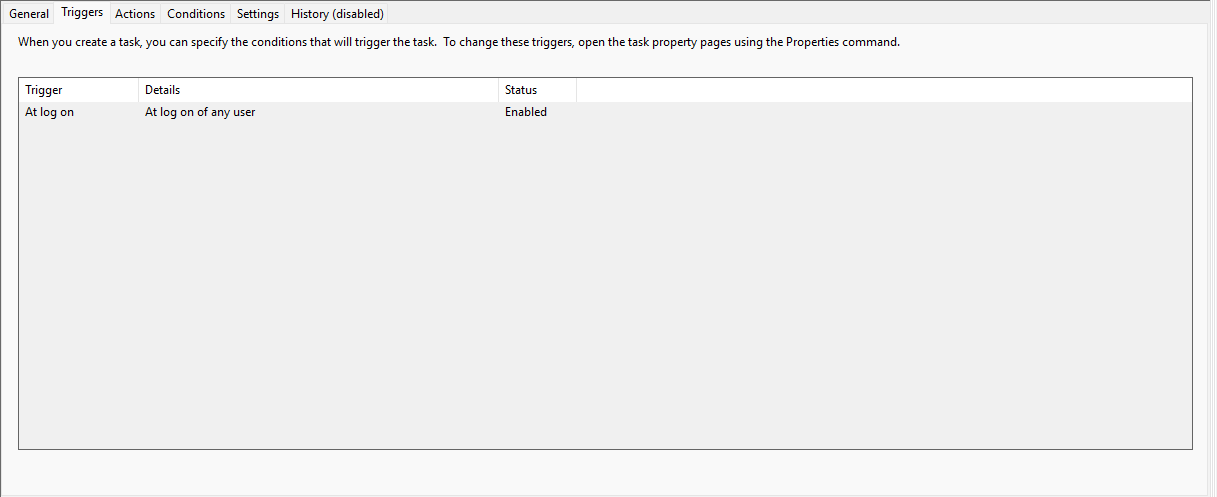
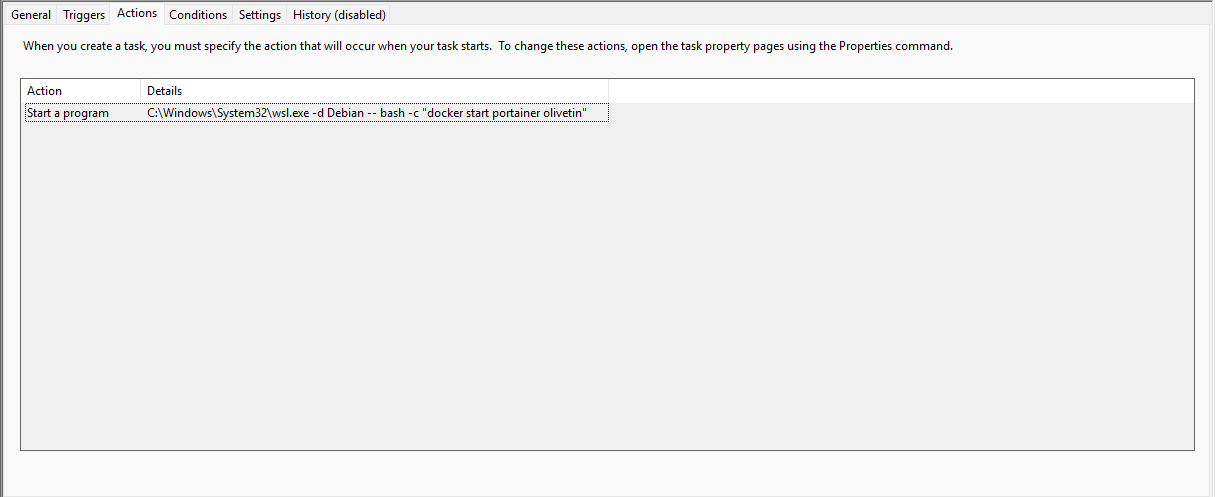
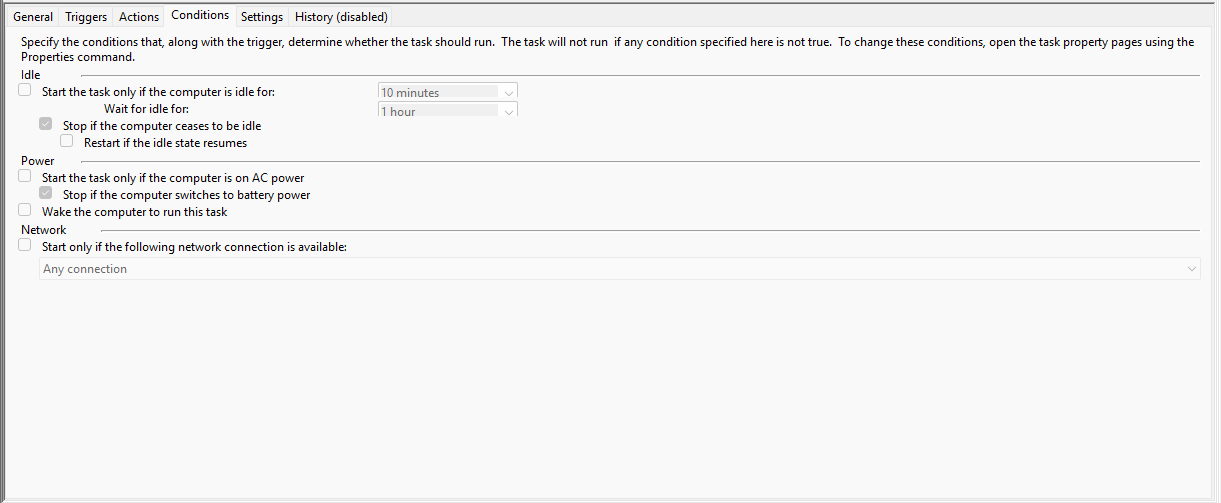
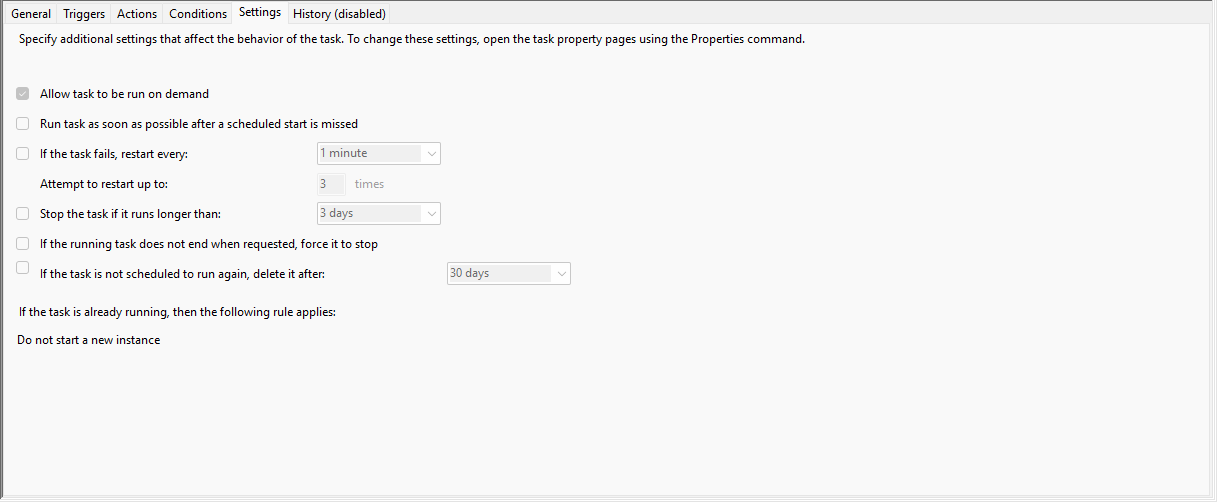
As you can see wsl.exe is the program name, and everything after are the arguments. I used a 2 minute delay.
You could also run a Bash script using the same method, or use && in the arguments between the double quotes to add additional commands like docker restart ah4c.
EDIT:
Here are the two parts of my test Action:
C:\Windows\System32\wsl.exe
-d Debian -- bash -c "docker start portainer olivetin"
EDIT2:
I'm guessing you're running CDVR as a service, which when combined with containers that only run at logon, isn't ideal. You might think about starting CDVR at logon as well, after the Docker stuff is running. These are the kind of reasons that a desktop OS like Windows (or even MacOS) are less than ideal for server duties. They can be made to work, but they're not ideally suited for the job.
so I rebooted an hour ago and luckly there were no issues, because mom called..
only thing different from yesterday is I set cdvr service to delayed start.
Well, that would be awesome, if something so simple is the solution. Keep us informed. 
1 Like
will do. if it fails again I'll run that docker inspect.
I guess for some reason (probably all the 5pm news getting recorded) this time I did manually stop cdvr service before telling windows to reboot, but I'm sure the delayed start, if anything, was it. I just really liked how fast the cdvr service booted up and started recording from hdhr and tve.
also wish I had pulled the trigger on a nas or 2nd mini pc last fall before everything went crAIzy