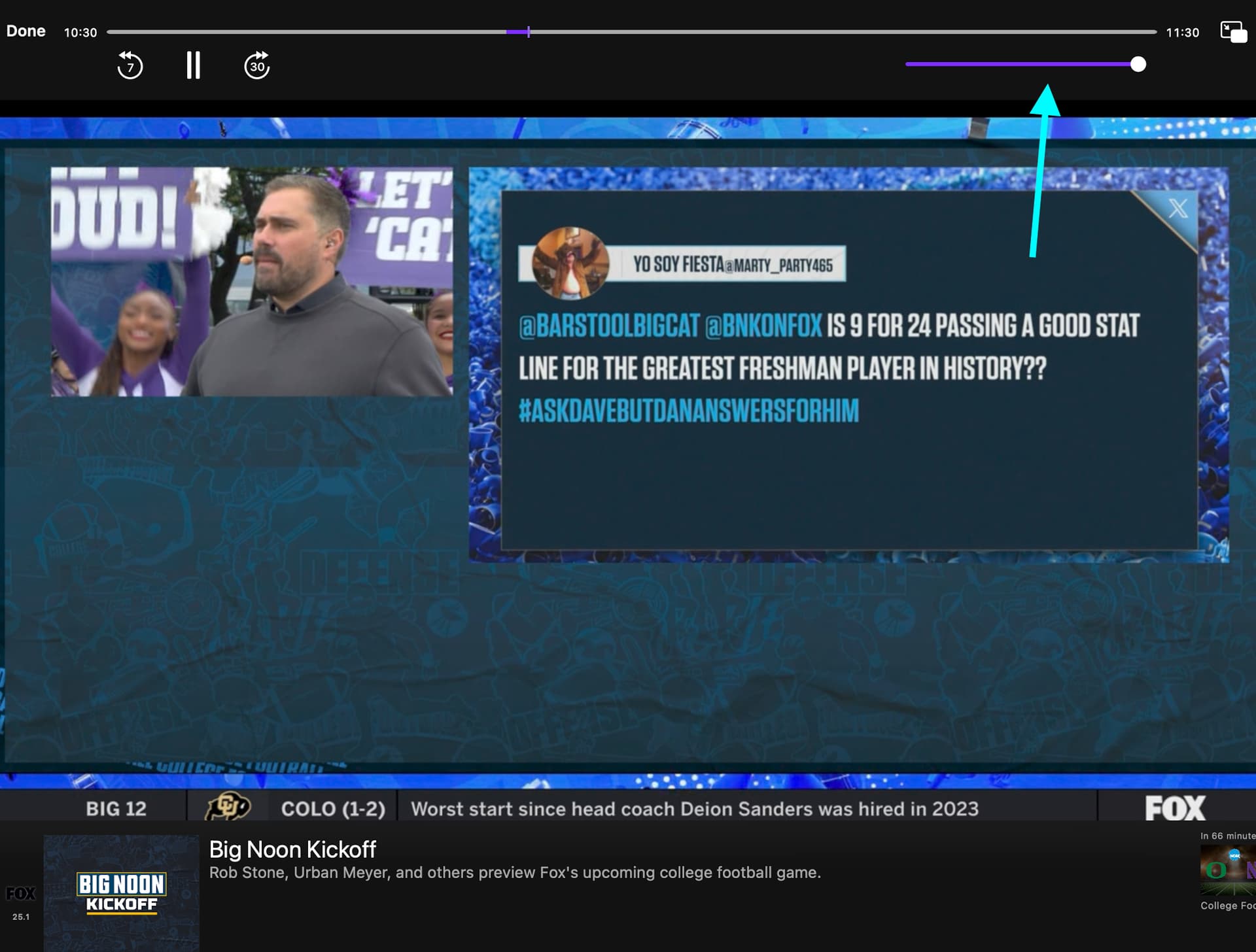
Please decouple volume slider from system audio out level when running on Mac

I love using the iPad app on the app on my mac.

Could the audio slider please be decoupled from controlling the system audio on MacOS?

Thank you. This will help allowing setting the channels volume to be lower without impacting the volume of sound from other apps.

1 Like

Is this possible with iPad apps on Mac? Any iPad app that I've used on Mac has the same behavior.

I use SoundSource to to separate the volume controls of different apps...

2 Likes

That's a good idea. FWIW here are some free / less expensive alternatives to SoundSource:

https://staticz.com/soundcontrol/

Have you tried those? SoundSource is pretty good, but it doesn't support keyboard shortcuts. I would like to find something that does. The one from Staticz looks like it might.

Both SoundControl and eqMac support hotkeys. BackgroundMusic and SoundSource do not, as far as I know.

I have no problem using my keyboard to adjust volume with SoundSource. (In fact, the whole reason I bought it was to adjust the volume through the system for my HDMI monitors which macOS seems to think don't support volume control.)

1 Like

I wasn't accurate when I said SoundSource doesn't support keyboard shortcuts. There is some support. What it doesn't do (at least I haven't been able to figure it out) is directly control sound for individual apps with keyboard shortcuts.

Are you controlling the volume of individual apps with your keyboard?

The way I've been able to figure it out is more cumbersome than I would like. I can set a Global Hotkey to show SoundSource, then hit a number key to highlight a favorited app in the ui, then use keys to control the volume and mute/unmute of that app, then hit the Global Hotkey to un-show SoundSource.

I'm going to checkout Fofer's suggestions, but if you're doing it more directly in SoundSource, I would love to hear about your setup.

I actually haven't looked into this, as I haven't had any need to have different volume settings for different apps.

But SoundSource does support Shortcuts, and I imagine you can assign a system keyboard shortcut to launch a particular Shortcut, but that may be more work than you want.

Edit: Fofer pointed me to this thread after I posted a new topic, and I accidentally posted the response here. I will also post the response in my thread.

Thanks! I did try BackgroundMusic but it did not work for me. After looking at their troubleshooting section, I found this:

"Only 2-channel (stereo) audio devices are currently supported for output."

I got horrible distorted audio through my AVR. However, it did seem to work fine with my Mini Mac's internal speaker. So I do not think BackgroundMusic is an option for a multi-channel AVR. The SoundSource app did work fine in trial mode, but that only lasts 20 minutes or to and then they start pumping in white noise.

I will test the other two. Right now, I just use Safari to pull up the Channels Server webpage on the Windows PC running Channels Server, and I can playback in a windows and use Safari to mute the audio, but I prefer the iPad Channels app. Also, I do not get anything from the rear speakers using Safari.

Does the iPad Channels app running a Mac even support 5.1 channel sound? I have not tested this yet, but I will.