Search doesn't include program descriptions

When i use search, to search the guide, it is only reading the program titles?
Not the descriptions of the program.

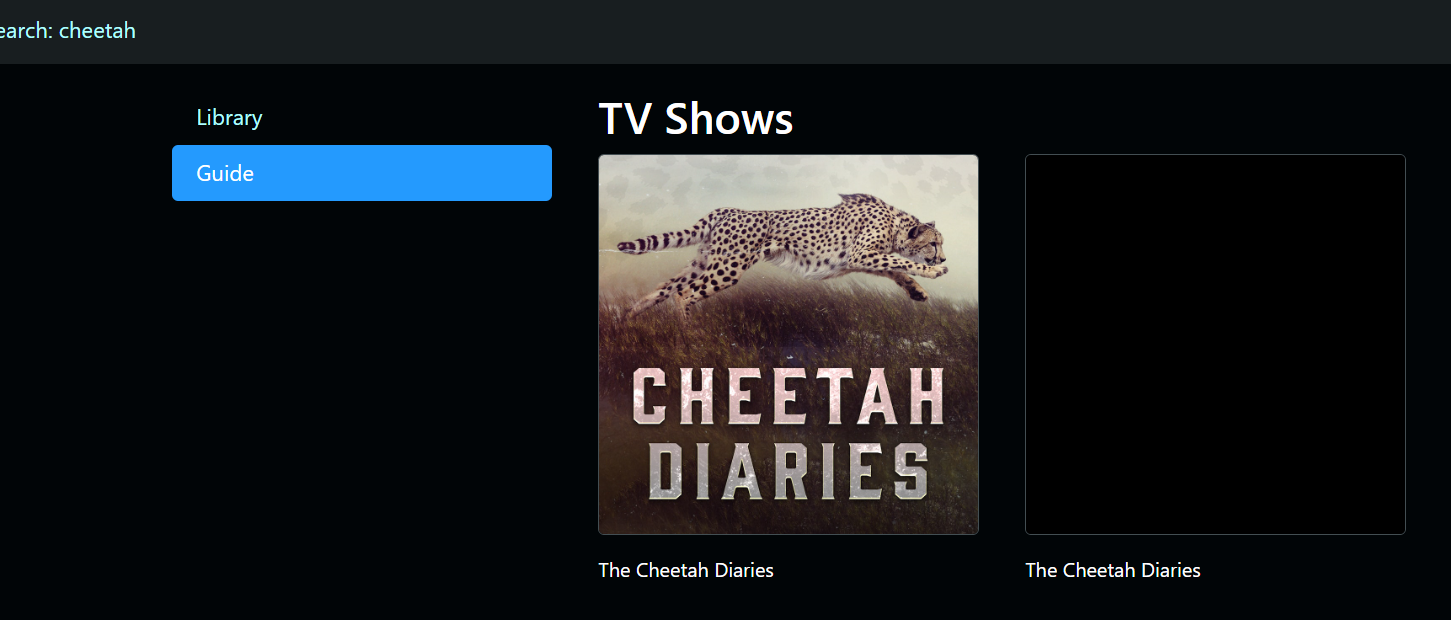
Example. I search for "cheetah" that is the animal.
Search shows only a program(s) with the word Cheetah in it:
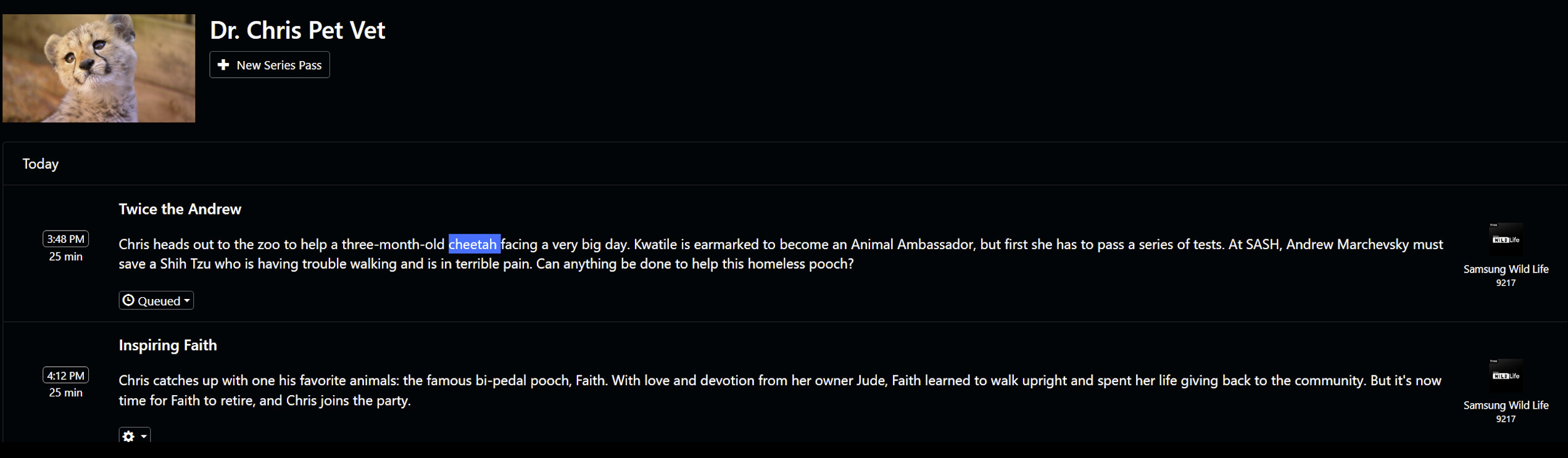
But, manually browsing one of many channels, i find programs that have "cheetah" in the program description, but the title of the show does not have the word in it, thus, search does not find it.
This is only but one of many examples of programs/episodes of programs the search does not show.
Is there another way to search that would include program/episode descriptions?
So much content i am missing due to search not working well.
Back when i used Emby, or WMC, its search always showed me anything and everything.
3 Likes

Would be nice if it searched Title, EpisodeTitle, EventTitle, Summary and FullSummary.
I'm sure some users also want to search Cast.

2 Likes

I just want to be able to find shows that i want to watch/record. Feels like a very basic feature, search, that it should be searching descriptions, as all other media servers do.

I notice most recently, after i added Samsung channels, and also noticed i missed a bunch of shows on Nat Geo WILD. Even though i had searched and it showed nothing.

I do not want to have to setup a Emby server, and use the Channels .m3u export, just to use its Guide search.

It's true that manual search is lacking.

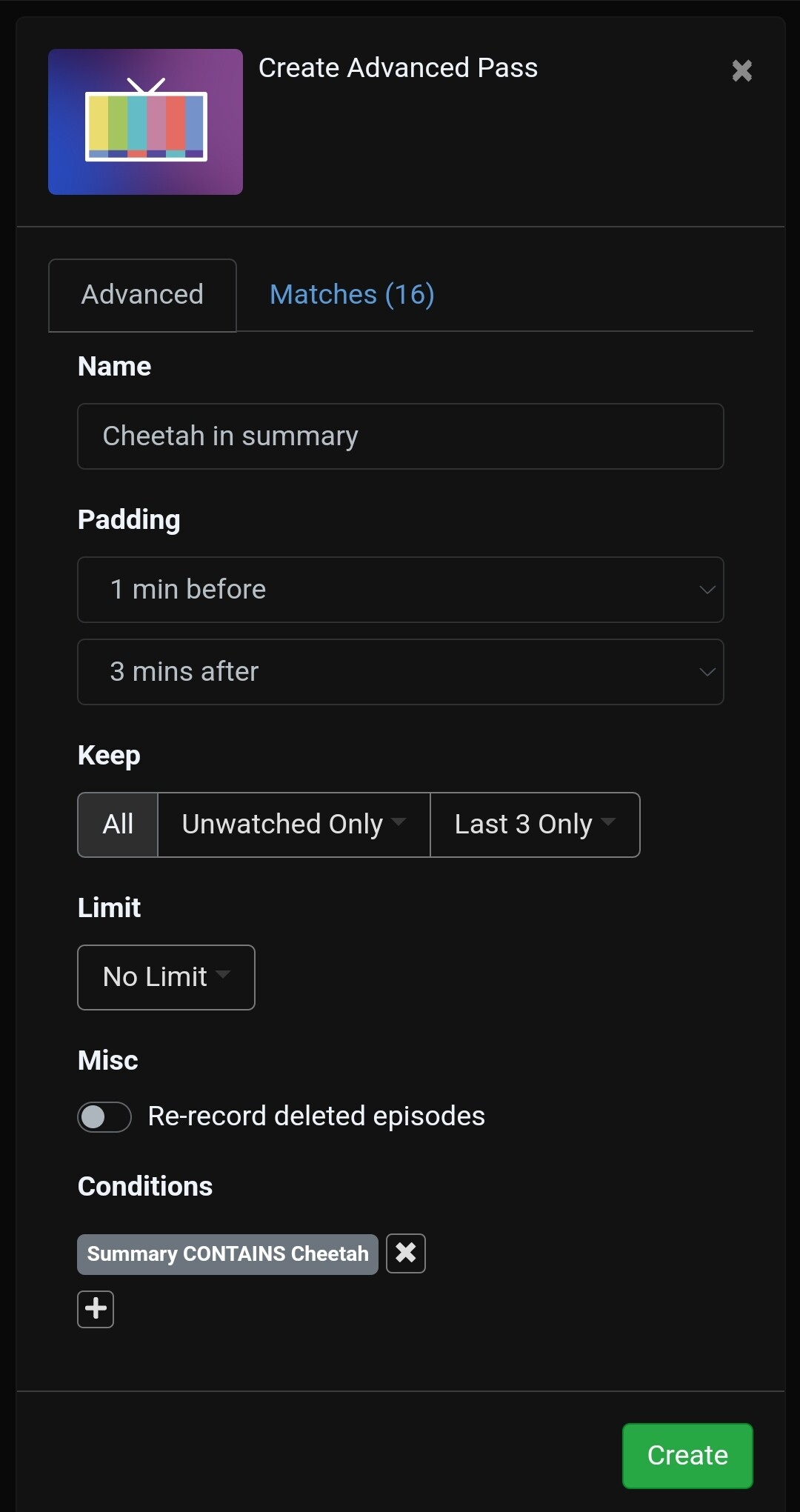
I don't know if there is a better way but one solution for now is to create advanced passes.

For example:

16 matches.

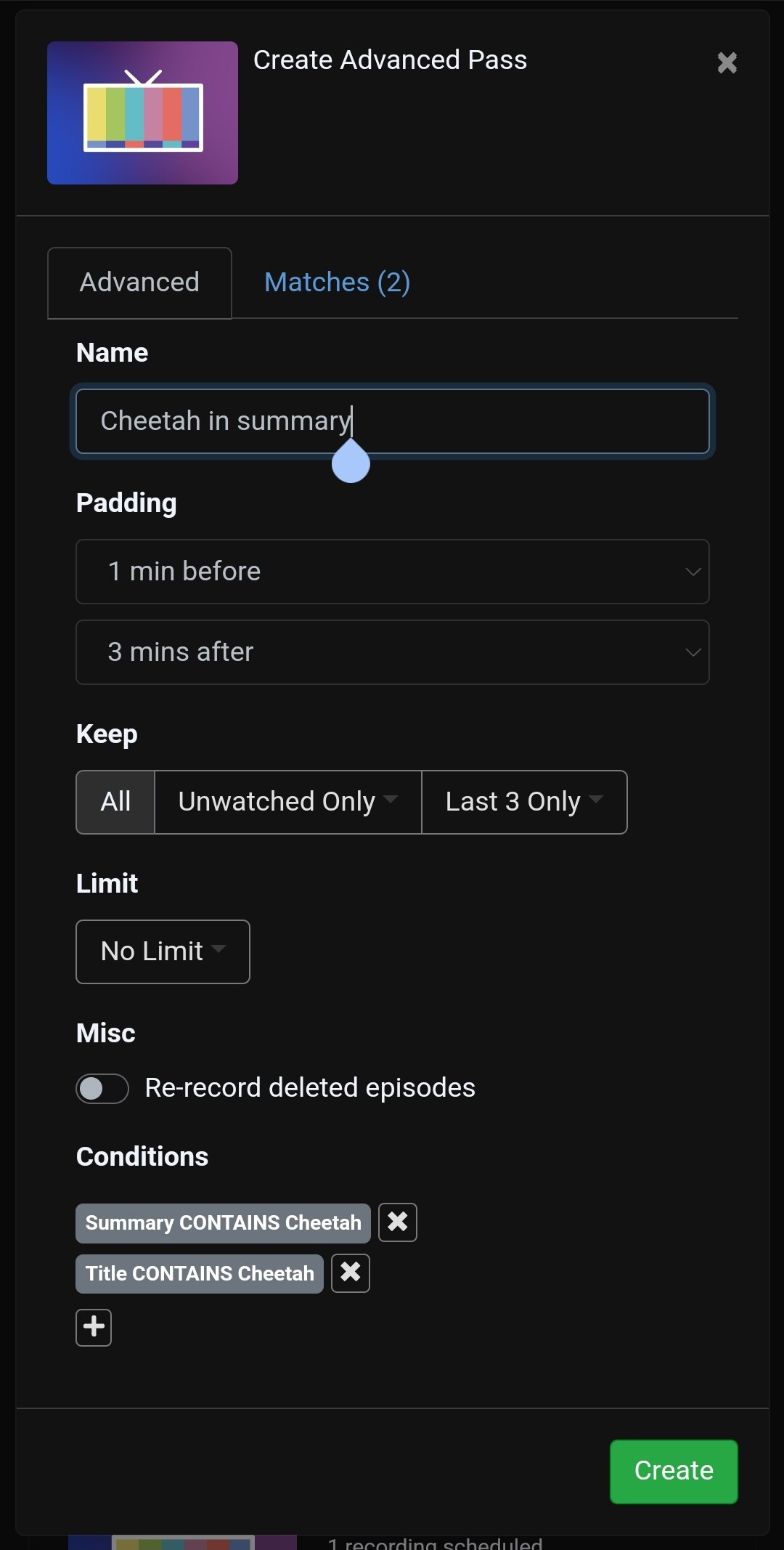
But then, if you also want to search the title, you have to create another advanced pass just for the title. That is because if you combine two conditions that use different tags, they both have to be true at the same time (an AND condition):

Down to 2 matches.

Not great to create multiple passes but at least it will catch stuff to record without you having to search.

2 Likes

That seems to be a decent workaround. Thanks!

Though, i still wish the devs would add a advanced search page, or add options to the search box to be able to include those fields to search.

2 Likes

Don't even need to actually create the pass, Can just use the Matches tab to see what it finds, and scroll through that, and chose what i want to record.

Why can't THAT Matches tab, that works off those added conditions and search fields in the Advanced Pass, be its own "Search" page. It is exactly what i need/ am looking for, it shows all the things!

2 Likes

I do that a lot. I just save the pass using something to keep it from recording (like Channel == 0), pause it, edit to remove Channel == 0 and save again. This creates a paused pass that I use over and over like you mentioned. I do the same thing to see what's coming up on a channel by just using Channel == CH#

Yes, I agree that it would be great if the default for search was to search all fields instead of just the Title. Secondarily for the Advanced DVR setup, to allow AND/OR instead of just AND for all of the queries. It is nice that the advanced settings exist though, so for now I can get my DVR setup, it's just not as nice as the regular search.

Actually, might be best to just copy the way that Youtube TV works with the DVR. If you choose a baseball game for example it asks if you want to record all of the games for one of the teams, or all MLB games in general. Same happens for events at the Olympics, you can record certain things or all Olympic airings.

This topic was automatically closed 365 days after the last reply. New replies are no longer allowed.
