Server works with SW transcoding but not HW

Hello - I am new to Channels. I am running Channels 2025.02.19.1823 on a Proxmox LXC, Debian 12.9. Hardware is a HP DL380 Gen10. I have 6 cores, 2GB RAM and 8GB assigned to the container.

I have been running fine for months using software transcoding. I added a Nvidia RTX A6000 to the server. It's been a challenge but the drivers are installed on both the PVE host and the LXC. Channels does show the HW option in settings/advanced. Everything works just fine if I have it set to SW transcoding. As soon as I change to HW and I choose a channel/program, the player acts like it's loading but does not ever actually load the picture.

The message below the screen says "Remux Starting: [email protected] (FPS is 59-60).

I have let it run for over 8 minutes and the live channel never starts.

What information can I provide to help troubleshoot? Thanks
It sounds like an issue with passing the GPU through. Is your CPU too slow for software transcoding?

that should not be the issue, it's a DL 380 gen 10 with 2x xeon silver 4210 20 thread processors
when I run nvidia-smi it shows no processes running

This may help you:

That's certainly a nice system for virtualization yet power hungry, noisy and hot. I get home lab as I do it and worked in IT for many years. Do you want a system like that running 24x7? I used to use a powerful system and moved to a custom built NAS and running my work loads on a N100 mini PC. I run Channels DVR on it's native Windows Pro install along with Plex so none of the virtualization issues. It runs Hyper-V for a few other workloads and while it's not as fast as a server like yours, it's fast enough, quiet, cool and sips power as does my custom built NAS.

It does a lot of other things so it's not dedicated to channels.

You would need to check the transcoder debug info under settings > advanced

I swear i have been reading different forums and done three different installs (yes I removed all traces of nvidia between them). Any help would be appreciated.

h264_amf: exit status 1
h264_vnenc: success in 664ms
h264_nvenc+deint: success in 424ms
h264_nvenc+scaler: success in 410ms
h264_nvenc+tonemap: success in 660ms
h264_vaapi@/dev/dri/card0: signal: segmentation fault
h264_vaapi@/dev/dri/renderD128: signal: segmentation fault
h264_vaapi@/dev/dri/renderD129: no such file or directory

edit - fixed typo

What does the log show when HW mode is enabled and you try to stream

Did you try streaming from the Channels app instead of the browser

setting transcoder to hardware and deinterlacer to either blend or linear works in browser

Set Transcoder to hardware, Deinterlacer to hardware. Same problem in browser. Log entries show the same thing, two of the ms times are different.

Set Transcoder to hardware, Deinterlacer to hardware: browser same issue, app on iPhone works, app on Apple TV works.

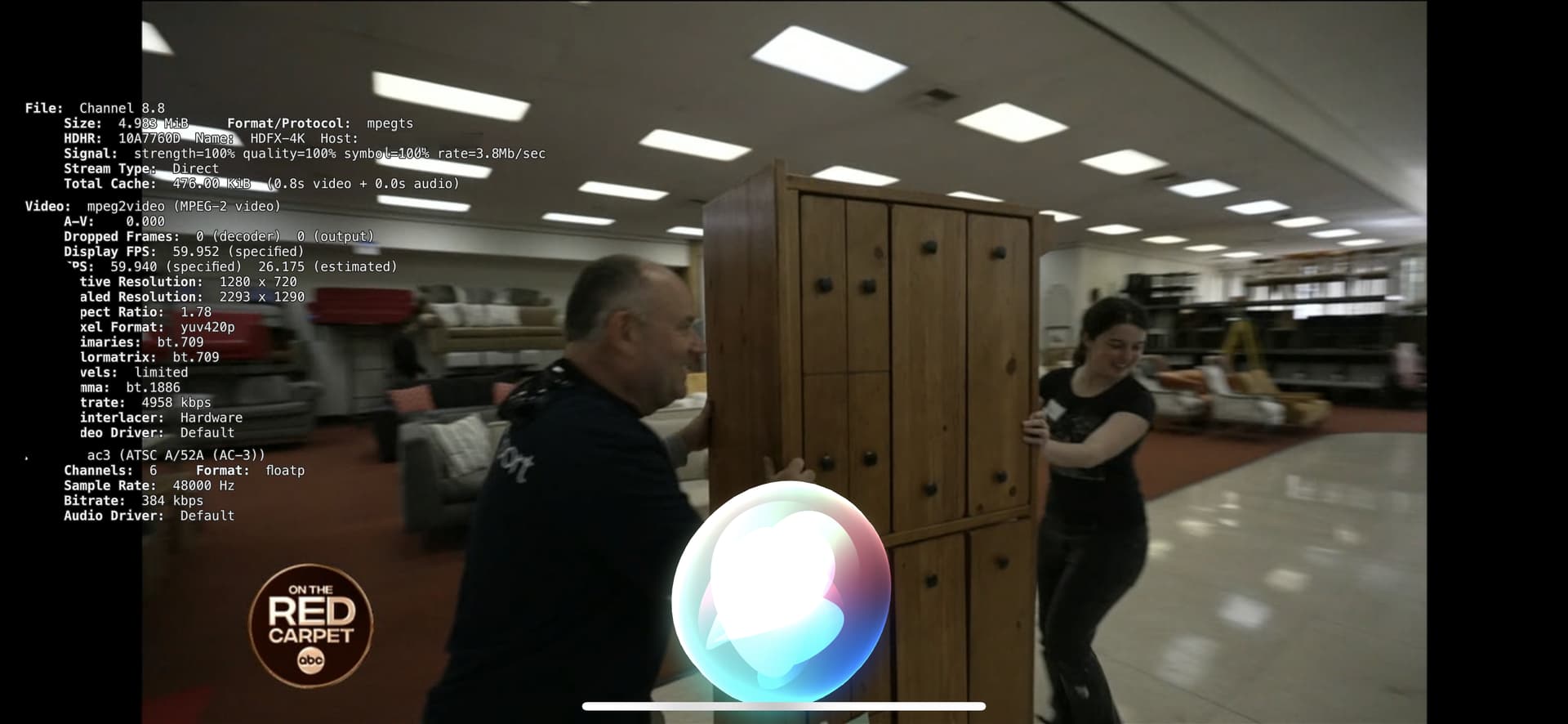
screenshot from iphone

Submit Diagnostics

sent - b0f05773-398a-4223-b8c8-2ecbb02e711b

thank you!

Okay so HW mode works fine, its just the HW deinterlacer that's the issue?

Update to this pre-release and try again, then resubmit diagnostics.

Correct - just the HW deinterlacer. Updated to .2244 pre release and rebooted container.

946fae02-577f-4dc0-9a06-5a13c04e47ba new logs

thank you

Try this DVR Pre-Release Notes - #1689 by fancybot

Same result
dcd7bf99-fd7f-4e72-97b7-af4a84f00704