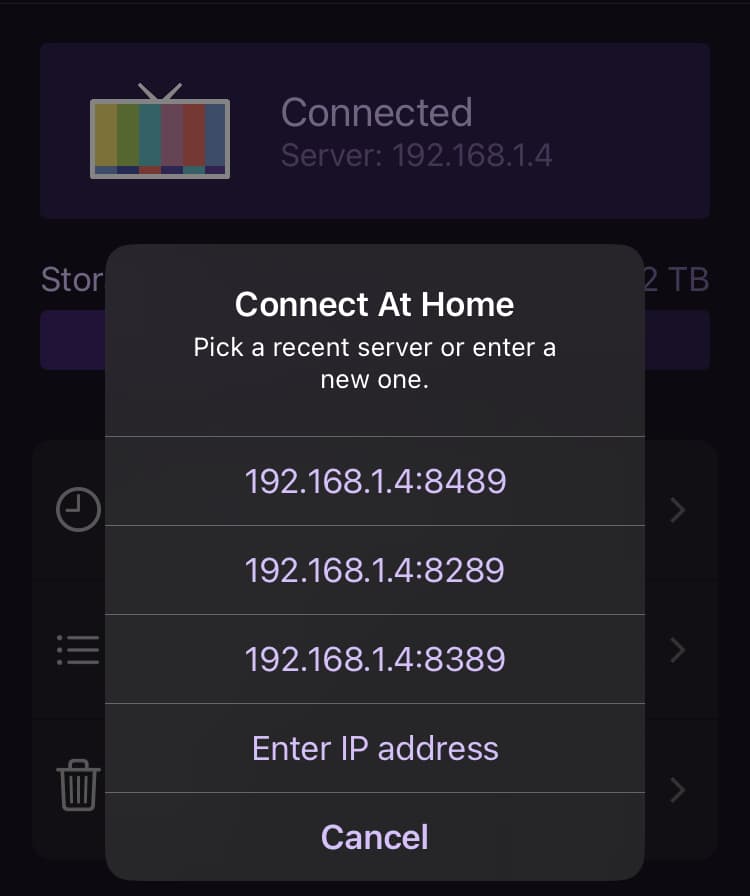
If you remove Server: here it leaves enough room to display both the IP Address/Host Name and the port number
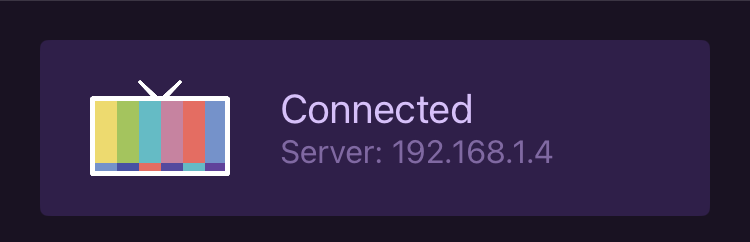
Either that, or make a long press display it.
I already know all of my DVR Servers are at 192.168.1.4, and that it's a Server I'm connecting to. So I'm constantly looking at passes or recordings or schedule to figure out which of my servers I'm connected to.
192.168.1.4:8089
192.168.1.4:8090
192.168.1.4:8189
192.168.1.4:8190
192.168.1.4:8289
192.168.1.4:8389
192.168.1.4:8489
It's even worse when using a Tailnet IP as the display truncates the Tailnet IP address.