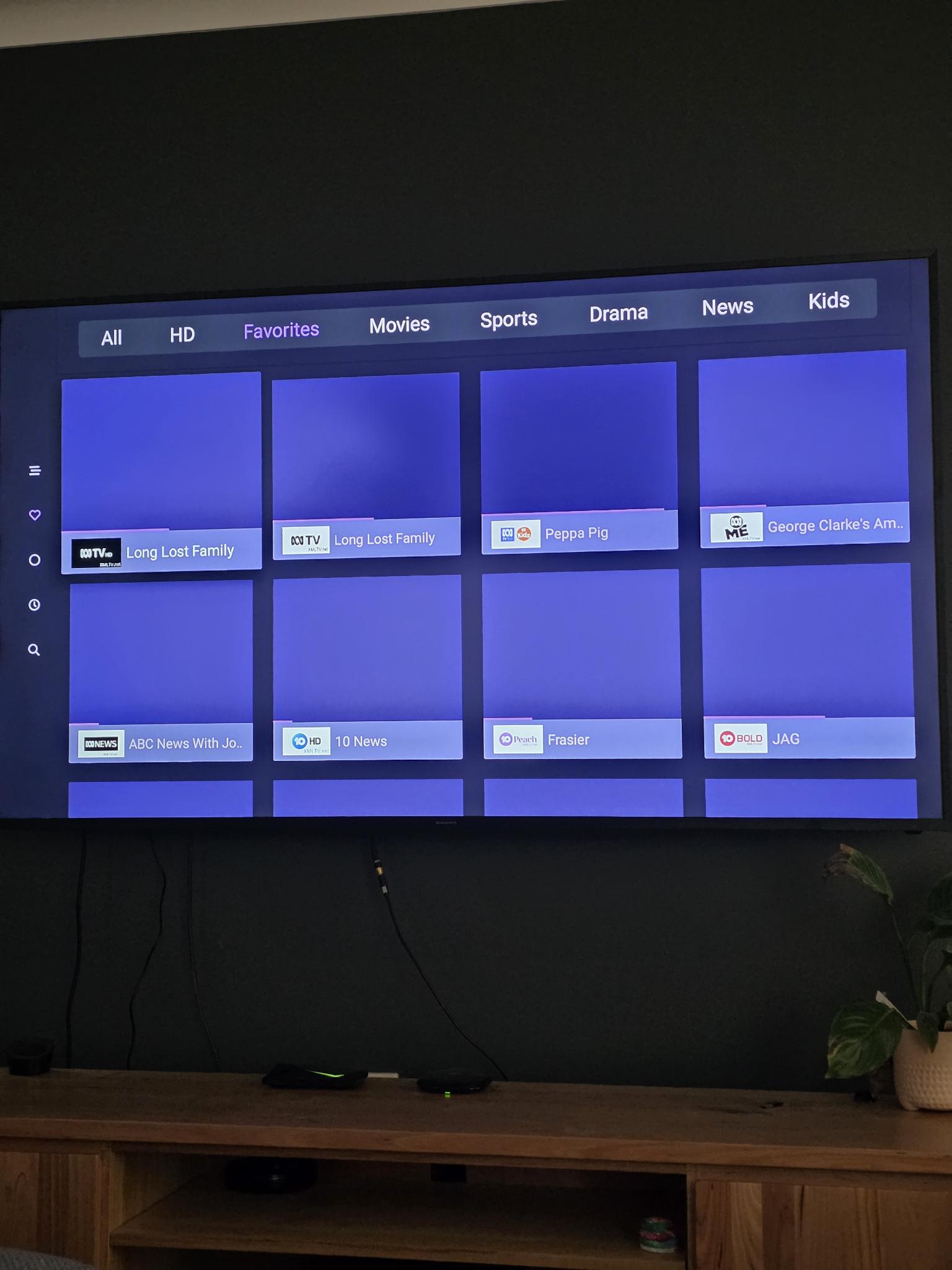
Hi all, apologies if there's already an answer but I couldn't find my problem within.
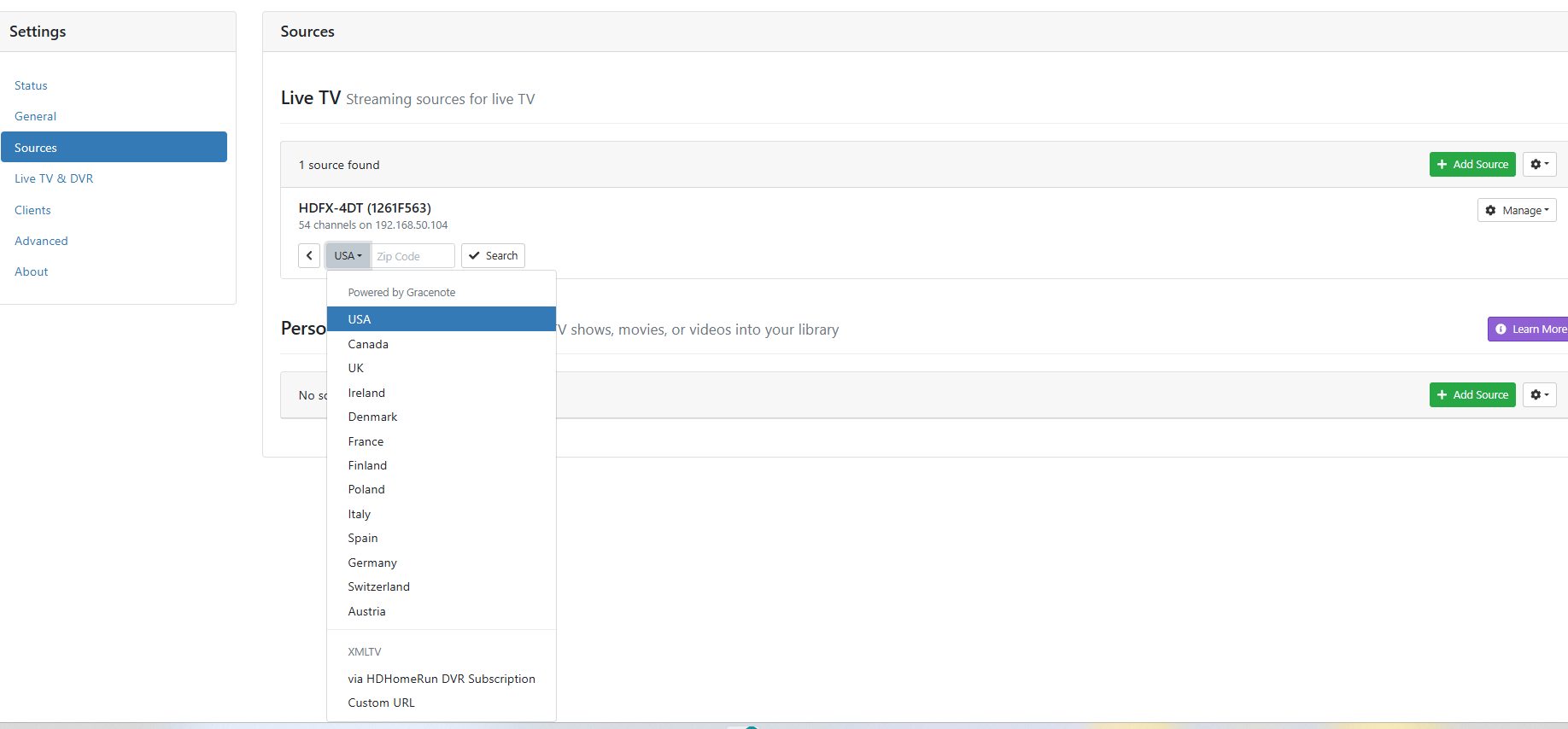
I have an Nvidia Shield Pro setup on the main TV in the house, Channels DVR server (subscribed yes) installed on the PC which is in the shed, Channels: Whole Home DVR installed on Shield in house, HD Homerun box in another room in the house.
All of this is connected via ethernet (HDHR antenna too) networked throughout the home and shed, and all seems to be visible and talking to each other. I've even done a speed test from the Channels settings and it seems to be talking.
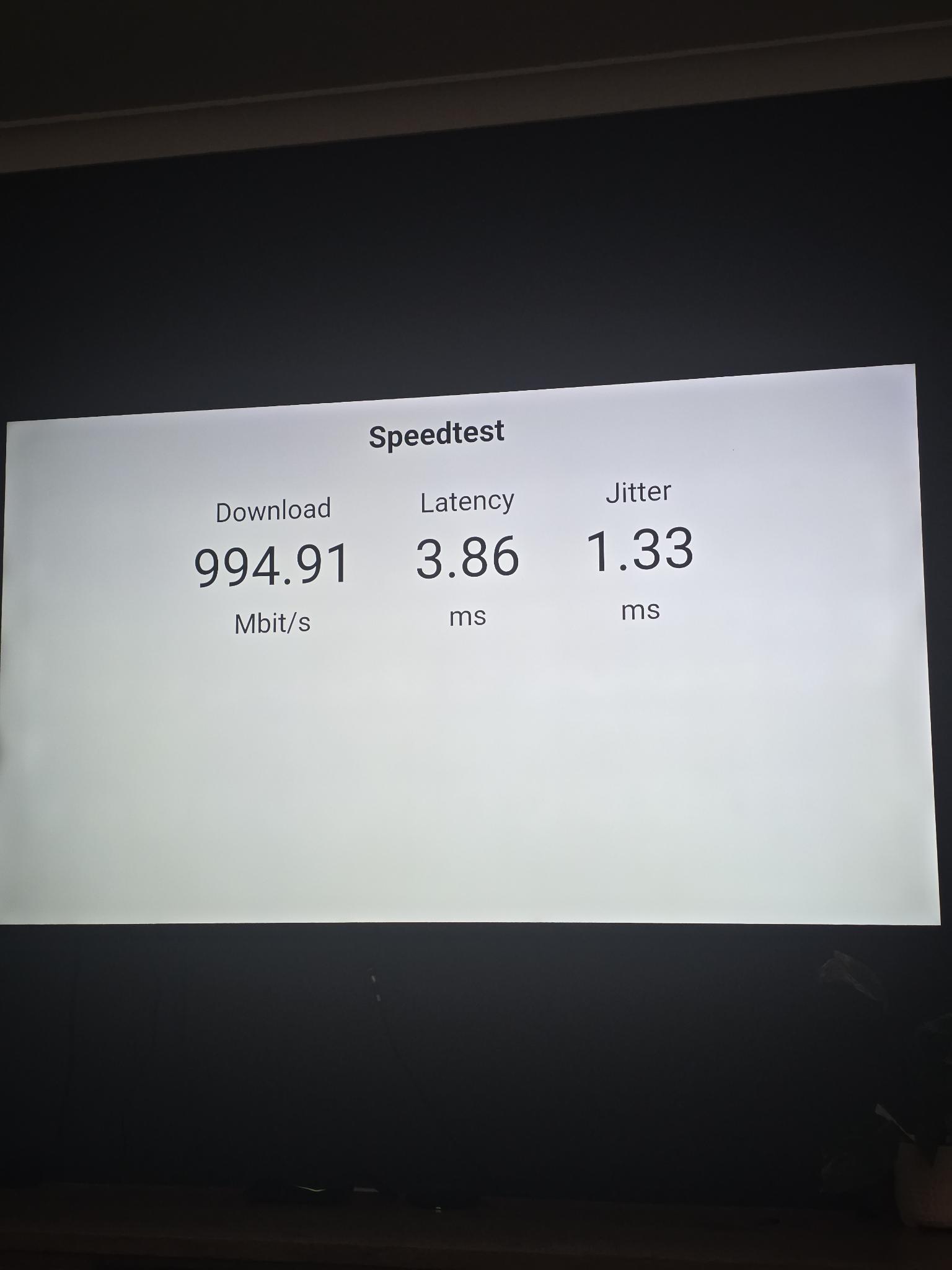
My aim is to be able to use one button which will turn on the TV and start watching FTA, this is mainly a family requirement. With this, to record FTA series etc, pause and rewind live etc etc.
If we want to stream Netflix etc, only need to exit Channels app to the main Shield menu and on we go.
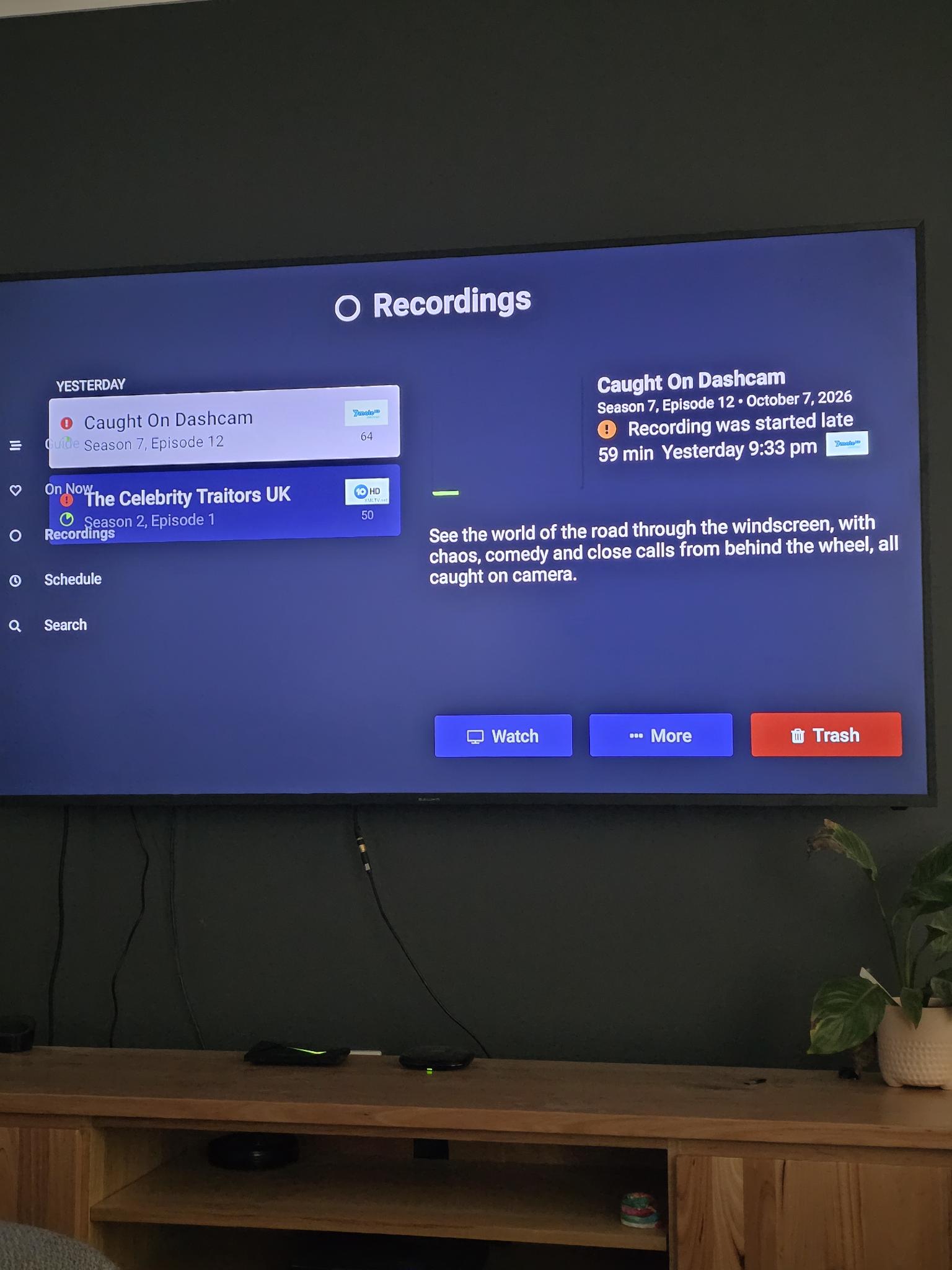
Problem is, no matter how many settings and installations I try I cannot seem to get the TV guide within the Channels app to work? I've also set a 1TB SSD for recording from the PC which is sees, understanding that the PC is always on as server.
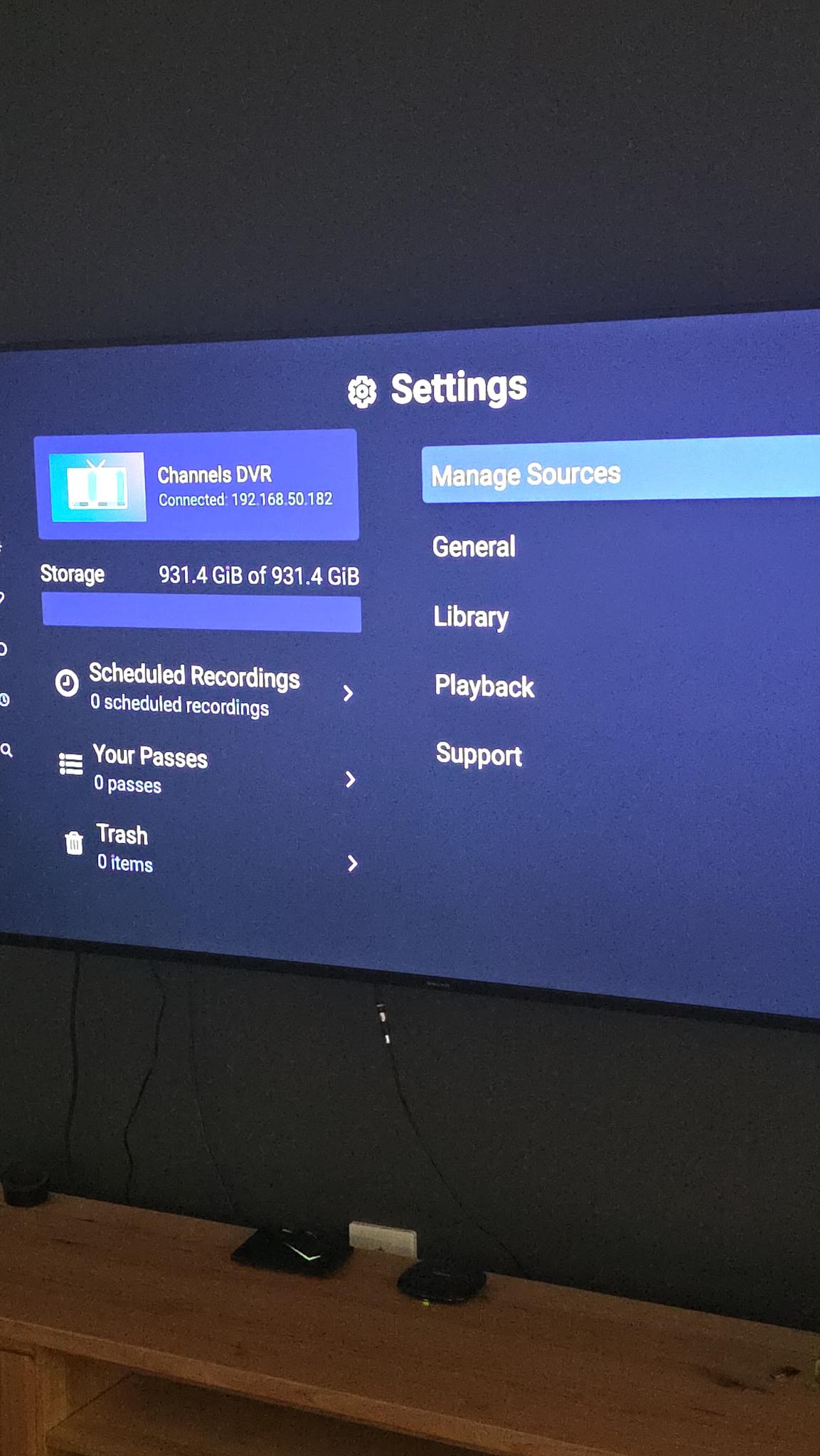
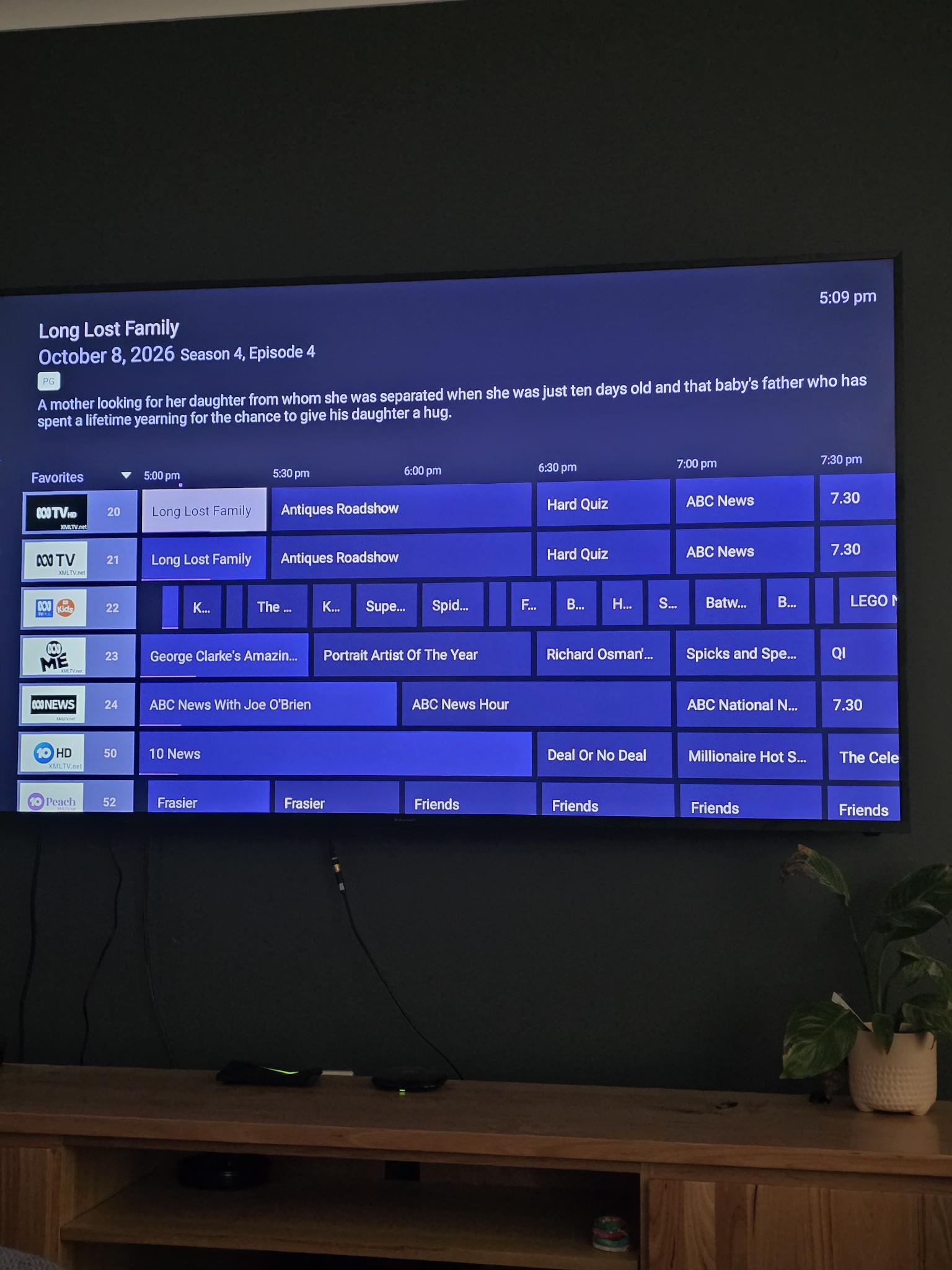
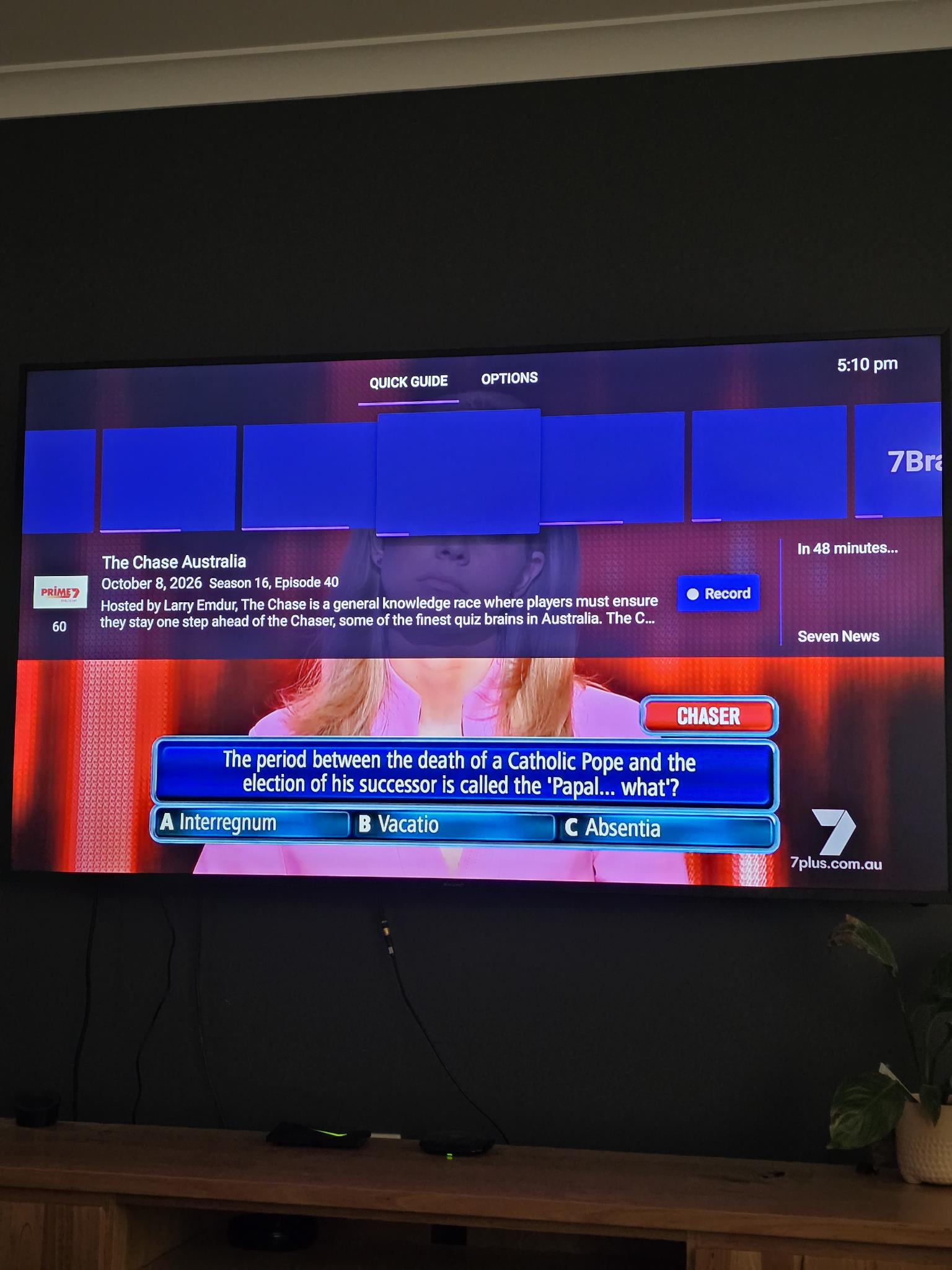
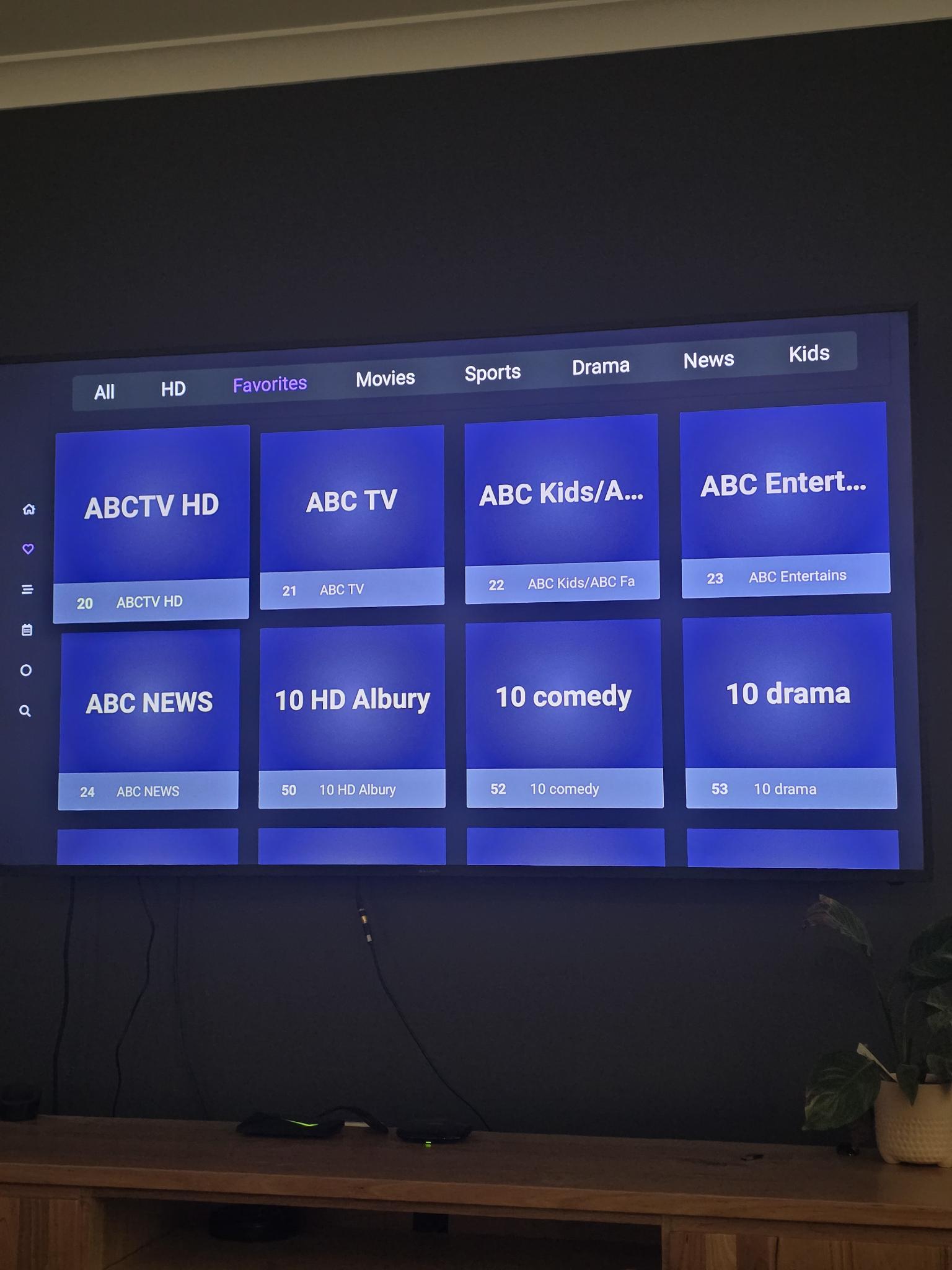
See pics, it appears to be recognising everything but I cannot record anything or see any of the options when long-press on a future program. This is what the guide / quick guide looks like: no station logos and no guide in essence, all straight lines?
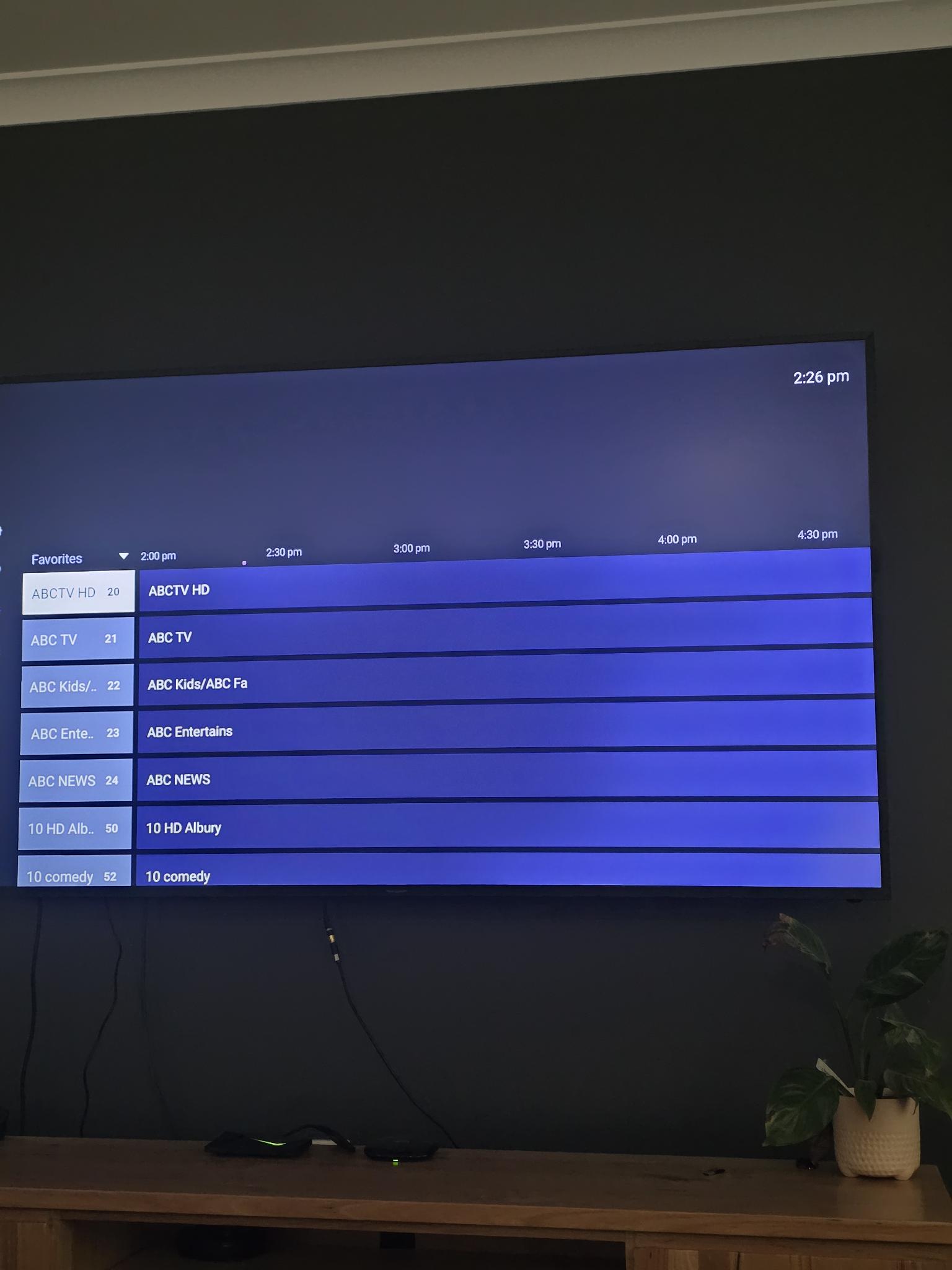
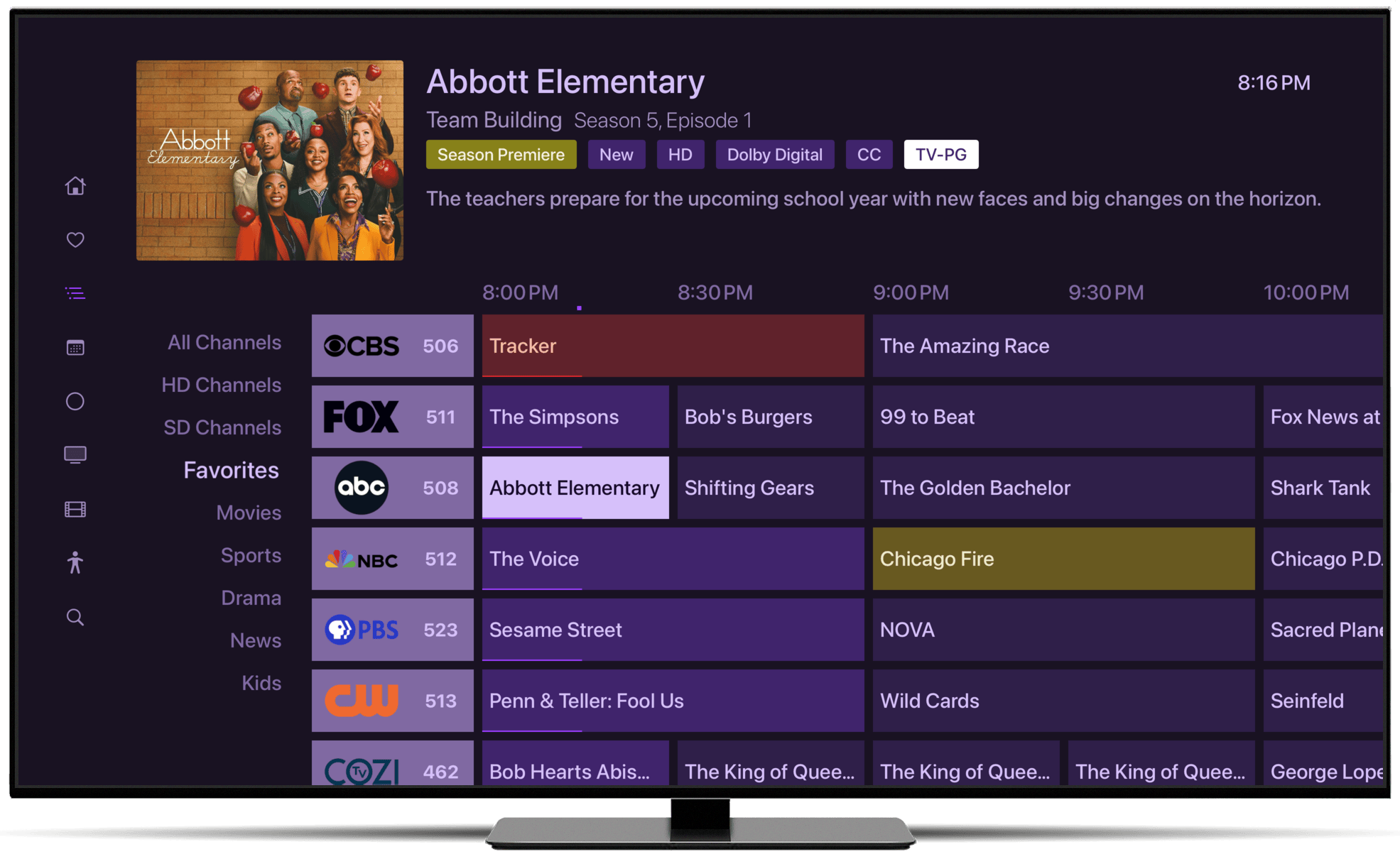
This is what I'm trying to get to obviously but not matter what I do seems to work?
I've opened the port as instructed when first opening the Channels server on PC, but still no luck. Also whitelisted the app within Eset Home Security firewall.
Any help would be greatly appreciated in advance!