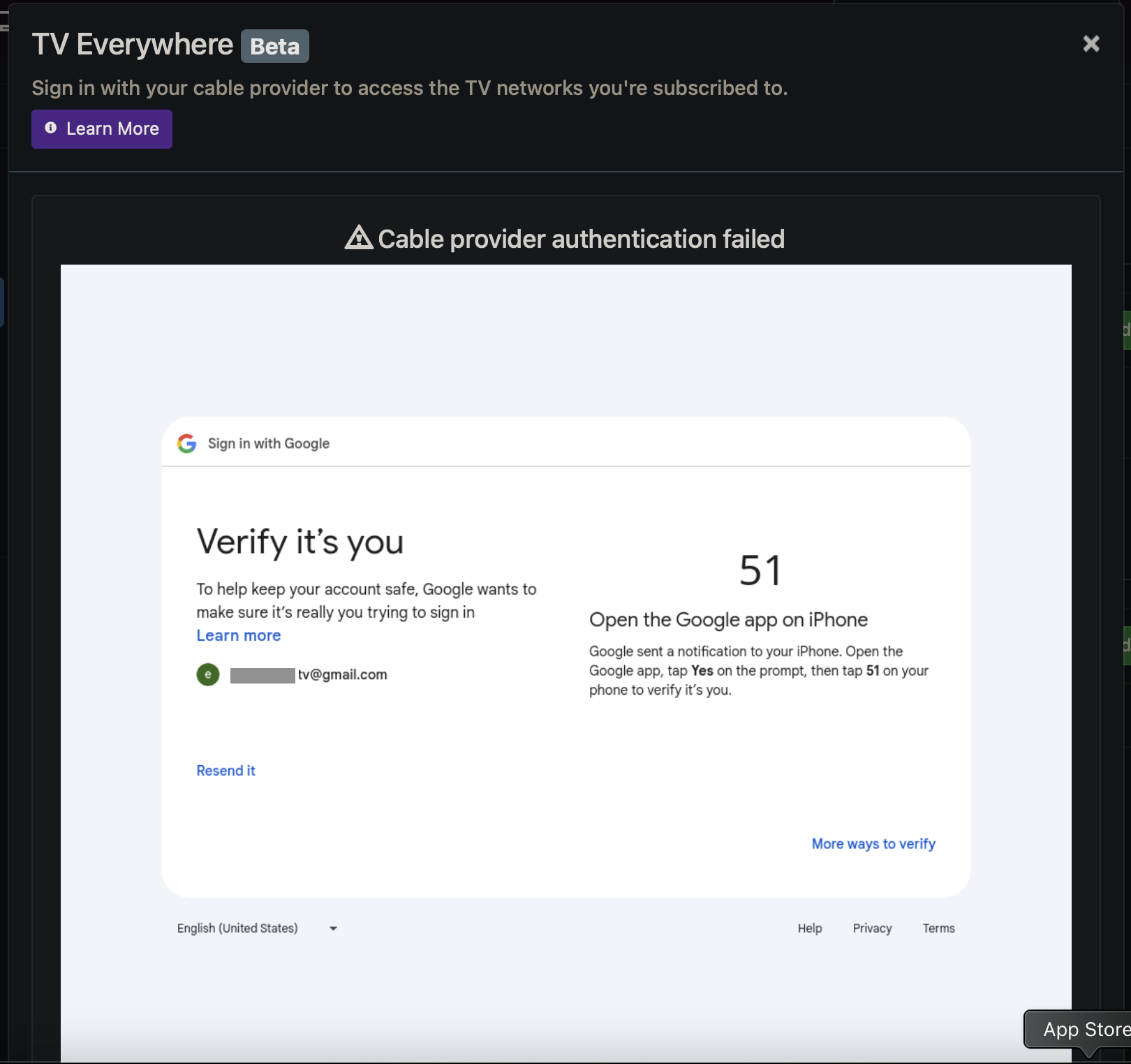
Unable to authenticate when trying to add Youtube TV Everywhere channels

This browser screen in Channels is unresponsive. I also tried checking Advanced setting "Old TV Everywhere Embedded Chrome Launcher" but that did not help either.

I tried in both Safari and Chrome browsers. What else can I do? (And yes, I have 2-factor authentication turned off for this account)

@maddox I found this: Two Step Verification on Google and YTTV TVE - #2 by rpaulmerrell

Is it a limitation with Channels or with YouTubeTV? And I can't set up a "dummy" user - our family actively utilizes all YTV slots, so I would have to wreck a live account to perform the recommend workaround...

Just turn off 2 factor for one of those accounts and use it for channels tve access. No need to create a seperate sub account.

1 Like

Thanks, but I've already tried that. It seems to be an issue with the way Channels handles the browser window, limiting its ability to refresh after I verify on my side with Google...

1 Like

Hmm not sure what to tell you. I have 2 factor turned off for my sub account and YTTV TVE just added without any issue whatsoever. Maybe try deleting the TVE source and channels and re-adding?

The fact that you still have to verify tells me something isnt set up correctly or 2 factor isnt off. Maybe try an incognito windows?

Unfortunatley, i've been down this road myself.
When i want to validate with YTTV, i just set it up without any security and no 2fa.
You might say i kkep extra addresses on my YTTV account.
comes in handy when you want to take advantage of a promotion.

1 Like

This topic was automatically closed 365 days after the last reply. New replies are no longer allowed.