WinChannels a simple Windows client for Channels

Try v1.1.9. The protocols for reporting watched status and progress are not published, but I was able to snoop on the communication to determine how it works. I got it to work, but it could break if Fancy Bits decides to update the protocol. Until then, enjoy!

Oh, the Linux AMD version worked this time. Bonus!

You nailed it!
Thank you.


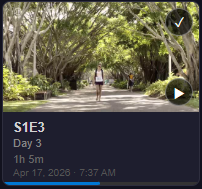
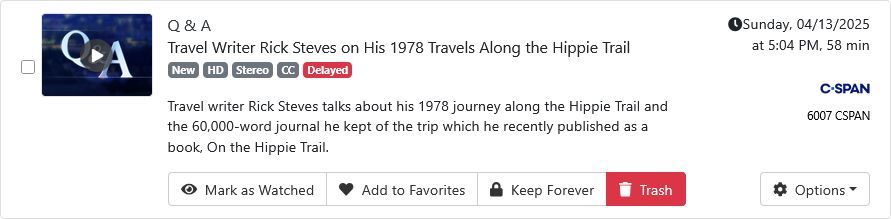
View from TV Shows of an episode watched halfway through
TV Shows

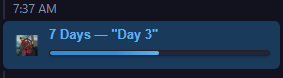
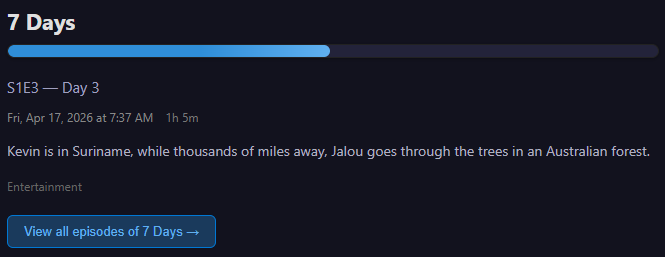
Views of the same episode from Recent Recordings
Recent Recordings-1

Recent Recordings-2

Thanks for the app.
This is a perfect replacement of the CDVR web UI player for me.
I've been using it on my Win 11 laptop.
It's lightweight, fast and reliable.

I don't expect anything fancy and haven't tested many things that other users might use.

I haven't used it;

  • remotely
  • on a 4k display with surround sound
  • for more than one stream at a time (multiview)
  • to drive a large screen TV or Projector (HTPC environment)

My goal was to make an easy to use client that my wife would have no trouble with when we are out of the house, but not a full Channels client. So, there is one more piece, and that's automatic remote detection. I'll add a LAN address check on startup. If it doesn't match any of the configured servers, then automatically connect a VPN (WireGuard or Tailscale), or use my.channelsdvr.net, whichever is selected.

I asked CoPilot to describe the media player in this project, and how it would support 4k and surround sound. Here is what it said:

"WinChannels uses a custom React-based media player built on the HTML5 <video> element, with adaptive streaming powered by hls.js. For local playback, it leverages Tauri’s native capabilities for efficient HLS streaming on Windows."

It went on to say that HTML5 inherently supports 4k and surround sound, it depends on hardware and drivers available on the client machine.

It also mentioned that for full HTPC service, a Windows-native player might provide better options and performance, but that would require a different architecture for the app. This one is platform-agnostic, which I prefer.

As far as multiple streams are concerned, you can run multiple instances of the app, so if you want to keep a baseball game on while watching something else, it already works. I don't think I want to pursue PIP...

1 Like

ditto :point_up_2:

agree it doesn't make sense. plus separate instances easily assigned to specific monitors

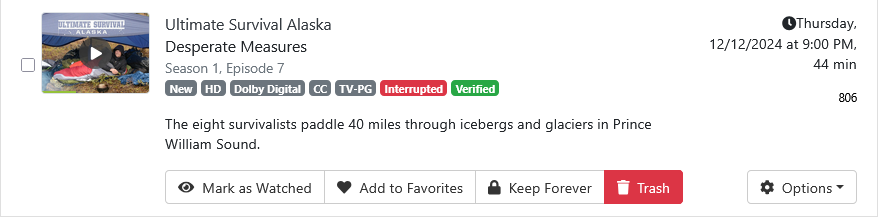
one item on my wishlist for any client is the ability to easily mark for re-record (a button or drop down menu). the flag for 'interupted' on thumbnails would help too.

again thanks for the app, and I told m$ "I thought the app was safe" :+1:

I don't know whether you are already aware of the fact that this feature is available with my Chrome extension:

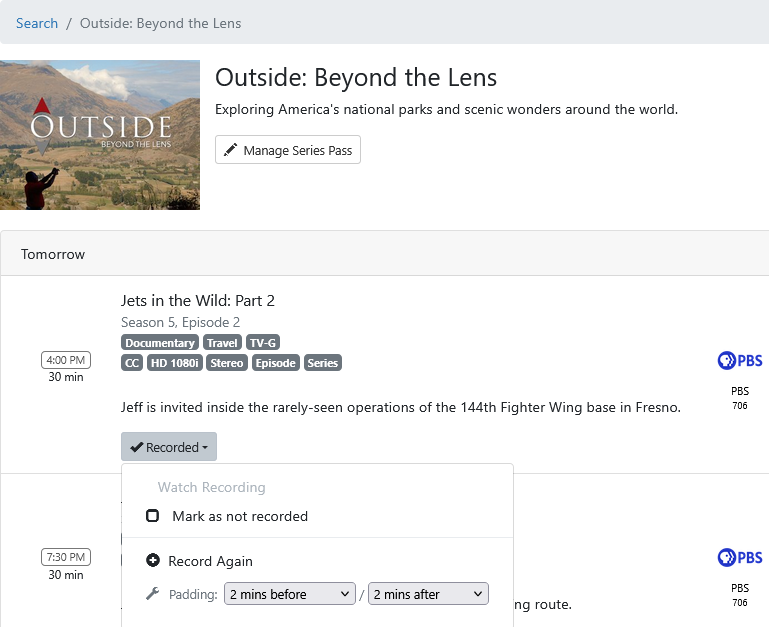
This extension adds an entry in an existing drop-down menu to mark a recording as not recorded (in other words, mark it for re-record). With the extension installed, it's a plug-and-play solution and the feature becomes available in the web interface that you are already familiar with.

I know your request is to be able to do it on a client but I thought that this alternative solution might help while waiting for a client solution.

I'll vote for that.

Delayed also.

1 Like

I was aware, and have been using it. :wink: Thank you!
unfortunately that is the only reason I have to visit DVR/Manage. I find it's filters very lacking. I usually have a tab on DVR/Calendar or DVR/Schedule and at least Calendar lets you click thru to the show page, which your extension also works.

Version 1.2.0 is now available:

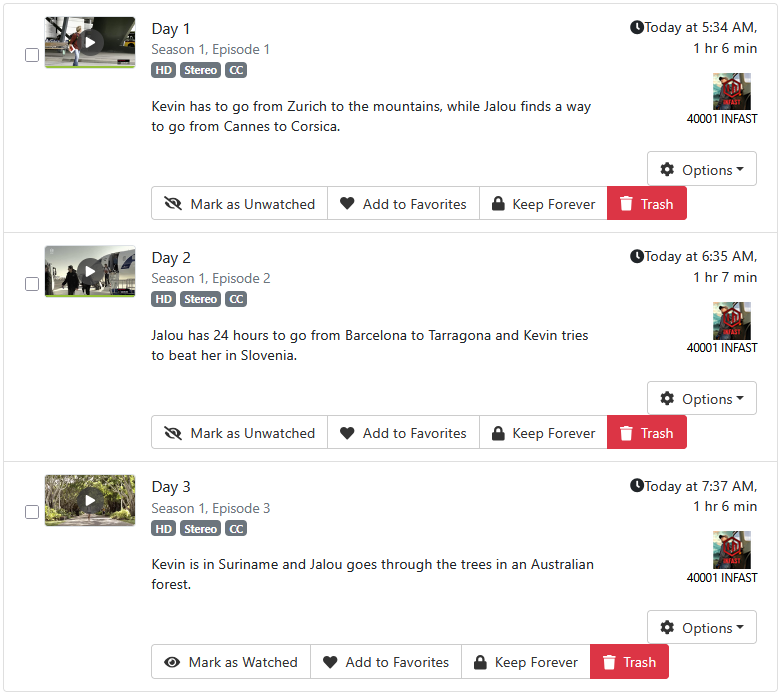
  • All episode flags, including "interrupted" (corrupted), delayed, cancelled, etc. are displayed
  • The progress bar is displayed in the Recent Recordings and TV Shows lists as well as on the episode details page and the episode cards.
  • Navigation is a bit more consistent
  • Remote access support, including Tailscale integration. The server configurations now include a space for the Tailscale address. When the client starts up, it will preferentially use the LAN address, then use the Tailscale address. You can also use your DDNS address for the server address if you prefer. For example, if you have a DuckDNS address and your firewall permitting port 8089, then that address will work as well on the LAN as away. The my.channelsdvr.net address should also work, but I haven't tested the authentication round trip yet, so it might trip on that.

I have not implemented any more commands ("mutations") in this version. I want to carefully consider that first. For example, I'm working on a server API version check so that if the server has been updated since this client has connected, it will warn and ask you to allow continued use of mutations. I think I'd like to add the episode trash command, and maybe others. I know there is interest in the "mark as not recorded" command, but I'm unsure how to surface it. It's also kind of superfluous. For example, if you have a pass configured to rerecord deleted episodes, simply deleting a bad recording will cause it to be recorded on next broadcast. Maybe this is only for the single episode case? Or maybe you don't want to always rerecord deleted episodes, only a specific one? Not sure.

Release v1.2.0 · jay3702/winchannels

Unfortunately this is not true in every case, if the guide data is generic (i.e. not unique) and you delete an episode it will sometimes not record it again even if you have that flag set.

There is no true "record everything" setting like there is on a TiVo.

Thanks for the updates!

Many times I keep the delayed or interrupted recording until it can be recorded again. Better to have that recording than to have none.

Also if you set the pass to re-record deleted and you're watching and deleting the episodes, you don't want it re-recording them.

I find this setting very dangerous. did it once and my poor n100 couldn't keep up when a couple channels all started marathons.
Much prefer marking specific episodes for re-record. also like having the corrupted/delayed until it's rebroadcast.

Well, he could simply say (as the Channels devs would) that it's an admin function and should be done from the DVR web UI (but you can only do it there if another airing is in the guide).

by that logic setting any recording is admin.

Can you do it in any Channels client?

All you can do on a client is view upcoming episodes and choose one to record. Same as choosing Record Again from the web UI. It just manually picks the next airing to record, and if the guide data changes and the airing moves or disappears you end up recording whatever is in the timeslot.

Mark as not recorded does what it says, allowing your pass to schedule the recording. That cannot be done from a client and the developers don't want to add it. And if there are no future airings in the guide, you can't even use Mark as not recorded in the web UI.

well, not advanced passes, but you can set passes, delete passes. also clients can change favorites, and even sync them back to source.. (seems pretty admin to me) lol anyway.

I've been using @mjitkop 's Channels DVR Extras long enough I didn't realize all the limitations otherwise.
does Channels DVR Extras actually successfully re-record a marked episode if it's not in the guide?

Yes.
Mark as not recorded makes the elephant (Channels DVR) forget (that it recorded it).
So if it never recorded it, a pass will pick it up.

This is working really well, thank you! Feature request: a filter to sort TV Shows by most recent episode ("Recently Updated"). Sorting the shows on each folder's most recent File ID seems easiest.

Version 1.2.2 is now available. The episode details page now has:

  • Episode Trash button. The episode is sent to the trash. (v1.2.1)

  • Mark as not recorded button. If the episode was created by a DVR rule, the button is enabled, and marks it as not recorded. (v1.2.1)

  • Sort buttons now have ascending and descending options. The modified date is now used instead of the date added. (v1.2.2)

2 Likes

Thank you!