Windows Client for Channels DVR project

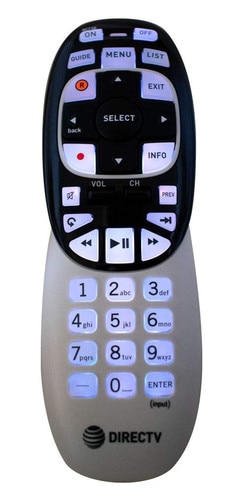
Sure. A terrible remote that wears out in a year or less. Also not backlit or have number buttons. I replaced the stock Siri Remote with a one for all remote. Does not have number buttons but is backlit with other buttons I find use full.

Reguardless. The point of the post is for a windows client remote. You can’t use the Apple tv remote on pc far as I know.

Just to add to the complications of this to keep in mind:

  • Stream Links have their own special sub-routine in the real app that you'd have to be on top of. In Windows, I'd say the best bet would be to just open a webpage since there aren't a lot of native Windows apps for these services, and I don't think any of them can handle deep linking at all. Or, maybe borrow from PrismCast and have it automatically go full page while playing.

  • Stream Files are processed directly by the app, not the server. This is unlike streaming stations, so you'd actually have to deal with the playback processing. That said, this might actually be simpler than most because the content of a Stream File would just play directly in something like VLC perfectly fine anyway.

1 Like

Terrible remote? :grinning:
Maybe your use case is different than an average user who doesn't need backlit at all. The remote has just a few big buttons.

You need a backlit for that?

Nvidia Shield Remote is backlit for most of its buttons. Once your used to backlit, can't go back.
Also, essential for my elderly mother who has her own dedicated Channels server and uses the Shields as client.

For me, I like the feel of the ATV remote, but the buttons kept wearing out/double clicking after like 7 or 8 months. (I seek a lot).
And this remote has more useful buttons to me.

1 Like

Pretty sure this is the remote I used with the Flirc on PC back in the day.
(or a model just like it, there are a few that look like this)
RC7XB_0

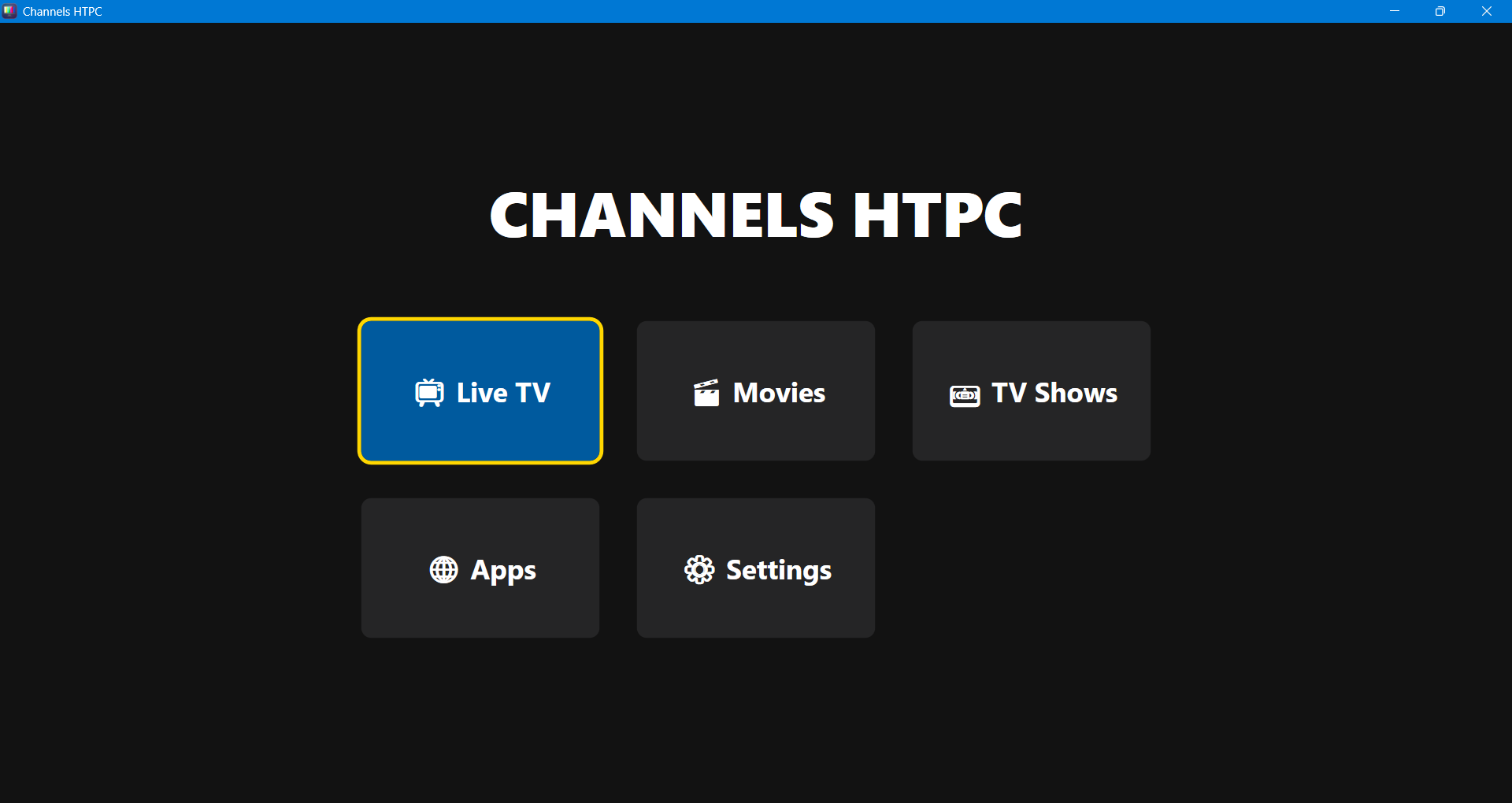
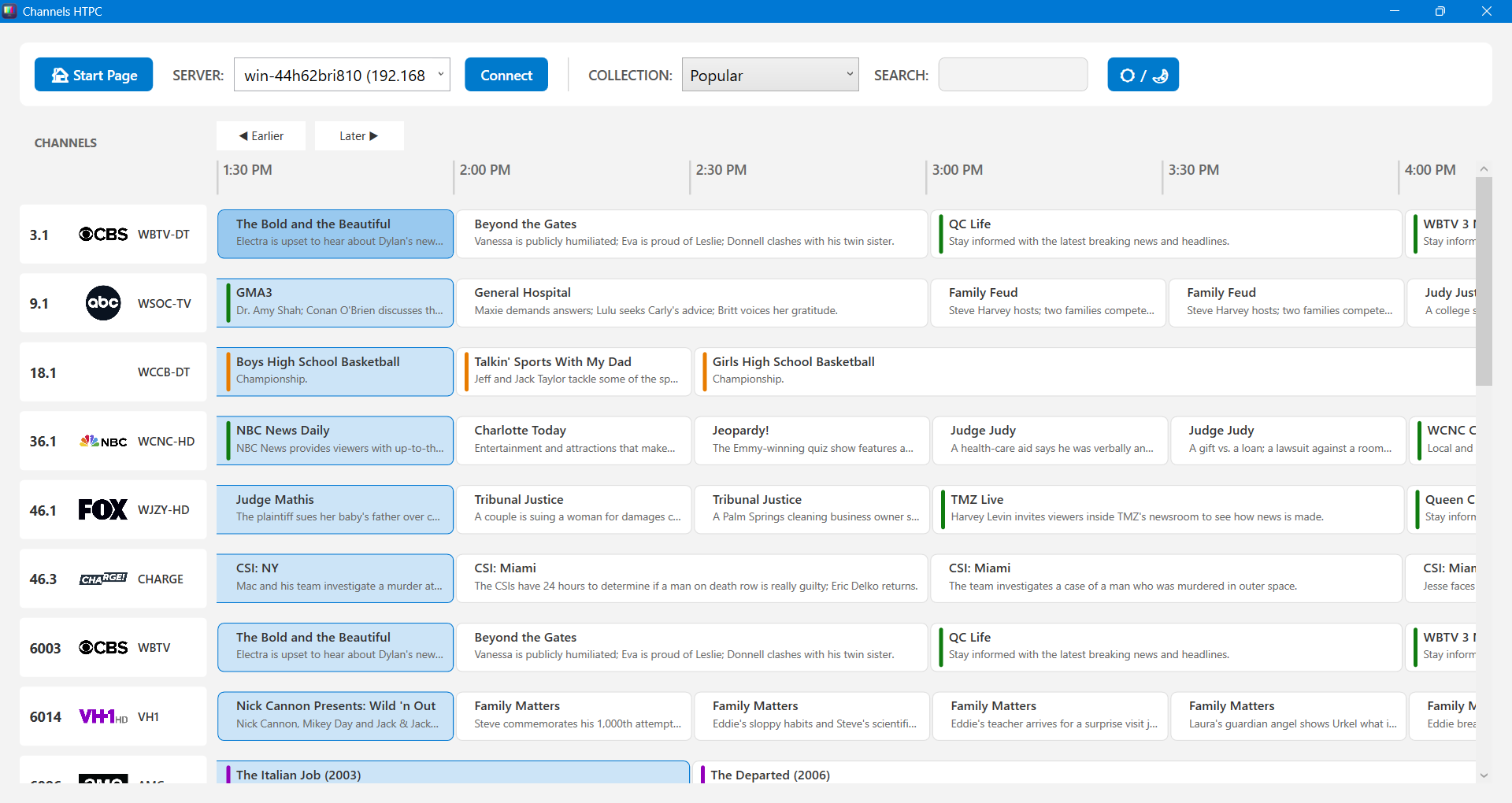
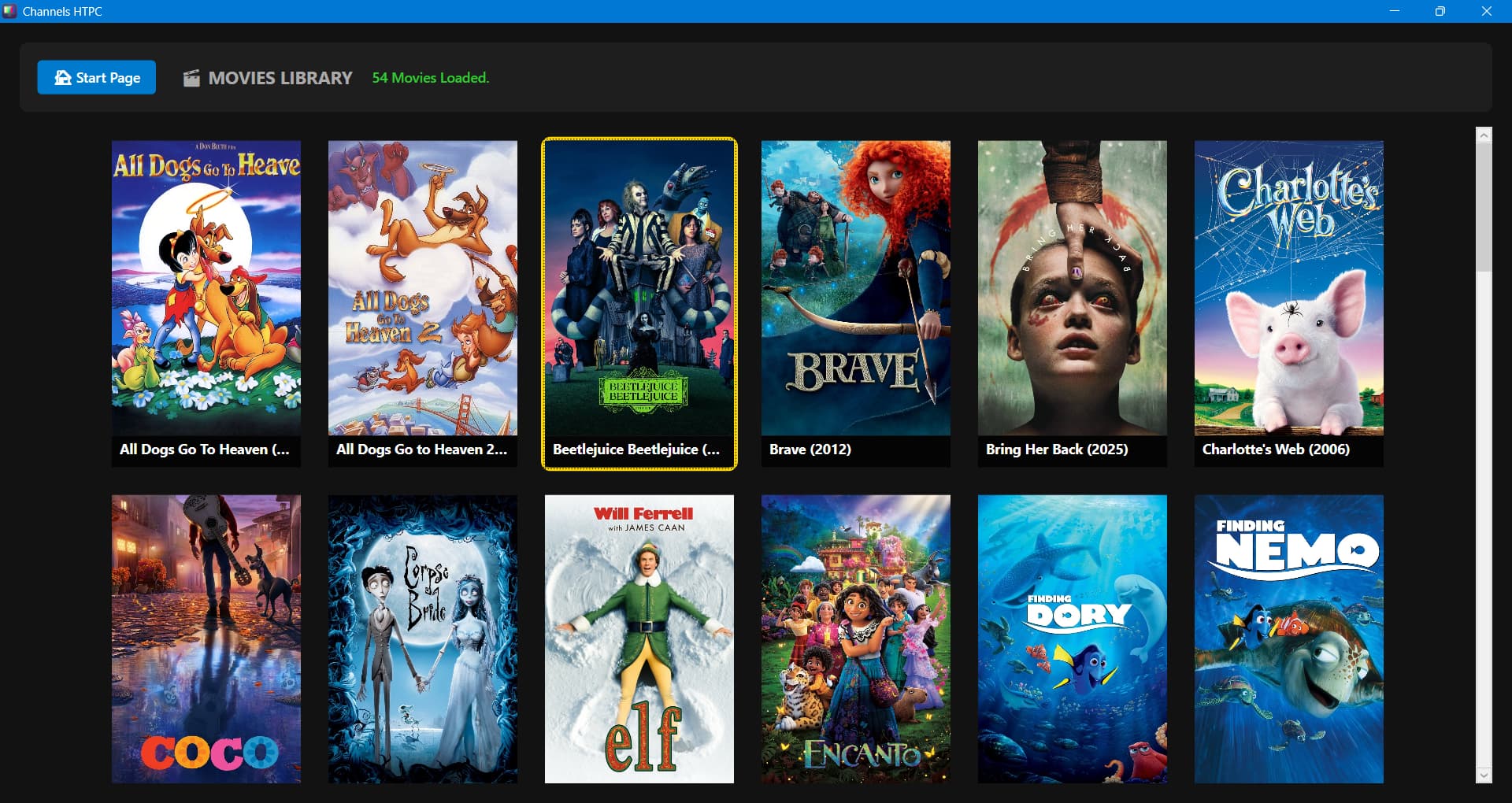
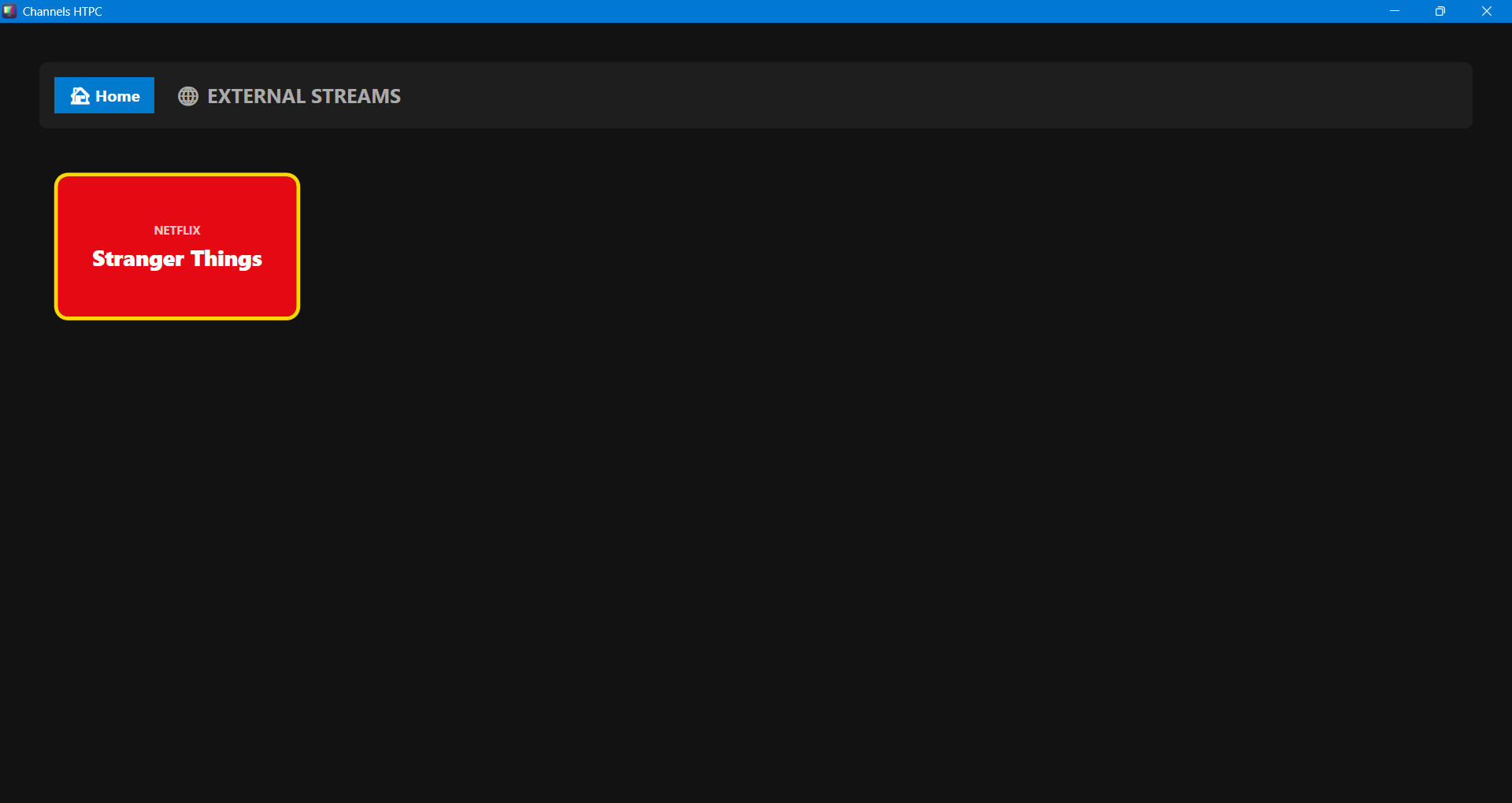
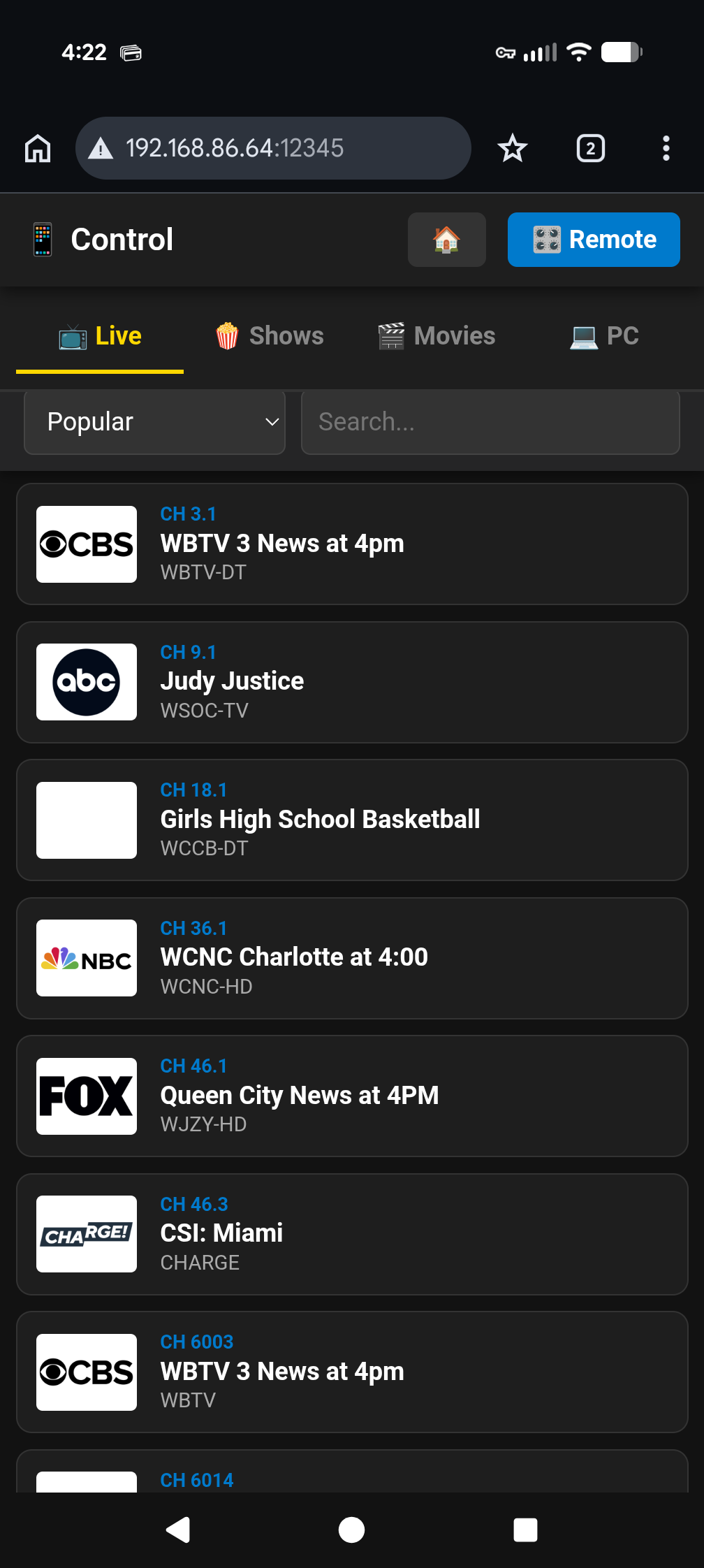
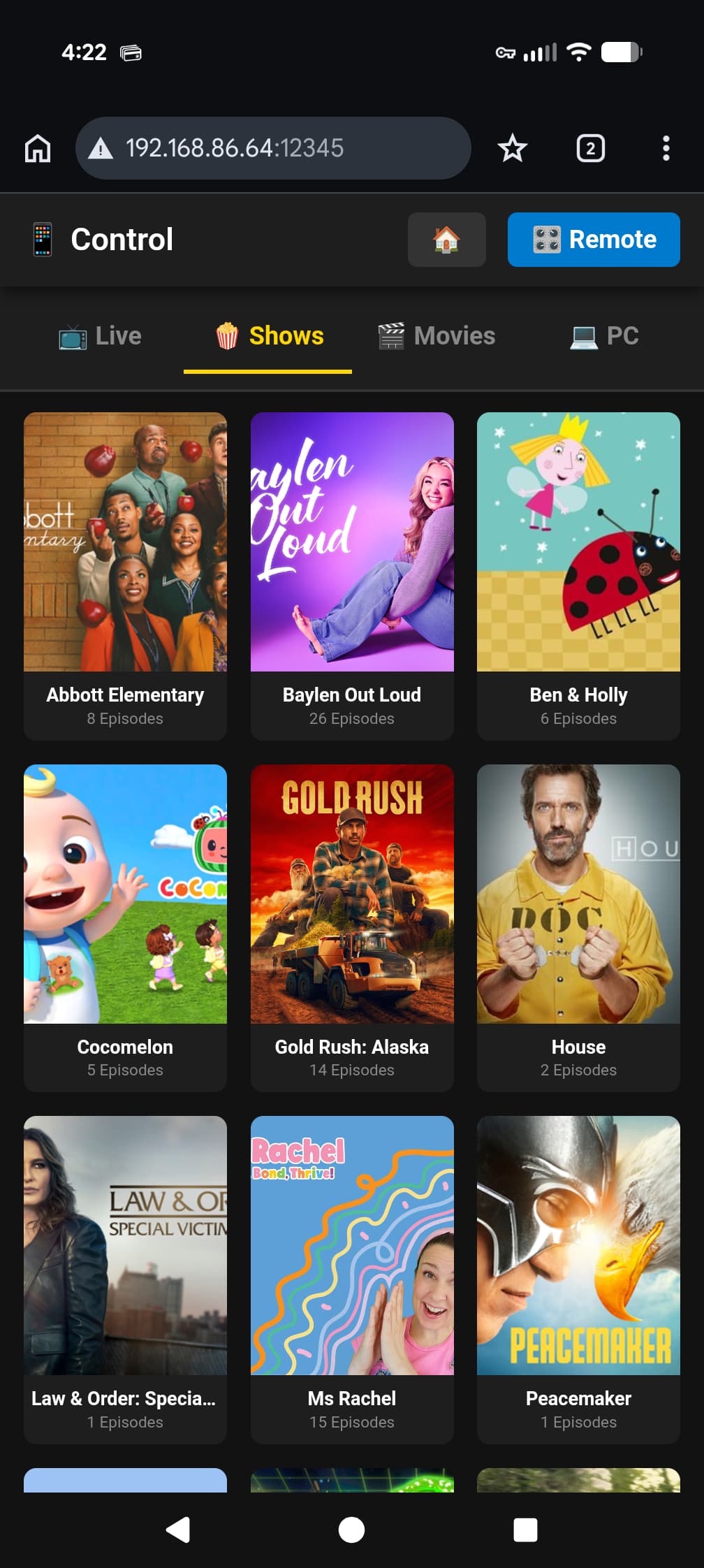
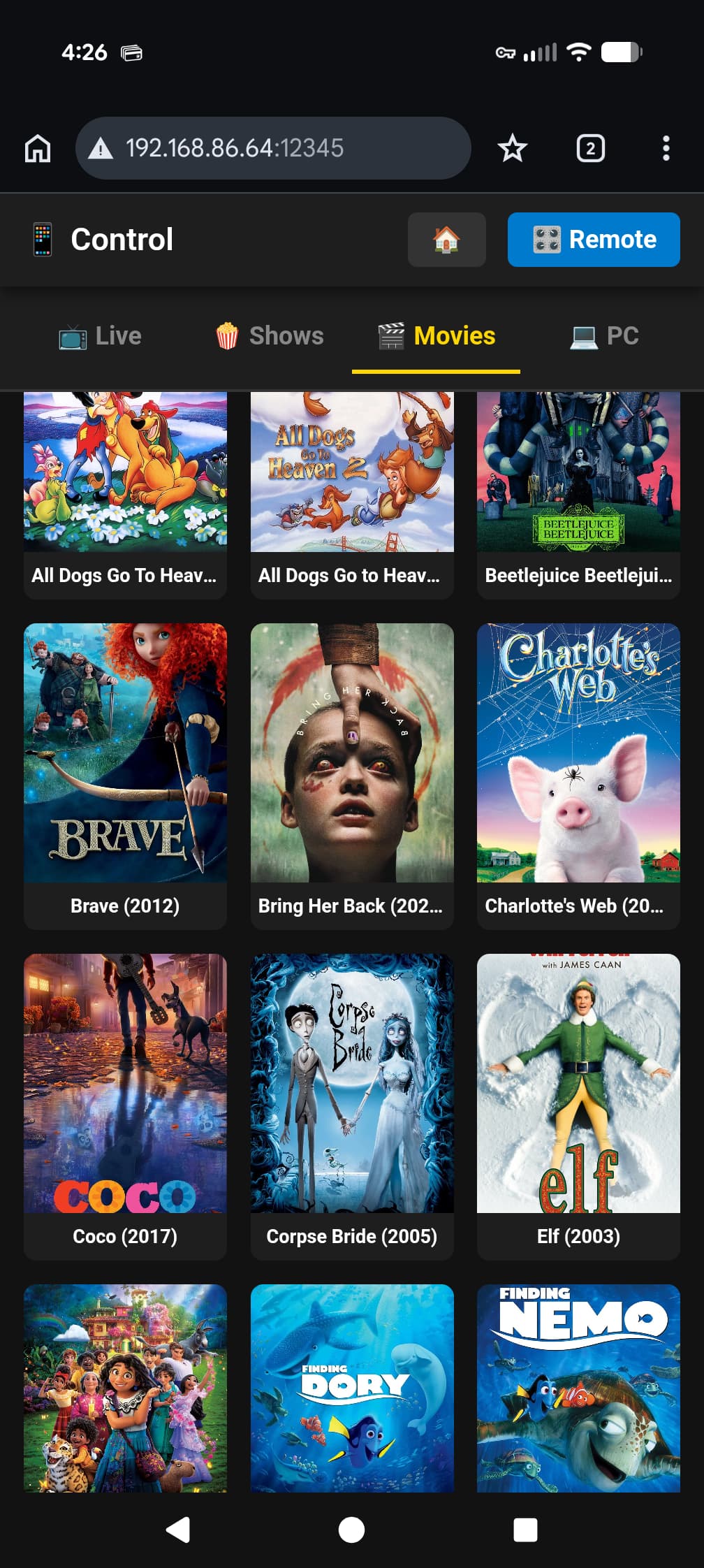
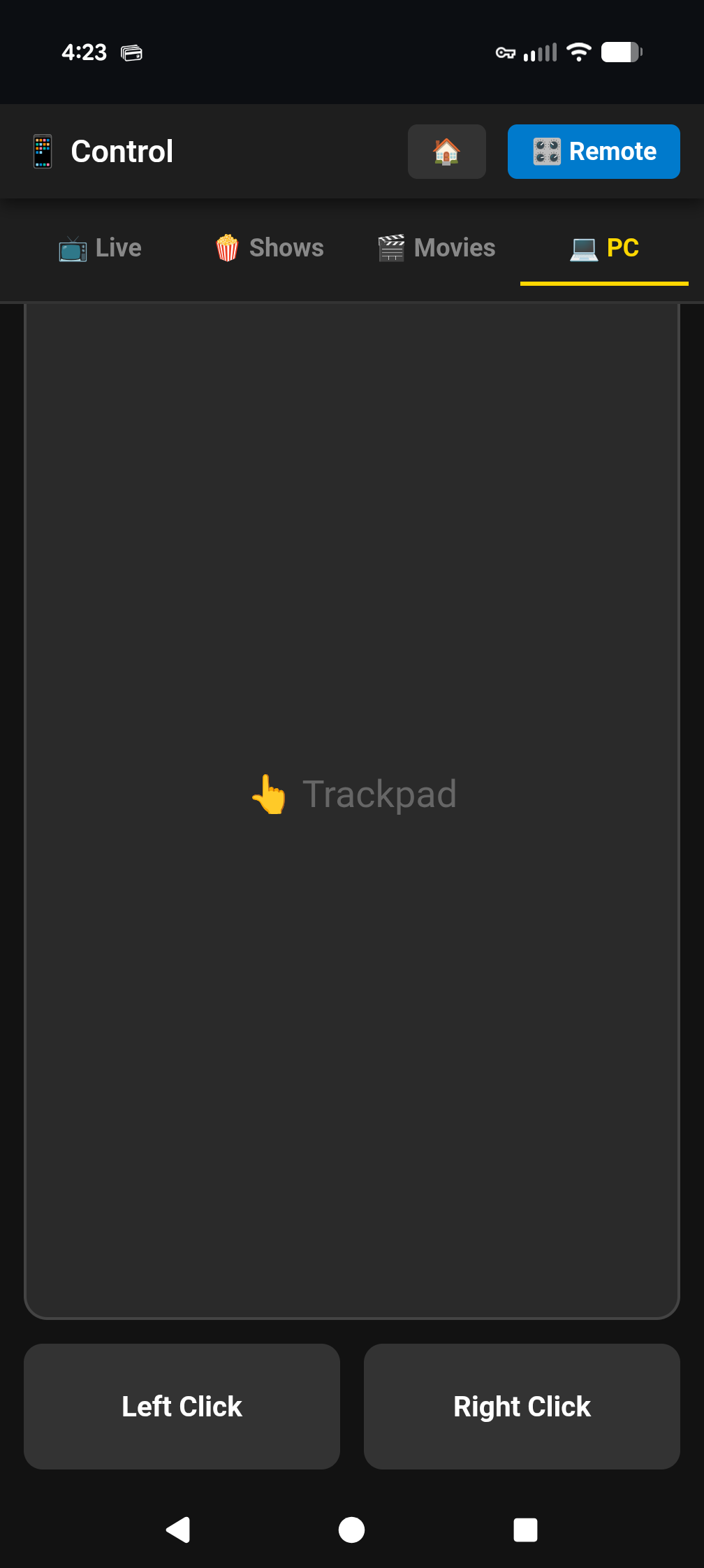
Here are some pics of the progress. I have a HTPC inspired Start Page, recorded content, live tv, remote control (I'll post pics this evening), a way to link to Windows apps like Netflix, Disney+, etc... Commercial skip can be enabled in the Settings. More to come...


1 Like

Looks fantastic! I use web browser to timeshift news tv while working. I get on calls and pause the stream and then use the buffered time to skip commercials. Finding that performance is not perfect so something like this would be well received on my end for sure! I posted this just yesterday:

Any chance of getting a beta?

I will release an Alpha as soon as I get most of the bugs worked out. I don't have an exact timeline yet, but I would guess a week or two.

1 Like

I agree, it looks amazing!

Booo no purple!!!! J/k looking great.

Lol. I might add a purple on purple theme to it for s&g

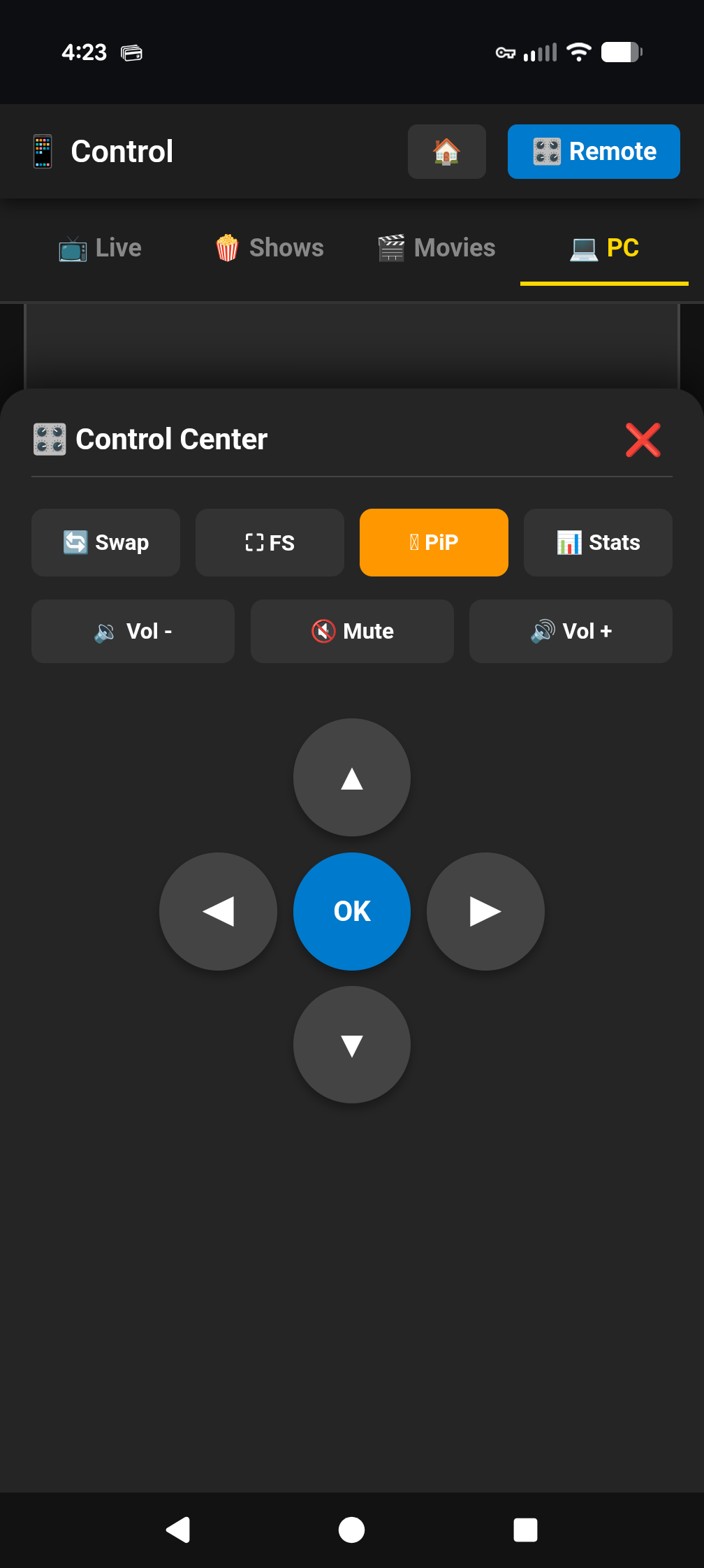
Remote Control images...

Holy moly

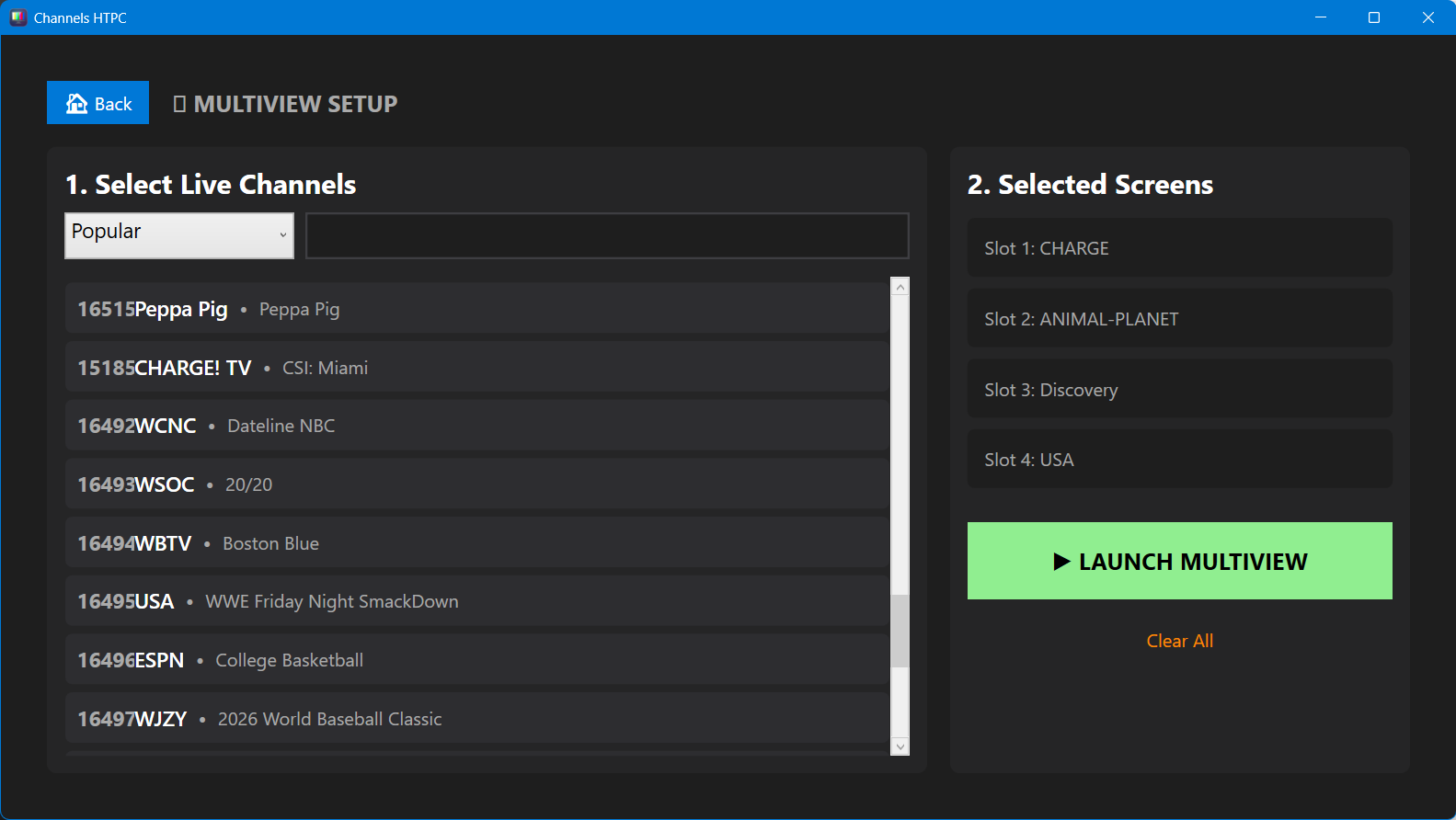
I have been messing around with adding multi view to the Channels HTPC this evening and I actually have a basic version working, so we may have a multi view with it too. :crossed_fingers:

2 Likes

3 Likes

Bobby, when you scroll downward in the guide, does the 'time' row stay visible at the top? This is a major problem with the Channels DVR web browser guide.

Funny you ask. I've been working on the remote control stuff on the guide today as well as all those little details like spacing and user experience. That was something I was going to add as a settings was a toggle to make the time sticky.

1 Like

It's amazing that you got Multiview working so quickly. Android/Fire TV users are still waiting for Multiview.

I'm using VLC as the backbone viewer and VLC's hardware acceleration helps with making it CPU friendly. At the moment, it is a basic select channels and play with no real options yet. Just getting it working was a sweet feeling though. Fortunately, others have already done this and have plenty of example of implementing it.

Have you tried time shifting live tv? I was attempting that with VLC when I came across your project. VLC did allow for pausing but the moving around within the buffer was problematic for me.