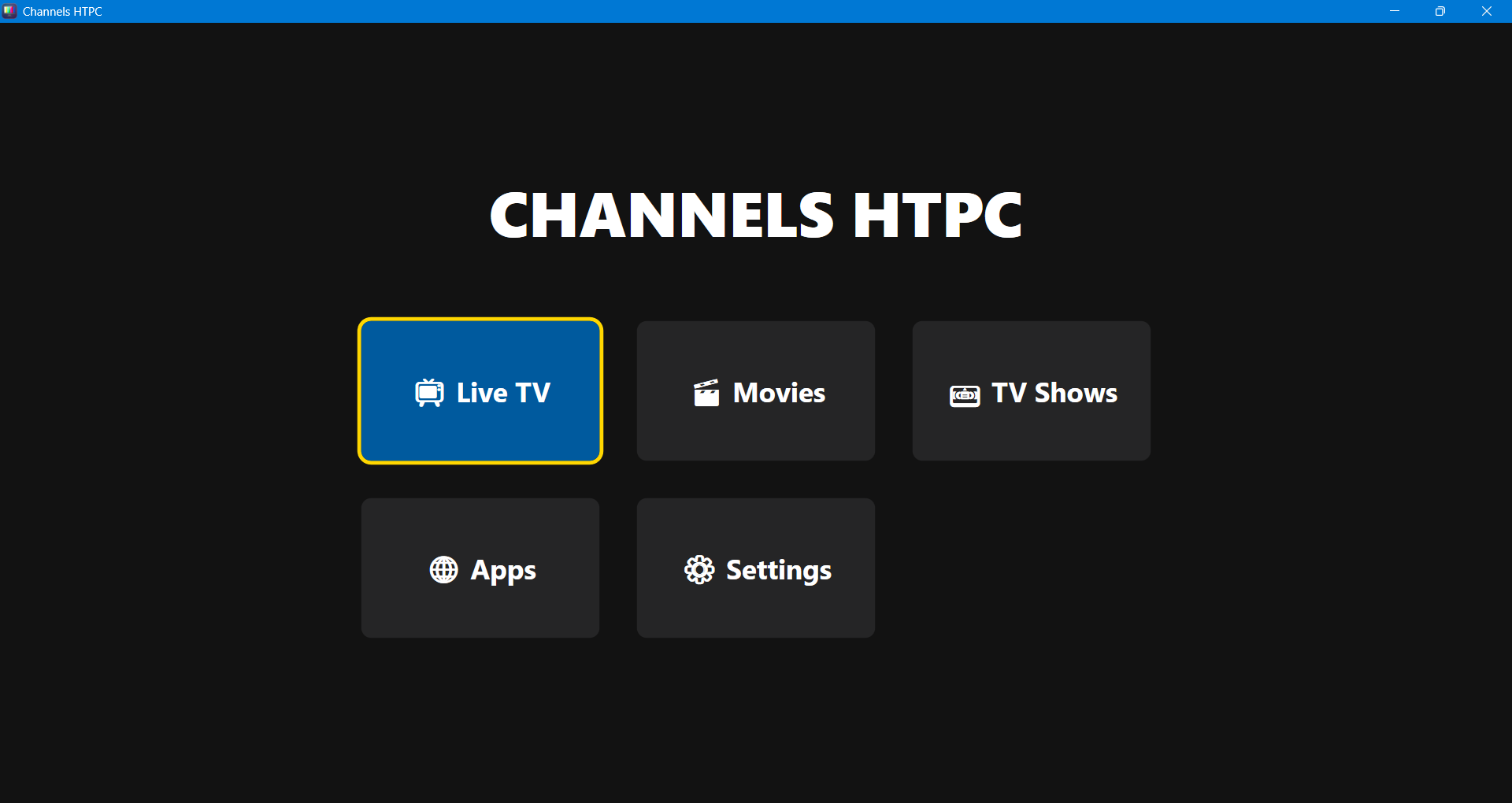
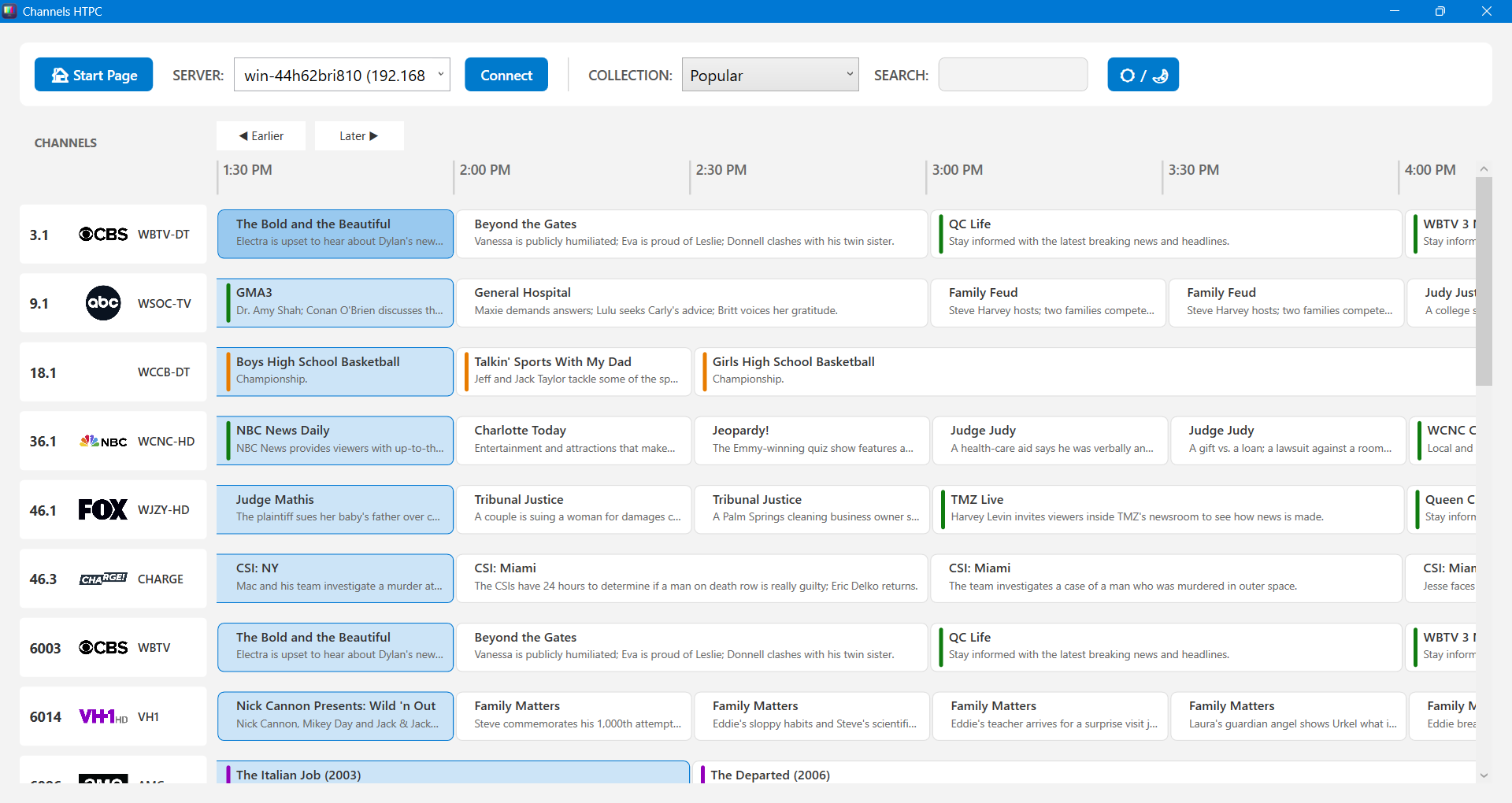
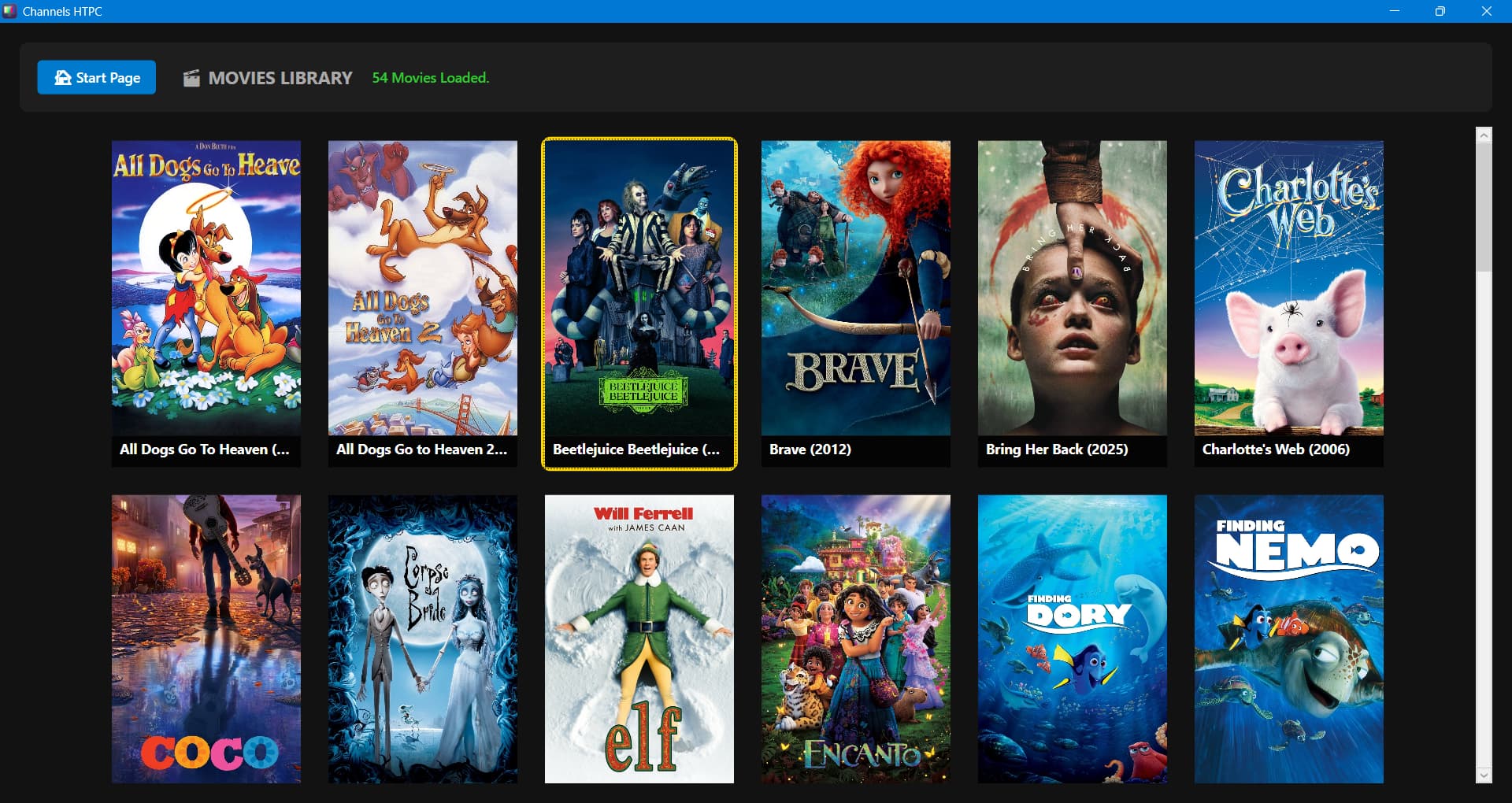
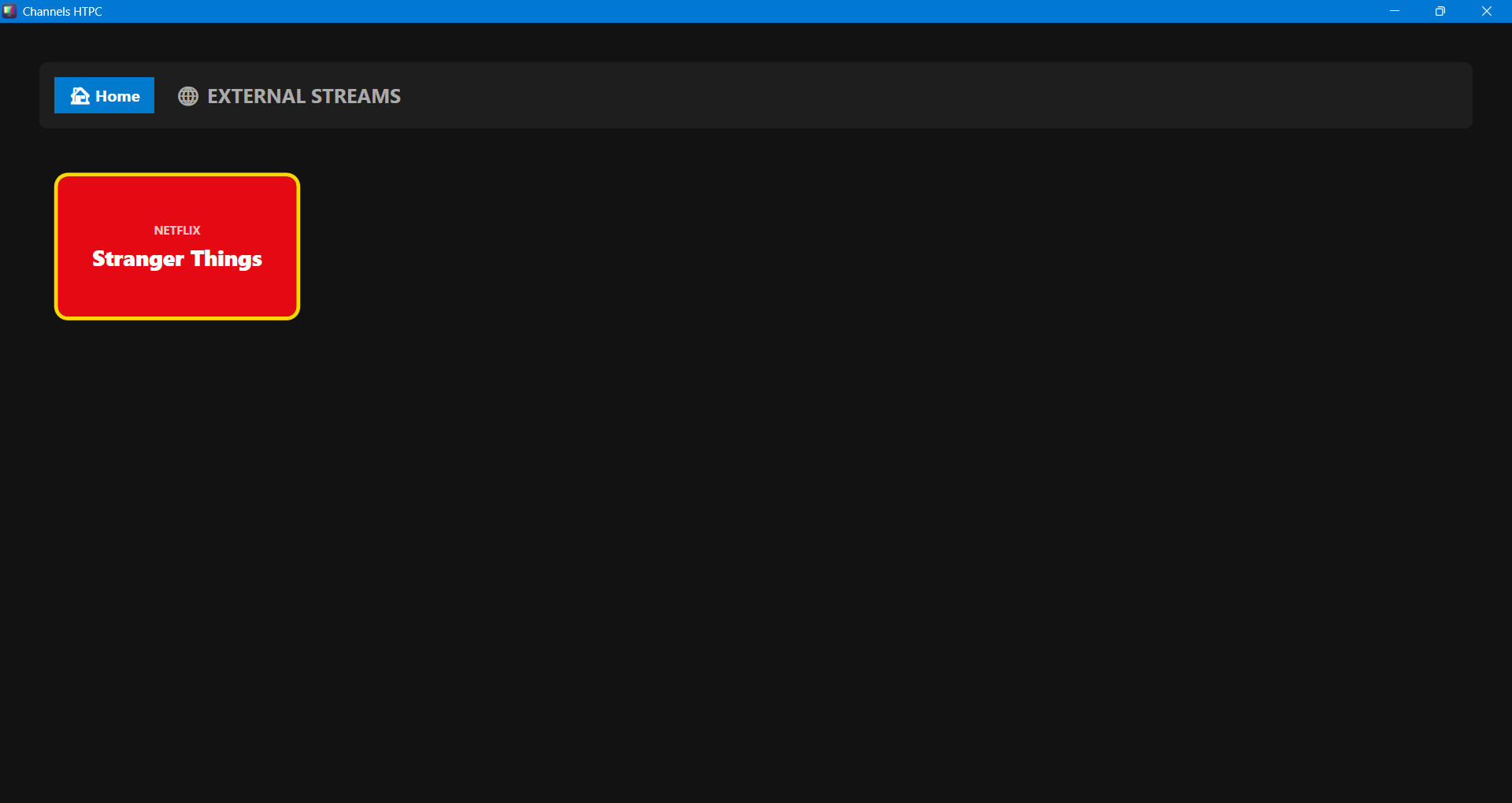
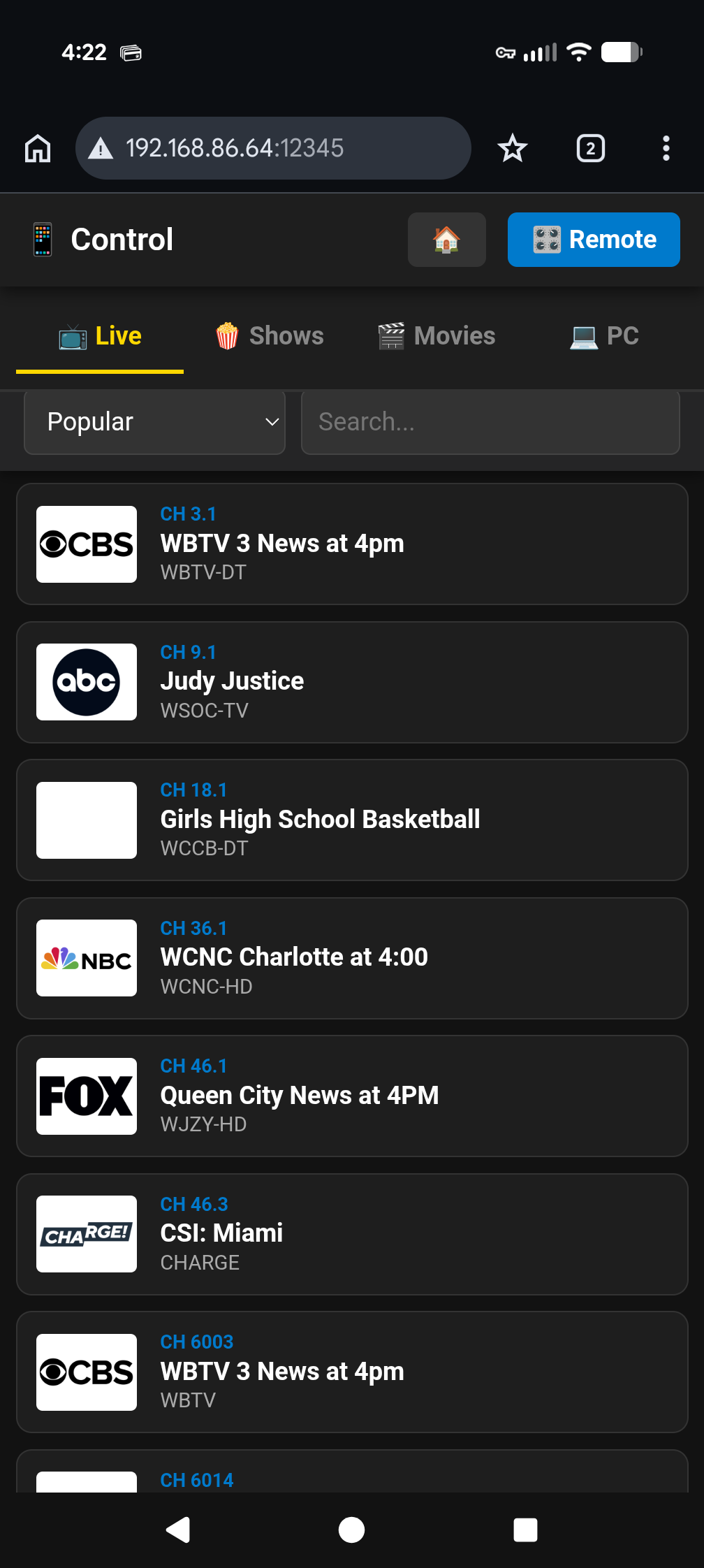
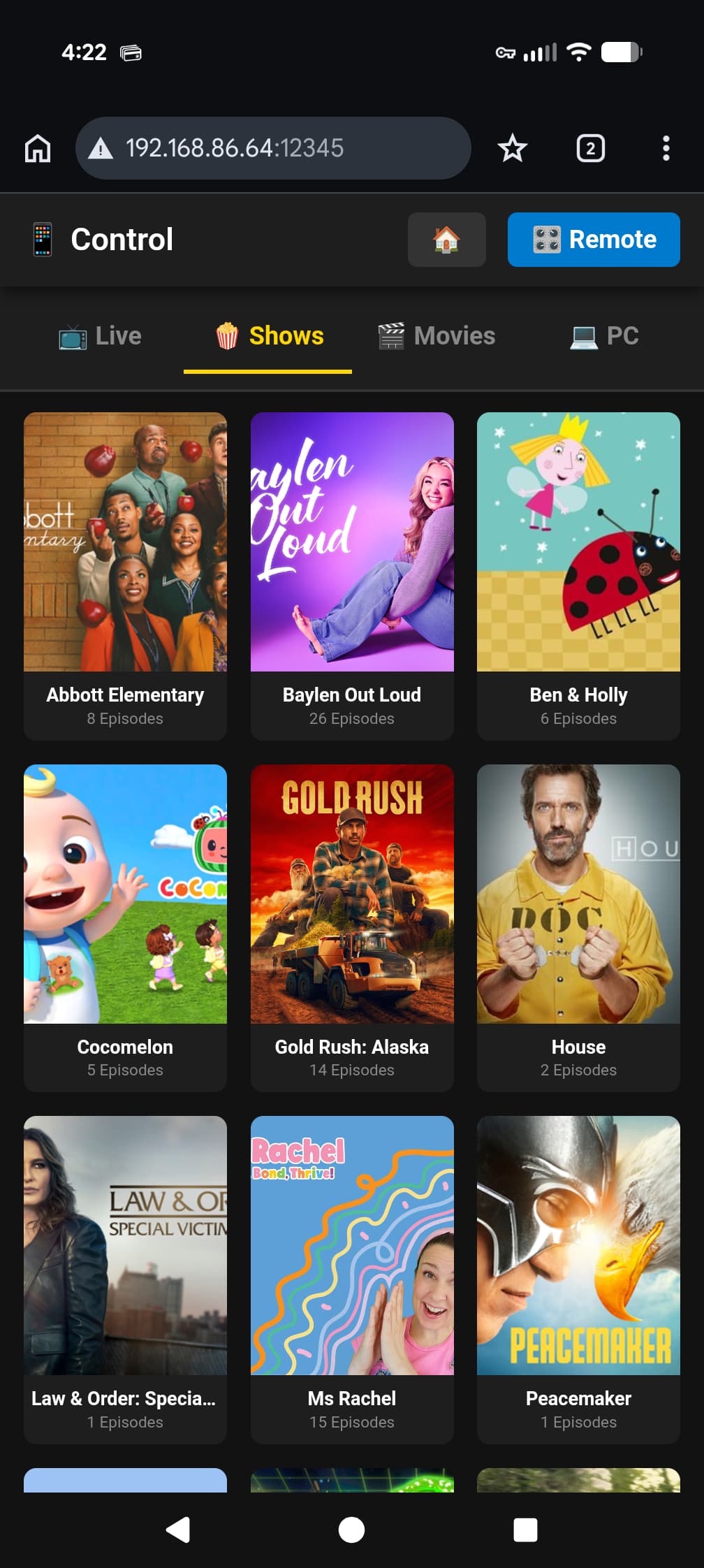
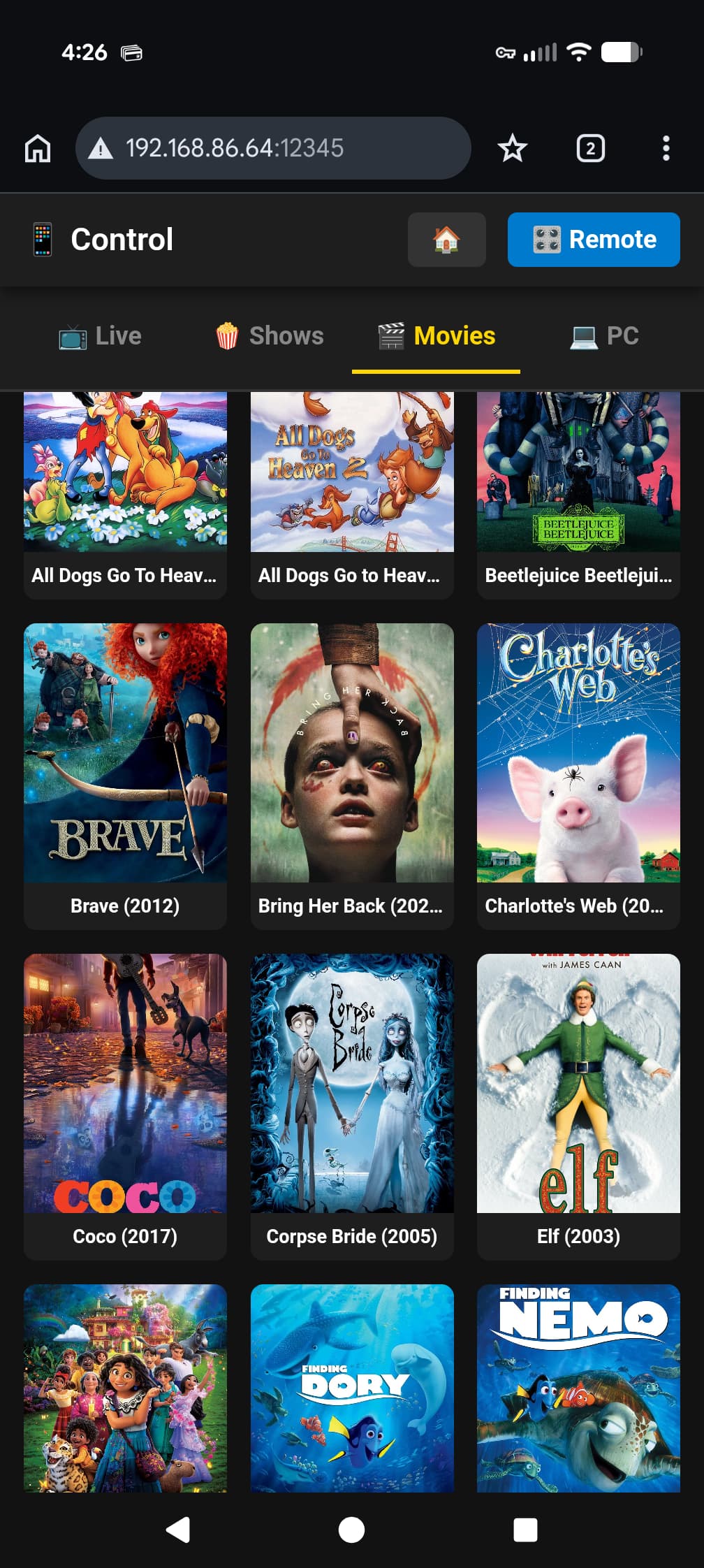
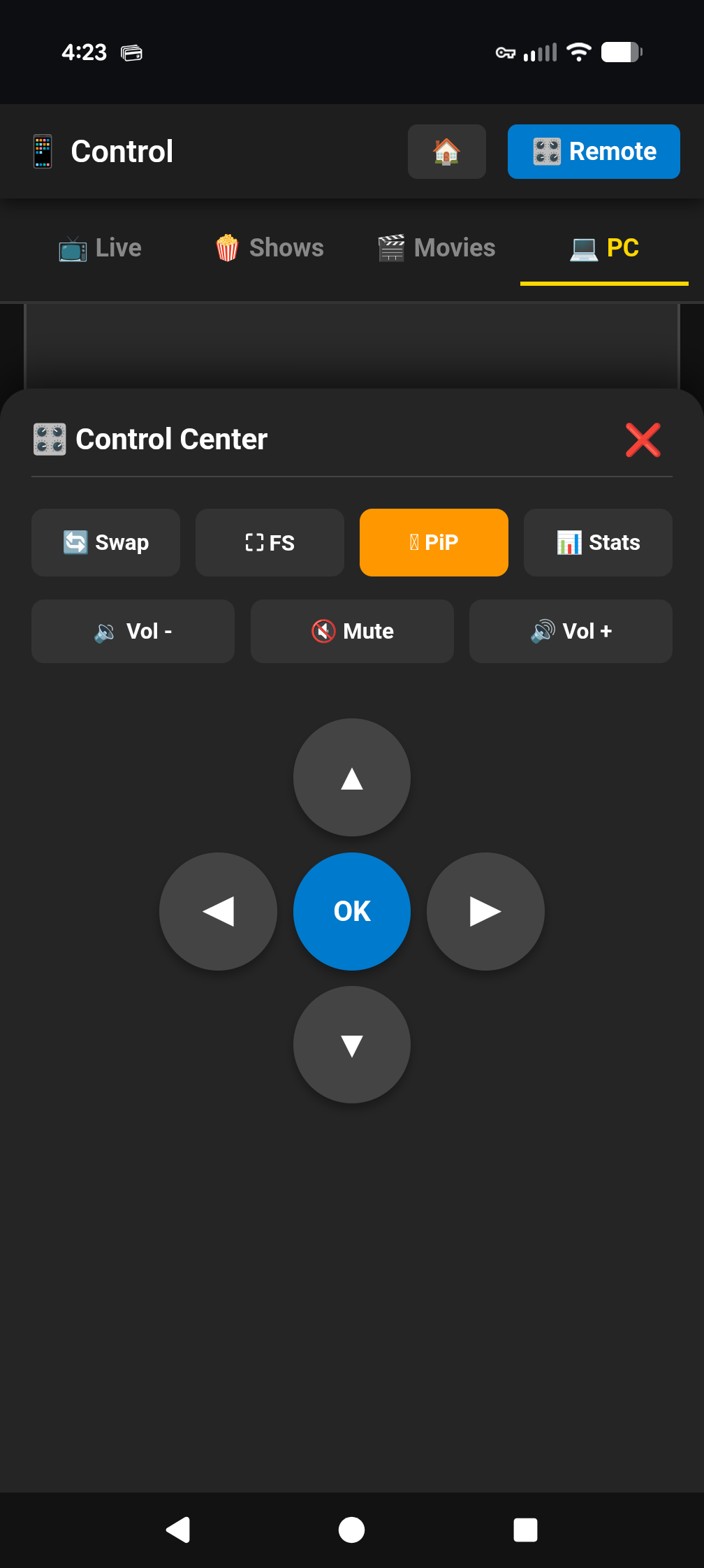
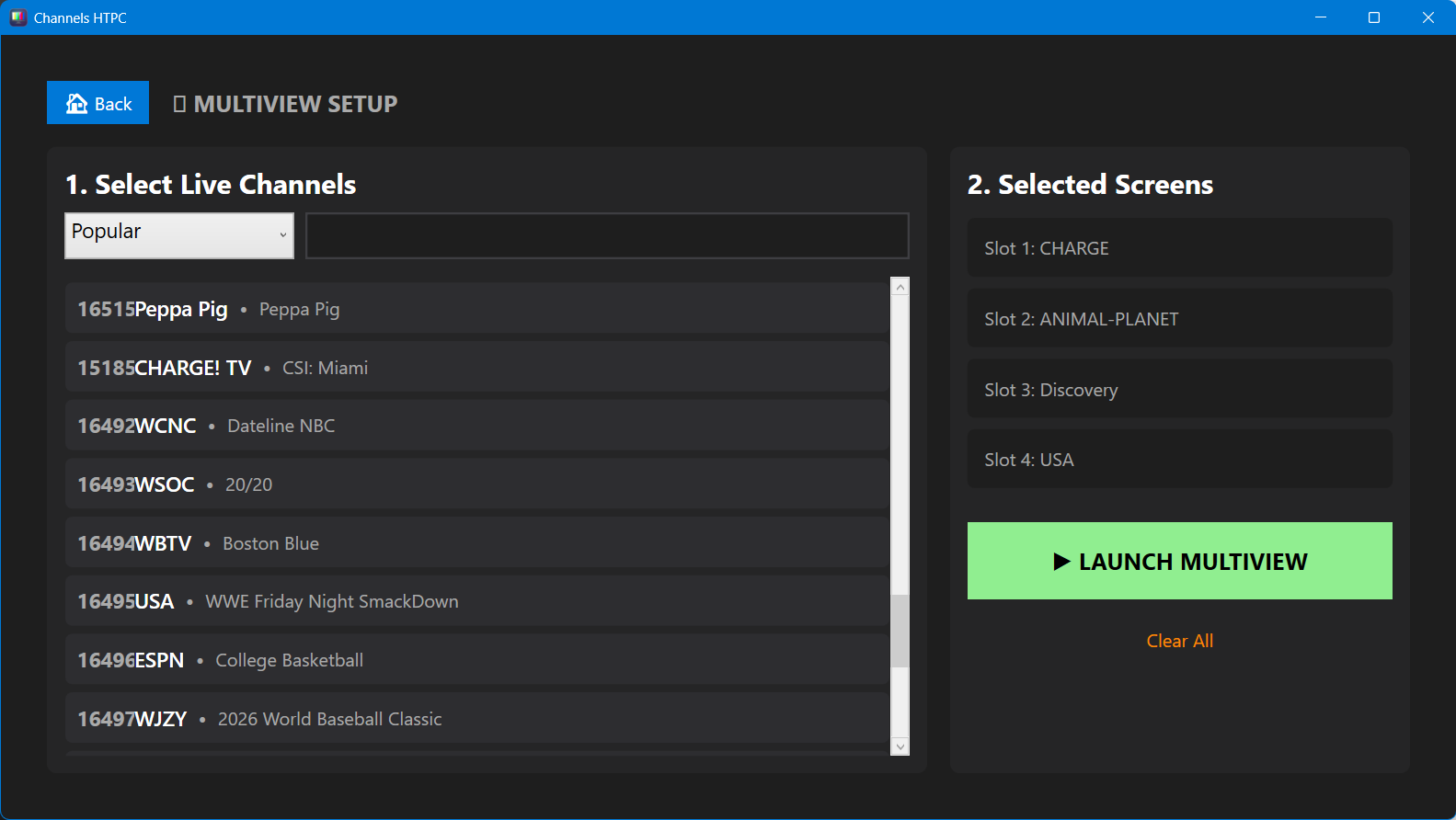
Windows Client for Channels DVR project

I used to use Flirc v1 on pc, back in the days of Windows Media Center, then Emby, then Plex, before i moved to a streaming box setup.

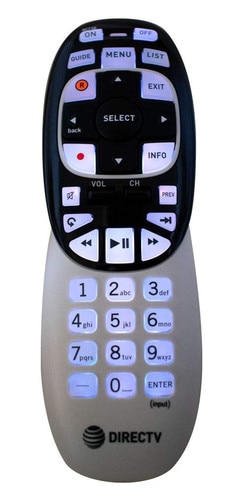
Worked very well. I could use any IR remote I wanted. Found for a few bucks at thrift store a DirectTV fully backlit remote with all the buttons things I could want. Was a bit of a pain to program the IR software, but once I figured that out, served me very well for PC based Media client usage. Kinda miss it.
Flirc makes a v2 dongle, one that is not fully transparent, no idea how good that model is.

For the record, a new Apple TV is $129

Comes with a remote.

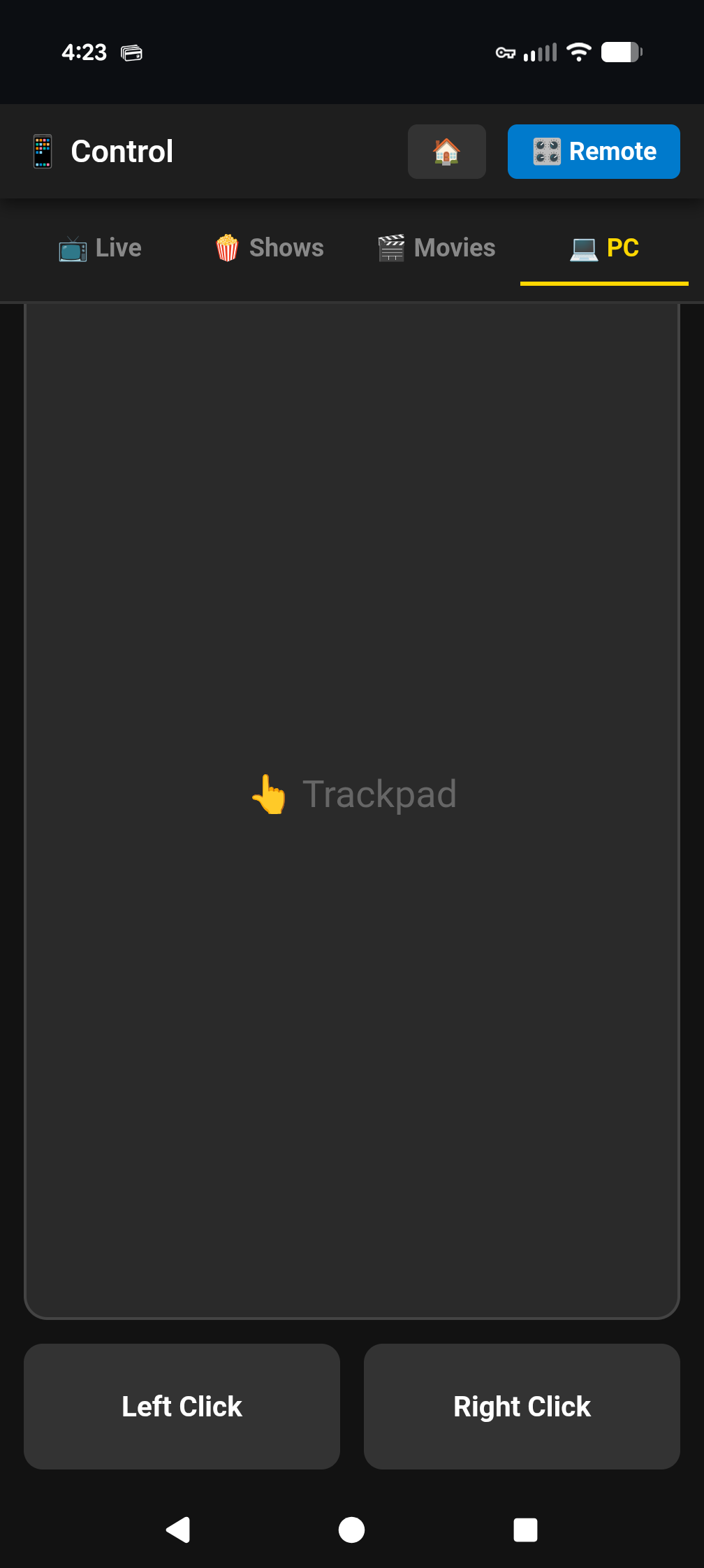
I am working on adding a network remote app that can control the windows app with your phone. I almost have the API finished and will start testing in the next few days. I have also mapped common keys for controls of the app. The arrows keys, f for full screen toggle esc to back out. Spacebar to pause and play. Etc.

Sure. A terrible remote that wears out in a year or less. Also not backlit or have number buttons. I replaced the stock Siri Remote with a one for all remote. Does not have number buttons but is backlit with other buttons I find use full.

Reguardless. The point of the post is for a windows client remote. You can’t use the Apple tv remote on pc far as I know.

Just to add to the complications of this to keep in mind:

  • Stream Links have their own special sub-routine in the real app that you'd have to be on top of. In Windows, I'd say the best bet would be to just open a webpage since there aren't a lot of native Windows apps for these services, and I don't think any of them can handle deep linking at all. Or, maybe borrow from PrismCast and have it automatically go full page while playing.

  • Stream Files are processed directly by the app, not the server. This is unlike streaming stations, so you'd actually have to deal with the playback processing. That said, this might actually be simpler than most because the content of a Stream File would just play directly in something like VLC perfectly fine anyway.

Terrible remote? :grinning:
Maybe your use case is different than an average user who doesn't need backlit at all. The remote has just a few big buttons.

You need a backlit for that?

Nvidia Shield Remote is backlit for most of its buttons. Once your used to backlit, can't go back.
Also, essential for my elderly mother who has her own dedicated Channels server and uses the Shields as client.

For me, I like the feel of the ATV remote, but the buttons kept wearing out/double clicking after like 7 or 8 months. (I seek a lot).
And this remote has more useful buttons to me.

1 Like

Pretty sure this is the remote I used with the Flirc on PC back in the day.
(or a model just like it, there are a few that look like this)
RC7XB_0