I think i asked about this some time ago, somewhere, but it got long lost and buried.
I could really use a once click way to do certain "server admin" functions, away from having to load a web browser, and click the Quick Actions that is in the top bar of the server admin page.
I would like to be able to just press a button or key combo on my keyboard(or trigger a voice command via Siri shortcuts maybe), etc, and have it run a script or whatever is needed to trigger these following actions.
Scan Personal Media
Empty Trash
Prune Removed Media
Is this possible a thing?
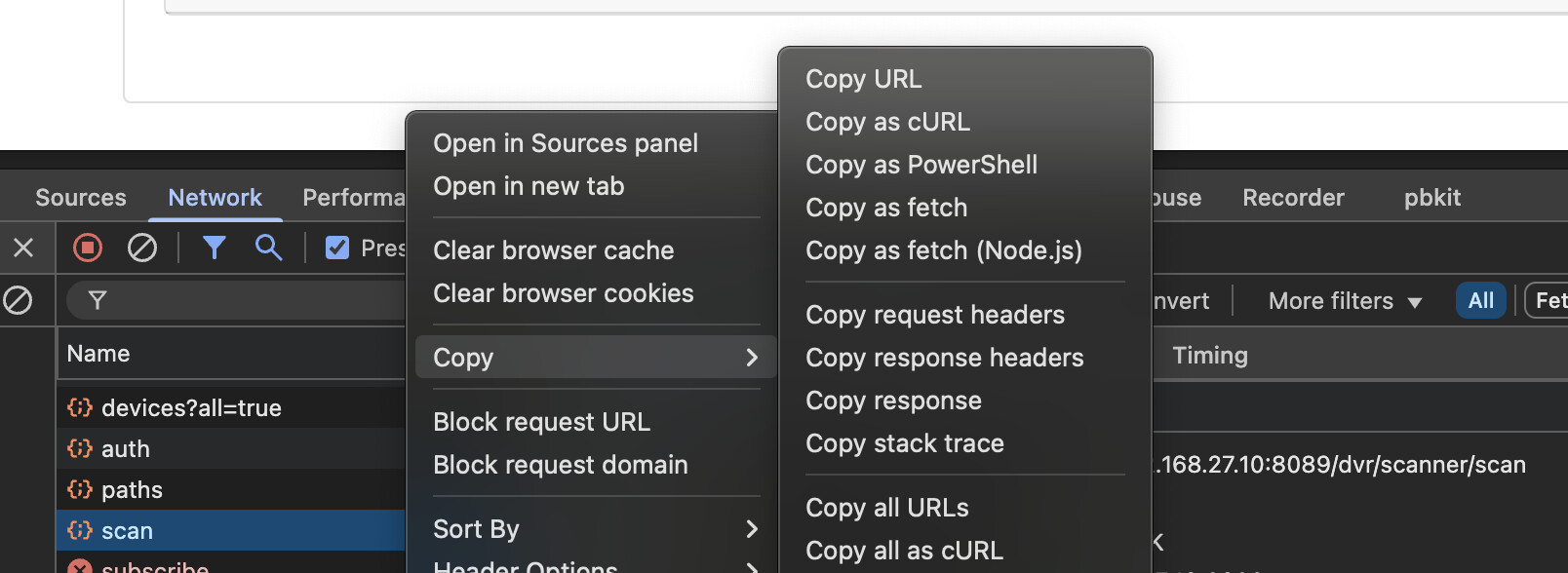
I recall, someone told me to use Browser Inspector, as that somehow exposes certain web actions, but, i fumbled around with, and have no idea what i am looking for or doing with that really.
My use case, is that i frequently download YT vids or other standalone video files, place them into a specific SMB folder on my server, watch them on my big TV, and then delete them, after i watch each one.
I have been using Infuse for this, since it is the most seamless, instantly detects a new video file, and allows me to actually delete it, not move to trash.
Channels requires more actions for me to use, as I have to manually trigger a scan, or wait a few minutes for it to auto scan. And, then have to empty trash, to remove the file from the file system.
( never liked the Trash based delete, if i delete something, i mean to fully delete it).
Just looking for a way to streamline and improve workflow on things for my usage.