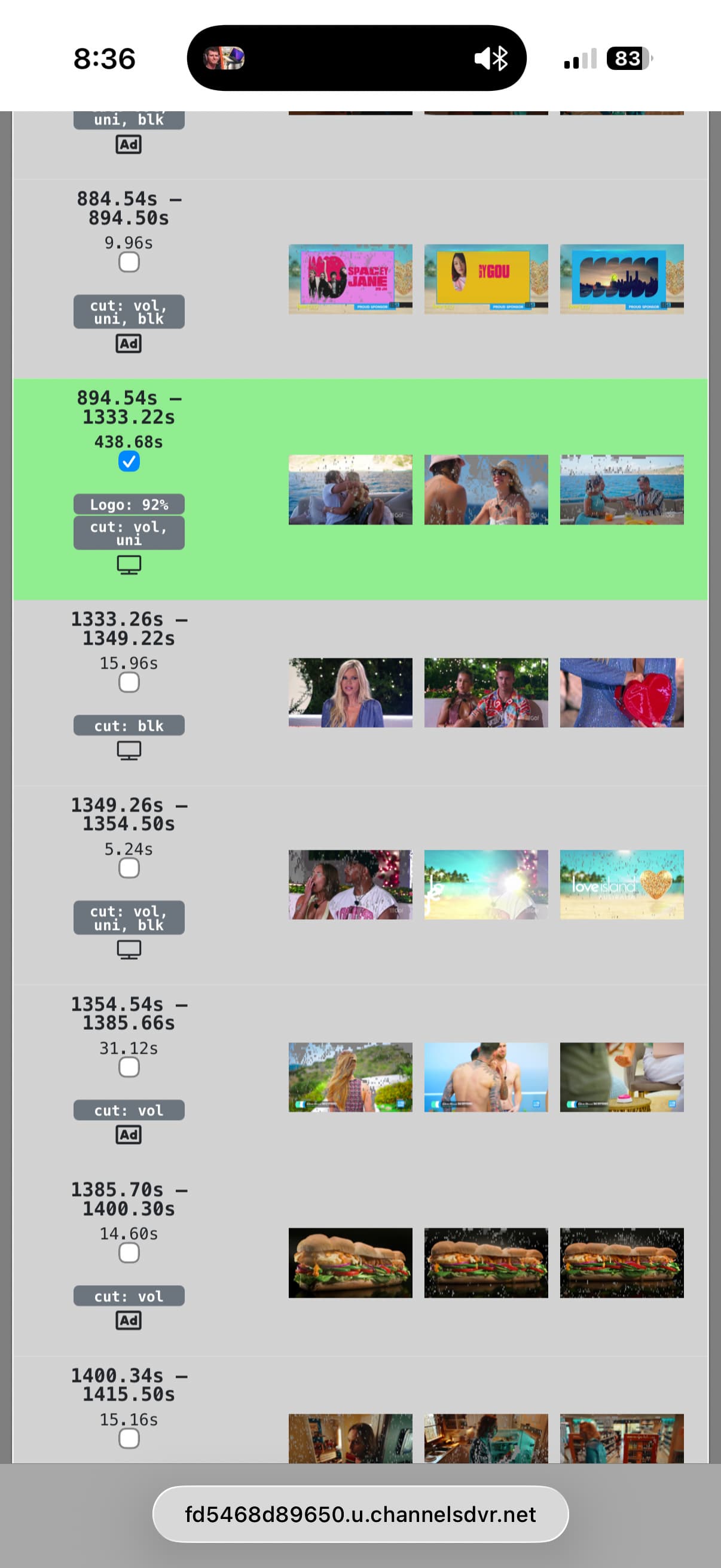
Yeah...I've been waiting for something like this for a while. Its getting a bit tougher and tougher for comskip to detect normal commercials. Thats the reason why I don't bother removing the commercials when I process them in FF (and instead opting for chapters). I'm gonna give it a whirl later tonight.
1 Like
I'm not able to enable Enhanced Commercial Detection on Windows. I was able to on my Docker version.
1 Like
On my Docker version it seems to be working pretty good compared to the compskip default. Is it possible to have an option to include closing credits? Currently on shows I tried this on, the credits don't get included with the show blocks. Seeing the credits let's me know the show has ended.
Great work! I'm seeing positive results.
1 Like
Please submit diagnostics and I’ll check out what’s going on.
1 Like
Logs have been submitted as **ecad180b-4d1b-42e5-9228-fa8ac826721d
Can you take a screenshot of a the scenes around the ones you're talking about so I can get a better idea of how the structure looks?
The way Enhanced Commercial Detection works right now is based on the consensus of all of the folks who have submitted edits so far. This definitely leaves room for reasonable people to have a different opinion of what is part of the show and what isn't.
As we get more feedback from folks we'll look at ways to handle this. I do have plans to post a document that gives a our official guidance to some of these scenarios that are ambiguous and solicit feedback on that as well.
Can you try this latest pre-release?
3 Likes
I'm able to enable Enhanced commercial detection in Windows with the latest release. Thank you!
It maybe better to add an option to add 5 seconds to the last show block. The credits sometimes show right after a show ends and other times after commercial segments. This is not a big deal to me. I just need watch my recordings with the enhanced detection to see how it is when the show ends. The current version may work just fine.
1 Like
I suggest the guidance encourages people to include the credits as a show block as well. I understand many credit rolls have ads for other shows, but everybody deserves credit for their hard work.
3 Likes
We have been enjoying the improved commercial detection. Thank you for the enhancement.
4 Likes
I've started a document to try to aid in the consistency of editing commercials to submit to us to use in Enhanced Commercial Detection:
1 Like
I'm running into an issue with enhanced commercial detection turned on where I am not having commercials marked at all. But if I turn enhanced commercial detection off, I see where ComSkip found the commercials.
I'm not sure what I can do to fix it. I'm on Unraid running in Docker.
I submitted diagnostics if it's helpful.
8418c3ec-a819-4c3c-912b-9e334e5220e8
1 Like
I'm not quite sure what you mean by this. If you go Edit Commercials for a recording and toggle between Enhanced and Standard are you seeing commercials marked in both situations?
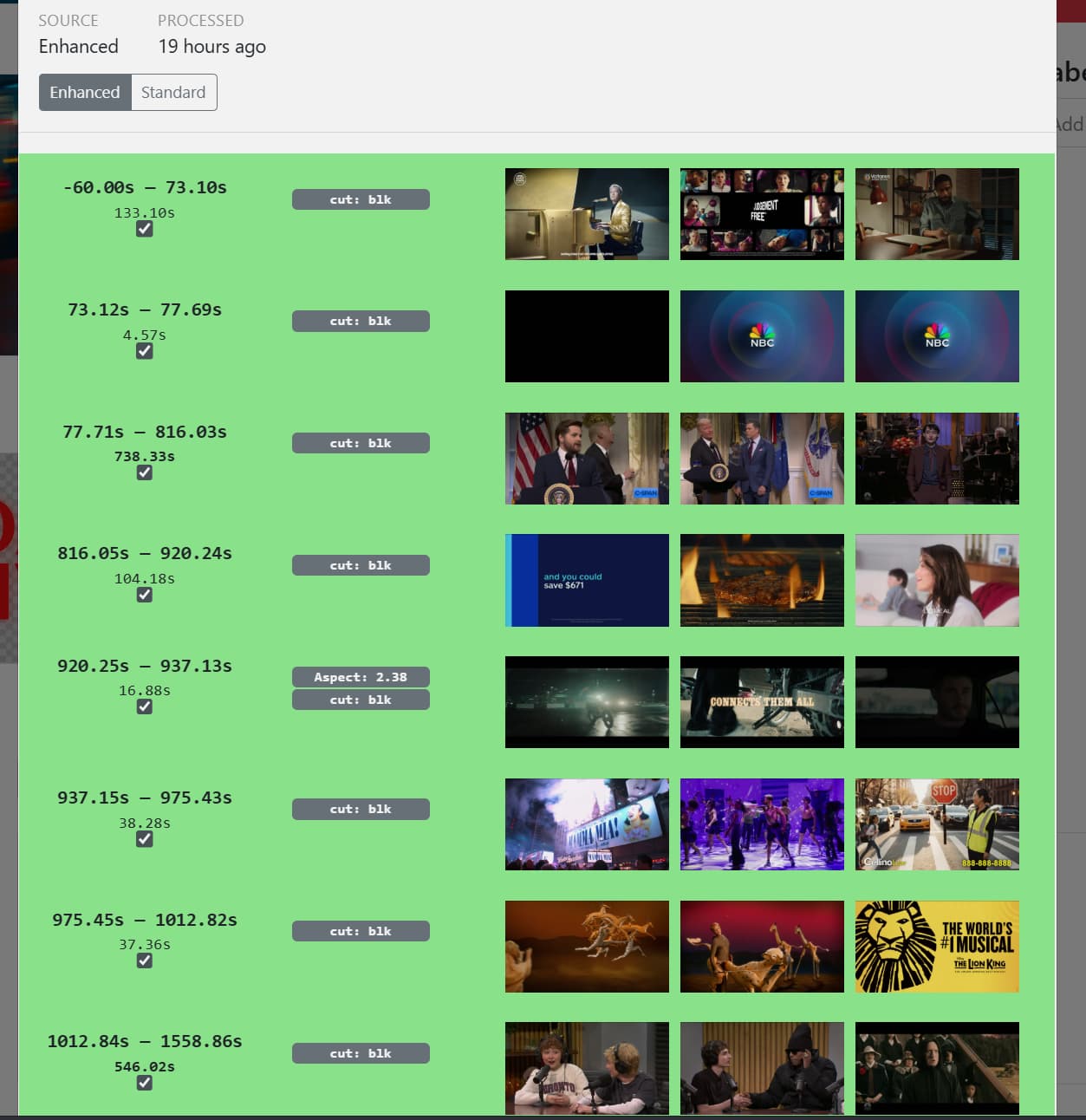
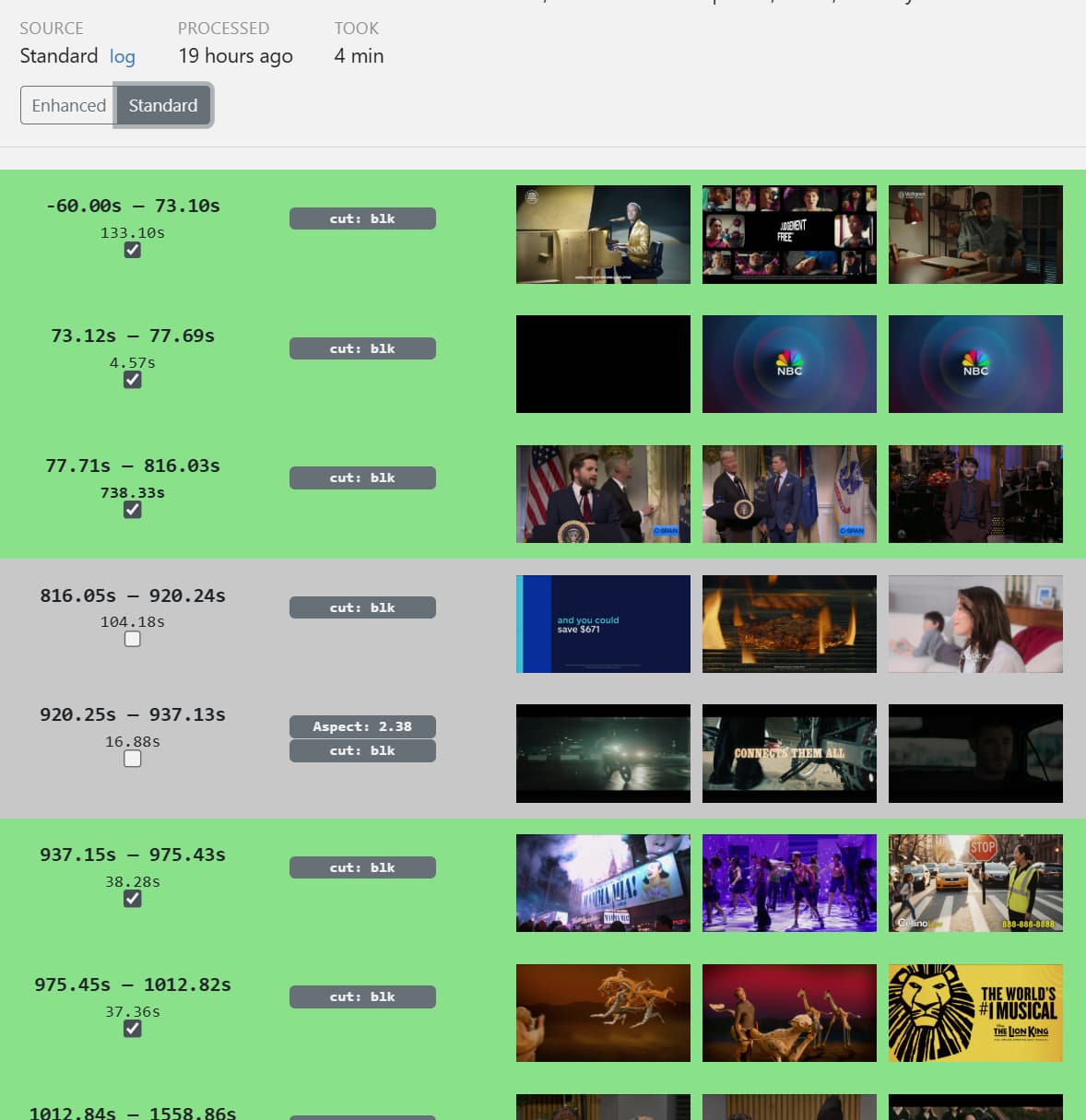
Is this happening for all of your recordings or just some of them? What is the source of your recordings? Have you edited and submitted any of your recordings?
I haven't edited any recordings except for one, although I reprocessed this recording and it worked. So I'm wondering if it was possibly a bug in between beta releases.
I recorded two shows this evening and they both processed just fine, so I'm wondering if it was just a one-off blip.
Does running Live Commercial Detection effect accuracy the enhanced detection post recording? It’s something I have turned off due to reduced accuracy, but if enhanced fixes those live errors would be nice to enable.
Yes, it will impact the accuracy of enhanced detection. I have not run calculations to quantify how much at this time.