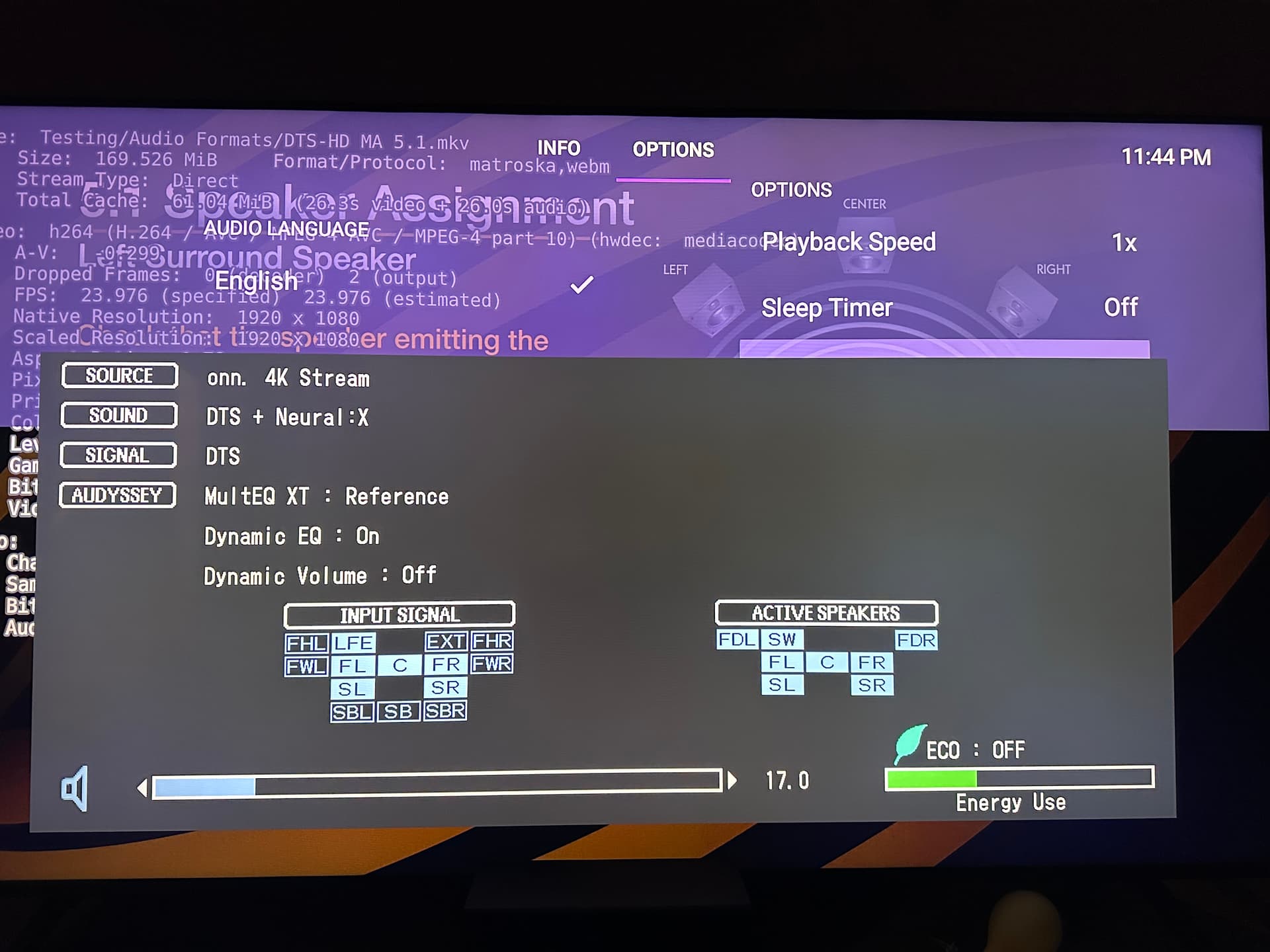
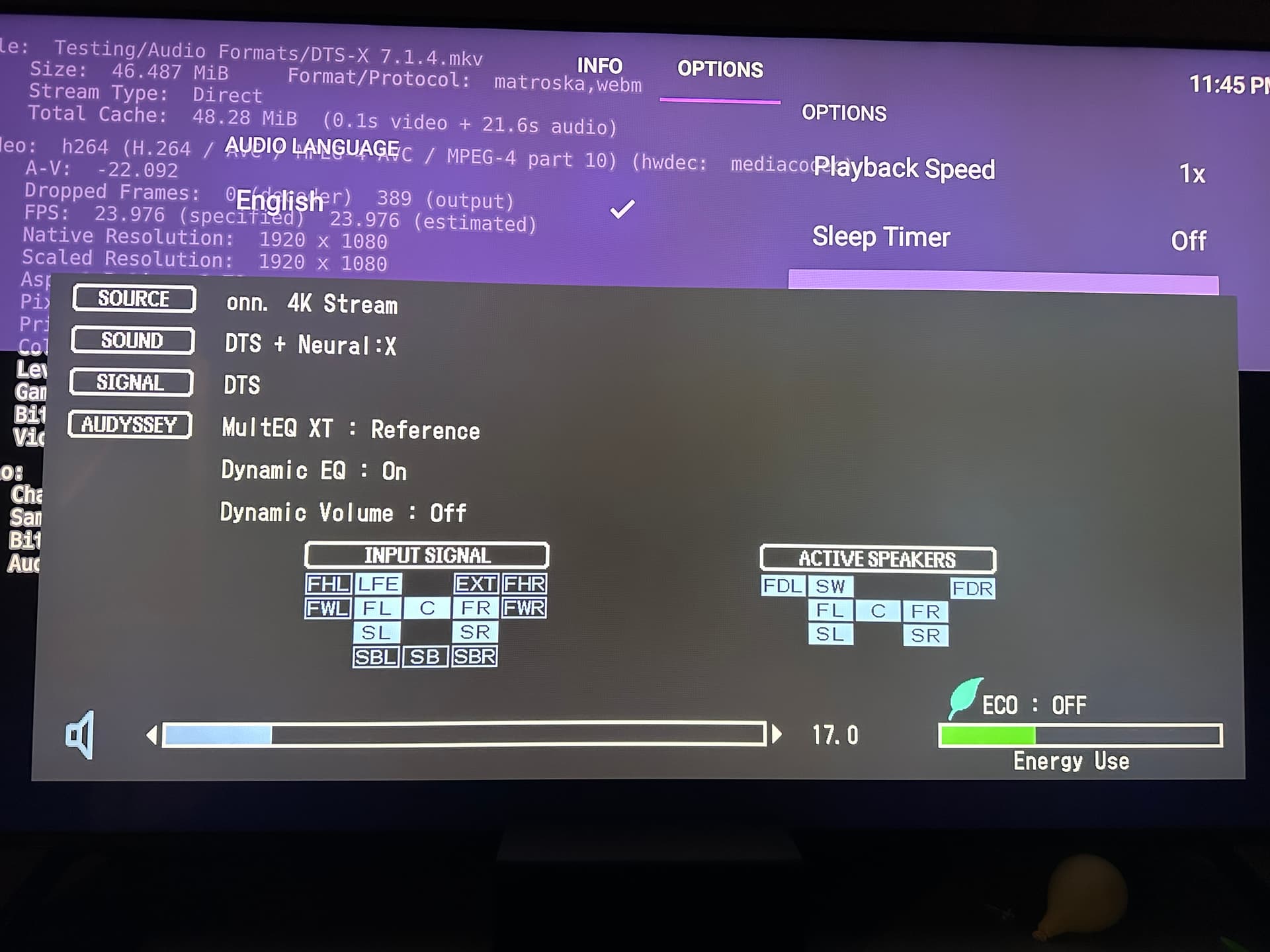
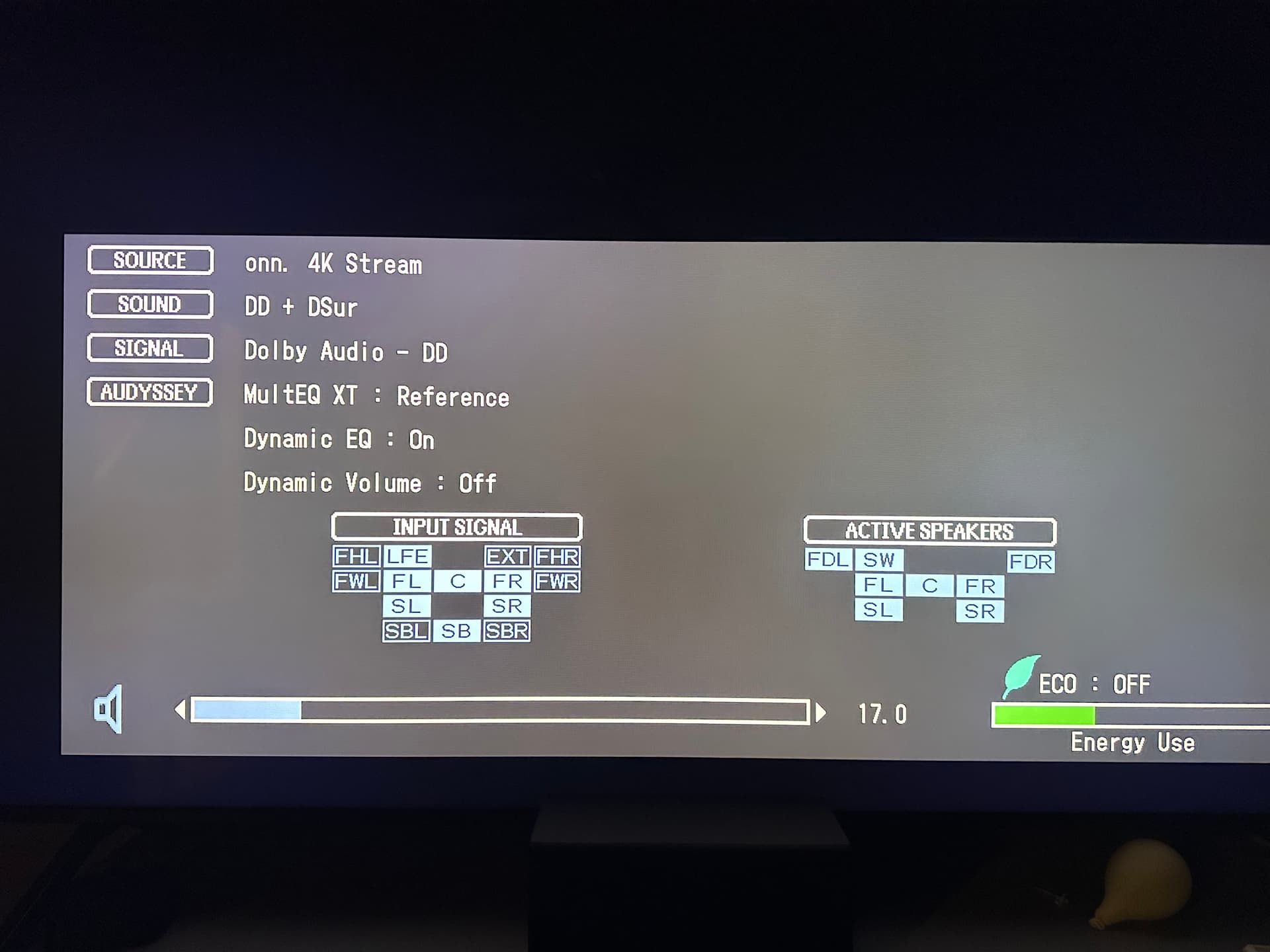
In the latest Android Beta we've expanded our support for Audio Passthrough to the following codecs:
- E-AC3 (including Dolby Atmos)
- DTS/DTS-HD
- TrueHD
- AC-4
If you have Surround Sound enabled in the settings, you will start using these automatically.
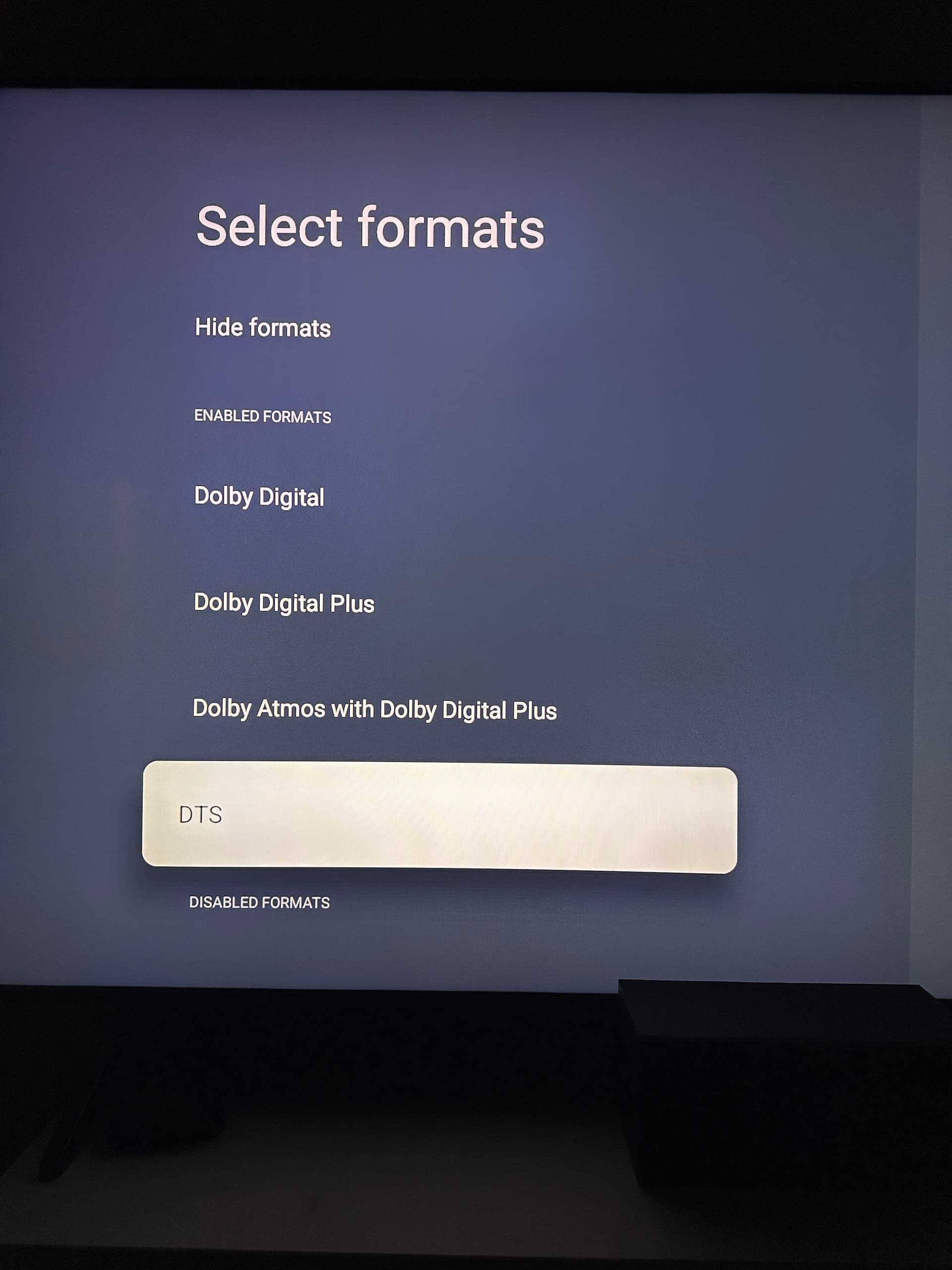
The Android OS by default negotiates with the connected device to provide us with the available codecs. Going to Android Settings -> Device Preferences -> Sound -> Advanced sound settings you should find that it is set to Automatic, which will let the device negotiate with connected devices (stereo receivers, for instance) to provide the correct codecs.
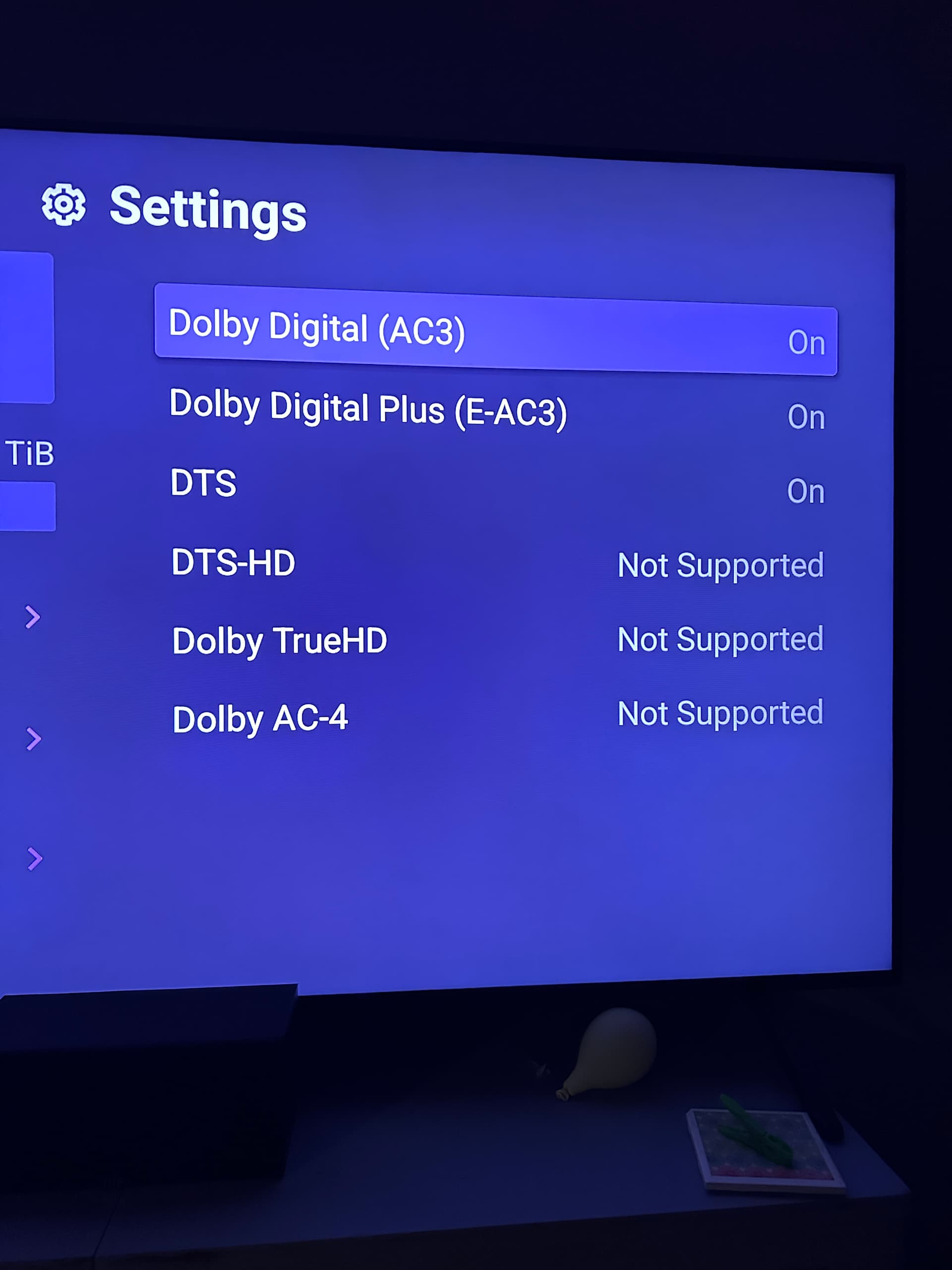
With all new features, it's always possible there are bugs, and so if you find that a codec is acting up when you try to play it, you can temporarily disable Passthrough for that codec by going to Settings -> Playback -> Advanced -> Passthrough and disabling that codec.
We have not had any devices available to test the AC-4 support, so would be interested if anyone has an Android device that can play it to give us feedback if it is working for them or not.