BETA: HDMI Encoder Native Apps - Say goodbye to DRM restrictions!

As of v2026.06.10.1322_BETA, HBO Max is available with the following stations:

  • HBO
  • HBO Hits
  • HBO Comedy
  • HBO Movies
  • HBO Drama

This is true both of the individual station files and the "all" stations.

image

Please note that these stations are using the "deep linking" default method, not the custom configuration/plugin app navigation method. Thanks to @Jean0987654321 for providing those!

Also, since I don't have a login, I can't confirm these are working correctly, so will need others to check that for sure.

@bnhf, at your convenience, please add HBO Max to OliveTin, thanks!
Done. Pushed yesterday as bnhf/olivetin:latest (aka bnhf/olivetin:2026.06.11).

I finally am working on getting this set up on both Roku and ADBTuner. I hope to at least get my local CBS, NBC, ABC, and Fox working.

As I work on the ADBT channels, I am adding the rpoviders using Project One-click on Olivetin. @bnhf , when I add CBS, Disney+, and FoxOne, my local network channels are defaulting to Rhode Island stations, rather than my location in Los Angeles area.

Is there something I can change to get the proper locations to automatically in my new native-app feeds? Maybe there is a location variable I should set in Olivetin for Channels? Or perhaps I need to correct them by re-mapping the channels to my local stations for proper guide data in CDVR?

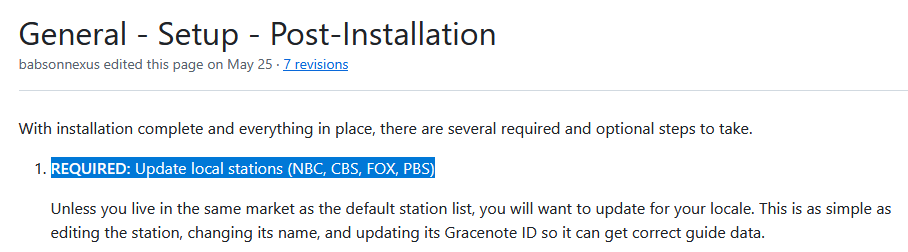
Please read the post-installation instructions on the Wiki...

2 Likes

Hey, look at that! It's right there in the instructions. That's what I get for following along as I go, rather than reading ahead... :roll_eyes:

Please note the following in v2026.07.03.1655_BETA, especially if you use the CBS app:

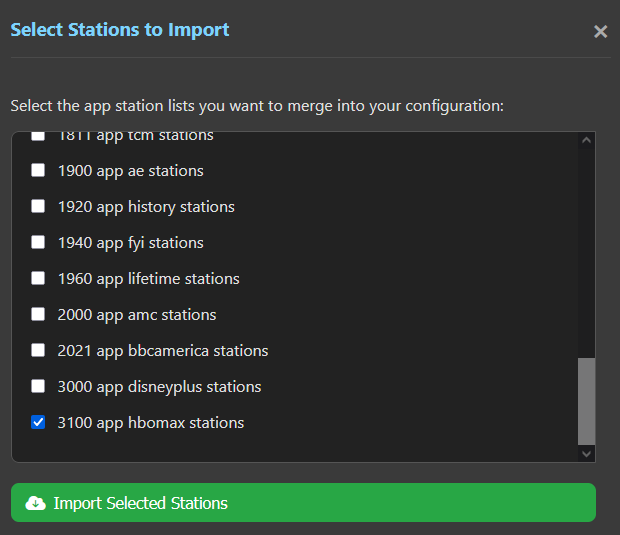
@bnhf, please note the addition of the CBS Sports app for OliveTin. Also, I noticed when loading stations from OliveTin that the Sort Order was not included and that the Provider Name did not use the default names like app_cbs and instead said things like native. Wondering if there is a reason for this?

@turtletank, I believe these is an issue with importing stations using the built-in method. In a net new installation, if I load up the stations, over 90 of then will reject as duplicates even though they are all unique/new and OliveTin has no problems loading from the same lists. You can test this yourself and see something like:

  • NBC loads perfectly with no issues
  • Fox will only load one station (the second) and reject the rest as duplicates
  • MSNBC loads with no issues
  • CNBC rejects as a duplicate
  • CBS loads a smattering of stations and rejects the rest as duplicates
1 Like

Apologies for the delay. I'm taking a look at this today, and it doesn't look like an issue to add Sort Order. The only thing I'm wondering is about is potential sort number conflicts. It appears the numbers are high enough where this is unlikely -- so, maybe there's not much to worry about.

As far as using a provider of native for all channels, my thinking on this was two-fold. First, for those that are adding all channels, I figured they'd prefer to have a single Custom Channels Source, rather than a source per provider. And second, when deleting that source (when updating or removing), it makes the process extra quick.

2 Likes

That's fair; I'm generally thinking of net new installs, but if someone has existing stations, this could be an issue. In that case, perhaps a Yes/No option would be best whether to load the Sort Order or not. I was just looking at keeping HENA stations together and in order, but the load as you have it now does that anyway.

Okay, makes sense, whatever makes OliveTin and your life easier!

1 Like

@Bobby_Vaughn , can you please add a tvg-shift to the channel settings on Roku Tuner Bridge?
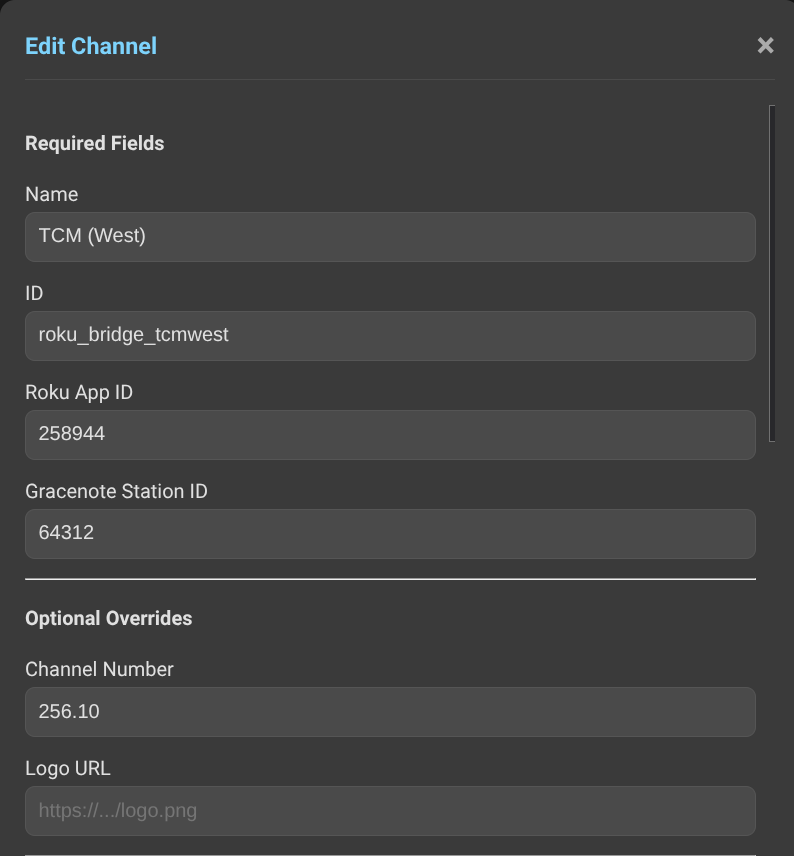
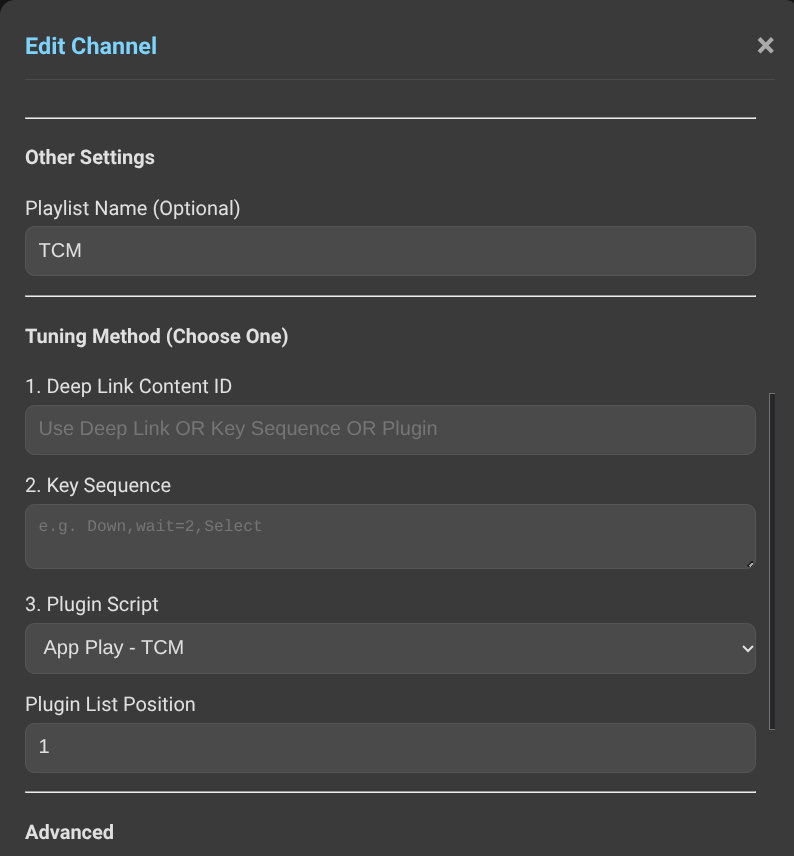
I have added TCM East and West by the native Watch TCM app. Both channels default to the TCM (east) Gracenote ID 64312.

I'd like to delay the west coast channel guide by three hours.

Good idea. I will add that on my next release.

1 Like

Thanks, Bobby! I'm still using the original Roku Tuner Bridge container, v4.5.9. I think that's the latest

1 Like

Ok. I'll add the it to the original one too.

2 Likes

Sweet! Thanks again!

1 Like

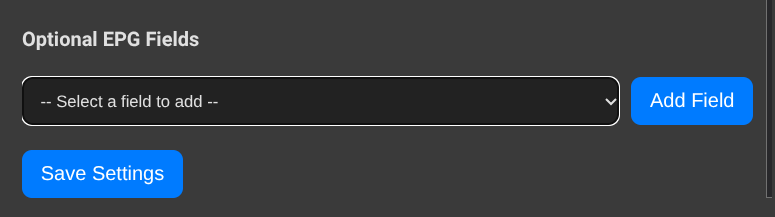
v4.6.0 with the :HDMI-Encoder tag has been released with the tvg-shift tag added. It is under Add Field dropdown menu. Use + or - before the hour(s) you need to offset the guide data for.

Hi Bobby! I appreciate the addition of time shift. Unfortunately, I'm not seeing the drop down you mention. Am I looking in the right place?


Oh, you are we using it on the gracenotes channels. I added it to the epg channels. Let me make sure it will work correctly with a gracenotes channel playlist and I will add it to that one also.

1 Like

I found it under the Custom EPG channel menu.

I was hoping to apply an offset to a Gracenote channel. Can we include this same dropdown there, too?

Adding it to gracenotes as we speak.

2 Likes

ok,it's updated with the gracenote addition.

That's Perfect! Thank you so very much!