
If your navigation settings are set from the server, you have to manage them on the server, just like before.
No, it means that when you configure it locally, you can now set what shows and in what order. If you set it server side, server side always wins, like it's always been and like all settings work.
Noticed the cropping on TVOS now trashed when view show and there is no play button any more.. had to roll back the prerelease.
Can you be more clear about this? I can't resolve what you're talking about at all.
Absolutely
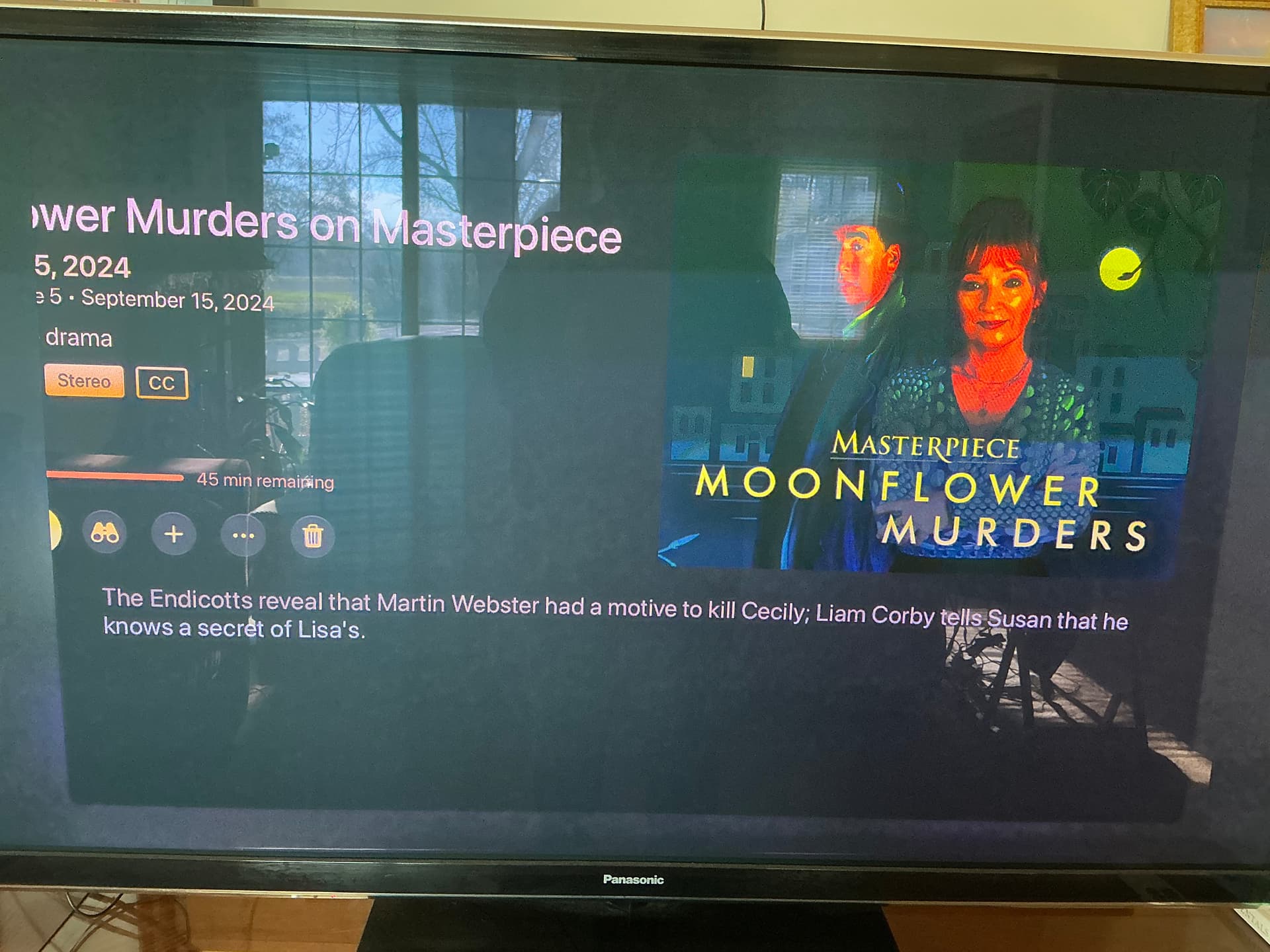
Im on TVOS 27.2, on apple Tv 4k 2nd gen
Happens on the last two TestFlight releases 11.7.1638 11.6.1811
10.29.54 looks perfect
I looked into this a bit more.
Certain shows seem to be cropping differently and seem to be fine, it just so happens that the first show we were just trying to watch exhibits the issue.
It seems the play button is barely visible, i didnt even notice it at first.
oh. this was already mentioned up top. Please keep feedback to things that have not been mentioned yet.
In unfolded landscape while in/out of split-view mode. I’ve tested with the Apple TV app and it works fine and the Channels app should behave the same way.
1 - Start Channels in right side - looks good
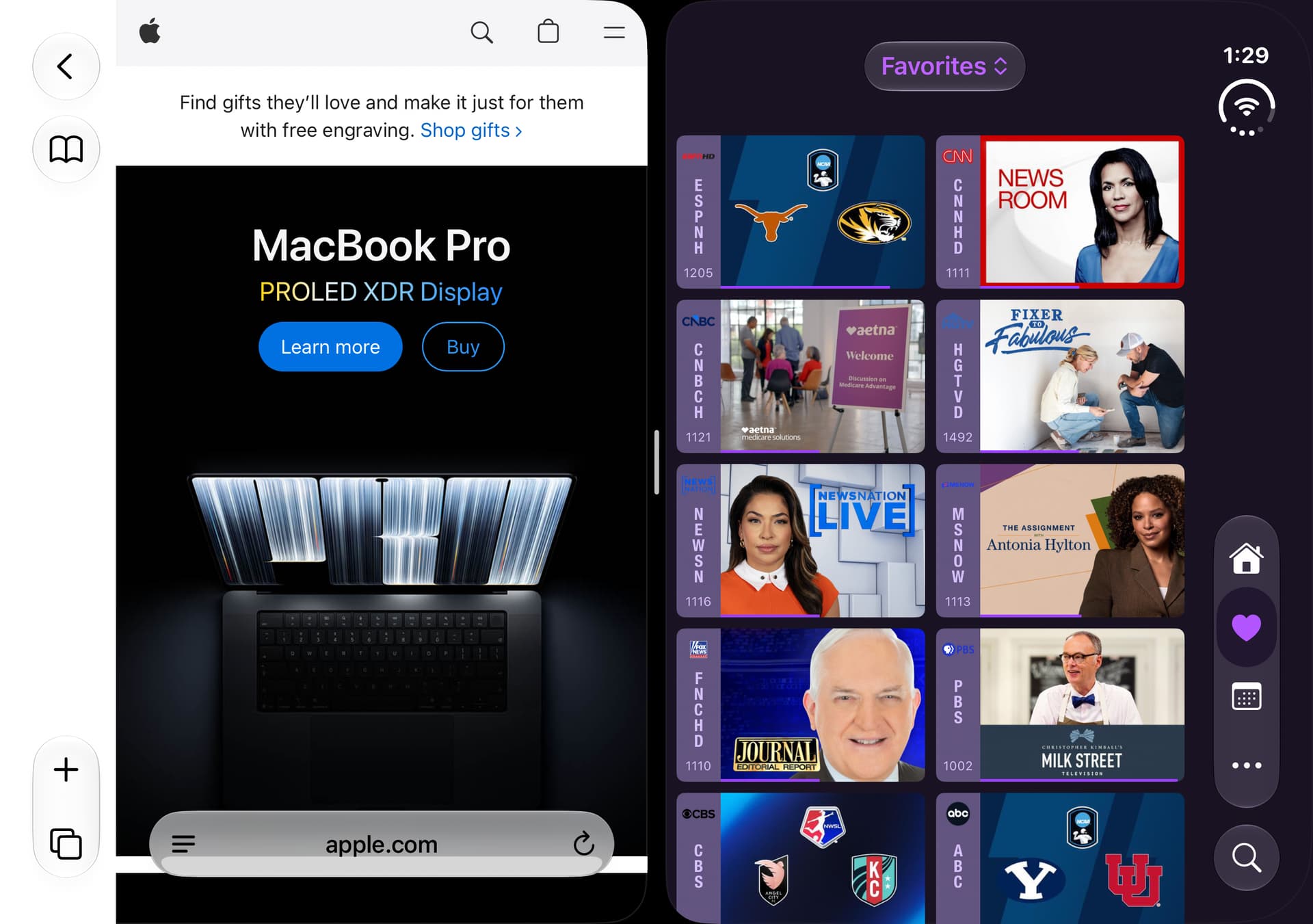
2 - Move Channels to left side from right side - looks good
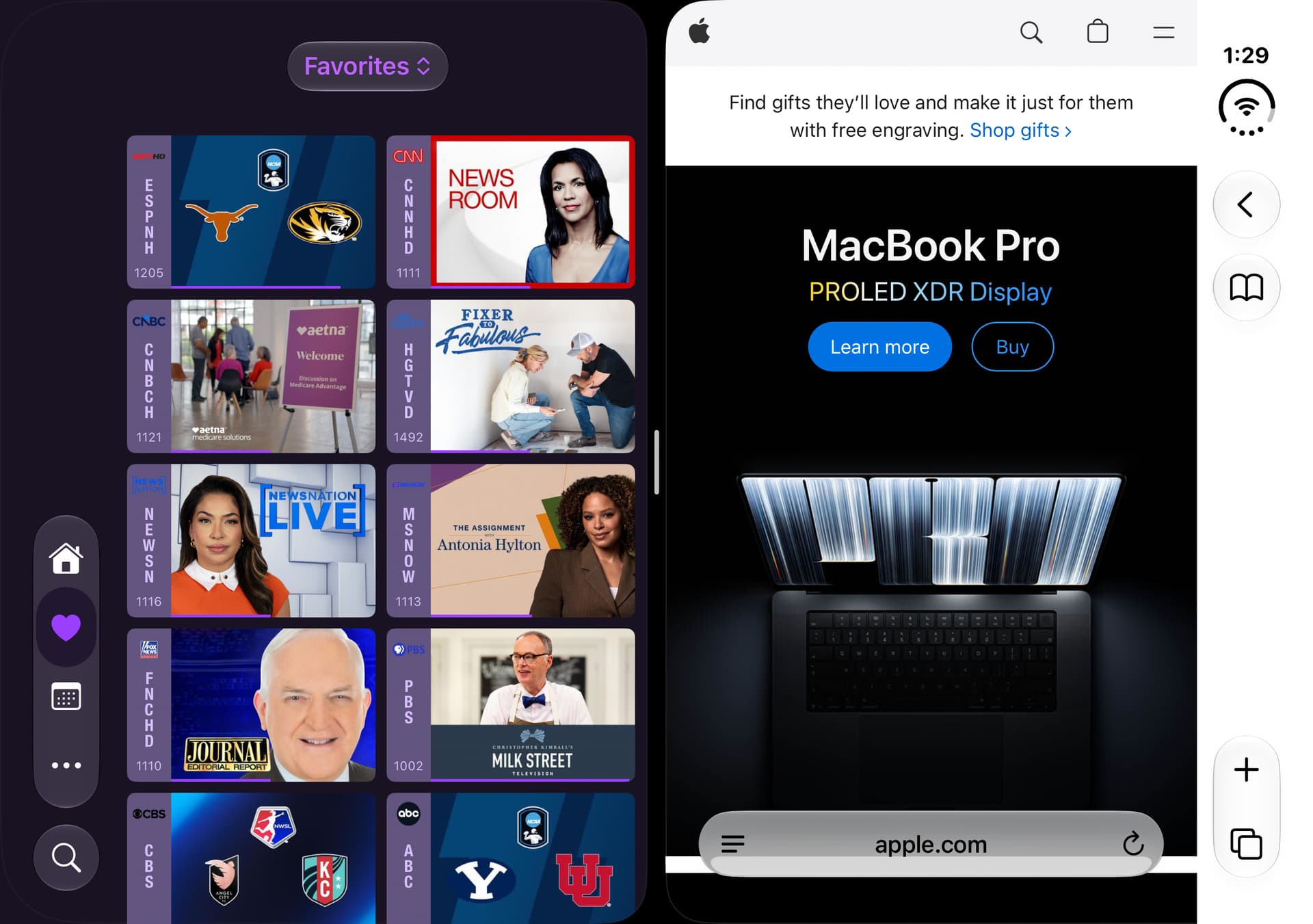
3 - Swipe Channels into full landscape mode from right to left side - missing menu
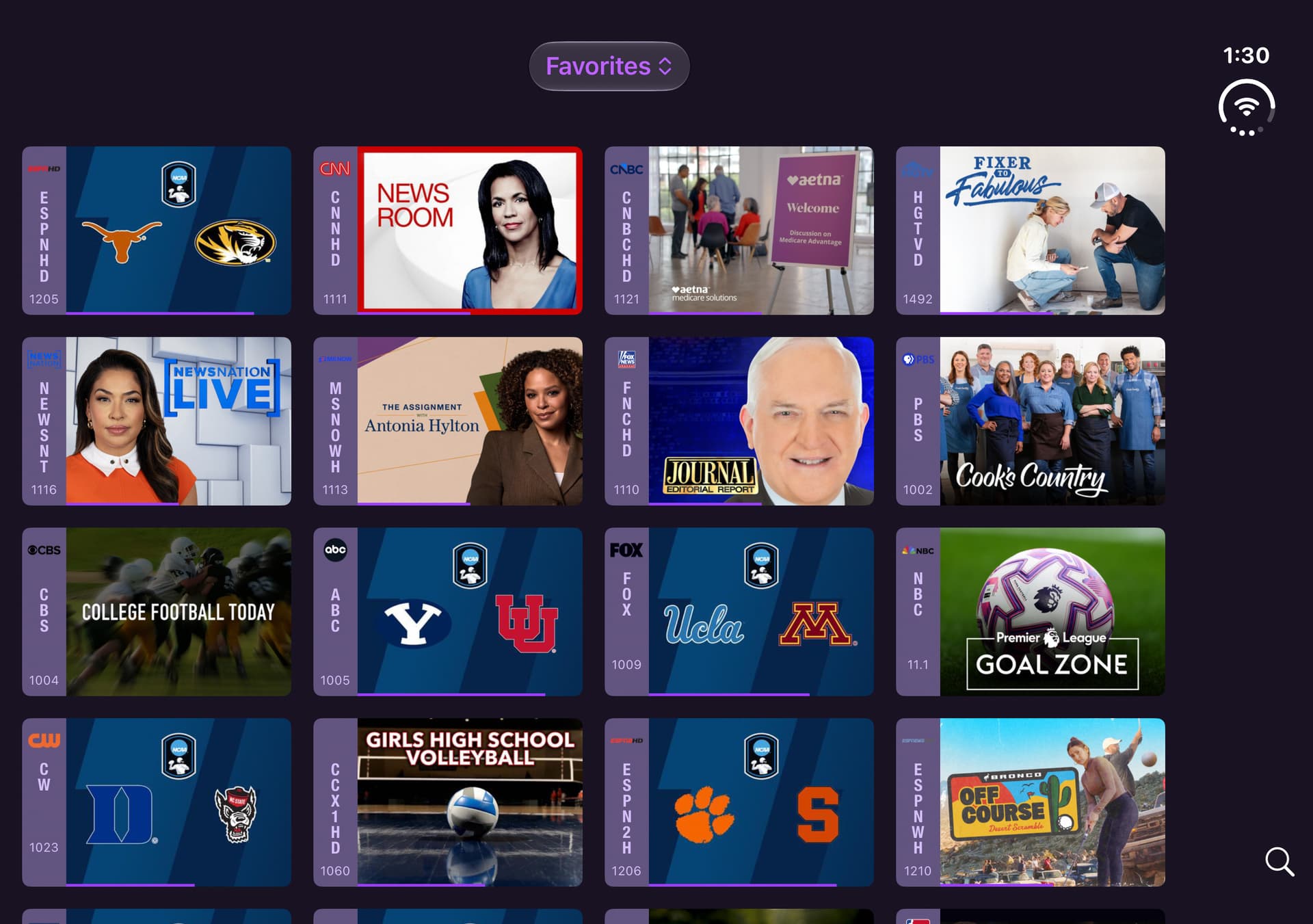
4 - Move Channels to left from right side - missing menu
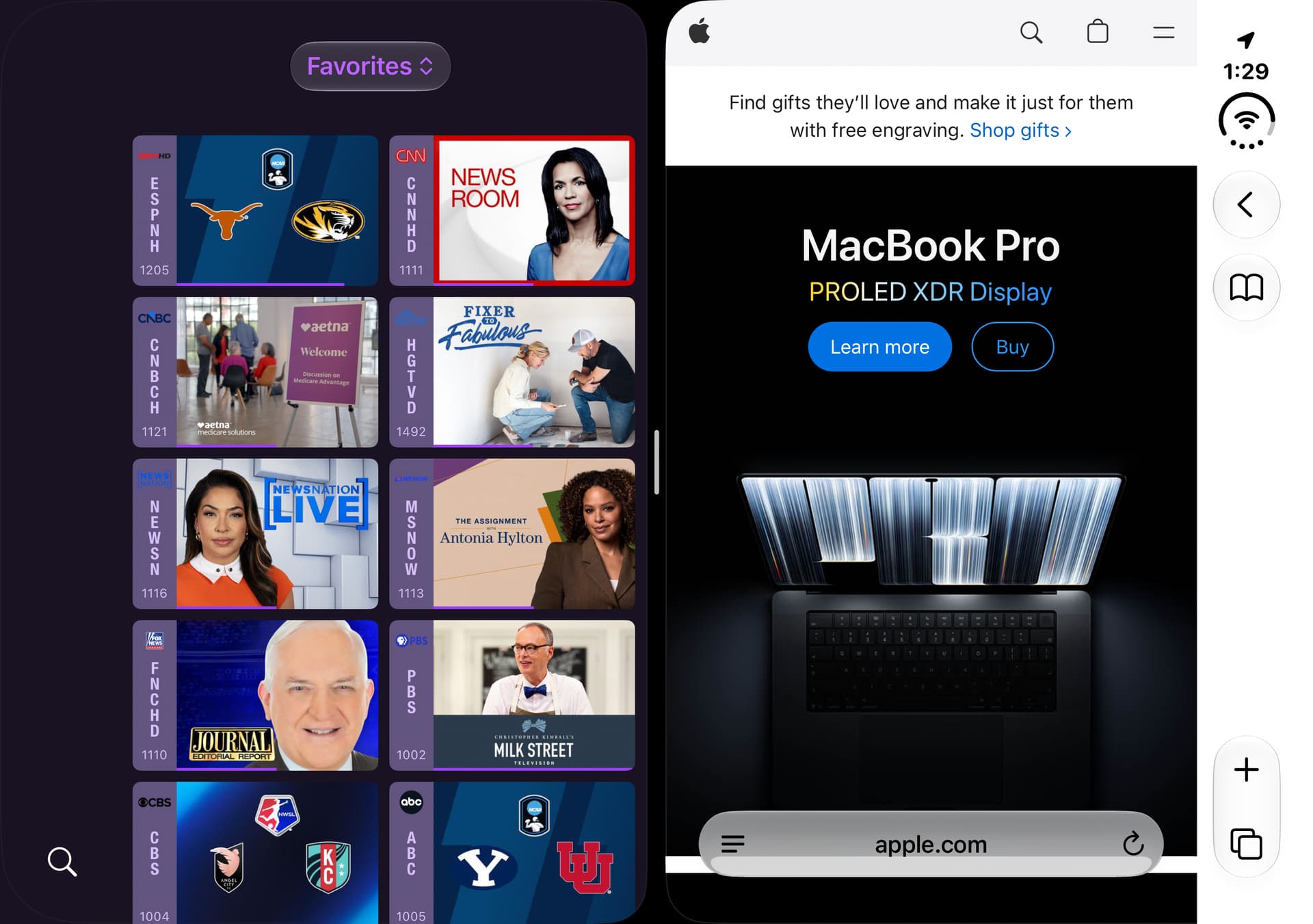
Thanks, I have enough info now. This is clearly just some weird little bug.
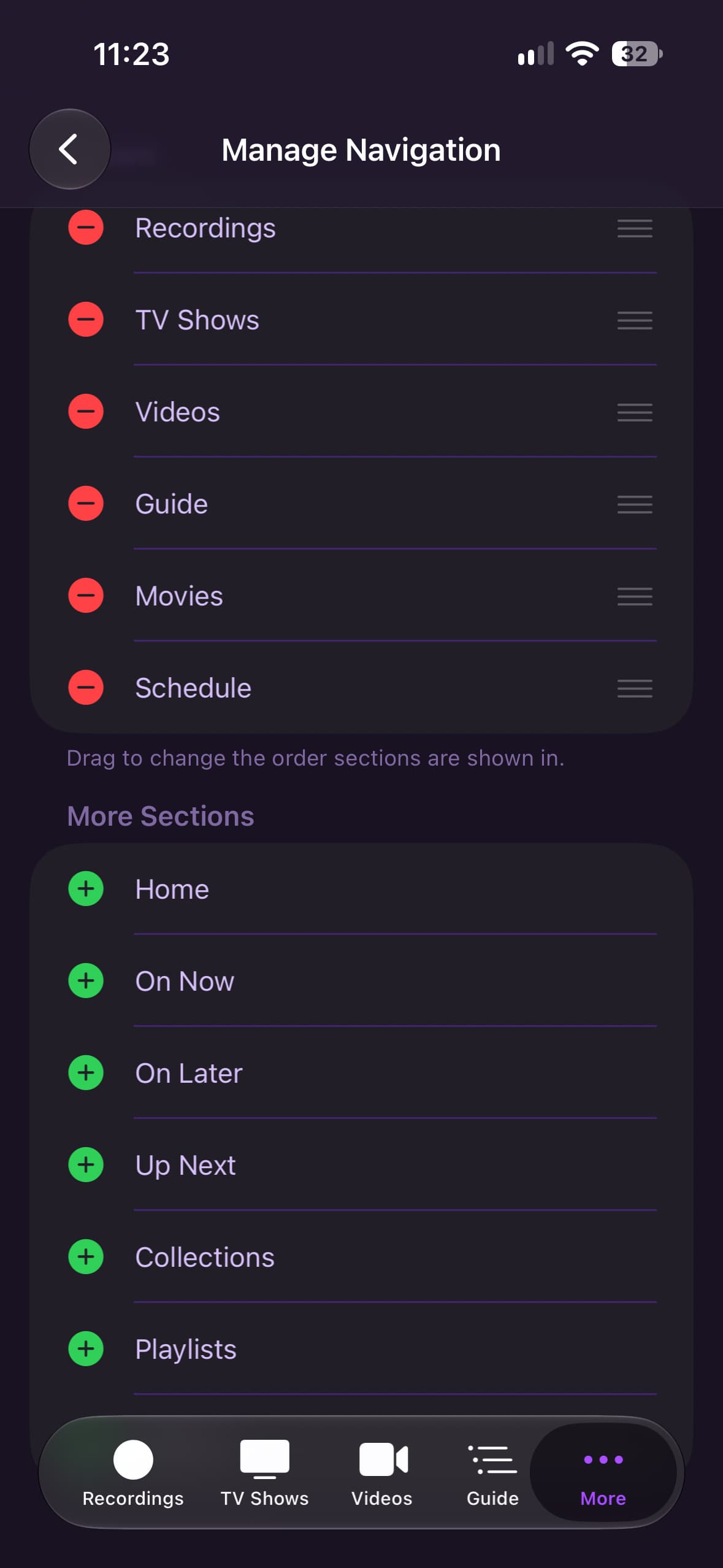
These were resolved in the latest TestFlight beta. Additionally, the Manage Navigation section will show exactly what you have set Server Side, if it's set, to be more clear.
Thanks for the customization for Kid section.
I’m not seeing a Favorites row on any section that it’s enabled. I have 2 tv shows favorited and I see them under the favorites row on the legacy web ui but not in the beta iOS app.
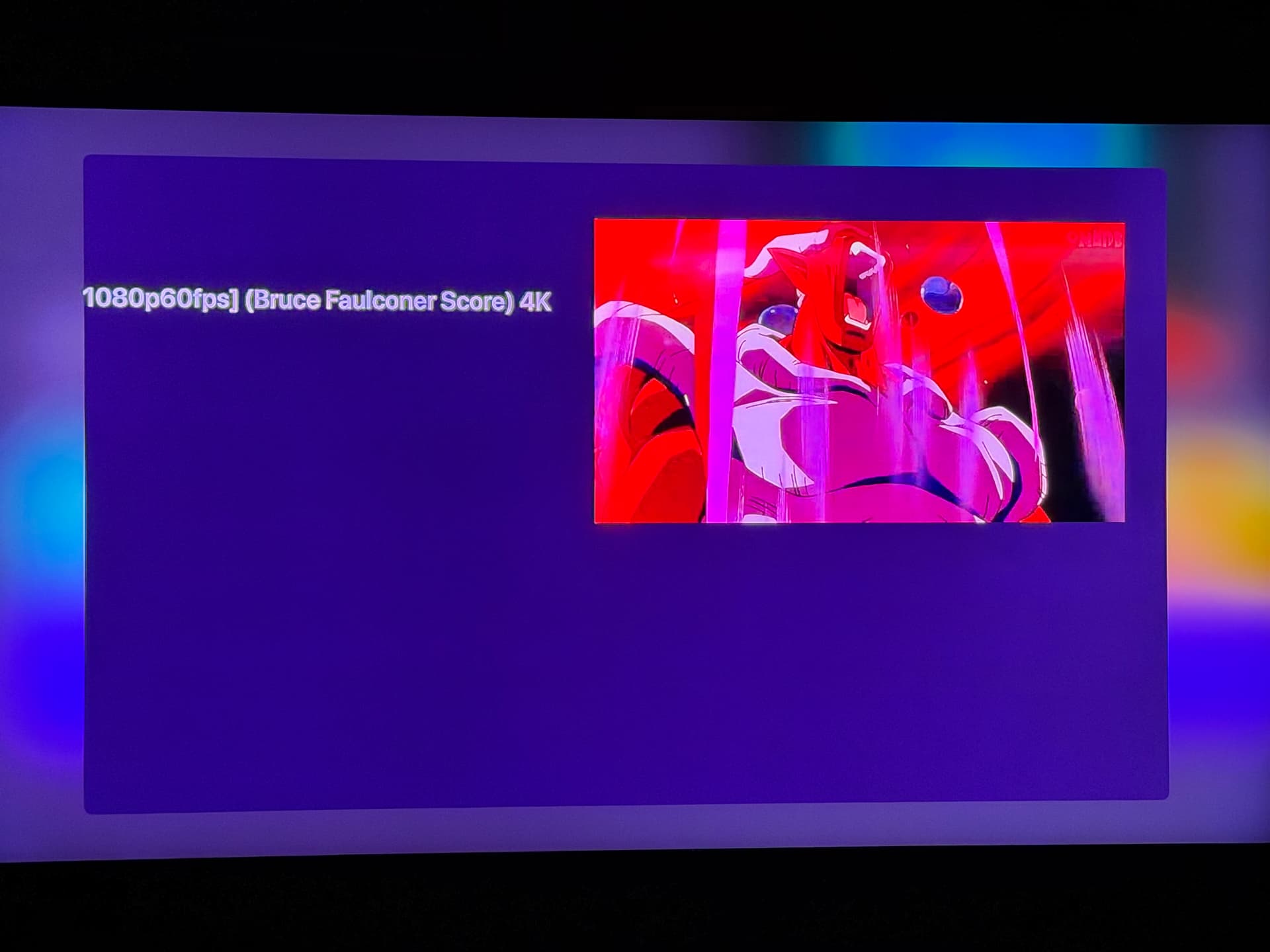
I can't reproduce this. Can you submit diagnostics and tell me what video this is?
It's clear that it's very light on metadata, and is just carrying a title from the filename. So it's likely that some piece of metadata being missing is effecting the layout.
It literally any an all plain videos that have no metadata. Anything I download from the web, or YT. t is just using the file name as it has before these updates.
All of my videos that have a file name longer than a certain amount start to cause the UI to move over to the left and thus get cut off.
OK, it looks like those changes never hit the last build. They're gonna go up in a second.
OK, try this, it should ACTUALLY fix it:
There we go. Fixed. Thanks!
I kinda preferred the sidebar, trying to get used to the tab bar, and think I found a bug.
“Downloads” does not appear in this list.
If you remove enough items it will appear in the tab bar. Or if you add enough items to get to the “more” section it will appear there. But why isn’t it its own section that can be dragged where I want it like anything else?
Yay! Finally pinch to zoom/fit screen! Works great!
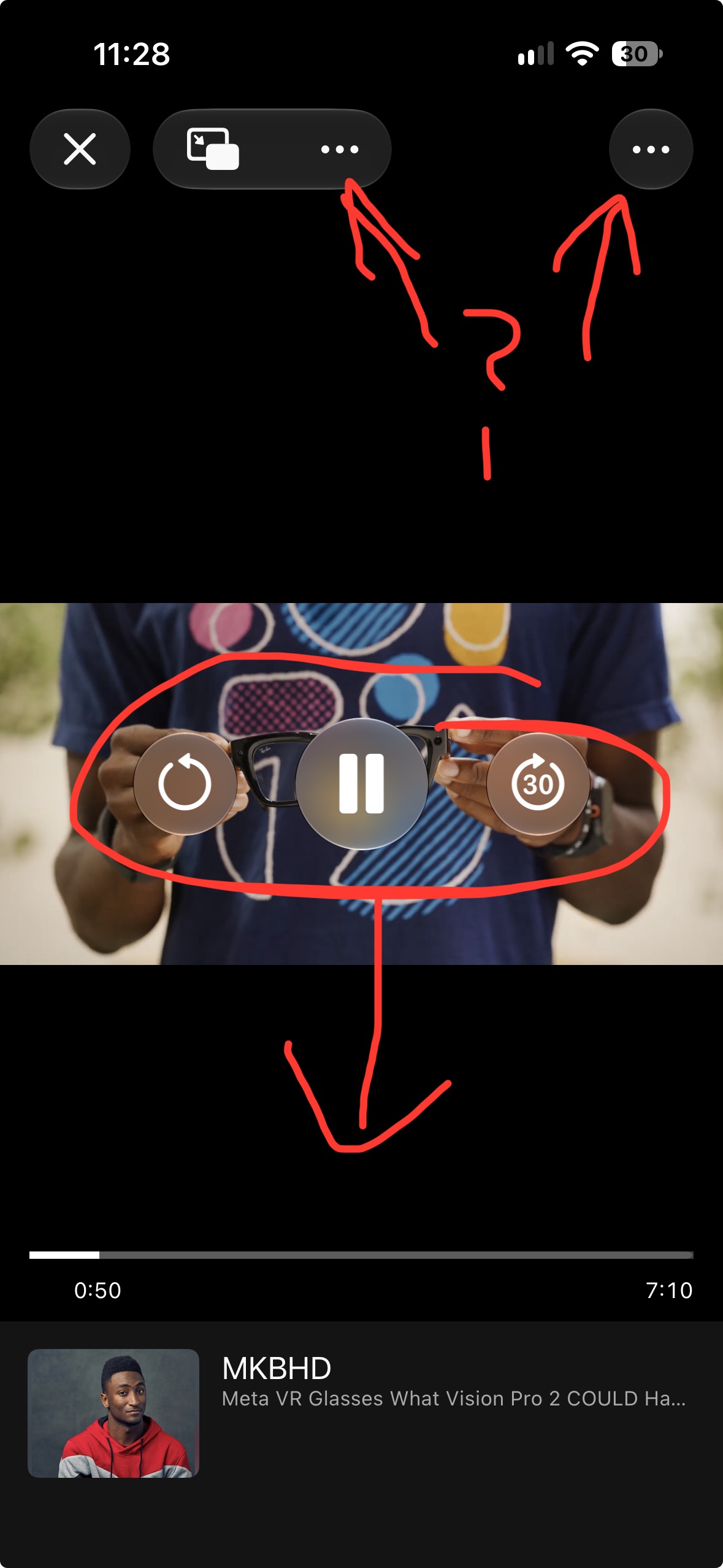
Can the playback controls be moved down so they don’t cover the video?
What is the purpose of the two “…” menus? The right one does nothing.
1 Like
Downloads and Settings are always in the navigation on iOS, there's no way to remove them. This has always been the case.
I just want to change the order/position, not remove them. The current behavior is confusing since they aren’t in the list, making it unpredictable where they will show up as it depends on how many other items you have enabled.