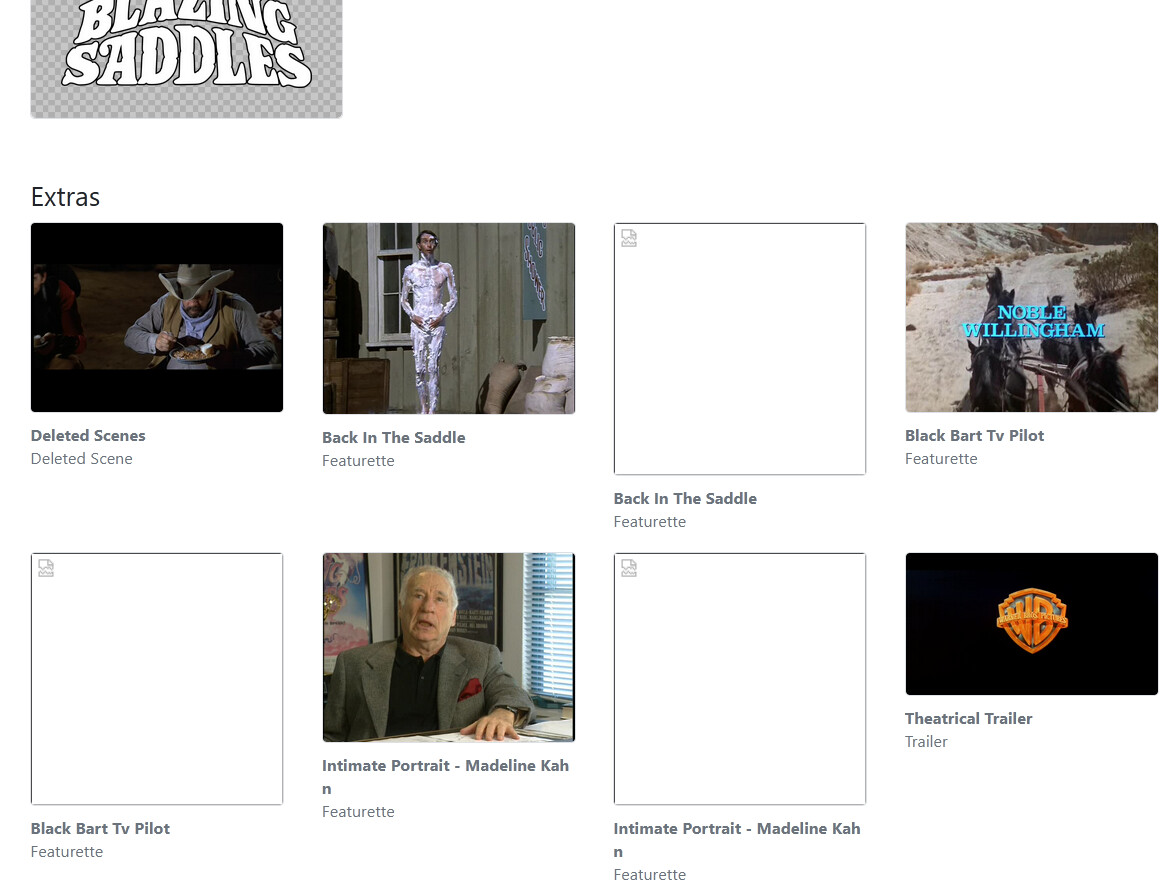
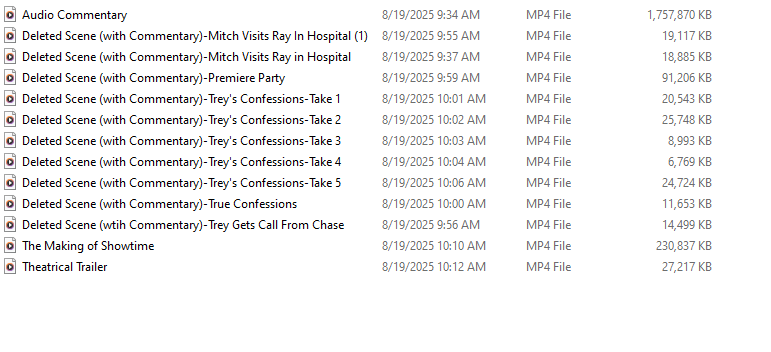
As of the latest TestFlight beta and Channels DVR Server Prerelease, movie extras are now scanned in from your personal media and available in the app to watch.
What are Movie Extras?
Movie extras are the bonus features that come with many movies. These can include:
- Behind-the-scenes footage
- Trailers
- Featurettes
- Interviews with cast and crew
- Deleted scenes
- Gag reels
- And more!
Support & Organization Conventions
Channels scans in movie extras just like it has done for trailers for years. The same filename conventions apply, but there's some added support.
You can have as many extras per type of extra that you want, and you can provide a custom title for each extra, using the organization conventions.
Extra Type Definitions
The following types of extras are supported. The table below details the suffix and directory names that will be used to organize them. These are case sensitive.
| Suffix | Directory Name |
|---|---|
| behindthescenes | Behind The Scenes |
| featurette | Featurettes |
| interview | Interviews |
| deleted | Deleted Scenes |
| gagreel | Gag Reels |
| scene | Scenes |
| short | Shorts |
| trailer | Trailers |
| other | Other |
| extra | Extras |
| special | Specials |
Inline
You can place extras in the same directory as the movie file itself. For example:
/Movies
  The Avengers (2012).mp4
  The Avengers (2012)-trailer.mp4
  The Avengers (2012)-A Visual Journey-featurette.mp4
  The Avengers (2012)-Avengers Assemble-featurette.mp4
  The Avengers (2012)-Directors Roundtable-interview.mp4
  The Avengers (2012)-Meet the Cast-interview.mp4
  The Avengers (2012)-gagreel.mp4
The base name of the extra has to match the movie file's base name in order to pair them to the movie. The extra type suffix is always appended to the end of the filename before the extension.
You can optionally apply descriptive text in between the two, which will be scanned in and used as a title for presentation in the UI.
Subdirectories
You can also organize your movies into their own directories, with their extras grouped inside it to keep your main movies directory a little cleaner.
For example:
/Movies
  /The Avengers (2012)
      The Avengers (2012).mp4
      The Avengers (2012)-trailer.mp4
      The Avengers (2012)-A Visual Journey-featurette.mp4
      The Avengers (2012)-Directors Roundtable-featurette.mp4
      The Avengers (2012)-Meet the Cast-interview.mp4
      The Avengers (2012)-Avengers Assemble-featurette.mp4
      The Avengers (2012)-gagreel.mp4
Extra Directories
You can also place extras into their own directories, which can be useful if you have a lot of extras for a particular movie. The directory name must match the the table names listed above.
Only use descriptive text in the filename when using this strategy, as the extra type is derived from the directory name.
When your movies are contained in their own directory, you can combine both strategies.
For example:
  /The Avengers (2012)
      The Avengers (2012).mp4
      The Avengers (2012)-trailer.mp4
      The Avengers (2012)-gagreel.mp4
      /Featurettes
          A Visual Journey.mp4
          Avengers Assemble.mp4
      /Interviews
          Meet the Cast.mp4
          Directors Roundtable.mp4
Scanning Them In
After you have added extras to your movie directories, refresh your movie's metadata via your Channels DVR Server's web admin. Your extras will be detected and displayed on the movie's page at the bottom in the Extras section.
If you your files already follow these naming conventions, you may already see your extras after updating to the latest pre-release.
Extras in Channels
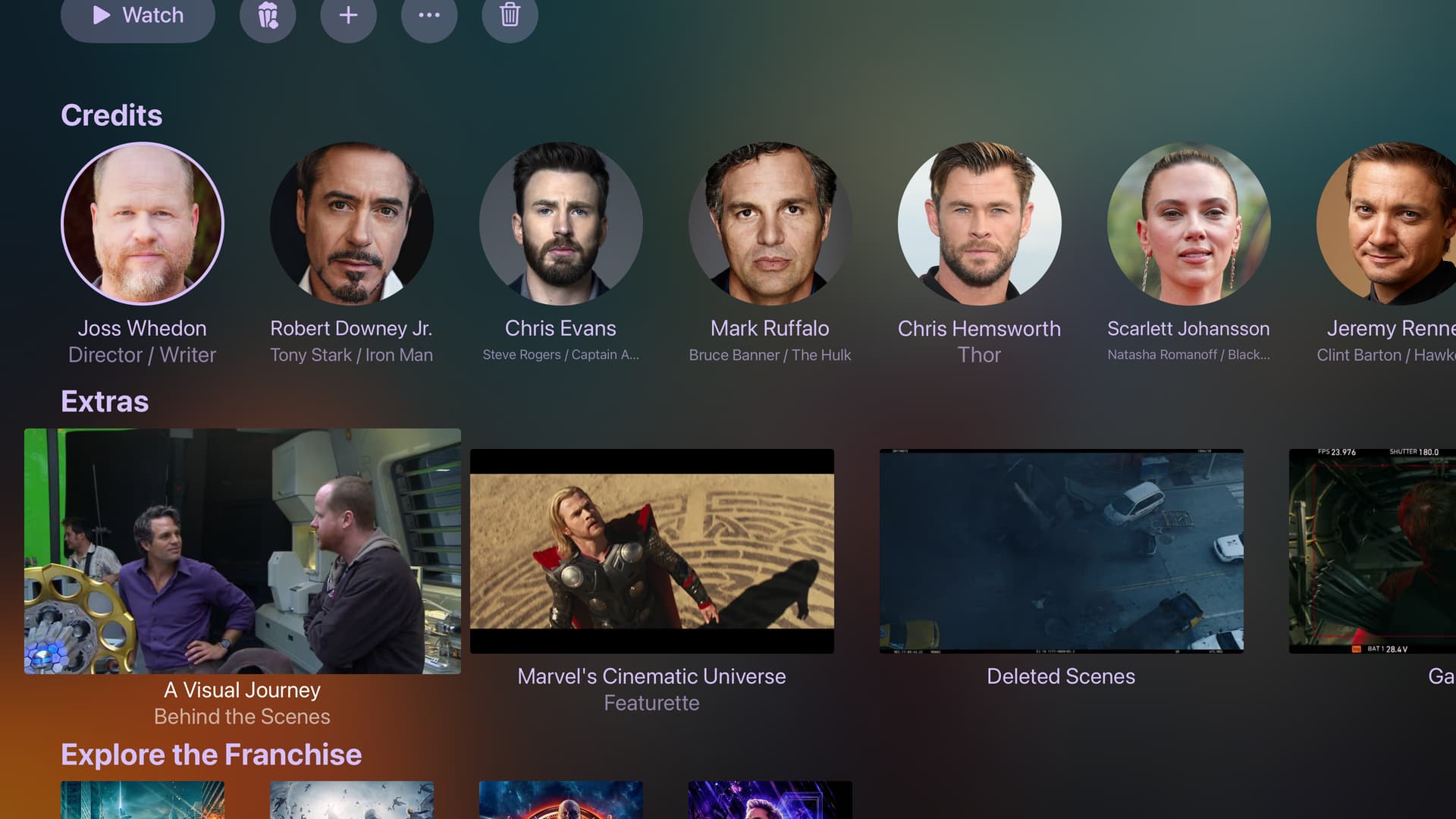
When your movie has extras, they will be displayed in an Extras row below Credits. You can simply select one to watch it.
Trailers are not displayed in this list and instead are used to display the Trailer button on the movie's page (the popcorn button).
Only a single trailer is used, and Channels will choose the first one it finds within your extras.
The Match Content for Trailers setting has been renamed to Match Content for Extras and will affect the playback of both trailers and all extras.
Help & Feedback
Please give this a go and report any issues or feedback in this thread.
If you are having issues scanning in extras, please provide a sample filename and directory structure that you are using.
Have fun!
 It should only be capturing files with these extensions: "avi", "mp4", "mkv", "mov", "webm"