Are you saying it is detecting .nfo files as extras?
 It should only be capturing files with these extensions: "avi", "mp4", "mkv", "mov", "webm"
Please give an example of your filenames and directory structure, as instructed in the original post.

Are you saying it is detecting .nfo files as extras?
It should only be capturing files with these extensions: "avi", "mp4", "mkv", "mov", "webm"
Please give an example of your filenames and directory structure, as instructed in the original post.
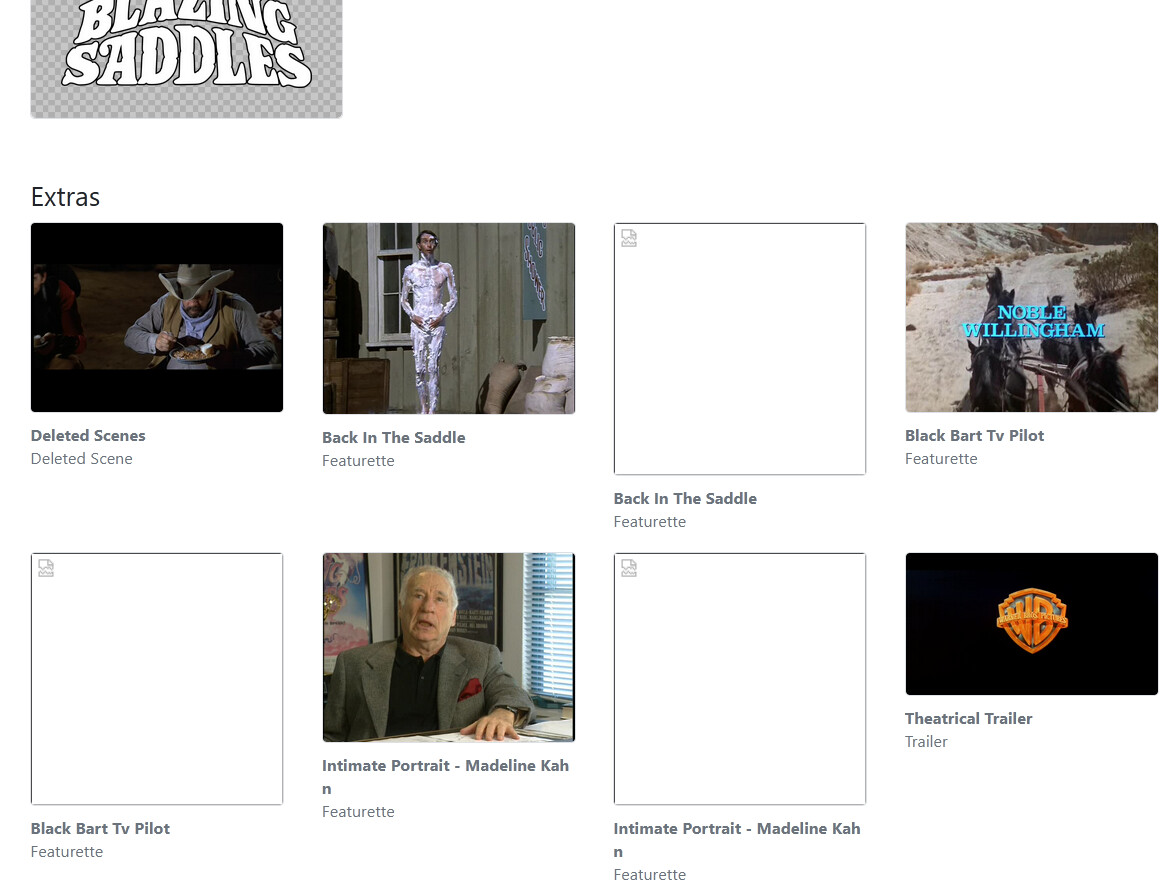
root@channels:/mnt/syno_nfs/movies/Blazing Saddles (1974)# ls -lR
.:
total 7702032
-rw-rw-r-- 1 media users 7885176465 Jan  3  2019 'Blazing Saddles (1974) - HEVC.mkv'
-rw-rw-r-- 1 media users     993629 Feb  7  2021  clearlogo.png
drwxrwxrwx 1 media users         36 Aug 26 13:02 'Deleted Scenes'
-rw-rw-r-- 1 media users     191675 Feb  7  2021  fanart.jpg
drwxrwxrwx 1 media users        328 Aug 26 13:16  Featurettes
-rw-rw-r-- 1 media users     512244 Feb  7  2021  poster.jpg
drwxrwxrwx 1 media users         44 Dec 11  2018  Trailers

'./Deleted Scenes':
total 572032
-rw-rw-r-- 1 media users 585757539 Dec 11  2018 'Deleted Scenes.mkv'

./Featurettes:
total 612488
-rw-rw-rw- 1 media users 215350435 Jan  4  2019 'Back In The Saddle.mkv'
-rw-rw-rw- 1 media users      1297 May  2  2021 'Back In The Saddle.nfo'
-rw-rw-rw- 1 media users 196505967 Jan  4  2019 'Black Bart Tv Pilot.mkv'
-rw-rw-rw- 1 media users      1295 May  2  2021 'Black Bart Tv Pilot.nfo'
-rw-rw-r-- 1 media users 215310620 Dec 11  2018 'Intimate Portrait - Madeline Kahn.mkv'
-rw-rw-r-- 1 media users      1343 May  2  2021 'Intimate Portrait - Madeline Kahn.nfo'

./Trailers:
total 129748
-rw-rw-r-- 1 media users 132861015 Dec 11  2018 'Theatrical Trailer.mkv'
Ah, great. It doesn’t look like we’re filtering by extension when looking through directories.
Good catch. We’ll get it fixed up.
Excellent! Thank you very much!
I hope that TV Extras are on the radar as well. I have many episode-level extras that just get matched as the episode, which really skews virtual channels.
I would like to add supporf for TV show extras at season and episode levels.
I have Pre-release server 2025.08.26.1317. I am using subdirectory named "Extras" to put ripped movie extras into it, but I am not having anything show up.
See first post
I am having trouble having Movie Extras show up in beta. I use the following structure:

2.) Next folder (after clicking)-Main movie file titled Showtime (2002) and a folder named Extras.

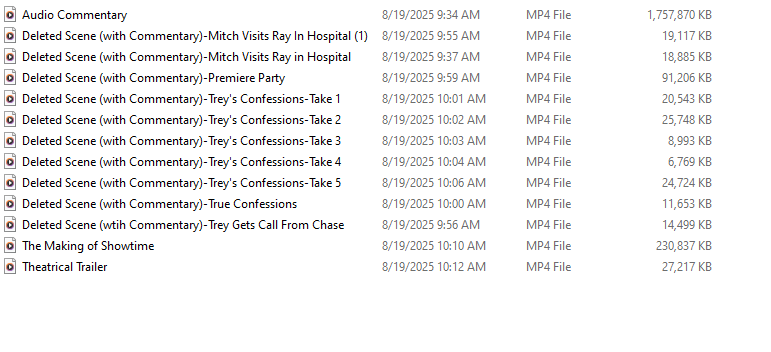
3.) Inside the folder called Extras, I have my movie extras named as follows:
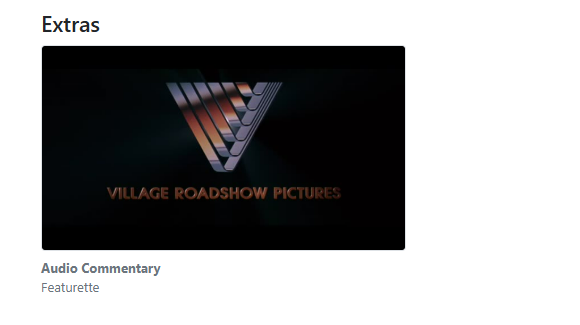
I tried the in-line method. Showtime (2002)-Audio Commentary-featurette and it is showing up under extras. However, it will not show the name "Audio Commentary". I also realized that it is case-sensitive, so if you capitalize the "F" in the word featurette, then it will not show up.
It will show it on the server page on my PC as shown below, but the name "Audio Commentary" will not show on Iphone/Ipad apps.
Yes, this is a bug, we'll fix it up.
Thanks. Love the progress and the responsiveness. Excited for all the enhancements!
So you're saying this isn't working with the nested directories?
so you have:
/movies
  /Showtime (2002)
      Showtime (2002).mkv
      /Extras
          The Making of Showtime.mp4
          Theatrical Trailer.mp4
And they aren't showing up? In testing this myself, this does in fact work.
This should be resolved in the latest pre-release:
This was resolved in the latest TestFlight beta:
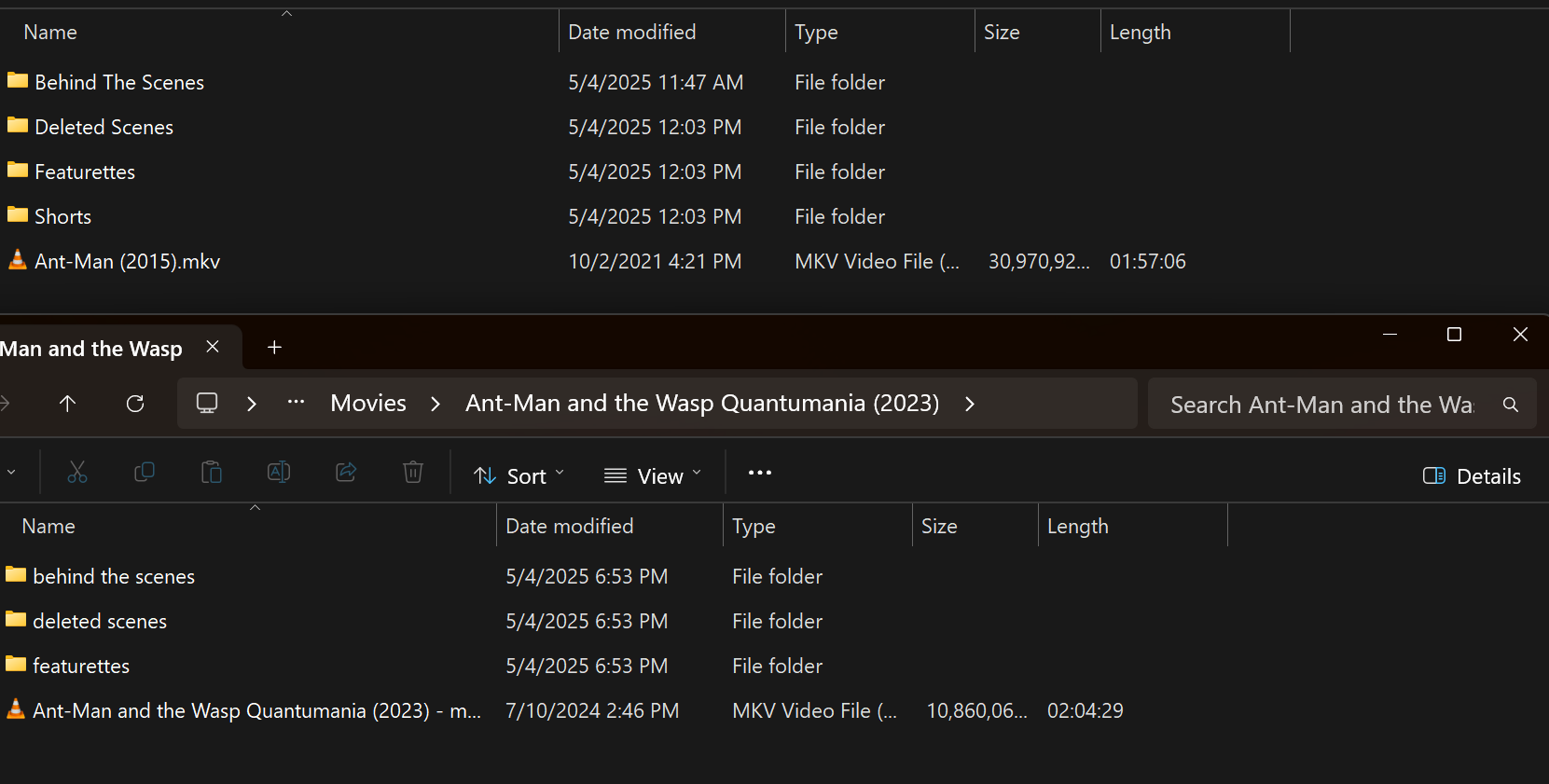
I'm guessing case in the file/folder structure matters, it would be great if it didn't. I see extras for Ant-Man but not Quantumania. I have lots of movie extras and recently moved everything into a folder structure so it plays nice with Plex/Jellyfin/Emby.
Yes, this was mentioned in the original post.
These formats mirror Plex’s requirements.
Sure I see that now. Plex just isn't case sensitive on the folders.
Extras seem to work fine when I do them inline: Example: Showtime (2002)-The Making of Showtime-featurette. However, nested directories are not working for me and I can't figure out what I am doing wrong. I have used Plex and Emby before which has worked.
Please ensure your capitalization is correct.
Also attempt using something other than Extras as a directory name, as you mentioned using before this did not work.
While it’s been confirmed it does work, please try other directory names to see if you have the same issues, to attempt to debug what is happening with your results.