
I tried the in-line method. Showtime (2002)-Audio Commentary-featurette and it is showing up under extras. However, it will not show the name "Audio Commentary". I also realized that it is case-sensitive, so if you capitalize the "F" in the word featurette, then it will not show up.
1 Like
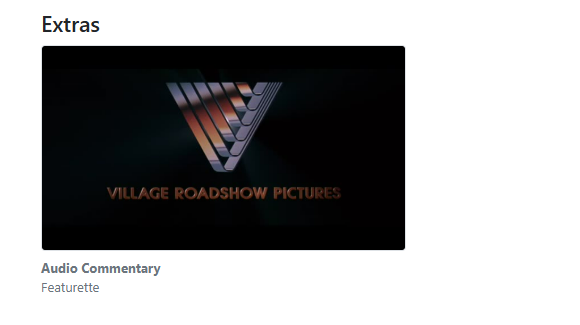
It will show it on the server page on my PC as shown below, but the name "Audio Commentary" will not show on Iphone/Ipad apps.
1 Like
Yes, this is a bug, we'll fix it up.
2 Likes
Thanks. Love the progress and the responsiveness. Excited for all the enhancements!
So you're saying this isn't working with the nested directories?
so you have:
/movies
  /Showtime (2002)
      Showtime (2002).mkv
      /Extras
          The Making of Showtime.mp4
          Theatrical Trailer.mp4
And they aren't showing up? In testing this myself, this does in fact work.
1 Like
This should be resolved in the latest pre-release:
2 Likes
This was resolved in the latest TestFlight beta:
1 Like
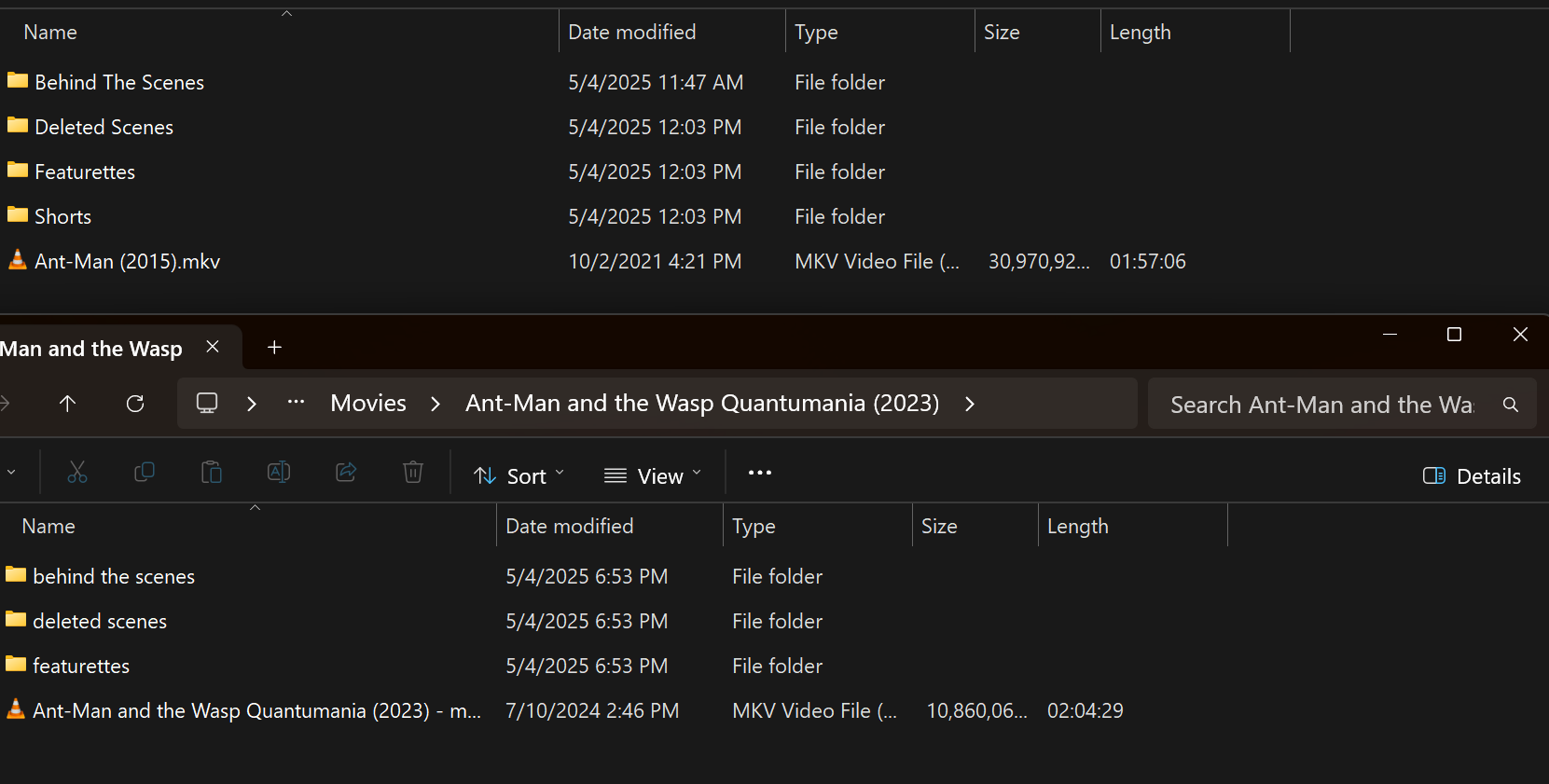
I'm guessing case in the file/folder structure matters, it would be great if it didn't. I see extras for Ant-Man but not Quantumania. I have lots of movie extras and recently moved everything into a folder structure so it plays nice with Plex/Jellyfin/Emby.
2 Likes
Yes, this was mentioned in the original post.
These formats mirror Plex’s requirements.
1 Like
Sure I see that now. Plex just isn't case sensitive on the folders.
1 Like
Extras seem to work fine when I do them inline: Example: Showtime (2002)-The Making of Showtime-featurette. However, nested directories are not working for me and I can't figure out what I am doing wrong. I have used Plex and Emby before which has worked.
1 Like
Please ensure your capitalization is correct.
Also attempt using something other than Extras as a directory name, as you mentioned using before this did not work.
While it’s been confirmed it does work, please try other directory names to see if you have the same issues, to attempt to debug what is happening with your results.
1 Like
Thanks for suggestions. I have tried all of these tips but it will not work for me. I tried featurettes and deleted scenes. Followed the guide with the correct capitalization. I just can't figure it out. I know you said it models "Plex" language which I have used for many years with extras with no issues.
1 Like
If you could provide any details regarding your setup that might be unique, that would be helpful.
While I believed it’s not working for you, it doesn’t make quite sense.
1 Like
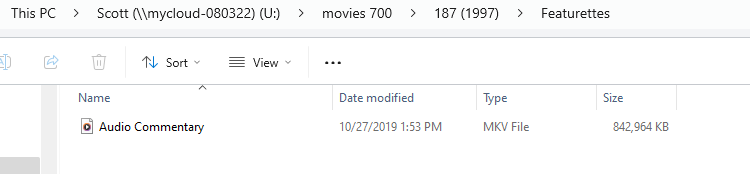
I have main directory called Movies which houses movie folders for each movie. Within those folders are the actual movie file and then subdirectories: Featurettes, Deleted Scenes. Within these subdirectories are the file names. For instance, I put a file called Audio Commentary within the featurettes folder.
1 Like
Also, having trouble with a movie called "187" with Samuel Jackson. This won't bring in extras either via in-line style or subdirectory way.
1 Like

As of the latest PreRelease, the directory names are no longer cases sensitive.
4 Likes
Maddox, I have figured out why it was not working and wonder if it may be a bug to check out. I have a WD Cloud drive on my network but I have it mapped to my computer. When I added the the "mapped drive" as a folder, no extras would come in with the subdirectories option. I deleted that and pointed to the drive on the "network path." Bang, it all showed up correctly.
1 Like
Please provide example paths for what you mean by “mapped drive” and “network path”.
1 Like