
As of the latest TestFlight beta, Multiview is now available to watch up to 4 channels at once..

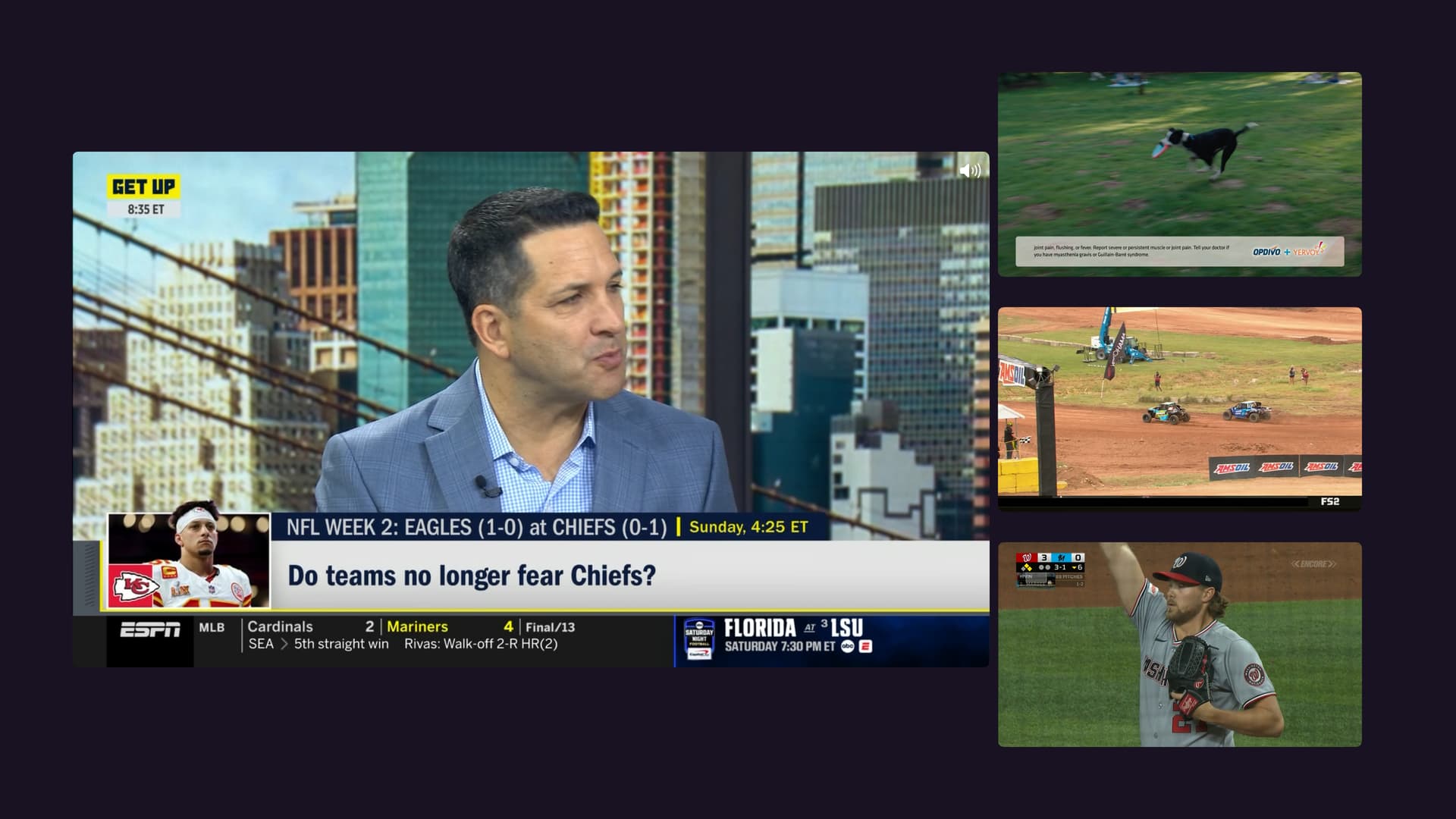
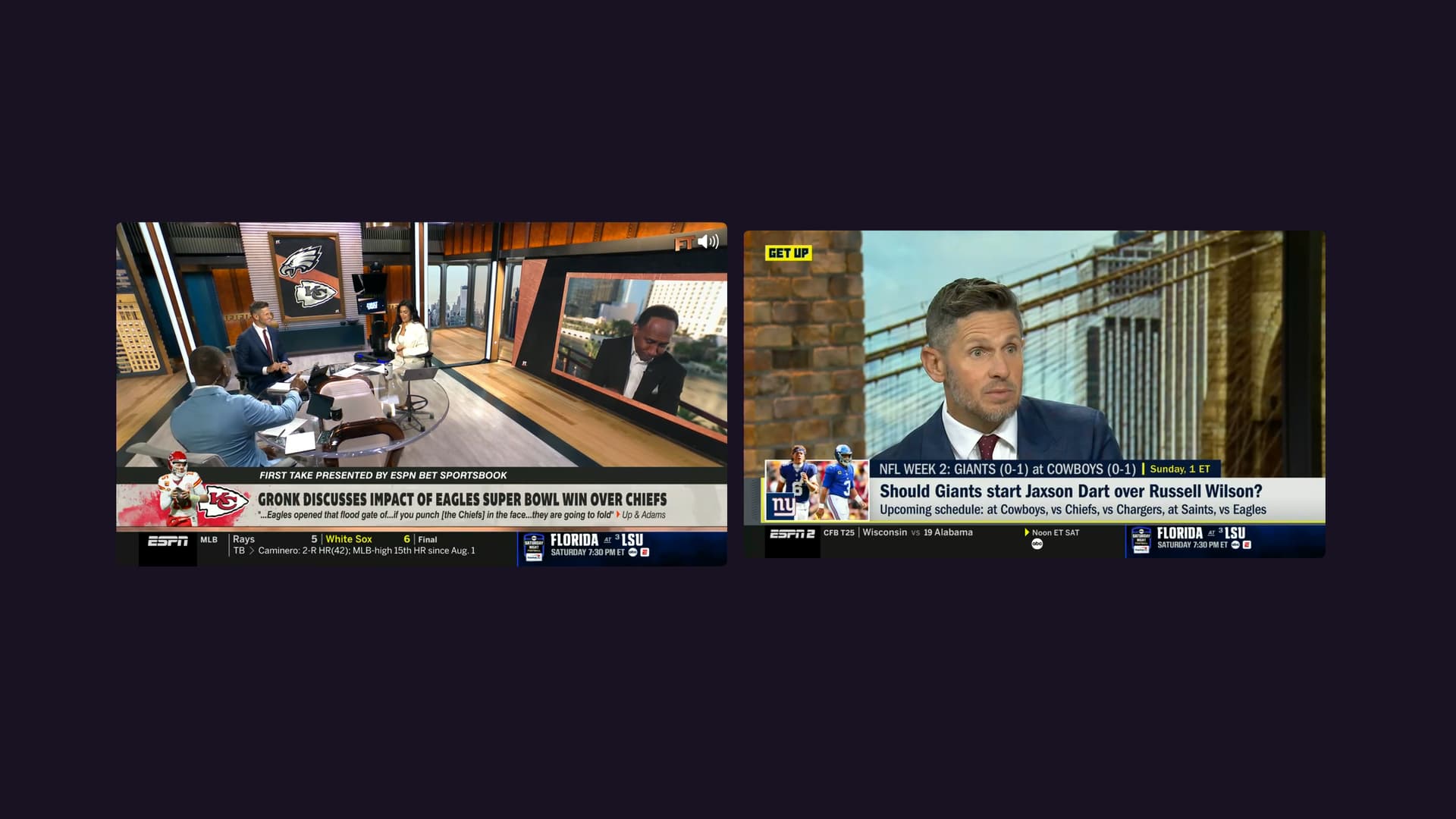
Simply launch Multiview from the context menu (select and hold) of a guide item or channel and you will be launched into the new Multiview experience. Watch > Multiview
Add channels by picking them from the quick guide at the bottom. You can add up to 4 channels, if your number of available tuners allows it.
Manage the players by selecting and holding them to get action items for them.
Facts
- Only available on iPad and Apple TV 4K and up
- You can watch up to 4 different channels at once
- There are multiple layouts you can cycle through. Use the Select and Back buttons on your remote to cycle through them.
- Select and hold a player to get action items like Remove Channel and Replace Channel.
- There is no buffer in Multiview. There is no pausing or rewinding or any control over a timeline. This is strictly live TV only.
- Virtual Channels are not supported, and won't be.
- Personal Media from your library are not supported, and won't be.
- Multiview is a live TV feature only.
Known Issues
- We're looking into a rare crasher that happens when removing a player that is sourced by an HDHomeRun.
Help
While we've tested this extensively, we have not done a lot of long range tests of hours of playback. Please try out Multiview and report any issues you come across.
This includes things like:
- Audio cutting out
- Streams stopping
- App crashes
- Other awkward issues
When reporting issues, please include:
- How many channels you were watching
- How long had you been watching
- What were the sources of the channels
- What was the source of the channel that gave issues
- Any more info we might need
- Submit diagnostics from the Channels app
Have fun!