
When i switch to roomy spacing there is a black border. One way to get around it?
1 Like
@maddox Would you be willing to make the number of seconds a logo appears on the screen configurable? I find myself navigating away, and back, to multiview channels just to see their channel logo again.
2 Likes
The bottom row guide in multiview for custom sourced channels do not show the program title as they do for hdhomerun or tv everywhere sourced channels. They do show in the quick guide, it’s helpful when looking for the correct game to add.
Can you provide a screenshot to show what you mean?
This is resolved in the latest TestFlight beta:
1 Like
is there a way (or might it be in a future upgrade) to have the ability to 'cast' or 'airplay' from my iPad beta app to my TV?
Right now I can use screen mirror, but that locks out the ability of my TV utilize the zoom aspect ratio to fill in what I believe to be considerable gaps in the screen. - top/bottom/sides....
The ability to utilize the Multiview in the Chromecast app would also be a work around for me
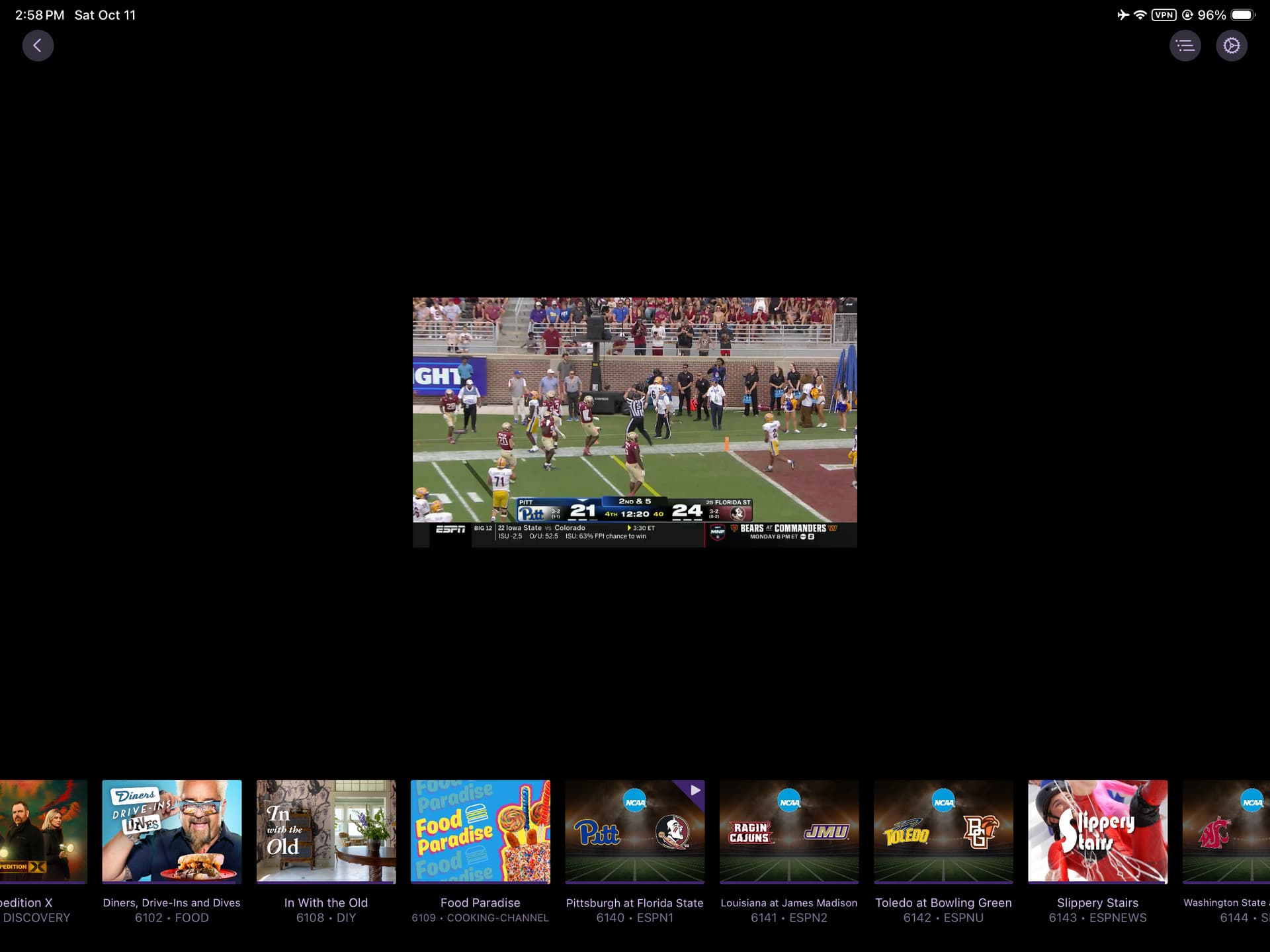
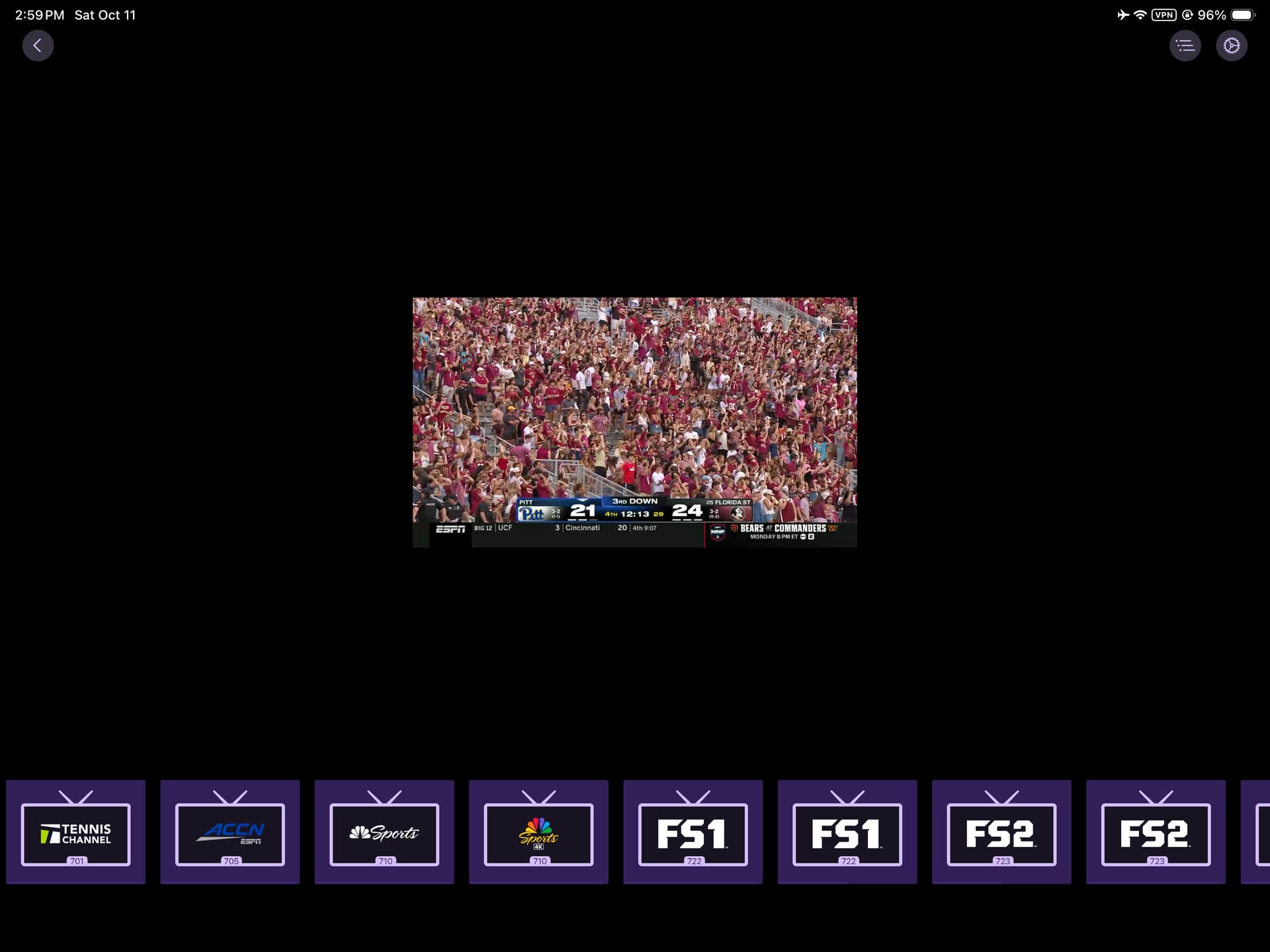
This is likely because the third party source's guide data isn't providing the correct data.
Can you show what those channels look like in the Quick Guide of the regular video player, on Apple TV?
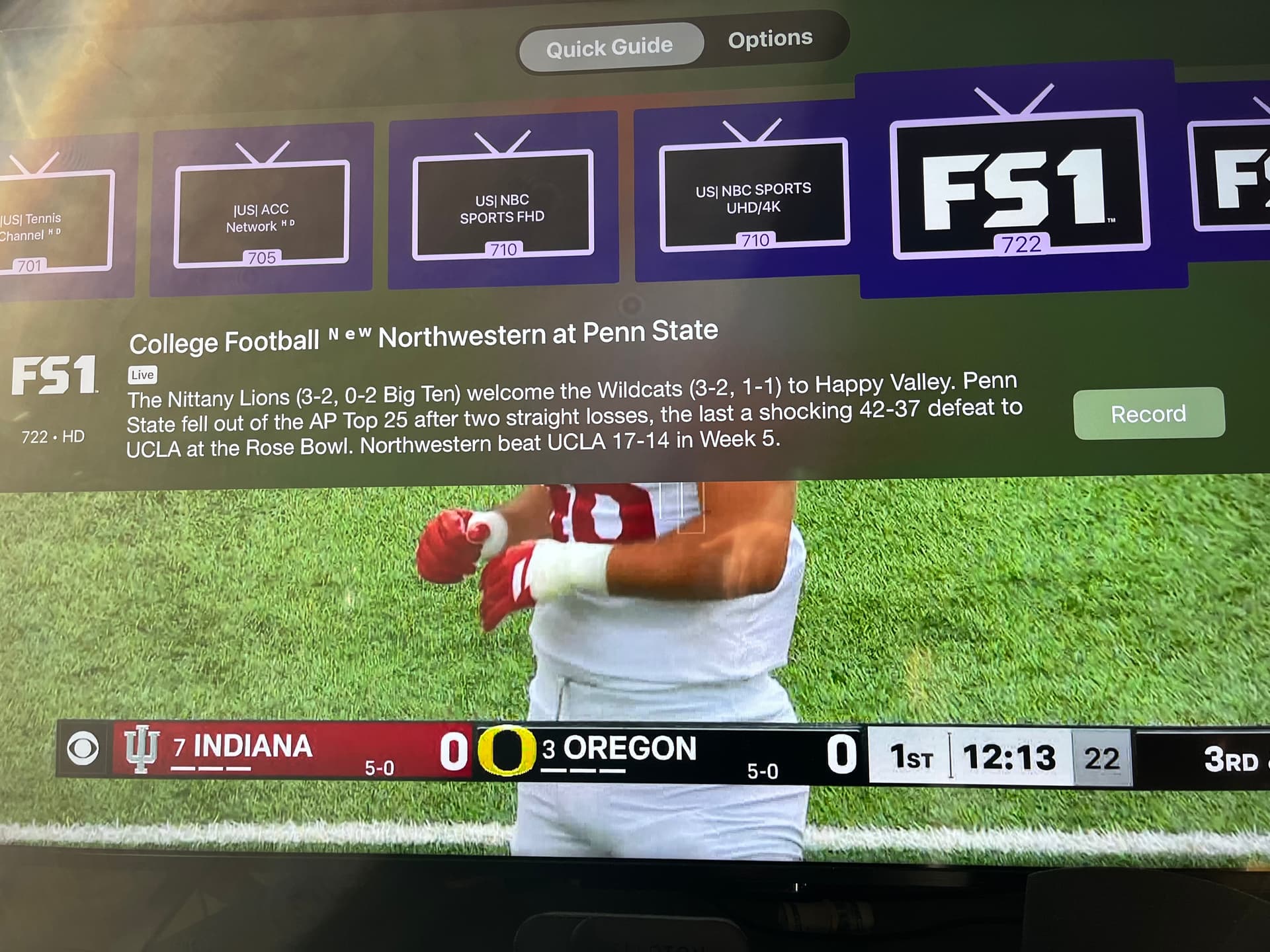
This is resolved in the latest TestFlight beta.
I will say though, you're going to have a rough time in Channels using the EPG data you're using. It's severely lacking the details that Channels relies on to give you a good experience.
It has no art, no metadata on shows, not season/episode information. Channels expects this to be there and uses it to power most of its features. For example, none of your channels will show in the pre-populated channel collections in Guide or On Now because the programs have no information like genre.
You wouldn't be able to create good Series Passes because the programs have no tags like "New".
We always suggest to just ditch your third party guide data and use what's built into Channels. Just manually map each of your channels using the manager by searching for and applying the correct network to each channel. Then you'll be using rich guide data and have an insanely better experience.
Source > Manage > Manage Lineup. Click the edit icon next to each channel.
Fixed build:
Thanks for the update, adding in multiview is easier now.
I agree using the Channels EPG data is a much better experience but the reason I don’t is because there are 2 countries in my imported channels that are not supported by Channels EPG data.
My only solution is to import Source1 twice and Source2 twice (they have the same curated channels list). Source1a (channels that are supported with Channels EPG data) and Source1b (channels from the 2 countries that are supported by the rough data). And the same for Source2a and Source2b. But each Source is limited by 1 stream. I’ll make the change but will this cause any issues when recording or using multiview when the server thinks there's a mix of 4 streams?
Any chance of this being implemented or added as a setting? OLED burn-in is less of an issue than it used to be, but leaving a bright static outline on screen for hours at a time is asking for trouble.
1 Like
The latest TestFlight beta now has an option to disable the persistent focus indicator in Multiview:
2 Likes
Works good!
If you have PIP open and then try to start the same channel in Multiview the channel closes and opens in Multiview and then freezes. This only seems to happen with TVE sources. I couldn't get this to happen in over the air sources or cameras.
If you pick different TVE channels. The freezing doesn't happen.
Can we get the audio icon indicator top right corner on active channel to always display for Roomy On or Off?
No, the setting for the focus indicator affects both focus indicators. The audio icon is used for Roomy Spacing, and the outline is used for the alternative.
1 Like
Wasn't sure if this version was supposed to fix the issue or not. But still having same issue of Multiview freezing. Also the sources are Pluto for Channels and Tubi for Channels.
v2025.10.15.1736
-IMPROVED: PIP closing when Multiview starts
1 Like
Yes, that was an attempt to resolve it.
For what it's worth, we don't consider those TVE (Pluto for Channels and Tubi for Channels) channels, and you should refer to them as Custom Channels. They are coming from third party sources and not provided by Channels.
3 Likes