All seems stable. Would request being able to move between channel collections. For example, would like to build a multi view using my default collection and E-Plus TV collection. While I can do this with all channels, I have to scroll thru hundreds of channels.
I was wondering if anyone would think if it would be beneficial to show a channel number on the active channel for 3 seconds and it would fade away.. Active meaning when changing channel that the sound comes from. Since the channels could get re-arranged due to how many is viewed and which one is being viewed.
I just did a pass with showing the channel icon in a corner (like a bug) for inactive channels, and it wasn't that great.
The issue is that every corner conflicts with visible content in some way, and the bottom will too with sports bugs.
I'll keep thinking about it, but the idea of making it just flash for a second isn't a bad idea either, as you can just sort of focus a channel and let it flash a hint.
Over the course of the past 5+ years I've tinkered pretty extensively with ALL of the previous multiview approaches discussed here. Some are 3rd party apps and some are homebrew programs that integrate with CDVR. Each has their own pros and cons. Native integration inside Channels feels the best so far to us though!
I also agree a quick "channel name fade" could be a nice option, I tinkered with the same with this project and it's been helpful UI:
We use 2x2 grid most frequently these days. So the first question asked was, can the grid be enlarged to take up the full screen? The large black border feels like a lot of wasted space.
I also quite like the white line border around the actively-unmuted stream. This is in addition to a little speaker icon in the bottom left, but ideally both would be optional.
The latest TestFlight beta adds network logo flashing when focusing a player. It will show it for a short moment to hint at the channel and fade it away.
I know my 1080 channels are interlace and I hate it (AKA fast motion in sports looks bad). But how can you tell if the sub channels are interlace? Is there an indication in the show stats?
@maddox , as a Android user, I use TiviMate and it works well, so not feeling completely left out. But I'd love to see that the Android community gets access this as well as I'd prefer to have a single platform to leverage being able to watch multiple games at once (and not have to deal with my 5 client limit that TiviMate has). My ask, don't let this turn into another Apple Only feature (ie Download).
Well I did some testing and if I go to Advanced and change the Deinterlacing Mode from Hardware to Blend (30fps) the crashing stops. If I change it back to Hardware then it crashes again. So maybe something to do with the hardware deinterlacing mode.
Changing the setting to Linear (60fps) also stops the crashing.
@maddox this is awesome. One question, would it be possible to have some sort of a mini grid guide instead of the tile guide? When you are in a large channel collection it takes a lot of scrolling right. Also its harder to see all the details in tile view.

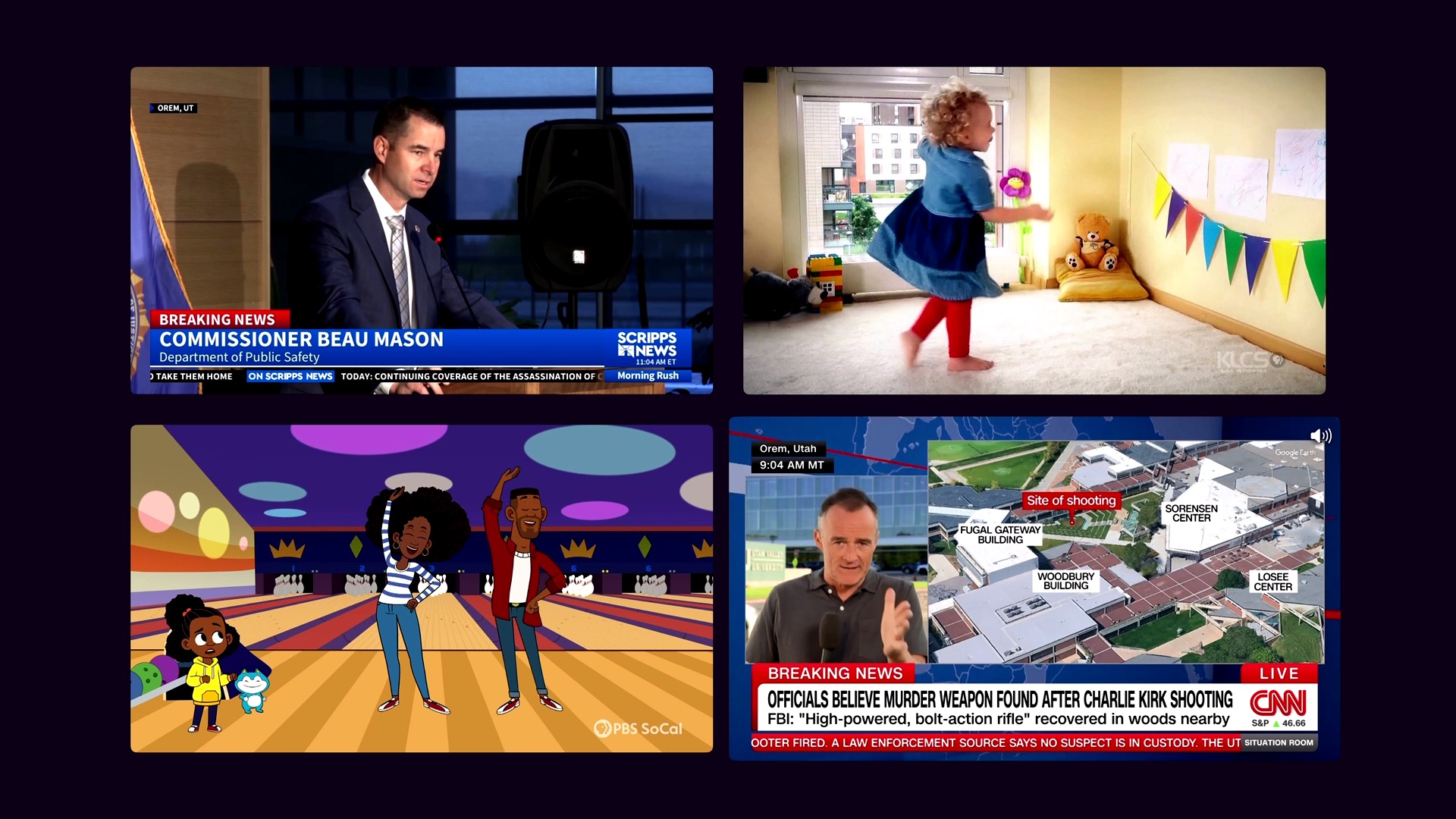
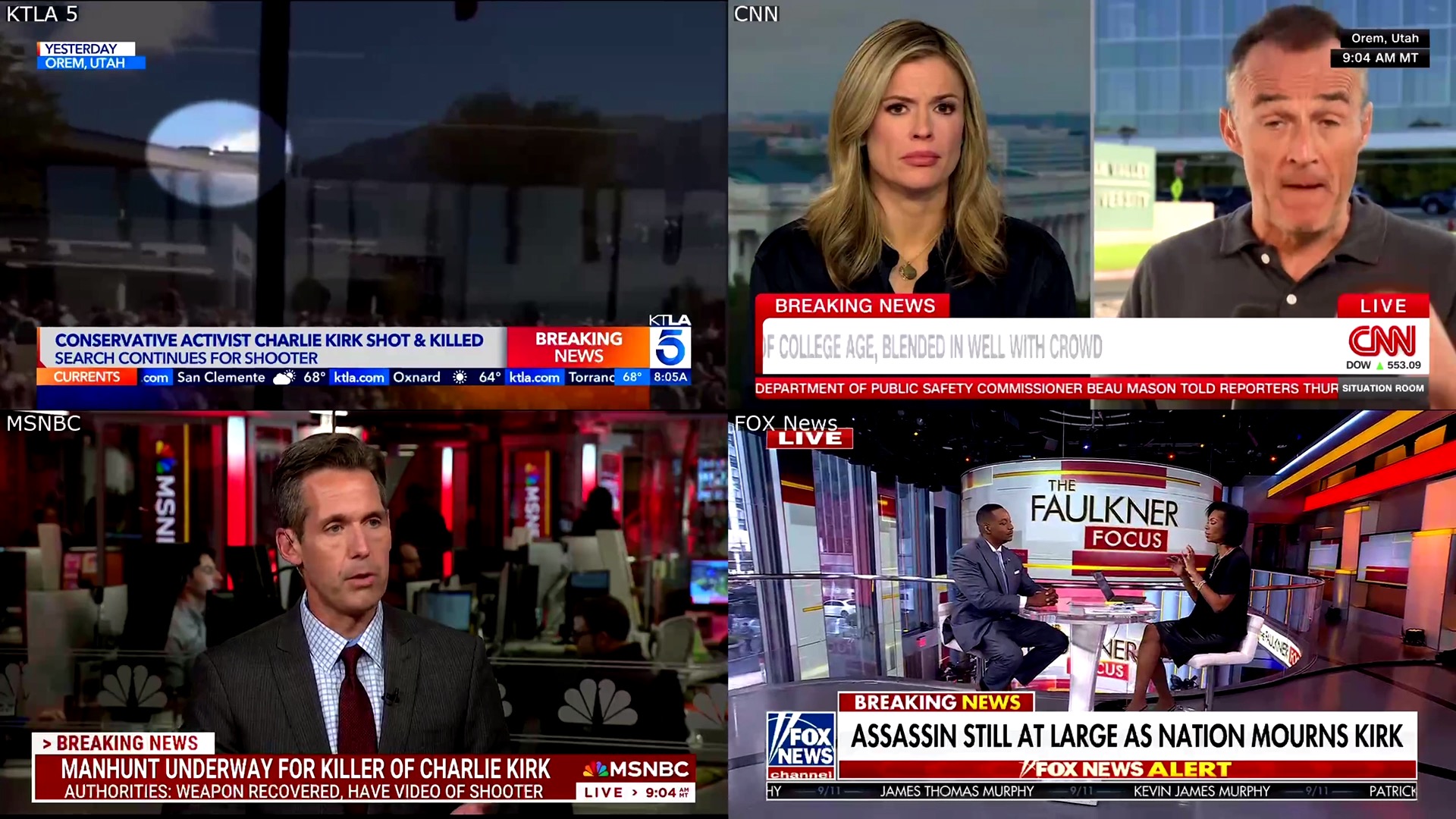

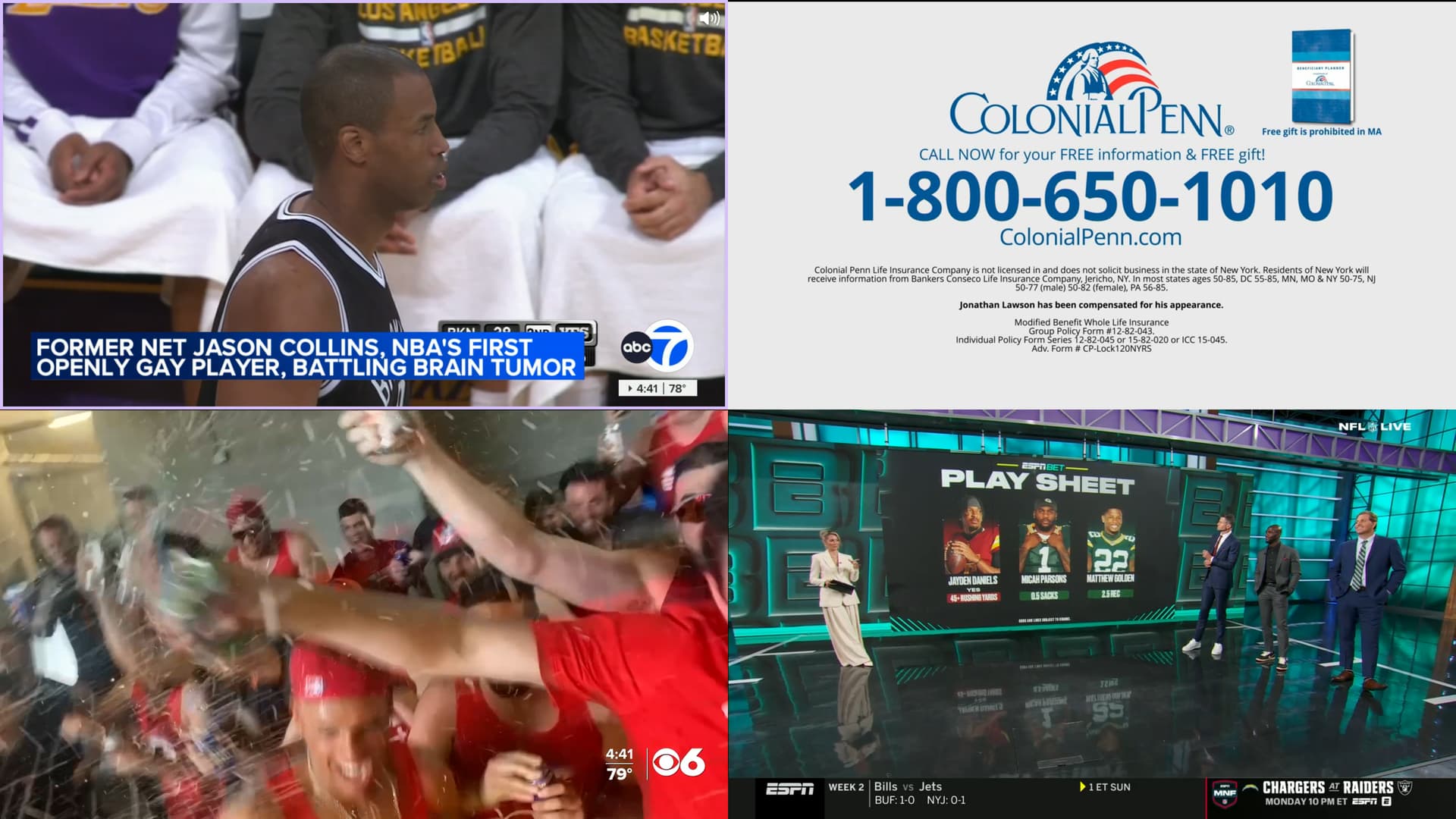
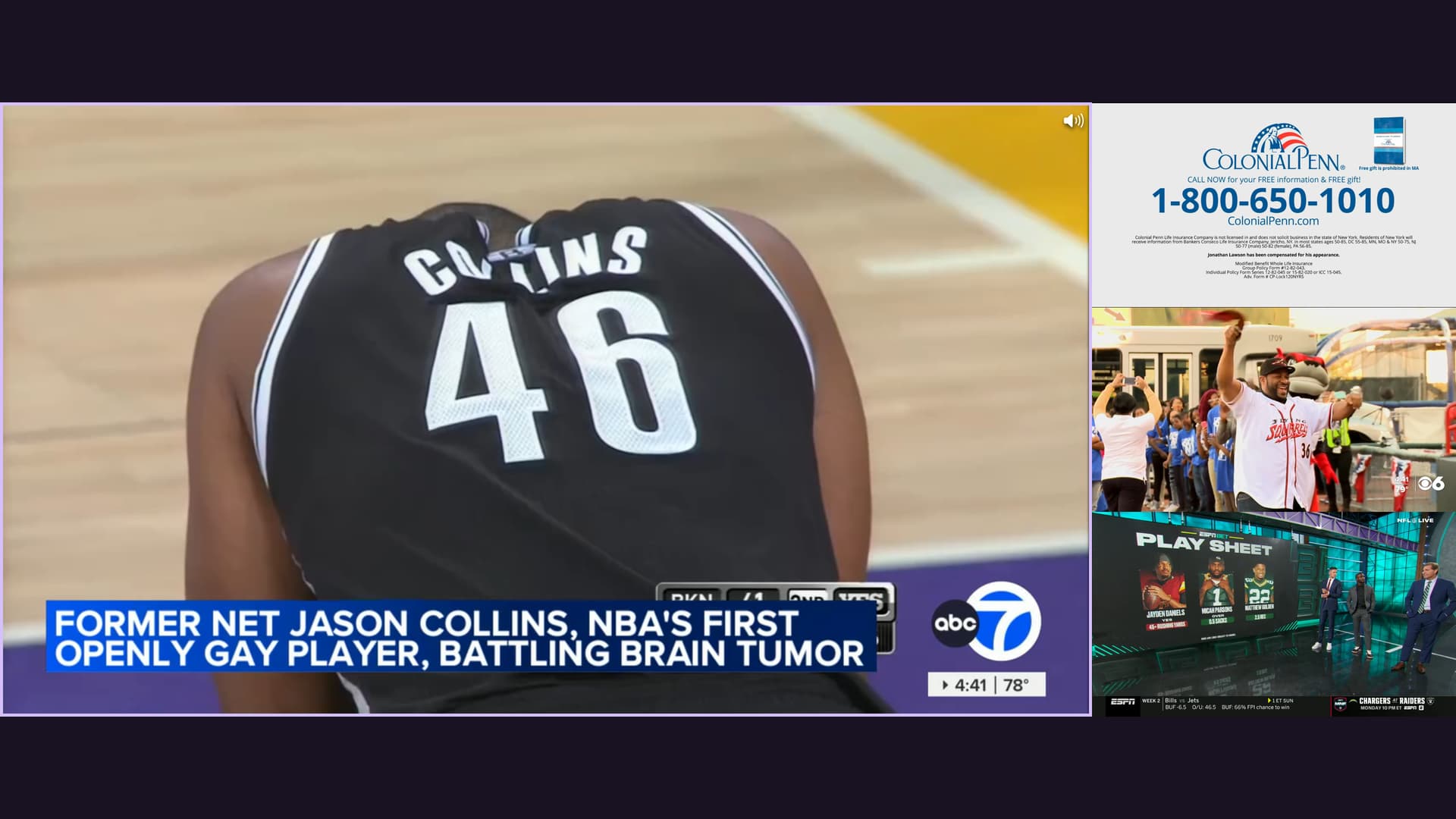
 Fantastic work is brewing here.
