
Any way to add another second to the fading logo before it fades away. Just seems a little too fast.
Just out of curiosity… here’s an experiment that succeeded in making me chuckle 
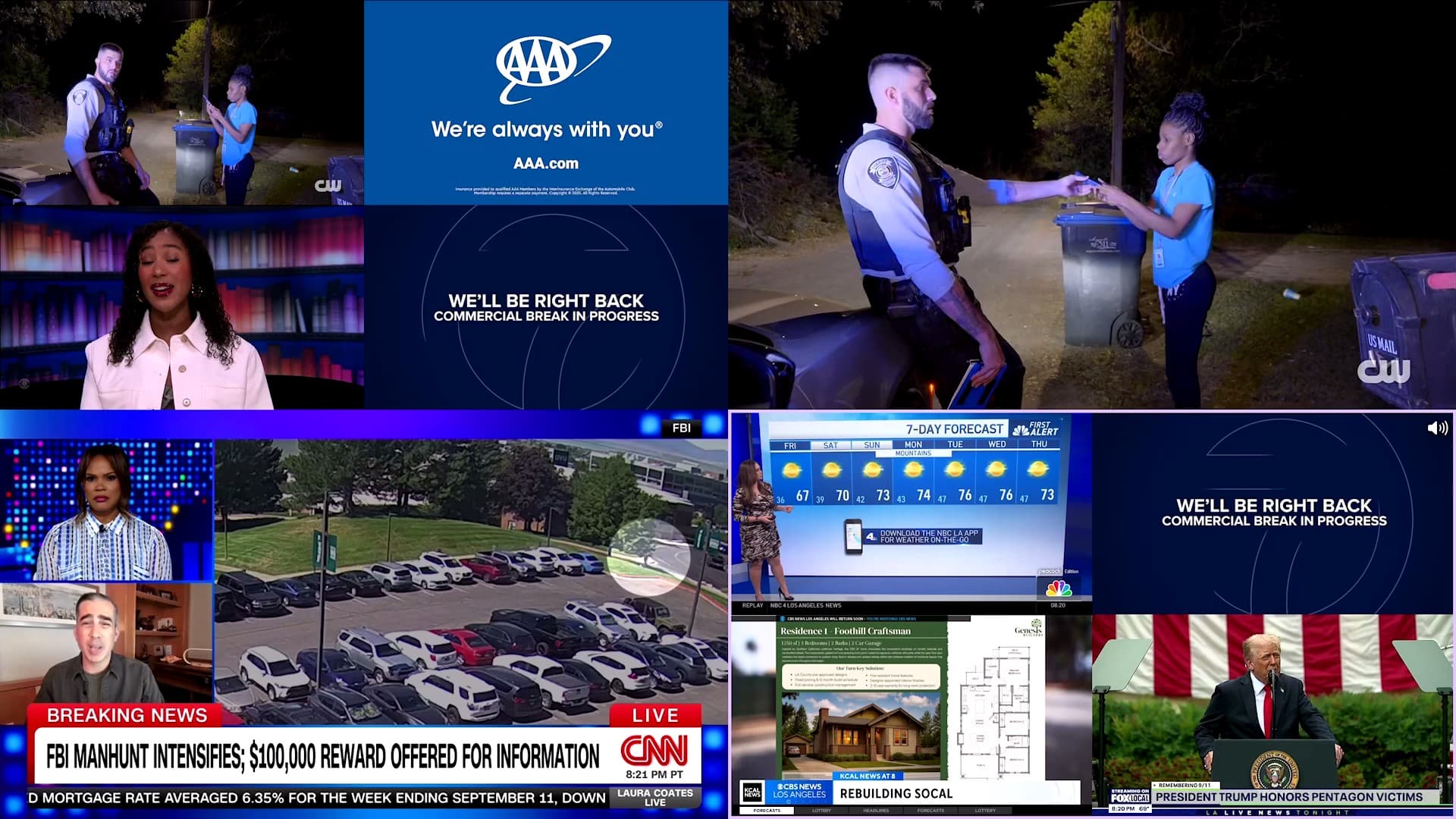
That's 10 channels. Multiview-ception?!
1 Like
To be fair it would be amazing if it did support virtual channels . Just saying!
Great job though. Love it!
Thank you devs!!
Second the request for cross-collection multiview. Maybe pressing the down button one more time could replace the channel list with the channel collection list?
This has been a summer filled with great new features in CHDVR. Thanks to the developers for the investment to make this an evolving and superior product. You are quickly overtaking Plex, Infuse, Jellyfin and Emby. I look forward to the next features you have planned because I know they will be awesome.
Thanks to the whole community for your support.
5 Likes
Oh no, yet another client to test! (/sarcasm)
Can't wait to look at this during the college football weekend. I've always had a wishlist for multiview:
This may finally be the one that does all.
1 Like
Wow - this is an amazing beta. It's so darned close to perfect. I love the flexibility in spacing.
2 things from a first blush:
-
Can something be added to allow opening this from watching live TV? Especially with PiP on, it's a lot of clicks to go back to guide, go to the channel, and get to watch multiview. Would be tremendous to have the option to additionally start that with "Start Multiview with this," dump the buffer, and be on your way.
-
Audio. Almost every multiview struggles with this. From my look, it looks like Channels is inheriting the first channel's audio format (i.e. if you open a DD 5.1 channel on your first multiview channel, that's what you get for all subsequent).
To ease some questions - it would be nice to a) confirm that my assumption is correct, and b) if there is any possibility of changing this to renegotiate the audio per-channel.
Yes, the audio blip is jarring, but I've found that otherwise, audio tracks will end up getting messed up when forced a format. Easiest example would be if I open a 2-channel stereo TVE channel, and then a 5.1 OTA one as second. Does the stereo format force the 5.1 into 2.0 with only L/R fronts? Does it do something else? Hopefully you can see my point.
@maddox Loving this new setting. Can we also have an option to fade the purple border and speaker icon after a few seconds?
1 Like
I had the same thought. A “Multiview” button on the Quick Guide panel, maybe next to “Record,” would be great.
I love this feature. I immediately deleted the suboptimal QuadStream app.
My only feature request would be to be able to favorite a certain multiview setup. For example, if I want to watch breaking news, I would want to start the same four channels (CNN, BBC News, France24 and Al Jazeera). If I could group those channels together to a multiview favorite, well, then my life would be complete.
4 Likes
I had a dream that we could click-and-hold on the name of any Channel Collection in the Guide or On Now, in order to see a Multiview menu item, that would quickly open a grid of its first 4 channels.
Or maybe it was just the play/pause button? 
2 Likes
Hmm, I was thinking I’d like an option to disable the speaker icon entirely. The light purple border around the unmuted stream makes it a bit redundant.
3 Likes
This was added in the latest TestFlight beta. The speaker icon is now only used in Roomy Spacing mode to denote the active channel.
2 Likes
Replace channel working? Everything else looking great.
The last build has bugs due to the speaker icon changing.
Any chance this multiview makes it to Android TV?
2 Likes
Working now! Thanks.
I have four channels set up, but only one of them is working. When I switch to other channels, the sound only comes from the first channel I select. Is there anything I can do to fix this issue?
Any chance for a move channel option so you can rearrange them more simply? Working great so far.