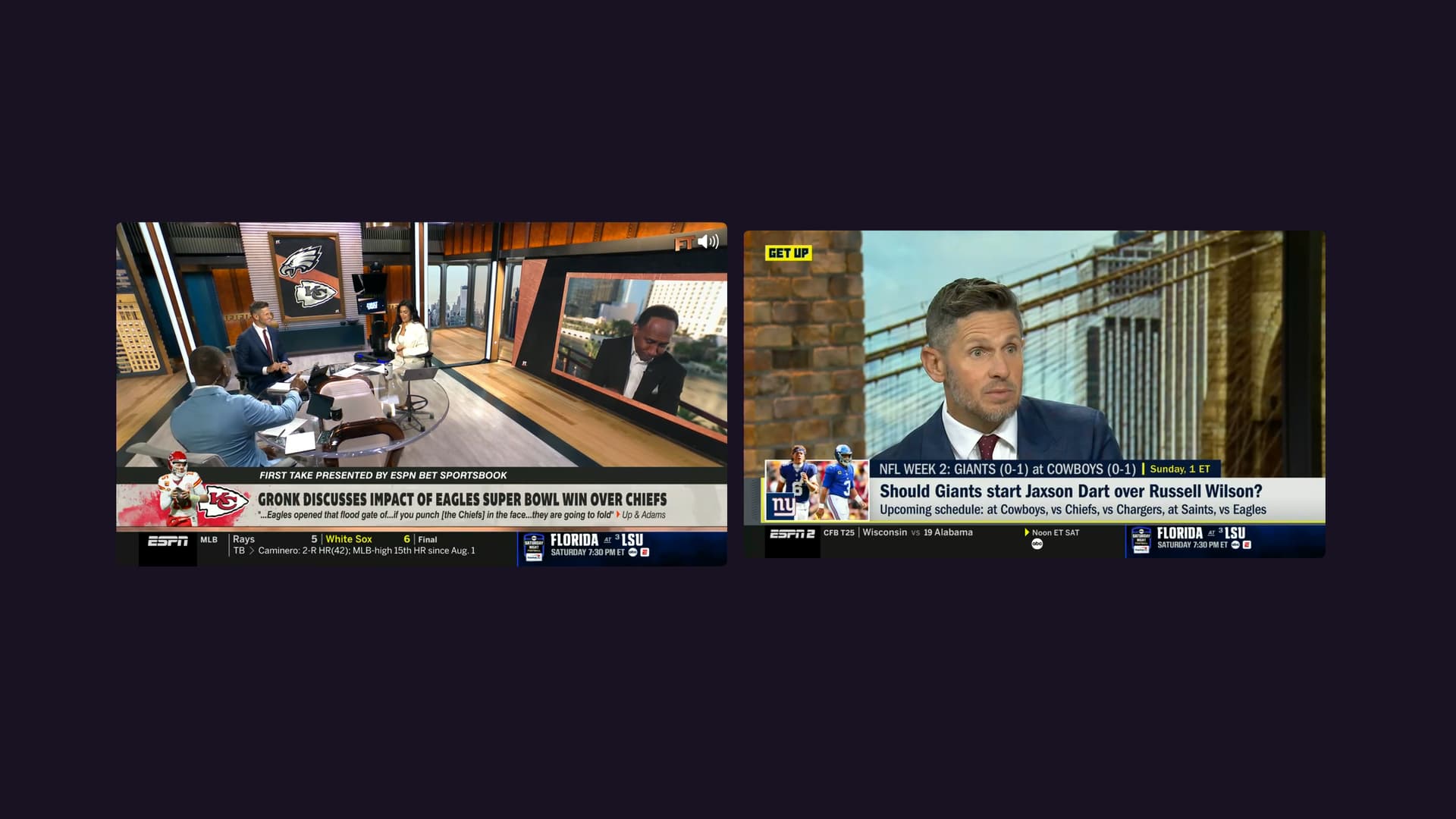
Beta: tvOS & iPad Multiview

As of the latest TestFlight beta, Multiview is now available to watch up to 4 channels at once..
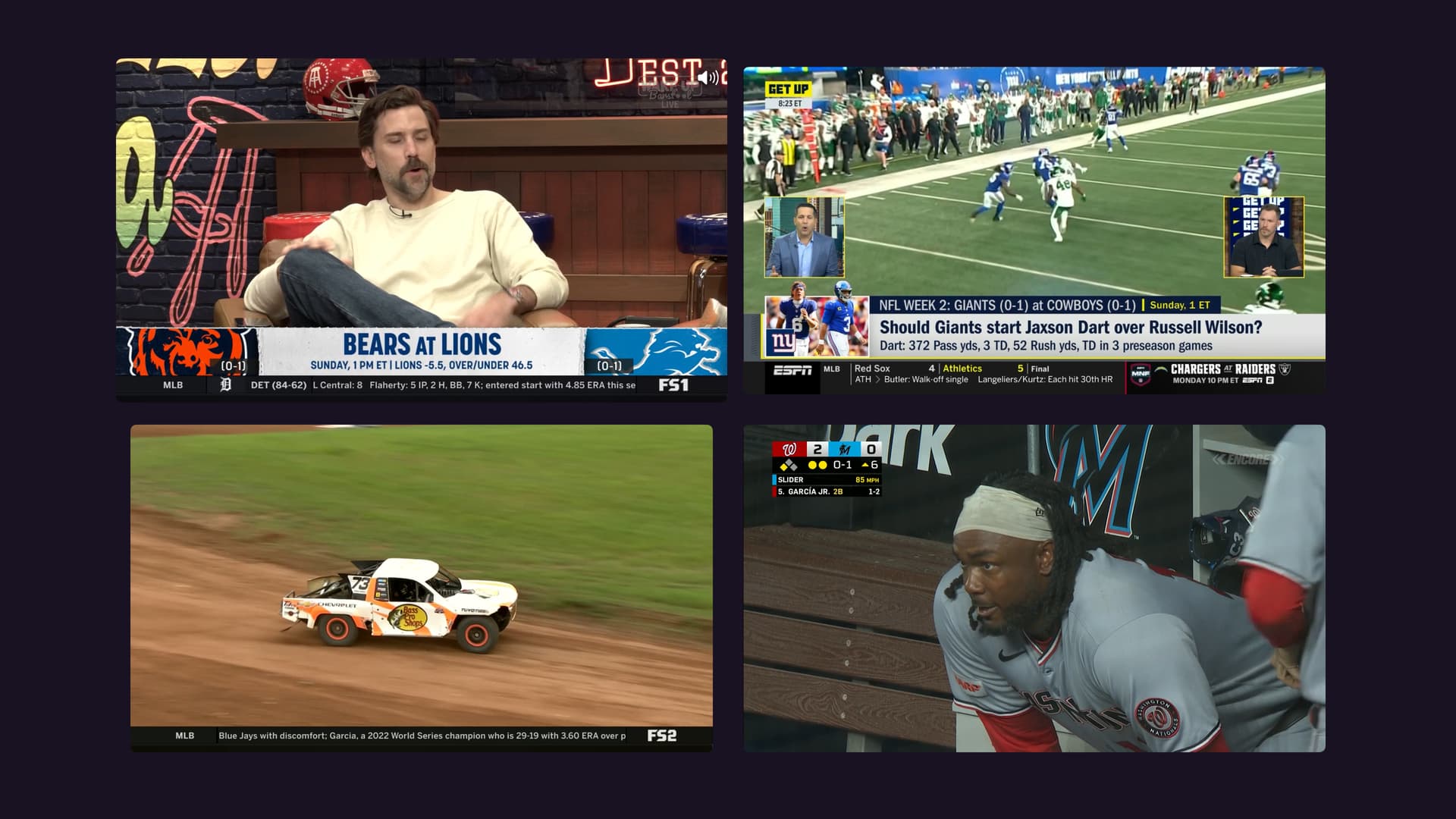
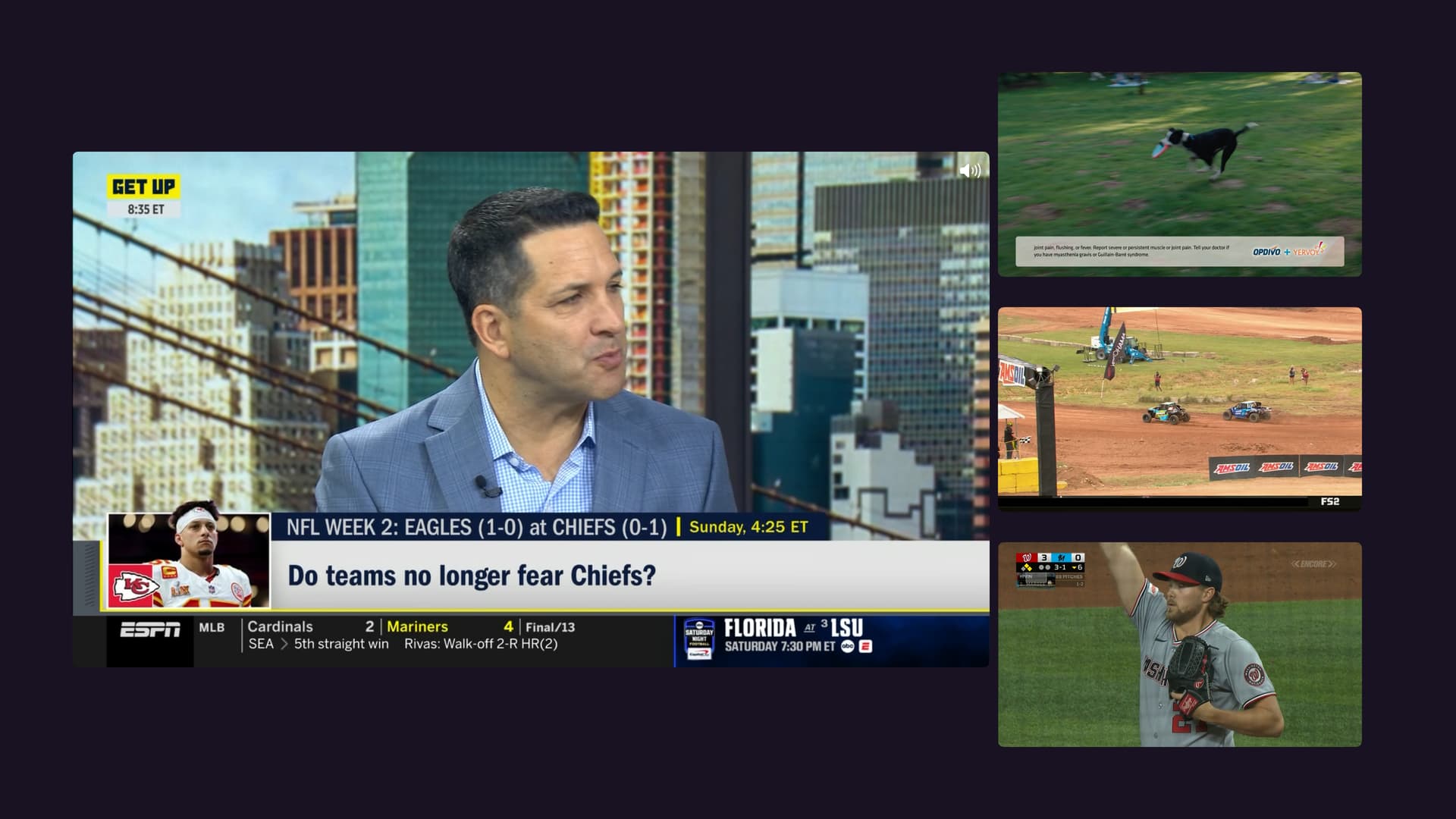
More Layout Examples

Big Video Mode

Two Up

Simply launch Multiview from the context menu (select and hold) of a guide item or channel and you will be launched into the new Multiview experience. Watch > Multiview

Add channels by picking them from the quick guide at the bottom. You can add up to 4 channels, if your number of available tuners allows it.

Manage the players by selecting and holding them to get action items for them.

Facts

  • Only available on iPad and Apple TV 4K and up
  • You can watch up to 4 different channels at once
  • There are multiple layouts you can cycle through. Use the Select and Back buttons on your remote to cycle through them.
  • Select and hold a player to get action items like Remove Channel and Replace Channel.
  • There is no buffer in Multiview. There is no pausing or rewinding or any control over a timeline. This is strictly live TV only.
  • Virtual Channels are not supported, and won't be.
  • Personal Media from your library are not supported, and won't be.
  • Multiview is a live TV feature only.

Known Issues

  • We're looking into a rare crasher that happens when removing a player that is sourced by an HDHomeRun.

Help

While we've tested this extensively, we have not done a lot of long range tests of hours of playback. Please try out Multiview and report any issues you come across.

This includes things like:

  • Audio cutting out
  • Streams stopping
  • App crashes
  • Other awkward issues

When reporting issues, please include:

  1. How many channels you were watching
  2. How long had you been watching
  3. What were the sources of the channels
  4. What was the source of the channel that gave issues
  5. Any more info we might need
  6. Submit diagnostics from the Channels app

Have fun!

17 Likes

This is so cool!!!!!

3 Likes

I do have a question. Was it on purpose with two channels to make the second channel really small while the first one takes up most of the screen. Where if you pick 3 or more they are all equal size?

I'm not seeing the multiview option on mine... does it need to be enabled somewhere? I looked around some but didn't notice anything. I installed the update... did a force close etc. TIA

Did you check for another update. There was a second one released about 2 minutes after the first one as it didn't have the menu added.

yep that was it

If I remove a channel from the top two positions the Channels App is crashing. If I remove from the bottom two slots it seems to remove the channels correctly without crashing.

Wow this is exciting!!

I did notice an audio anomaly when adding a 4th station, and later an app crash. The audio sounded like it went from several channels of audio to one mono channel. Im not sure the app crash was related to the audio or not it came minutes later when playing with the new UI.

I submitted diags from the app

I will keep playing to figure out the steps to reproduce both the audio and later the crash and make it reproducible.

One question about adding channels to the multiview.
Is there a way to have the choices at the bottom be one or more of our channels collections?

This way for sports, you could have your favorite sports collection, or for news your favorite news collection, etc.

I was watching for only a few minutes
I had a mix of one ah4c channel, one tve channel and a couple of local stations

It was the ah4c channel that had the audio weirdness when i what i think was the 4th channel (a local i believe)

Ya, the original thinking was that this way you could have 2 things to watch, and focusing on the thing you want gives it a bigger view, vs splitting the screen.

We totally get that other places do it differently and that this option might not work, but wanted to put it out there for comments by you all first.

1 Like

There are plans to add a way to have saved clusters of channels that let you launch a saved multiview, but that will come later in a follow up. We've just gotta make sure multiview is reliable and working at all first.

5 Likes

Makes perfect sense. Once the stable, a remote shortcut to the preprogrammed multiview would be killer.

1 Like

Please follow the instructions on what information to provide:

When reporting issues, please include:

  1. How many channels you were watching
  2. How long had you been watching
  3. What were the sources of the channels
  4. What was the source of the channel that gave issues
  5. Any more info we might need

Submit diagnostics from the Channels app

1 Like

Thanks maddox. I could see a scenario where someone would like to have two football games up at one time and since its so small it wouldn't be very useful being that small. It would be awesome if there could be another option for changing it to a mini screen vs standard size for that channel as maybe a middle ground?

This is exactly what I needed!

I actually do like 2 view because in tivimate I find I use a similar setup to this with 2 channels versus smaller side by sides

This upcoming Sunday will be a good test for this as well

I just went to stress test the audio. I have virtual channels set up with surround music videos in 5.1.

I was going to set up 4 videos playing at once from that virtual channel guide, but multiview didnt appear to be an available option for virtual channels or local content in the guide.

Is all local content disabled for now?

Virtual Channels are not supported by Multiview and won't be. The same goes for content in your library. This is a live TV feature only.

(I edited the original post to specify this).

  1. As low as two and as many as 4.
  2. Doesn't seem to matter how long.
  3. It seems to be related to OTA channels. I can't seem to reproduce it when using other sources like pluto or frndly only.
  4. OTA channels.
  5. It might have to do with having a mix of channels in 1080i and 720 or 480. I was able to crash when picking channel 13.1 and 13.2 for example.

Submitted Diagnostics

@jxxaxxy This was mentioned in the original post in the Known Issues section.

HAHA yes. Sorry I didn't put this all together until your 5 questions where I was doing additional testing and realized it was OTA issue only.