
Hmm, I was thinking I’d like an option to disable the speaker icon entirely. The light purple border around the unmuted stream makes it a bit redundant.
3 Likes
This was added in the latest TestFlight beta. The speaker icon is now only used in Roomy Spacing mode to denote the active channel.
2 Likes
Replace channel working? Everything else looking great.
The last build has bugs due to the speaker icon changing.
Any chance this multiview makes it to Android TV?
2 Likes
Working now! Thanks.
I have four channels set up, but only one of them is working. When I switch to other channels, the sound only comes from the first channel I select. Is there anything I can do to fix this issue?
Any chance for a move channel option so you can rearrange them more simply? Working great so far.
I don't see this issue.
1 Like
 Happy Friday, Multiview is now available on iPad.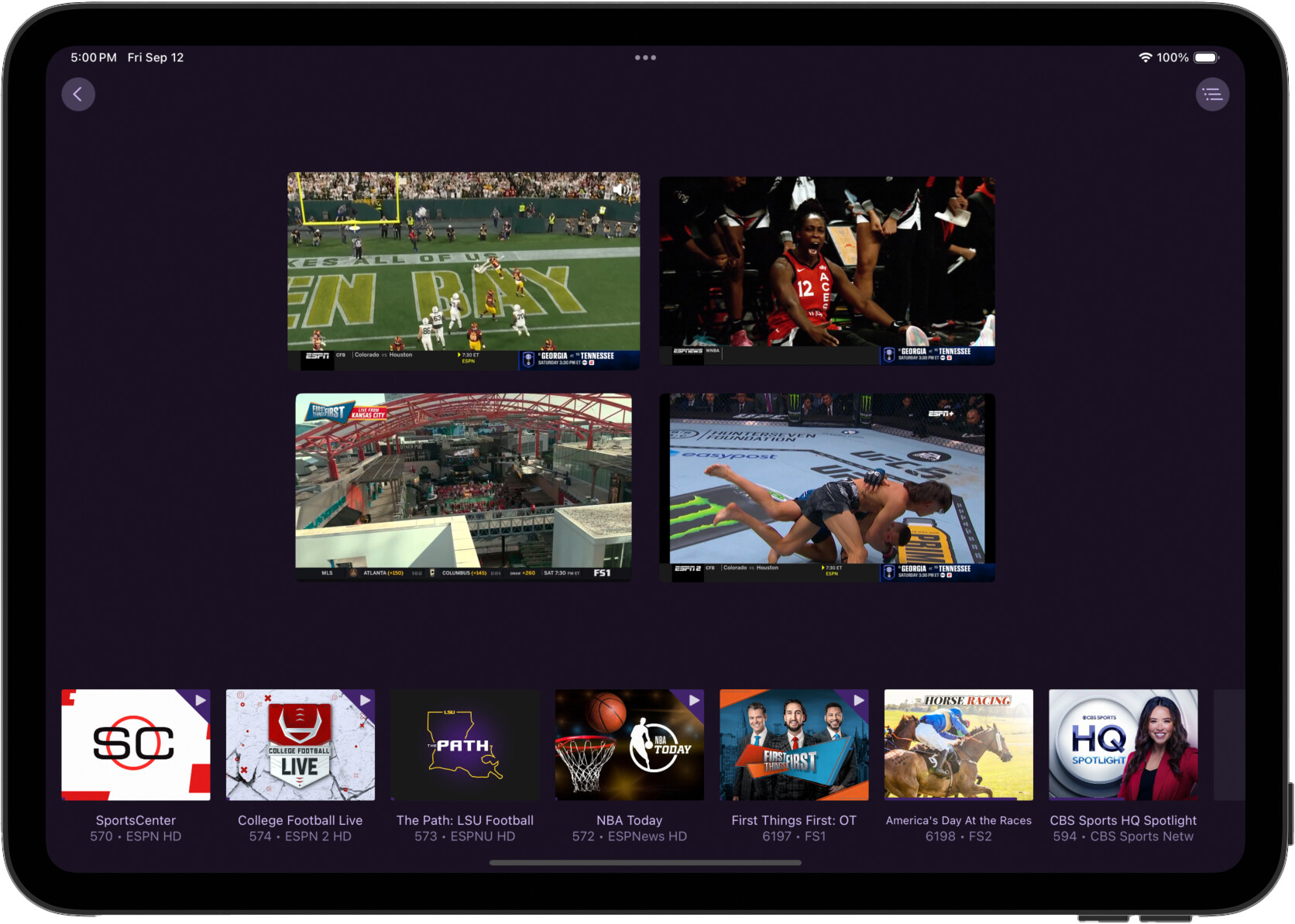
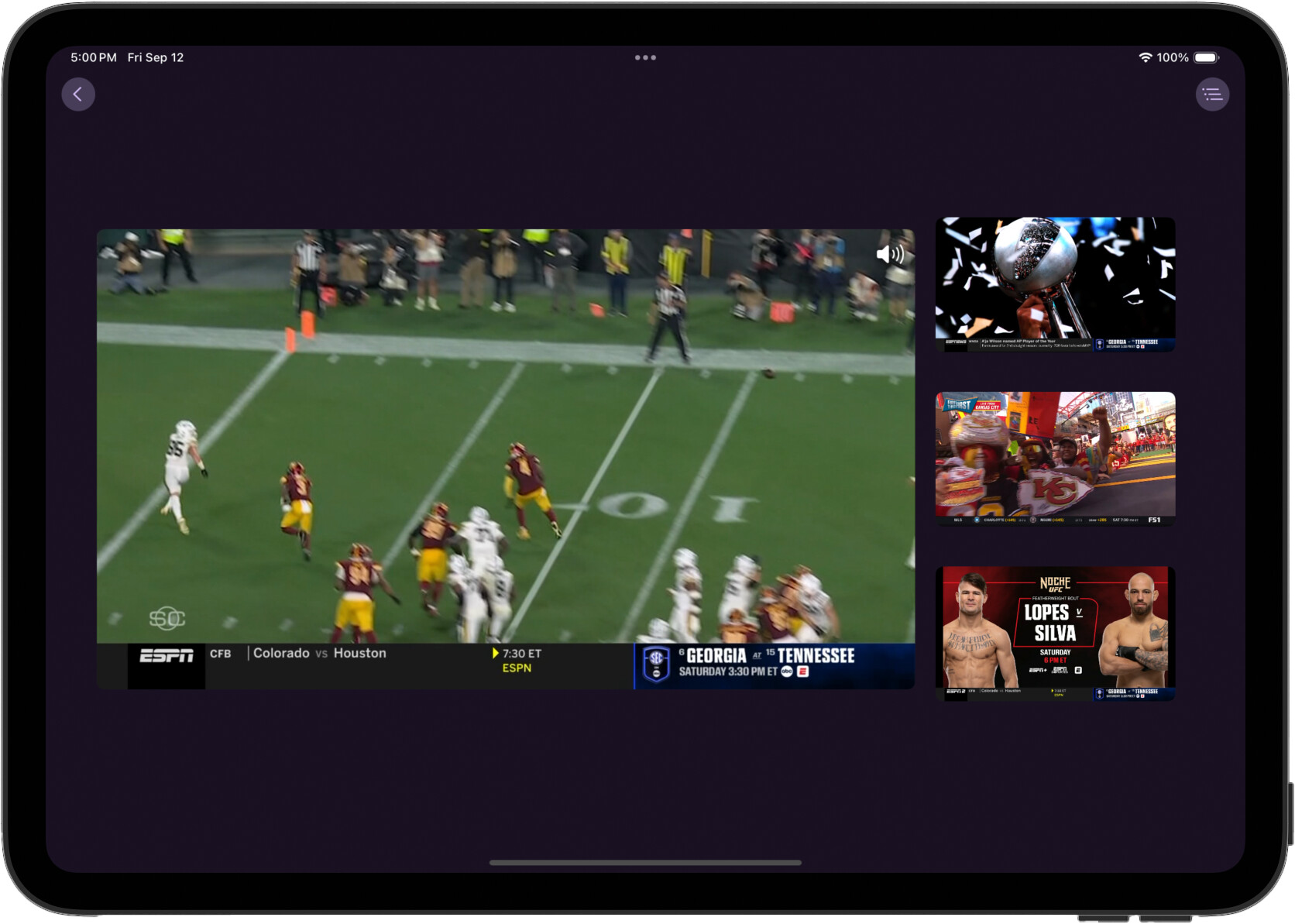
We haven't locked Multiview down to any specific iPad models. So please share your results if they aren't great, and what model iPad you're using.
Excellent! So far it's working very nicely, smooth as silk, on an M1 iPad Pro. Running iPadOS 26.0 Developer Beta (23A340)
2 Likes
I haven’t tried it on my iPad yet, only on my Apple TV. I can access all four screens, but if I select one of the screens that I didn’t initially choose, it doesn’t play and no sound is produced.
I haver a video if you want it
2 Likes
Please submit diagnostics from the app.
One feature my wife really likes on our Apple TV4k is the buffer it holds on the channel your watching, sometimes it will hold the buffer for hours. Is there a chance that Multiview could hold a buffer on the channel that is selected?
Playing great on 9th gen ipad!
Works gread on my iPad 6 (2018) and my 2024 MacBook Air.
Love this. Only thing I noticed, I get the three loading ellipses often, even if a channel is not buffering and playing smoothly. This happens while watching remotely.
1 Like