
These bugs were fixed with the latest TestFlight beta:
1 Like
Working now! Thanks.
I have four channels set up, but only one of them is working. When I switch to other channels, the sound only comes from the first channel I select. Is there anything I can do to fix this issue?
Any chance for a move channel option so you can rearrange them more simply? Working great so far.
I don't see this issue.
1 Like
 Happy Friday, Multiview is now available on iPad.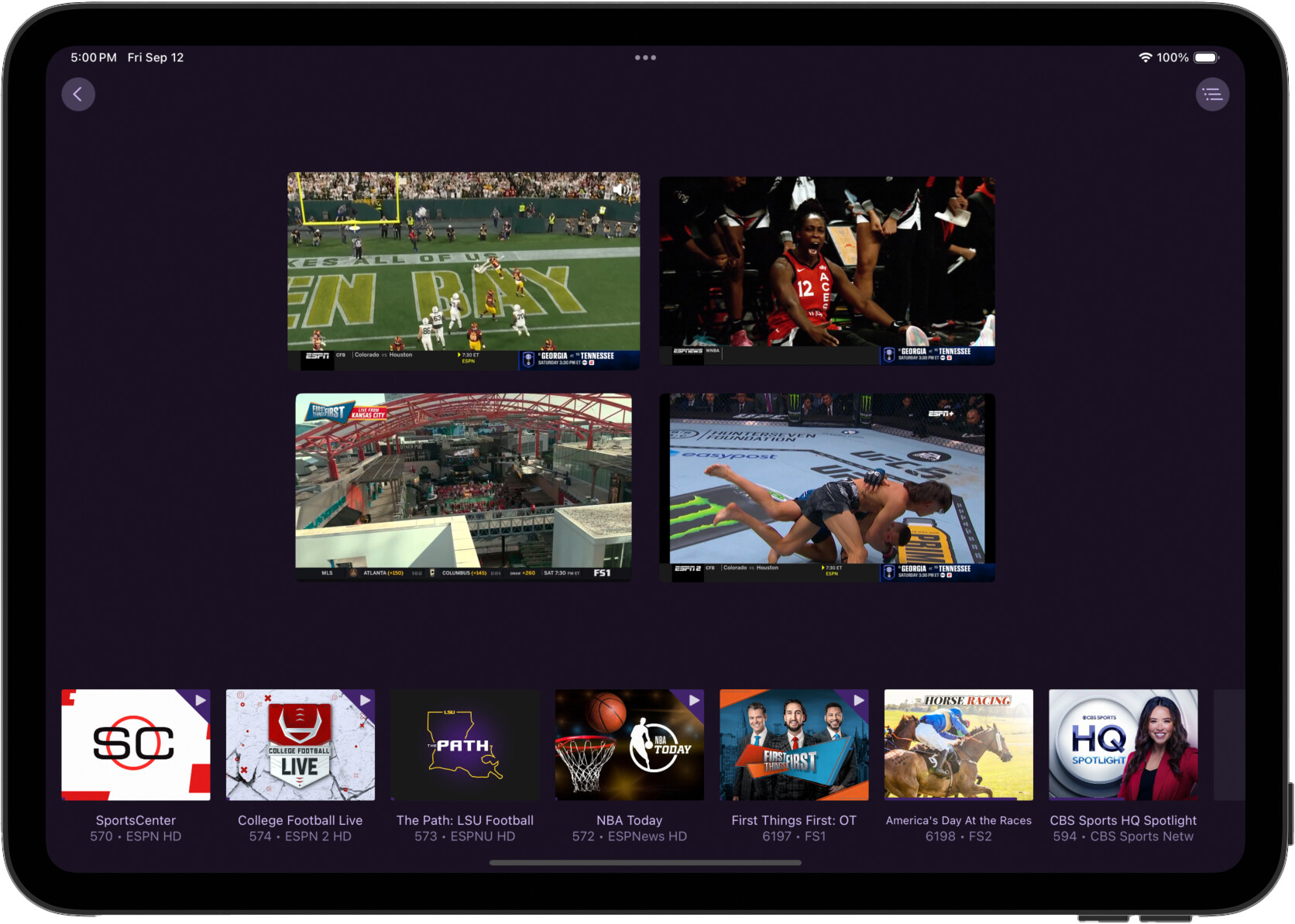
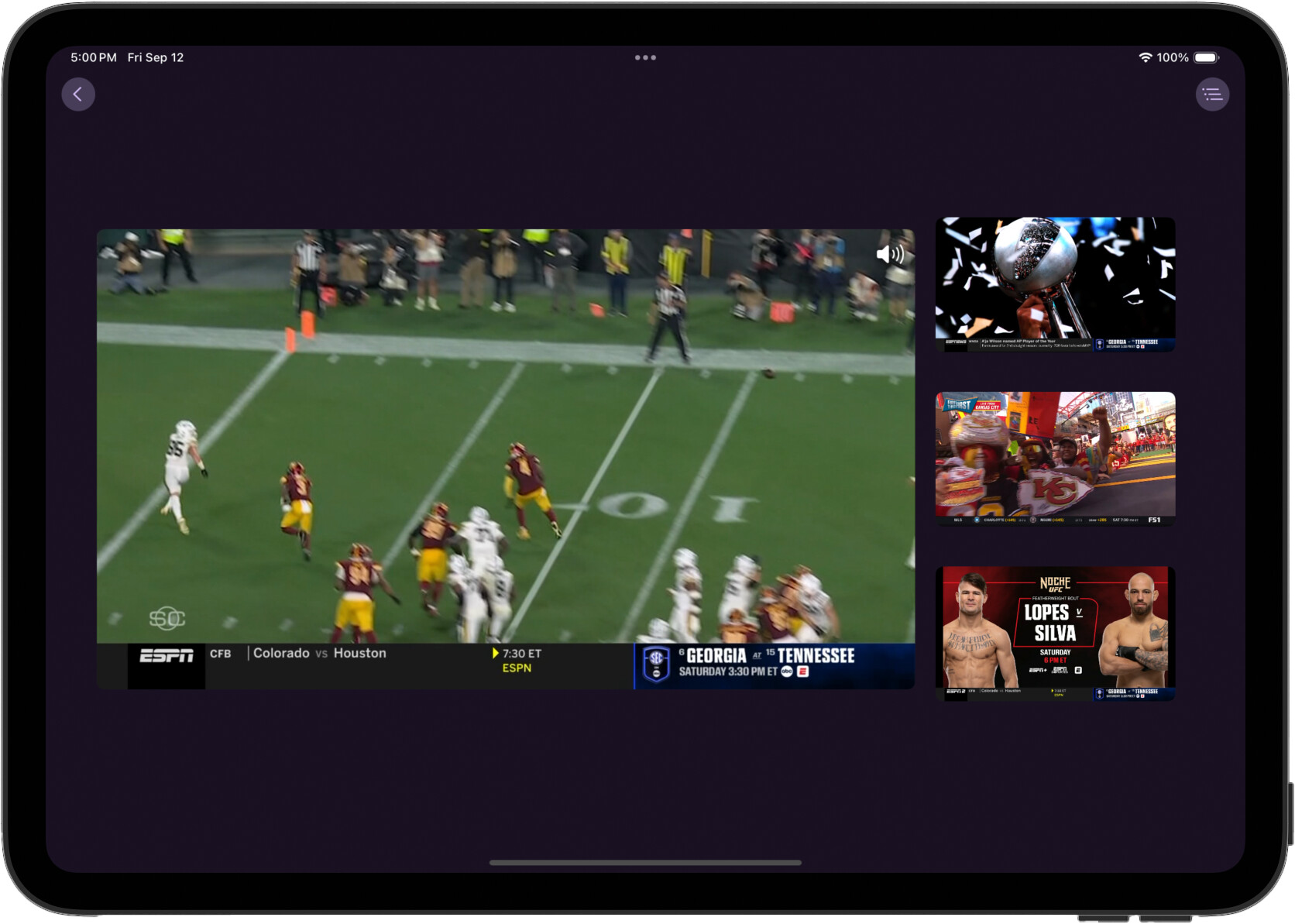
We haven't locked Multiview down to any specific iPad models. So please share your results if they aren't great, and what model iPad you're using.
Excellent! So far it's working very nicely, smooth as silk, on an M1 iPad Pro. Running iPadOS 26.0 Developer Beta (23A340)
2 Likes
I haven’t tried it on my iPad yet, only on my Apple TV. I can access all four screens, but if I select one of the screens that I didn’t initially choose, it doesn’t play and no sound is produced.
I haver a video if you want it
2 Likes
Please submit diagnostics from the app.
One feature my wife really likes on our Apple TV4k is the buffer it holds on the channel your watching, sometimes it will hold the buffer for hours. Is there a chance that Multiview could hold a buffer on the channel that is selected?
Playing great on 9th gen ipad!
Works gread on my iPad 6 (2018) and my 2024 MacBook Air.
Love this. Only thing I noticed, I get the three loading ellipses often, even if a channel is not buffering and playing smoothly. This happens while watching remotely.
1 Like
Noticed a crash on latest prerelease when testing multiview. If you use the multiview feature from within the “All Channels” or “HD Channels”, when you select your first station, the app crashes.
Still working like a champ on all my custom channel collections
Submitted diagnostics from both ipad and ATV
This is incredible!! I’ll be using this as PiP because it does it better. The ability to go all the way into and out of a stream and into another stream is instant because both streams are going at the same time is amazing.
I’d like to see an option launch multichannel from the quick guide by long pressing a channel in the quick guide.
I’d also like to see launching multiview an option that can be attached to red, blue, yellow, green remote buttons and a keyboard shortcut letter that will enter the multiview without first selecting a channel in the guide. Ideally hit the shortcut button and then choose the channels to skip the grid guide all together. Maybe a settings option to change double tapping play/pause button from last channel to launch multi instead. This feature is so good I see my self using it a lot. I just wish there was a faster way to get into it. Of the three options above I think I’d most like the ability to change the previous channel double press play/pause button.
I’m all set for 7 streams when combining my multi4channels channel with this native multichannel.
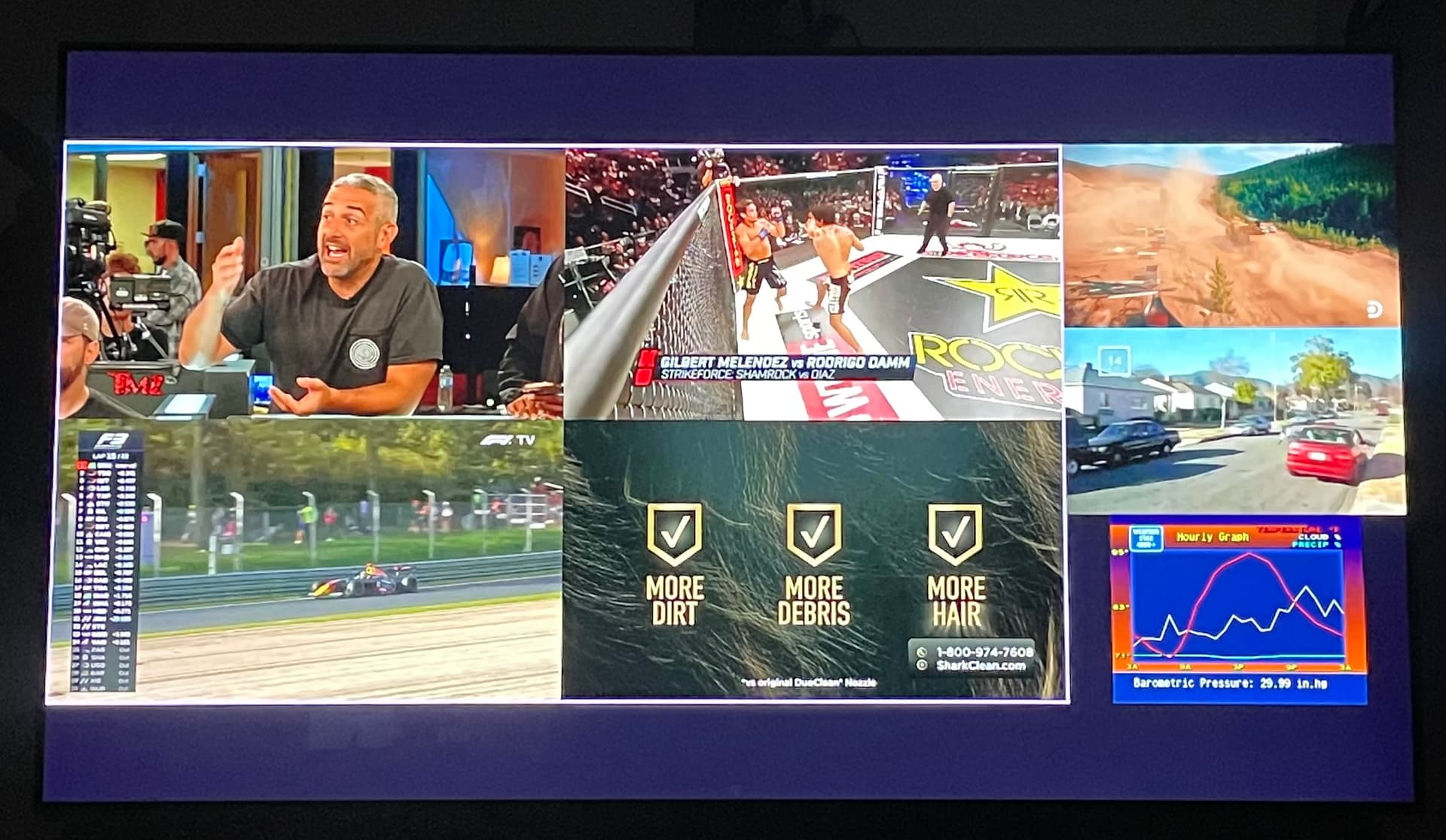
There appears to also be some audio artifacts related to AGC (auto gain control) somewhere in the audio chain. You can really introduce the symptoms by tuning to the nfl redzone channel. The non sunday splash screen audio is a great test case as it exhibits the problem very consistently. In my case that feed is being piped into channels through a linkpi encoder from another apple tv.
For now Ive confirmed that if I disable surround sound in to channels advanced settings, the audio behavior is much better.
Im happy to assist and test any possible solutions to get surround sound working with multiview.
iPad multiview with those same channels , including redzone, is fantastic. No audio artifacts, drop outs, monophonic issues, etc. very slick performance on my M2 ipad air.
This is great. I use the iPad app primarily on my Mac.
Could the context menu be enabled so a right click could provide the option to remove a channel from the multi view?
Can the volume slider be made visible in multi view mode? And related: Please decouple volume slider from system audio out level when running on Mac
I know you'll keep making improvements but thus far its working great on my Mac. I've been waiting for this feature, will probably enable me to hold on to my HDHR prime tuner with FIOSTV to the bitter end.
While I wasn't able to reproduce this crash, I found your crash report. I've rolled back a recent change that might have caused it. I don't want the app to be unstable for this weekend since this is the best time to try out Mutliview!
Please report back and let us know if it helped:
1 Like