
todays update did address this. it now shows 'Previously Recorded'
After watching the show, I deleted from the client.
I'll delete another one if you’d like. I know how to restore
I'm using CSI as I have another 4 or 5 seasons recording. In the legacy, when I went to just recently watched and selected "CSI", it opened up the entire set of recordings. In V2, I get the failed to open page.
to test this just now I deleted Maine cabin masters, so naturally i went to trash to restore and found the list seemingly randomly sorted. not alpha, ch#, delete time, record time. just random.
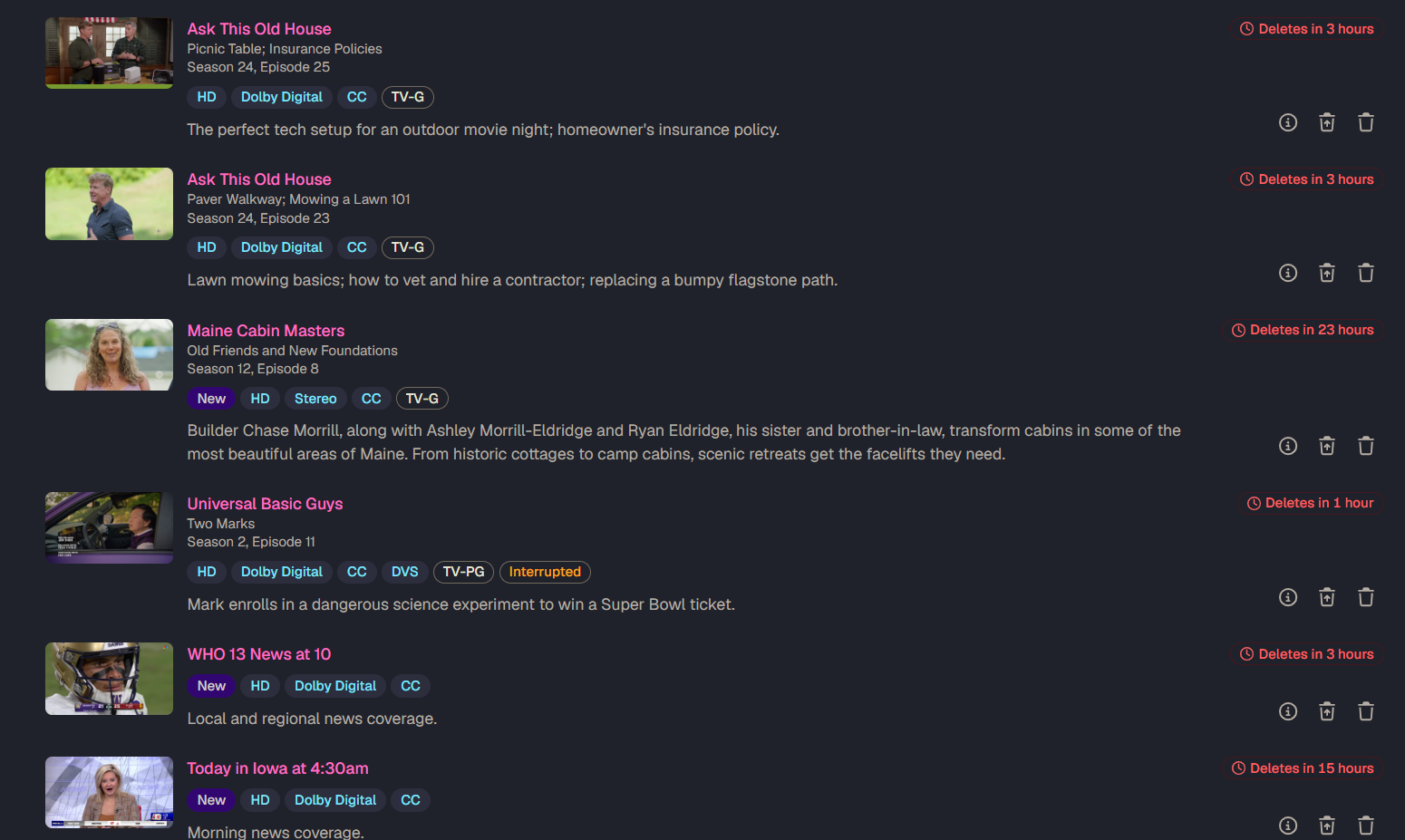
@maddox
Prior to deleting the episode from the client (v2 & legacy)
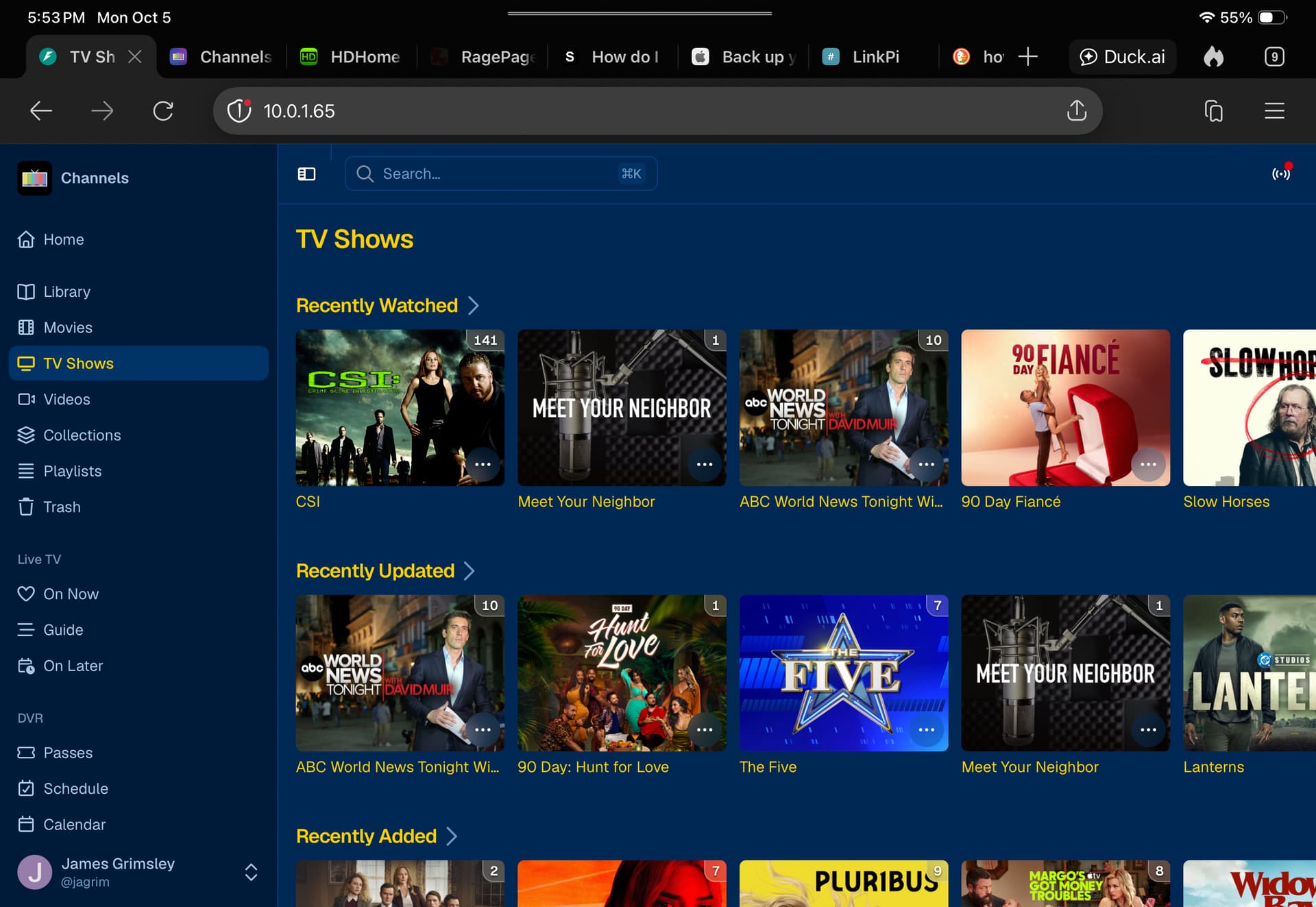
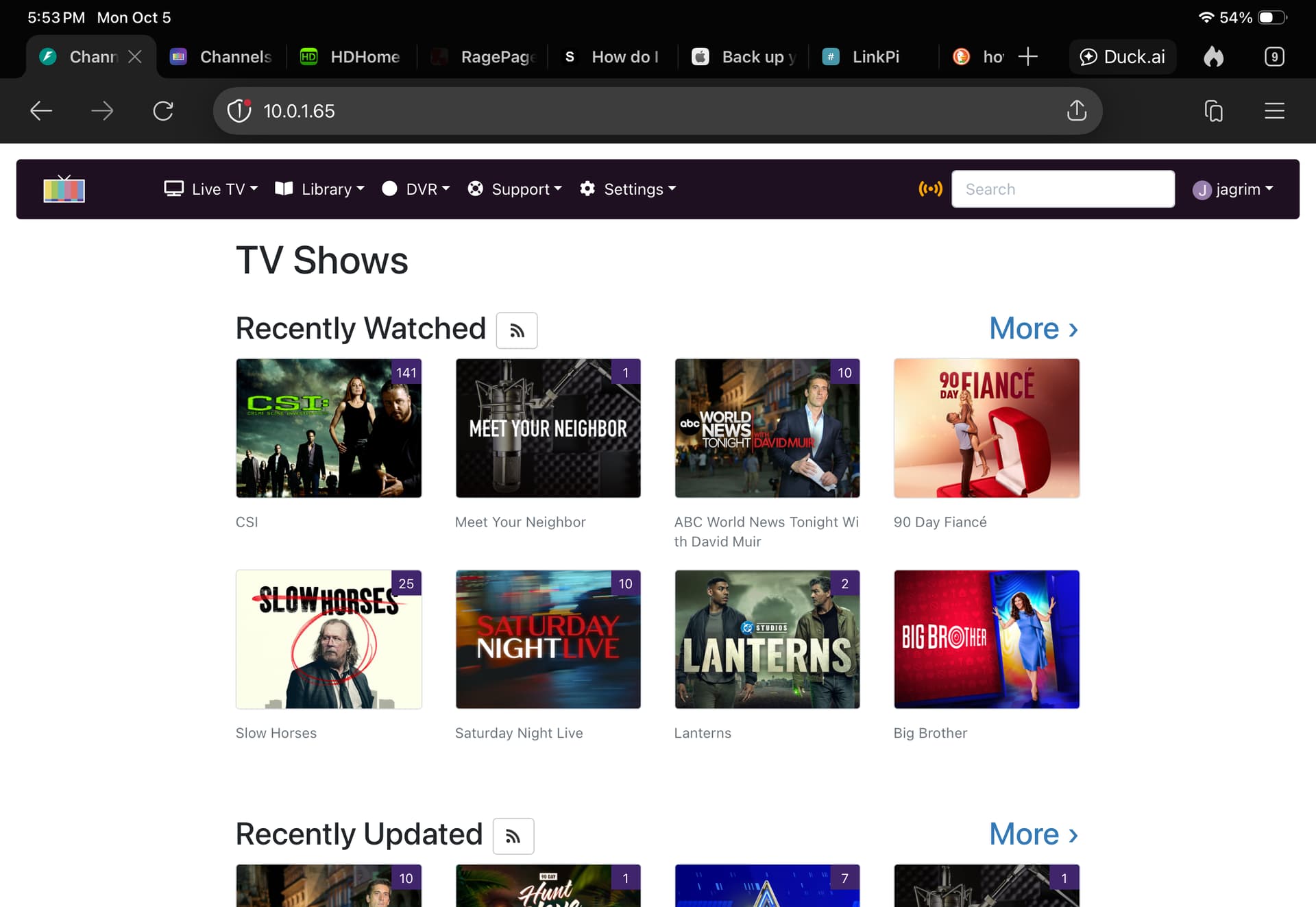
After deleting episode 141 from the client, both v2 & legacy reduce the count by 1 to 140
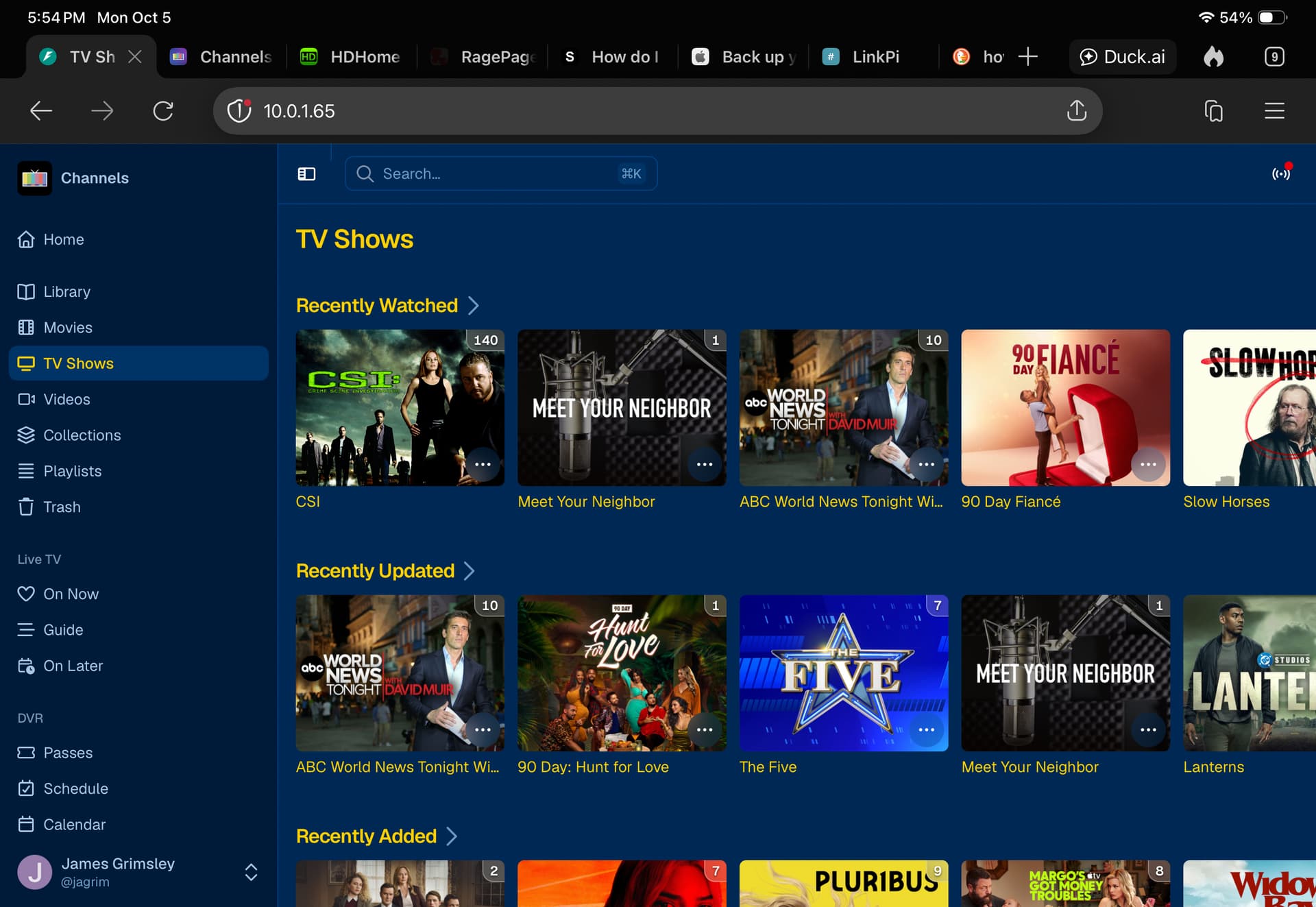
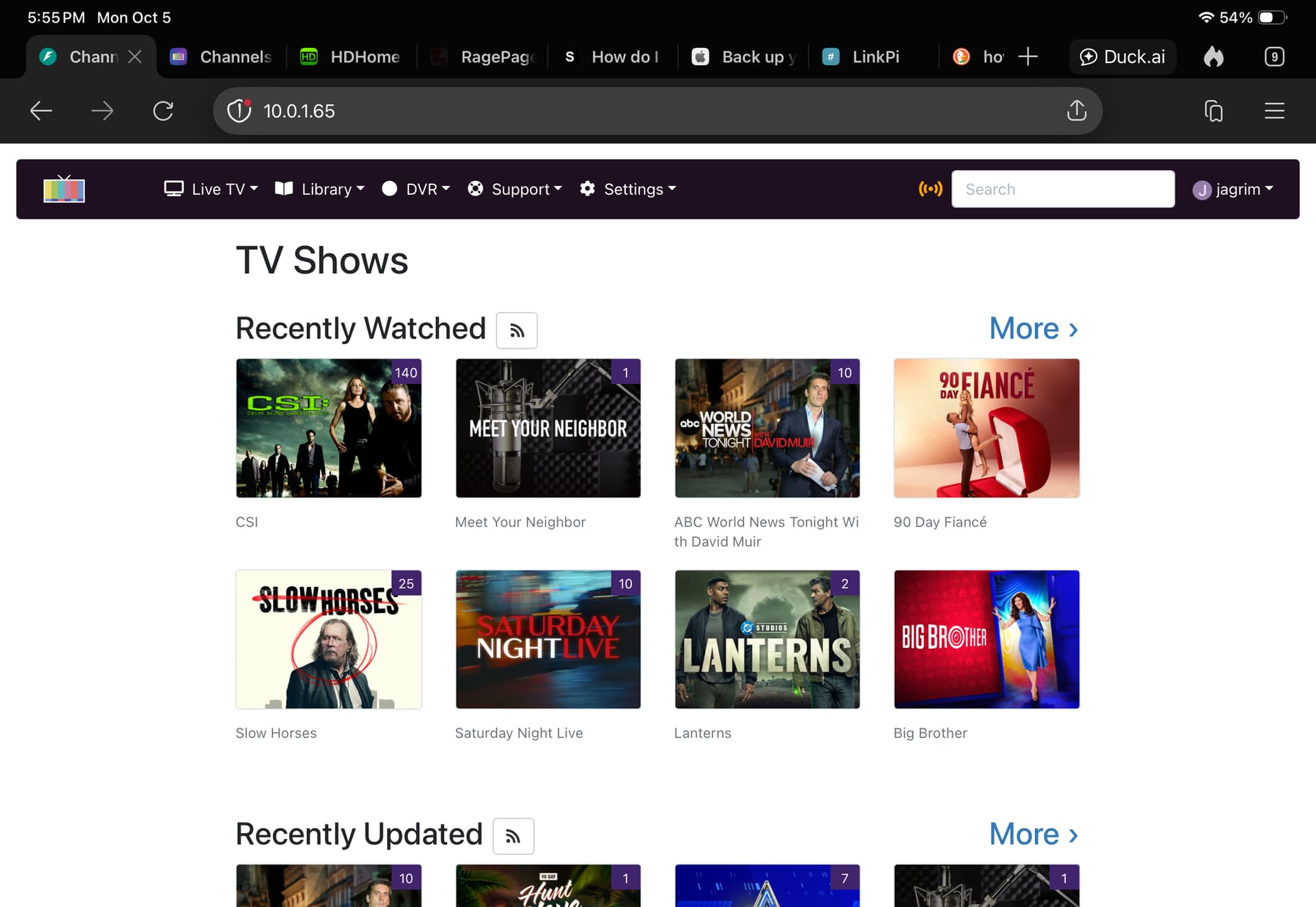
On v2, you get a failed to load yet legacy opens the remaining library for CSI.
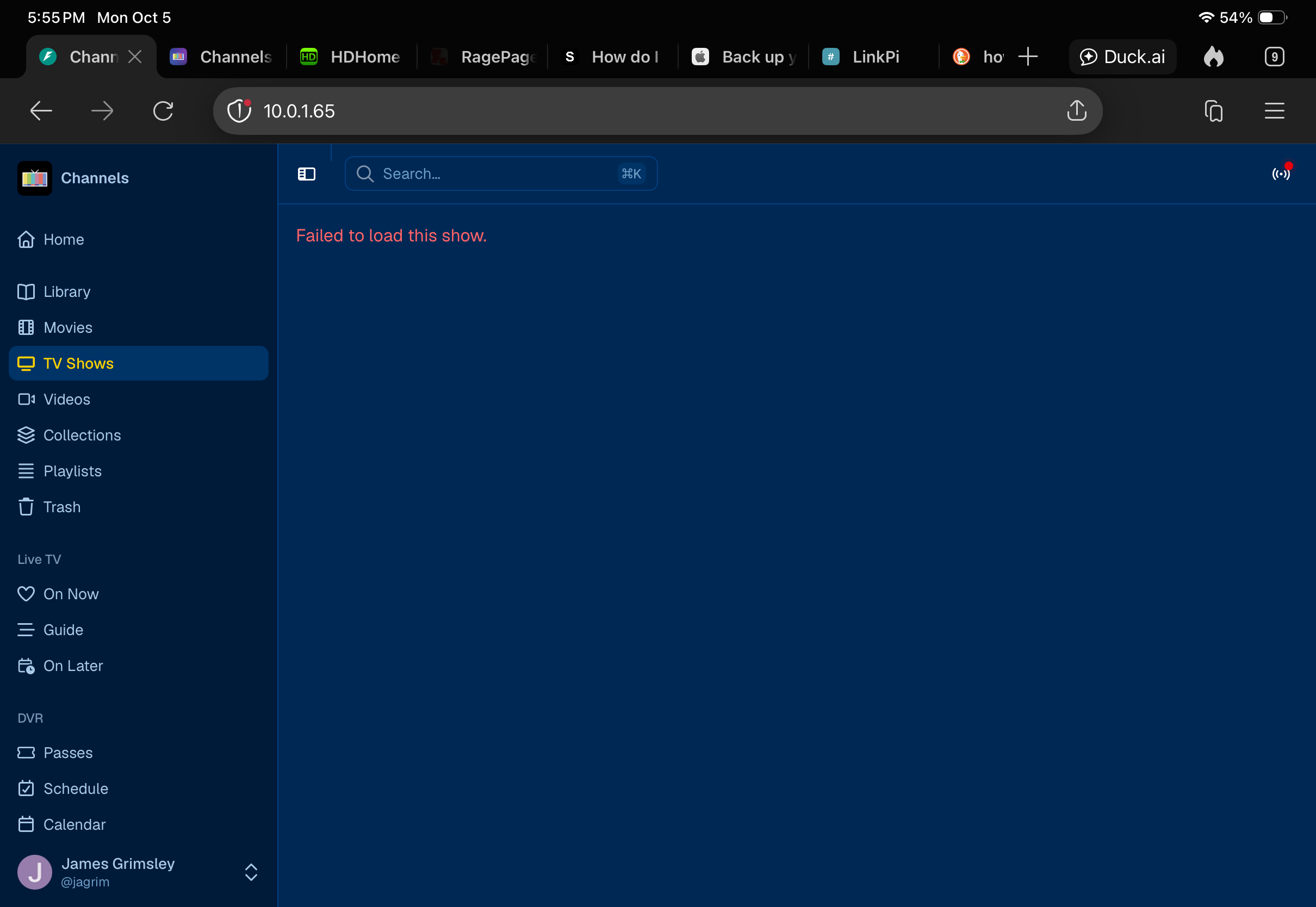
Thanks! That's weird. considering that's essentially a show, linking to it's show page.
We'll look into it.
1 Like
Looking at Library > TV Shows and clicking on a show I'm also seeing some Failed to load this show. Here's a few examples
/v2/shows/pluto%2F5e151be667cd16314c429ce3
/v2/shows/pluto%2F5ecd694fefbd62001b2745f4
/v2/shows/Avatar%3A A New Era -- Special Edition of 20%2F20
/v2/shows/Man vs. Wild
/v2/shows/fastchannels%2F5fb9b0975eb0df001b147c3b
/v2/shows/fastchannels%2F5d434b08c4a19d3369dc777c
1 Like
And after restoring from trash, still get the failed to load page.
Having the option to apply an entire source to a channel colections list would be super nice to have back in the new UI.
2 Likes
Just keep repeating the post every couple of days and maybe it will get noticed 
2 Likes
Noticed the same thing with my request(s) for the channel info in the Library. Glad to see it wasn't just my post(s) that got missed, was starting to think I was typing in invisible ink. 
2 Likes
so I added this show to a collection and then it worked. still works when I delete the collection.
checked another browser and it required being in a collection.
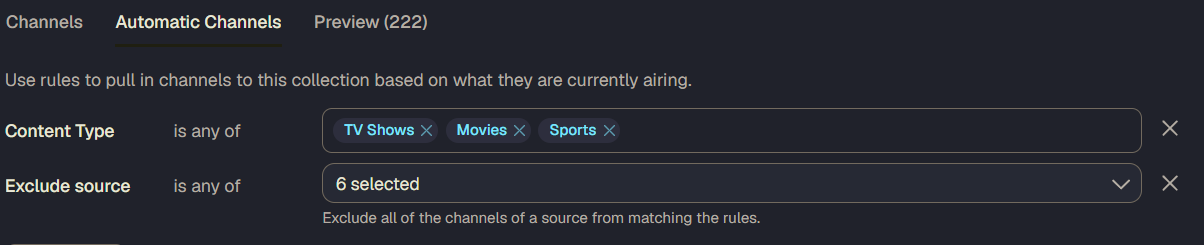
Point is it's in the v1 UI and should also be in the v2 UI
3 Likes
v1 Recordings (which was removed in v2) has Channel logo, number and name

v2 Library > Episodes (which replaces v1 Recordings) is missing Channel logo, number and name

v1 Schedule also shows Channel logo, number and name

v2 Schedule only shows Channel number

I don't have all my Channel numbers memorized, so it's nice to see the name and logo like in v1.
5 Likes
Thanks for the grabbing the screenshots of those for comparison. I think the number can still be helpful as even though I might not have the specific number memorized, I can tell by the number range what source it's from. For the channels I have from multiple sources, noticing the number is from a source different than I might expect has helped me spot issues with sources in the past.
3 Likes
Well, just following the topic instructions. I'd hate for it to be released with things missing.
1 Like
Still getting the Failed to load this show. in V2 UI.
Not work for COPS, but works for one other show i just recorded.
Will set a few other shows to record and see if they have the same issue.
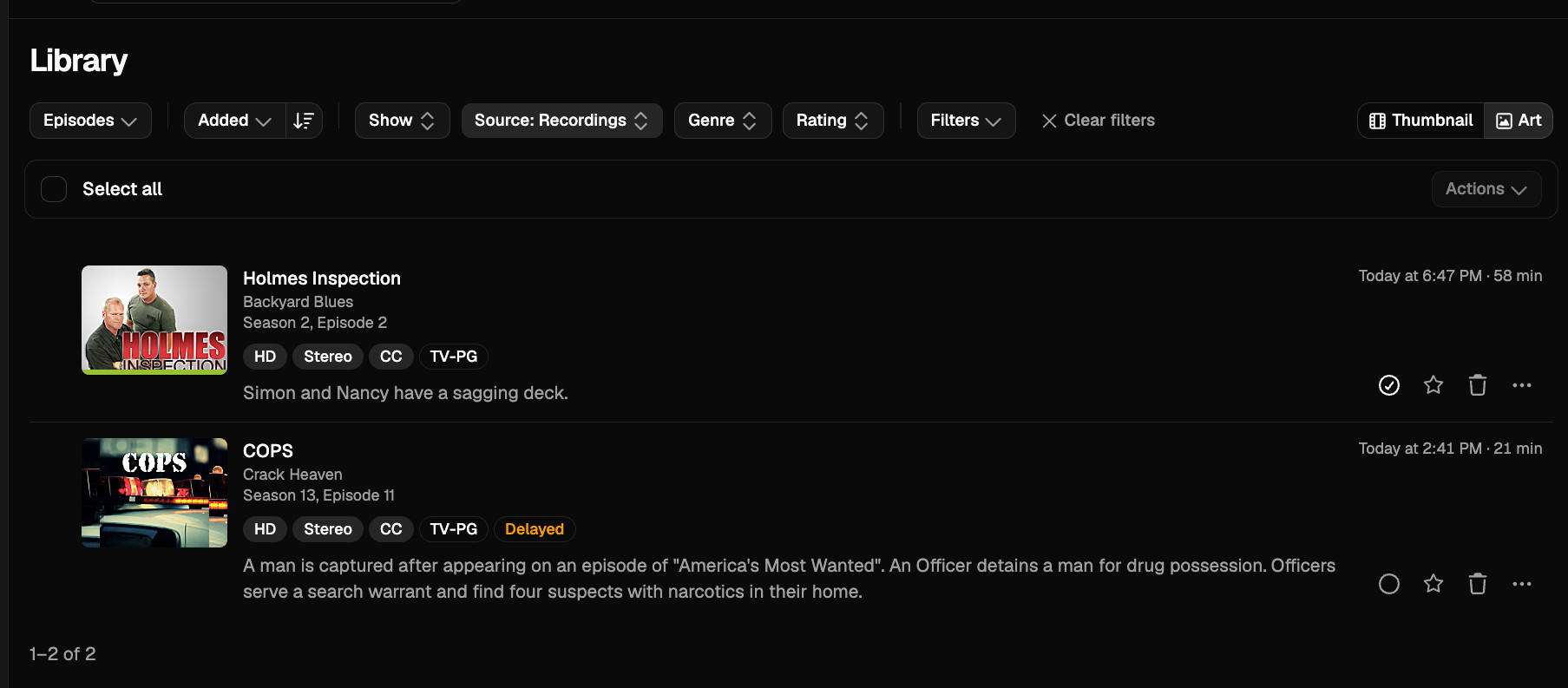
Why does it work fine for some shows and not others?
Most my shows are from Pluto right now.
Is cops recorded from Pluto?
1 Like
If it's the same issue with the URL then yes, you're still going to have the issue.
Nothing has addressed the issue I already mentioned to you about, so I'm not sure why you would be surprised it's still happening.
Everyone please be patient. You're mentioning the same issues over and over.
OK, boom!
I created a whole new category for Web Admin V2.
Instead of a single thread tracking all these issues, please feel free to open new topics in this category, and we can all provide feedback a little easier.
2 Likes