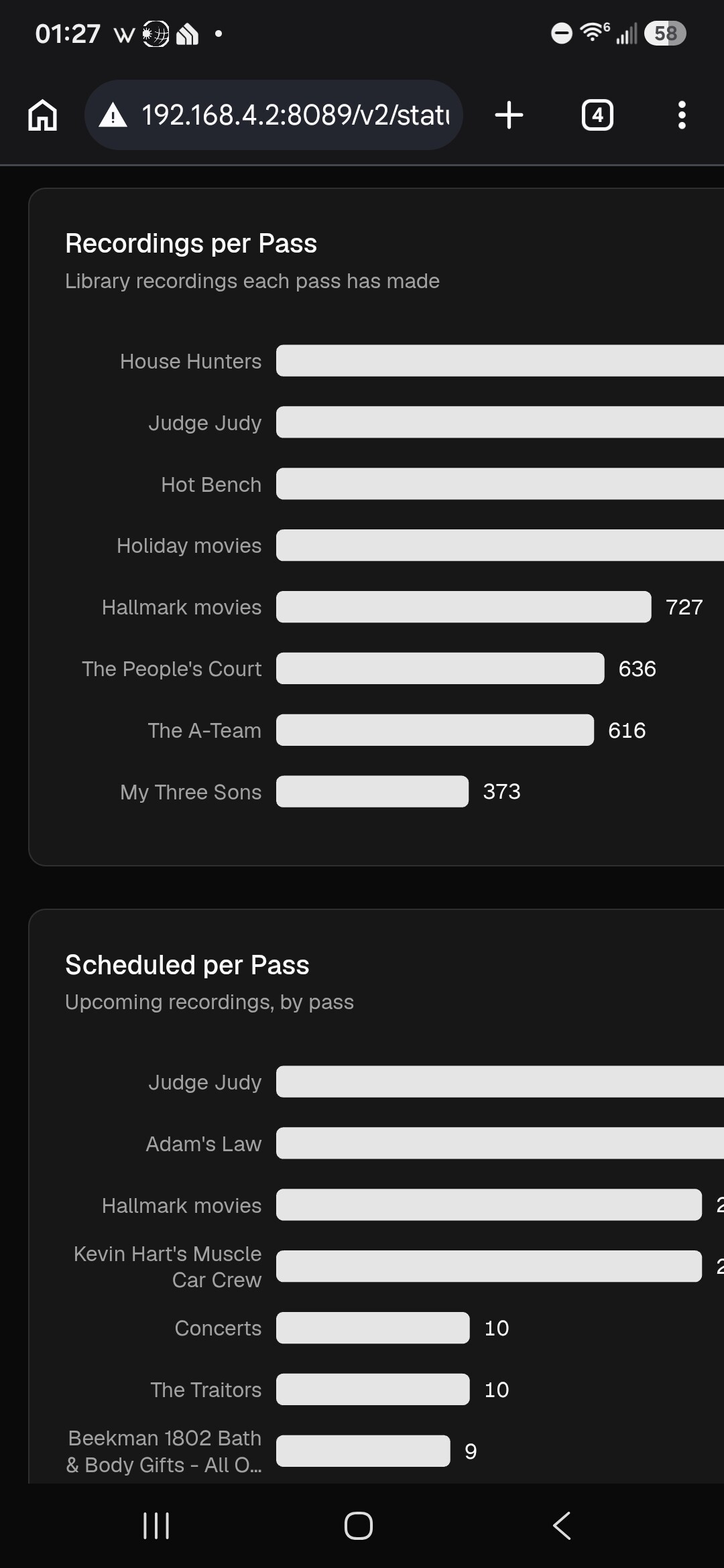
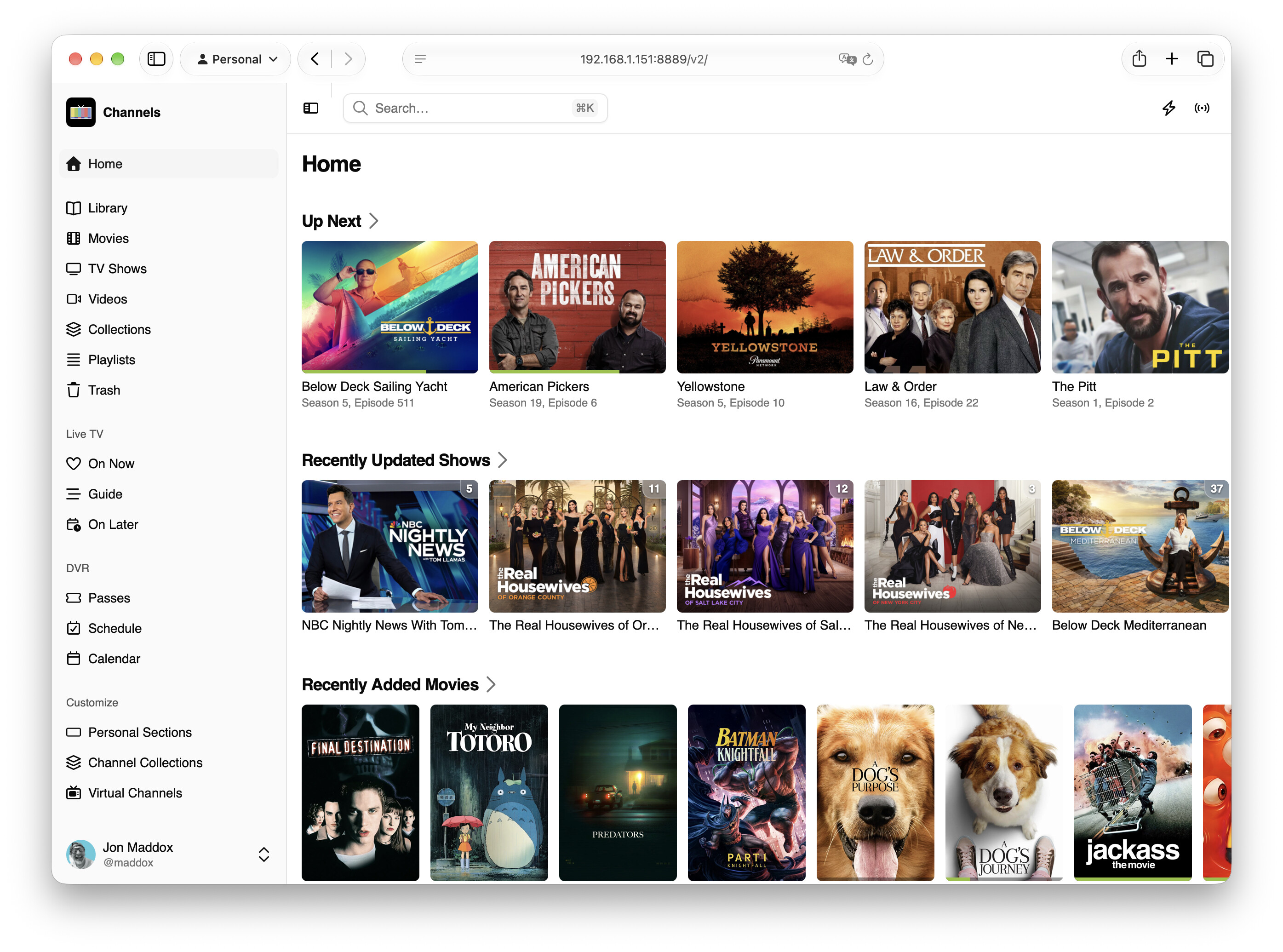
Today we're introducing the next generation of the Channels DVR Server web admin. This is a complete rewrite cleaning up and incorporating everything we've built over the last decade with a fresh consistent design.
We're launching it in beta and need your help to put it through its paces.
What it is not
Let's start with what the new admin is not. It does not reinvent features. No features have been expanded or changed. This was on purpose.
The goal of v2 was to get everything Channels DVR Server already does on a new platform, along with some quality of life improvements, to set us up for the future to THEN improve all of its features along with some new ones.
The old web admin was really holding us back and we think we're now set up for the future.
What is not done yet
v2 is pretty feature complete, but it's missing a couple things:
- No onboarding
- It is mobile optimized but still needs a huge review and improvements. Mobile may be rough right now.
- Needs more refinement
How to get it
After updating to the pre-release, you can switch back and forth between v2 and legacy with a switcher. You can find it under your account dropdown in each interface. Simply choose it and it will switch you back and forth.
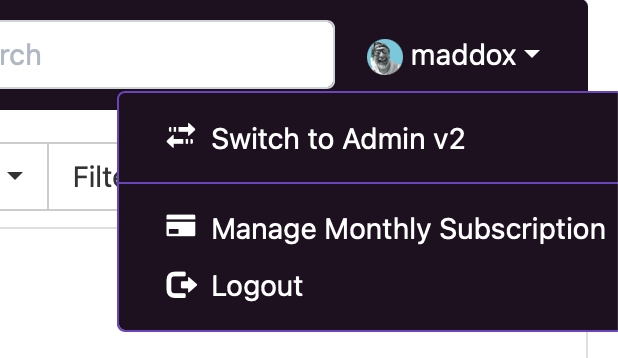
You can set v2 as your default admin interface by visiting Settings > General > Interface in v2. Then, whenever you visit your admin, it will load that instead. We highly suggest you do this.

This is only available on the pre-release, and not available on the stable release.
What's cool about it?
SO MUCH! We're so pumped on the new admin. As said, it's mostly all doing the same thing, but it's FULL of quality of life features that really level up Channels and its curation tools.
Some of our favorite improvements:
- Light/Dark mode along with a few fun custom themes
- Advanced Grid guide
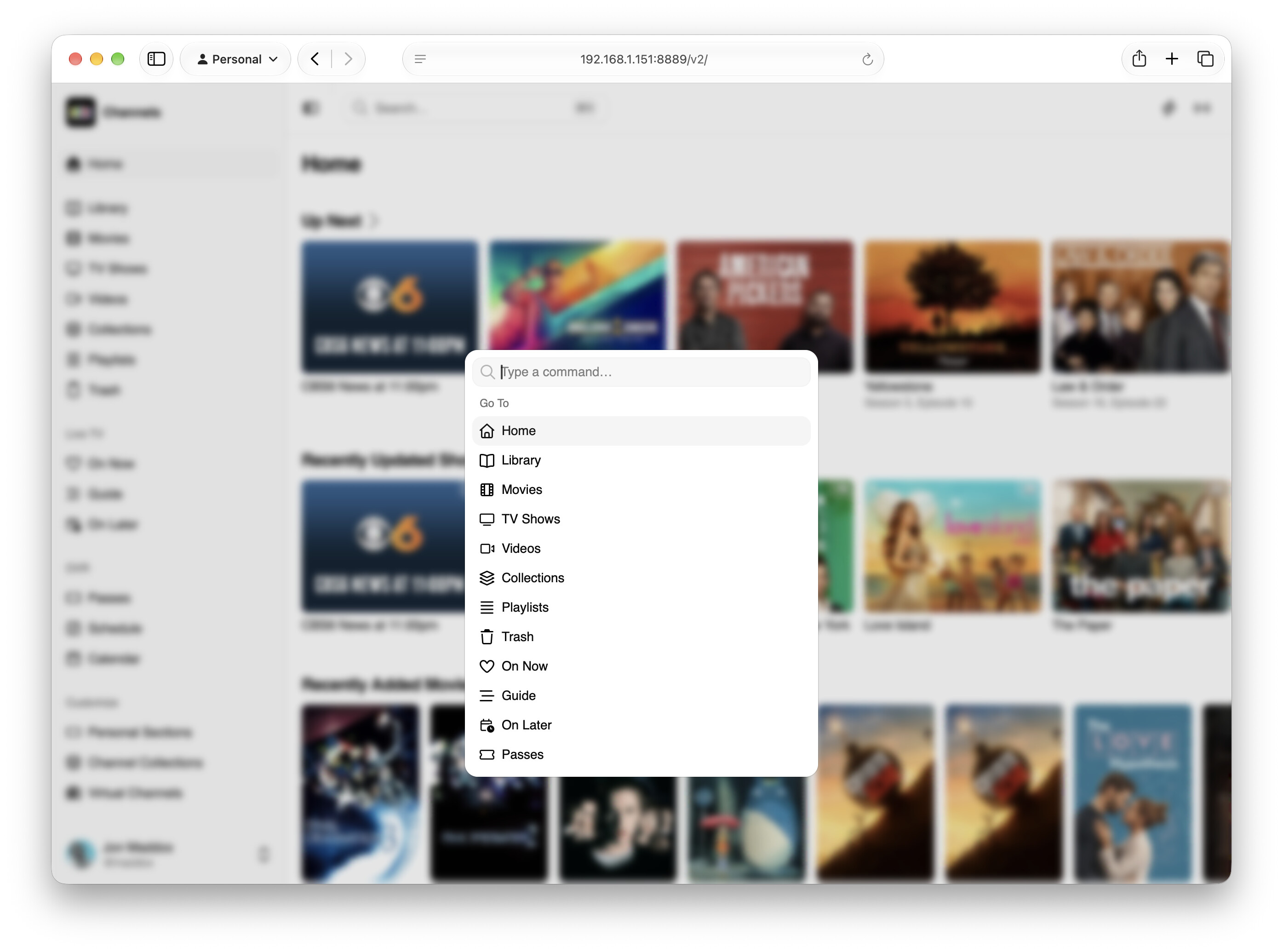
- Command palette to quickly jump to sections or run actions - command/control-k
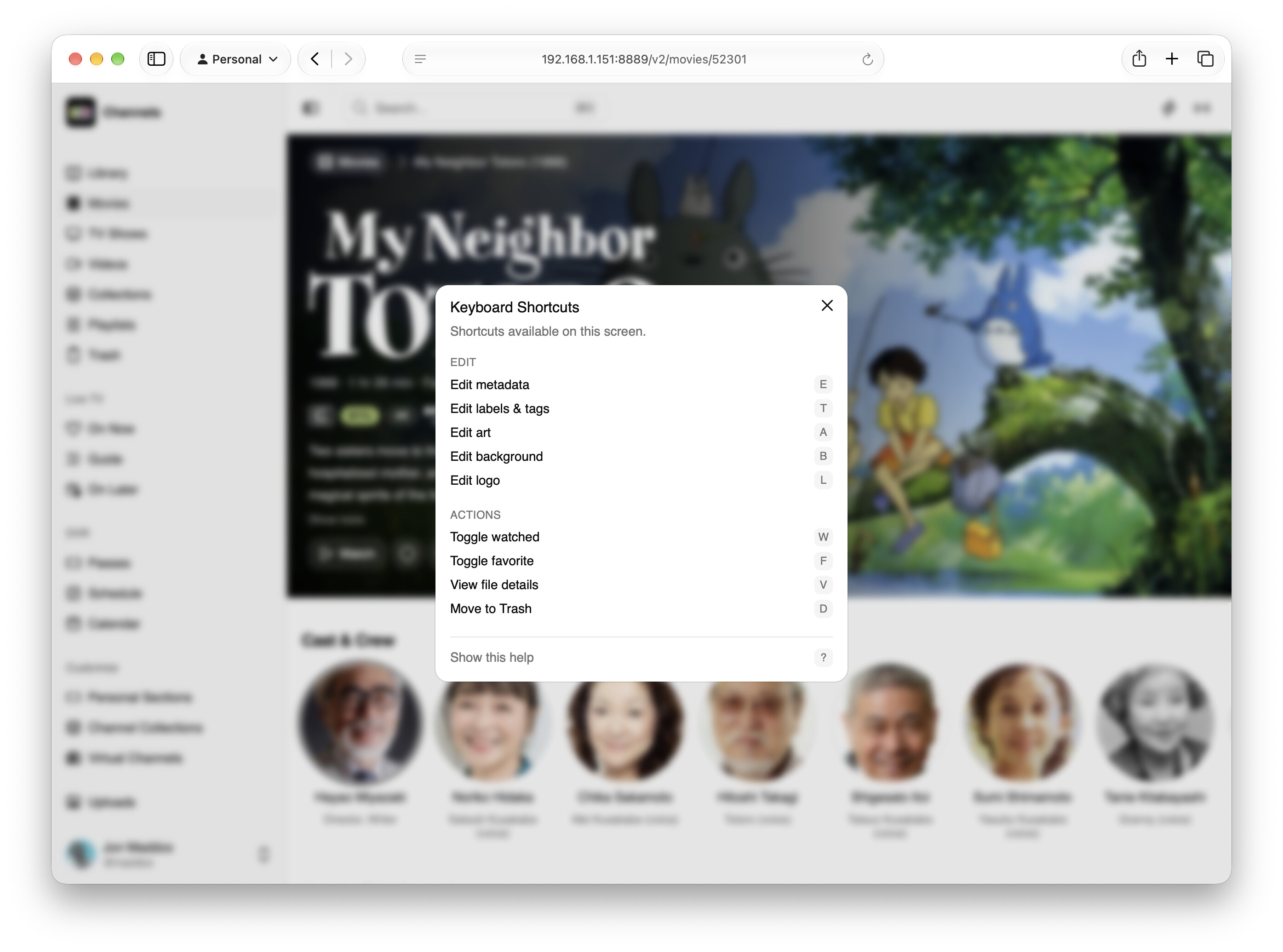
- Key commands for power users for editing some items (Press ? to see a panel of available commands on movies and TV shows)
- View Details on Airings displaying full coverage of metadata of airing items (like on videos)
- New web player supporting Commercial Skip, Intro Skip, and Auto Play
- Status section giving details about your library
- Backups manager
- Log panel with filtering support
- Activity popover with richer presentation
- Advanced Client settings management
We think the power users and ultra curators are going to love the Command Palette and Keyboard Shortcuts. They're incredible at helping you get so much stuff done so much faster. They help you zip across the interface.
And there's so much more.
Just show me what it looks like!
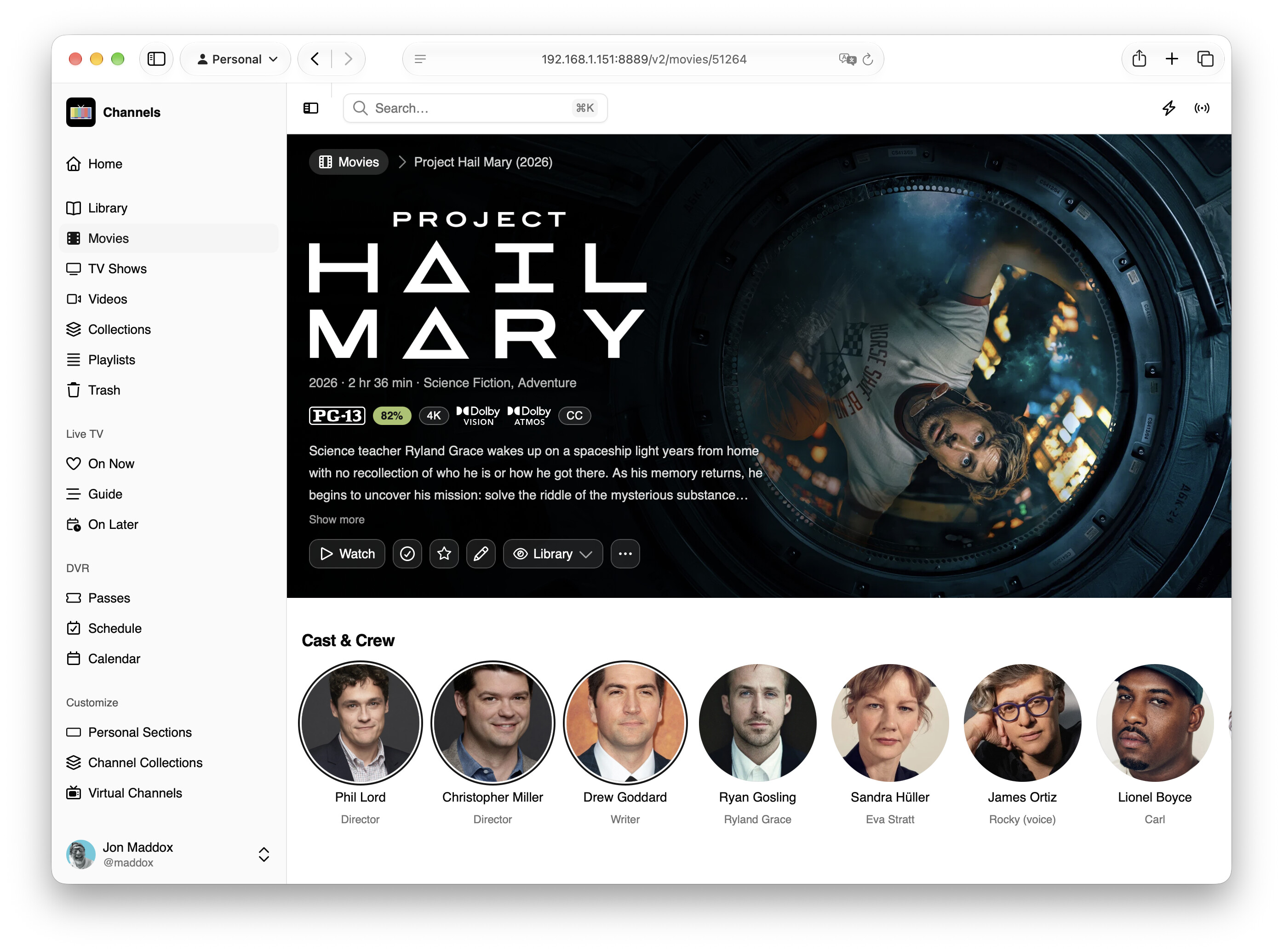
Here's some shots:
Movie
TV Show
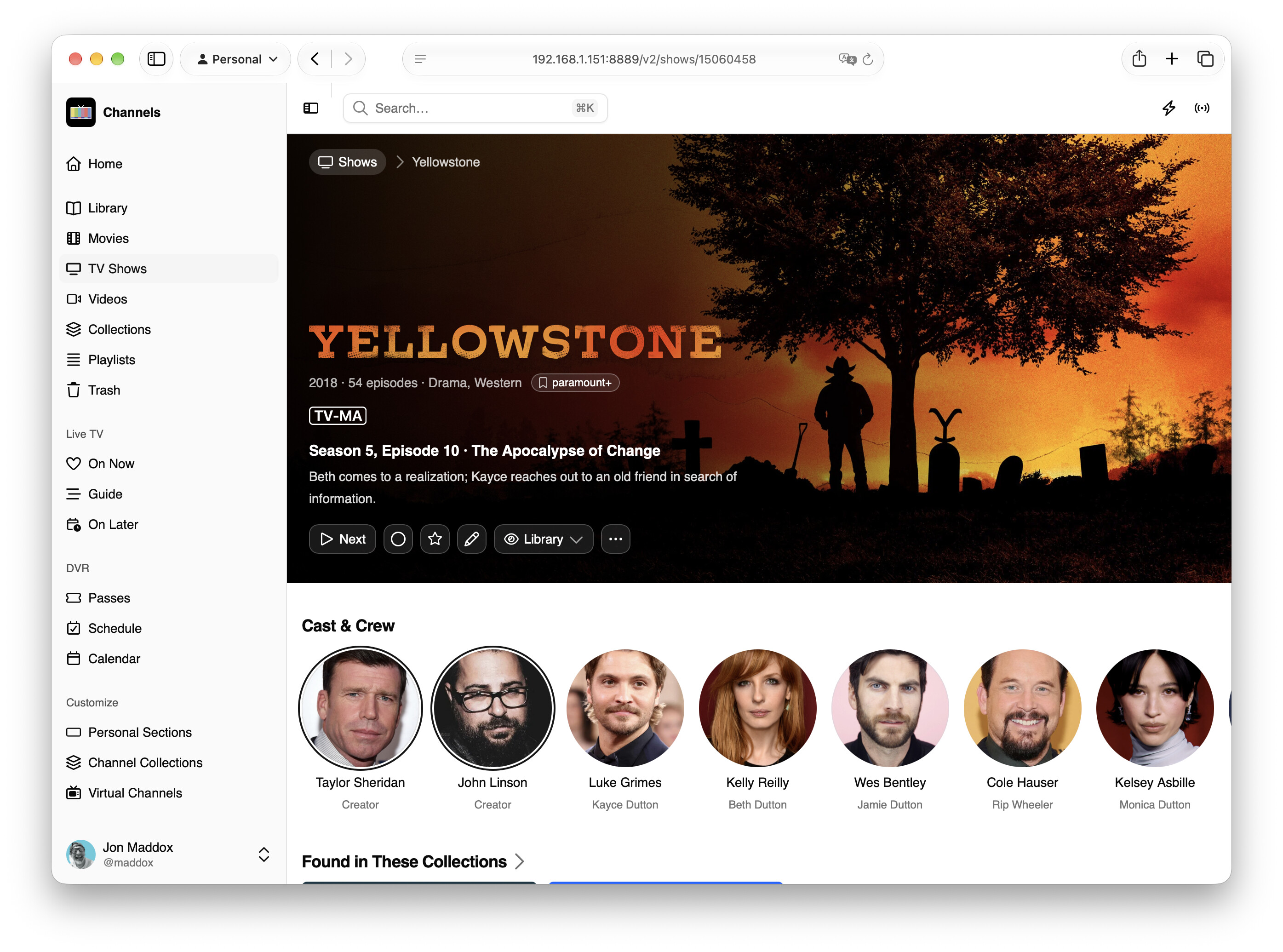
Episode
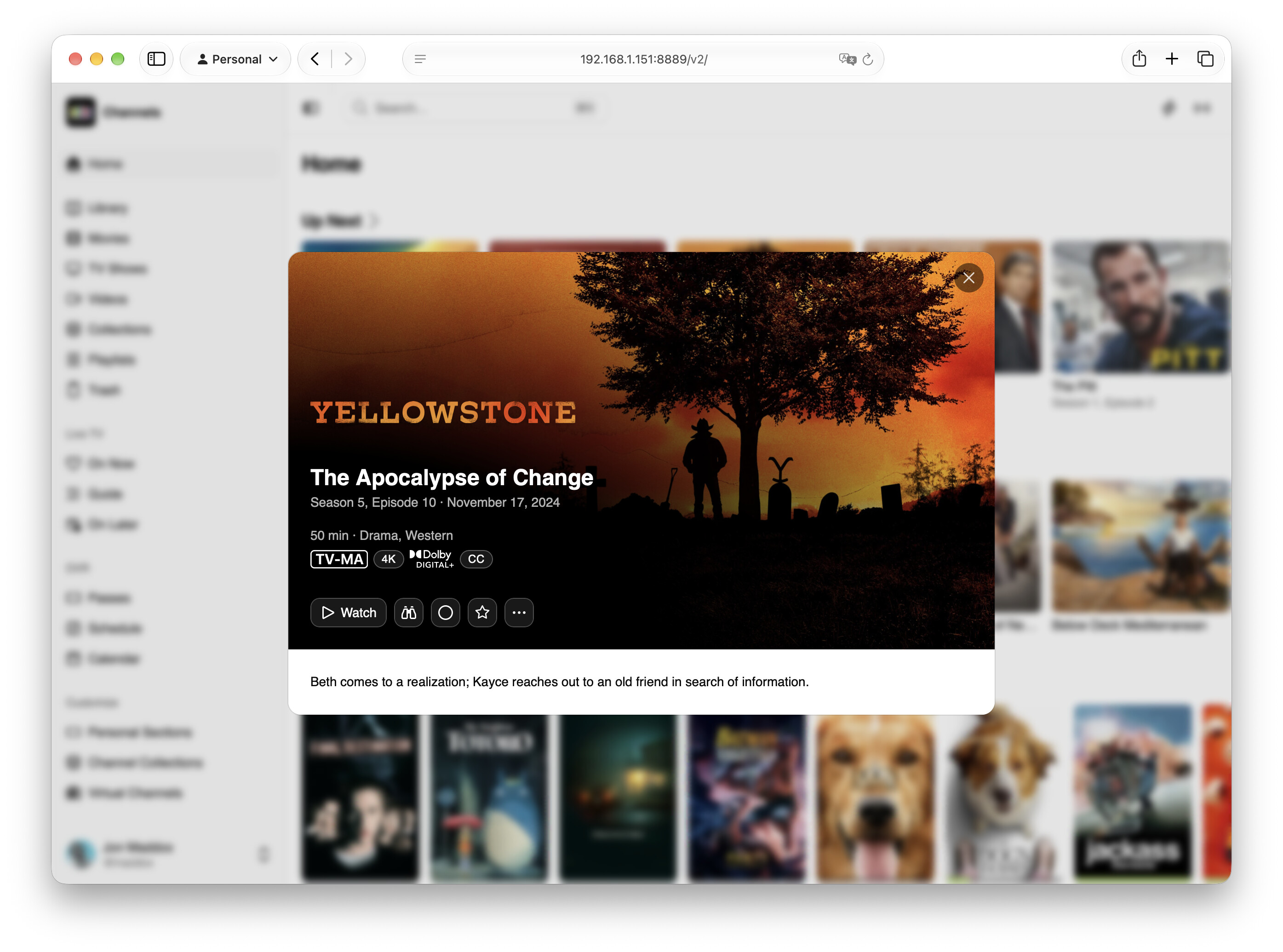
Grid Guide
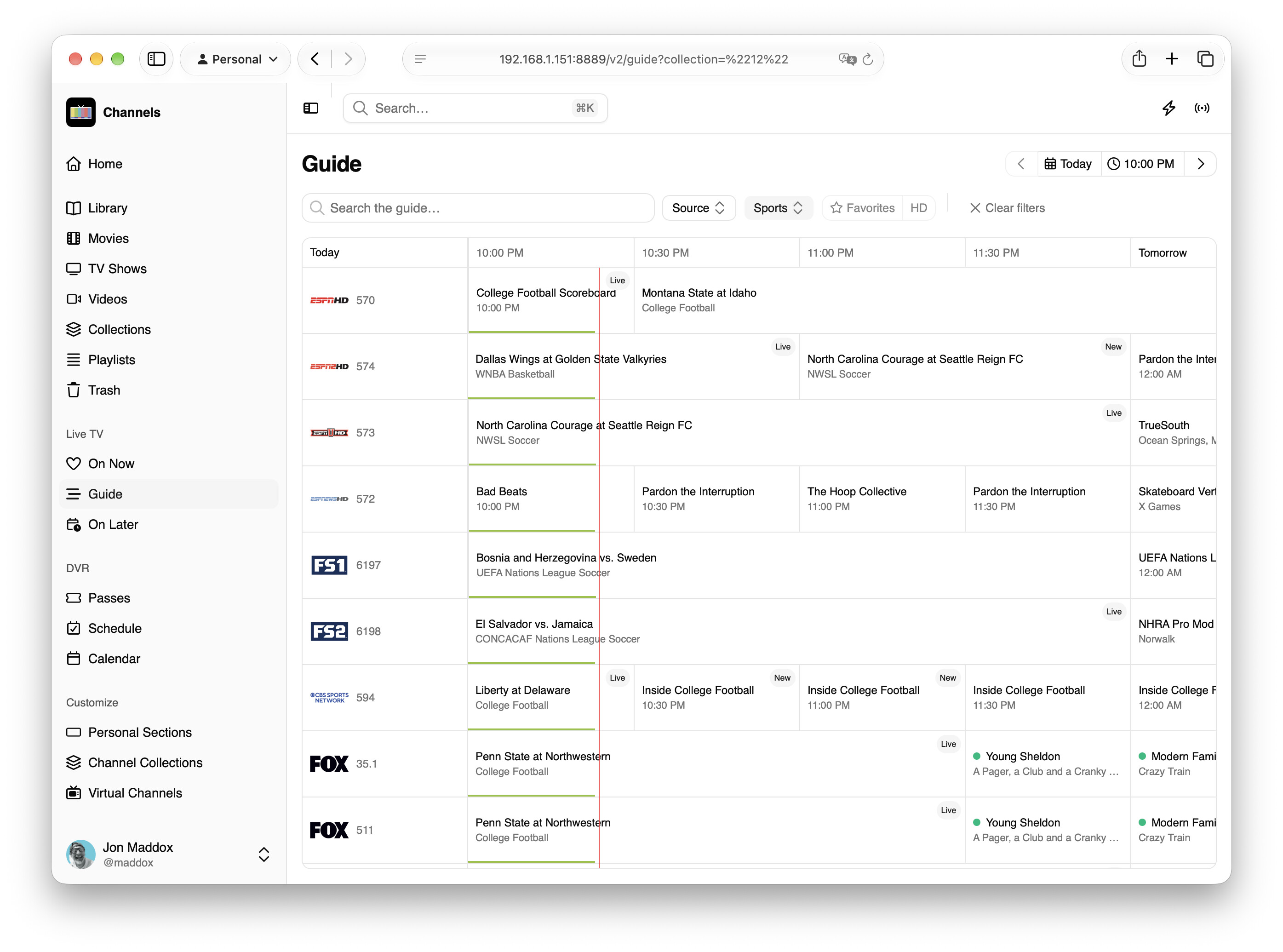
Guide Airing
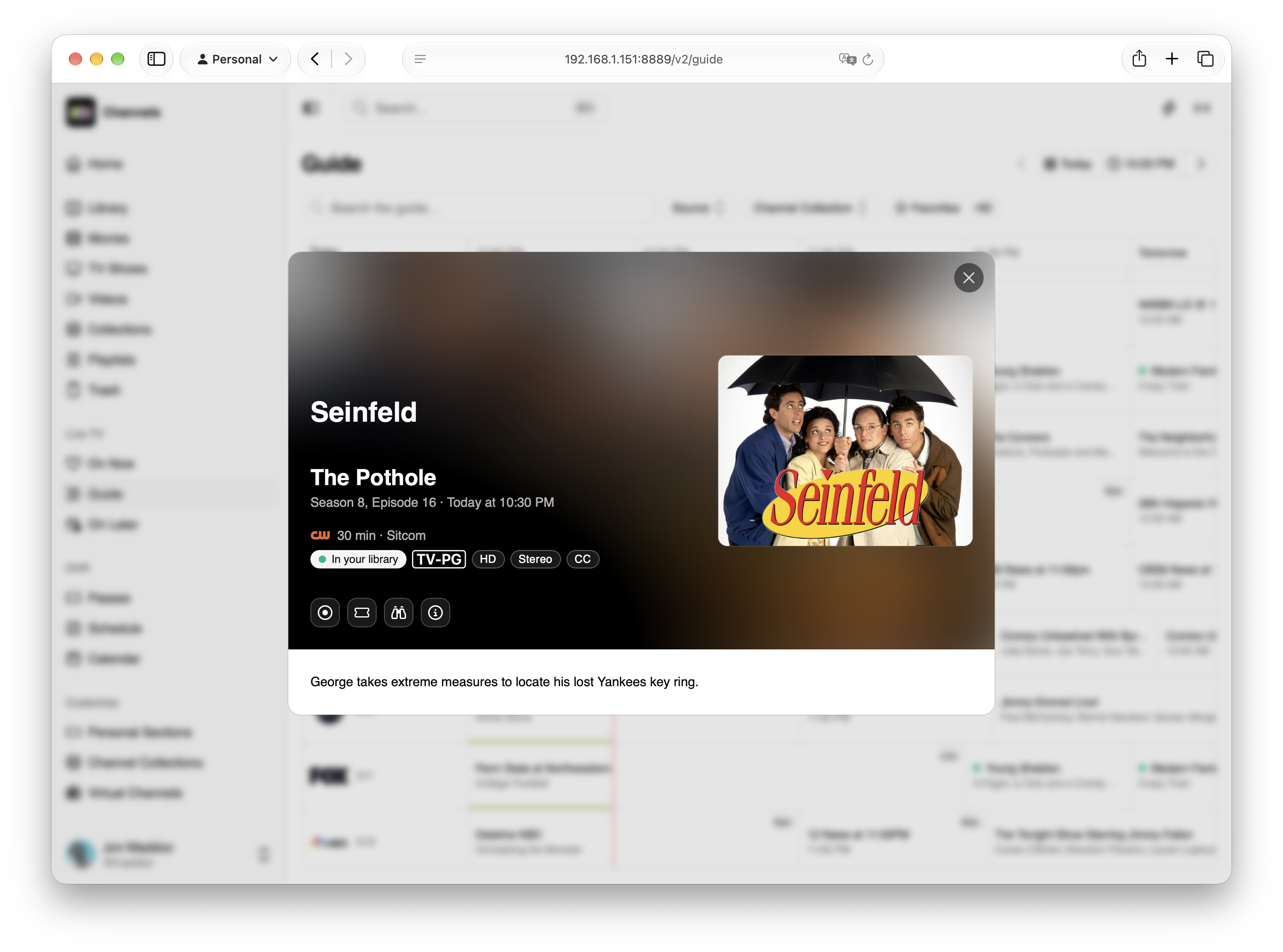
Keyboard Shortcuts
Command Palette
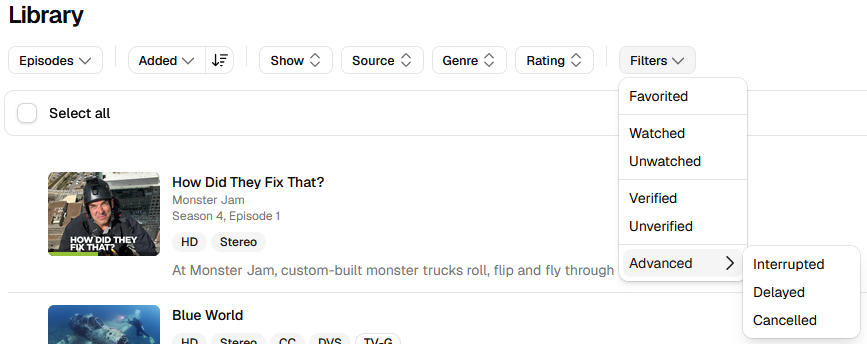
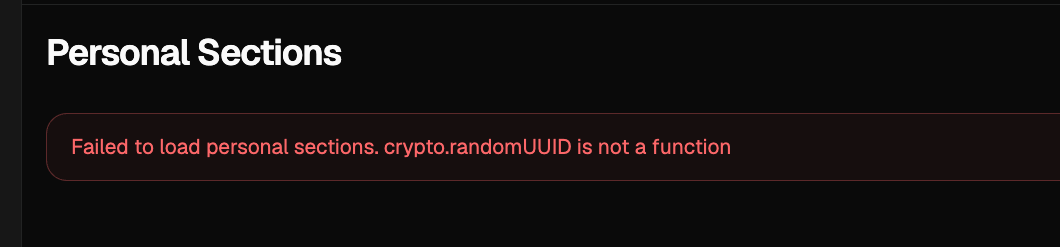
From You
We'd love if you could start using this as your main interface for a bit to help catch some bugs before it goes out to pre-release.
Please use the Web Admin v2 category of the community for feedback. Please open a new topic for anything you've found that doesn't already have a topic.
We'd love to hear about:
- Performance issues
- Poor accessibility
- Incomplete implementations
- Anything broken, or bad
- Things that are just not available that were in the legacy admin
Thanks!
 .
.