Camera Works in VLC, not in Channels

Hello Everybody,
Situation: My TigerSecu TS-5MP-302M08 Security cameras work in VLC, but not working through Channels.

What I have done: I have tried multiple configurations with and without codec settings in Channels, went through Tigersec received some information on set-up with VLC etc. I scoured the Channels community for suggestions, but could not find an answer to my errors. I'm not to versed on camera settings language to figure it out at this time. If someone could provide ideas/solutions, I would really appreciate it.

So here is some data: just use the third camera data (1.3) the others were added so I could try several camera settings at a time and suggestions that were used in this forum. As I mentioned, not too versed on the streaming info and prefix/suffix and whether to use HLS or MPEG-TS but I tried it all.

#EXTM3U
#EXTINF:-1 channel-id="Pond Camera" channel-number="1.1" tvg-name="Pond Camera" tvc-guide-title="Pond Camera View" tvc-guide-description="Live View of Pond",Pond Camera
./ffmpeg -hwaccel vaapi -hwaccel_output_format vaapi -fflags genpts -i "rtsp://admin:[email protected]:554/main_0"-c:v h265_vaapi -f mpegts -y /dev/null
#EXTINF:-1 channel-id="North Camera" channel-number="1.2" tvg-name="North Camera" tvc-guide-title="North Camera View" tvc-guide-description="Live View of North View", North Camera
./channels-dvr/latest/ffmpeg -fflags genpts -i "rtsp://admin:[email protected]:554/main_1"-c copy -f mpegts -y /dev/null
#EXTINF:-1 channel-id="Garage Camera" channel-number="1.3" tvg-name="Garage Camera" tvc-guide-title="Garage Camera View" tvc-guide-description="Live View of Garage",Garage Camera
rtsp://admin:[email protected]:554/main_6
#EXT-X-ENDLIST

Error Codes:
For Ch 1.3

For Ch 1.3 mpeg

VLC
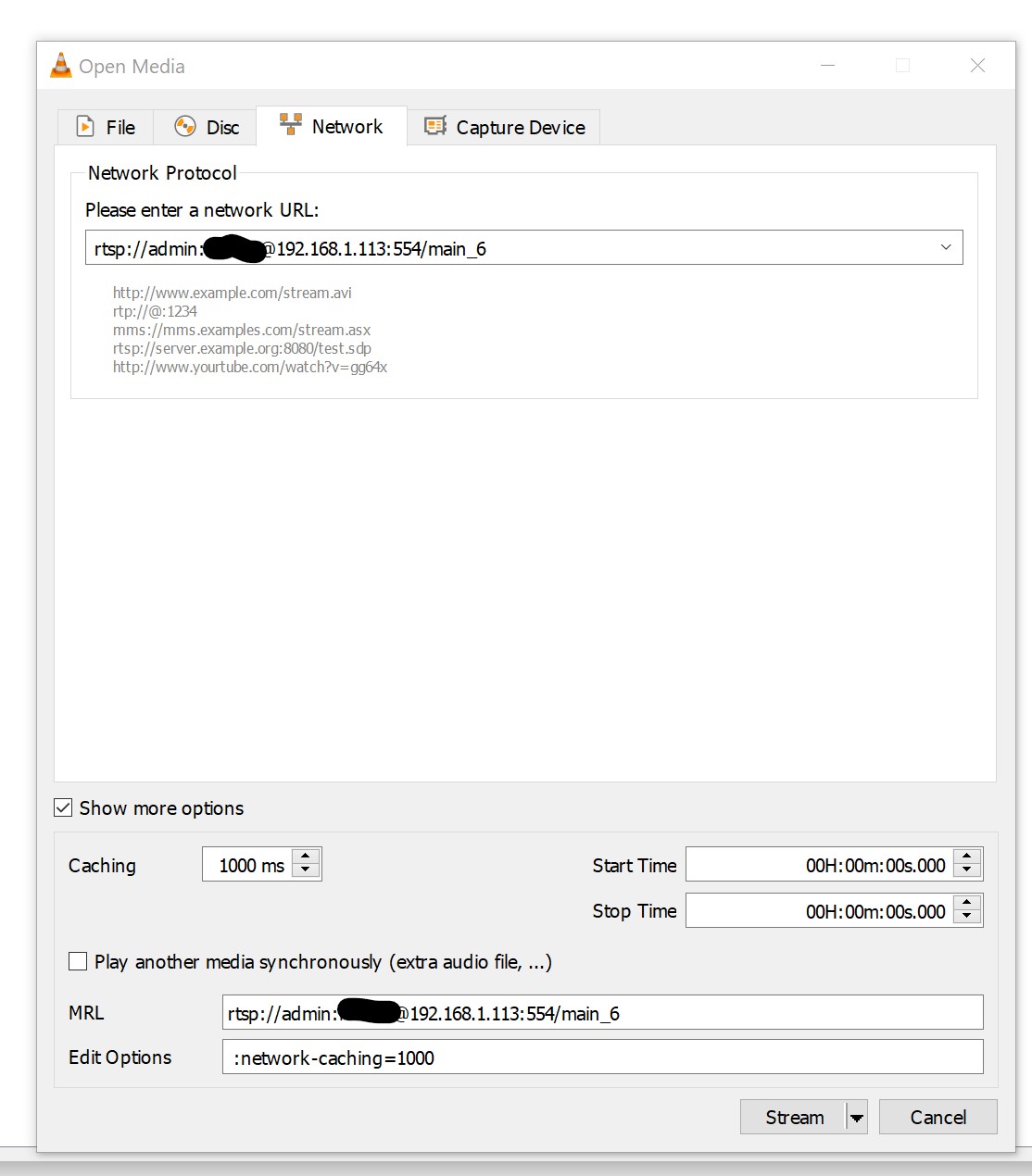
VLC: More details:
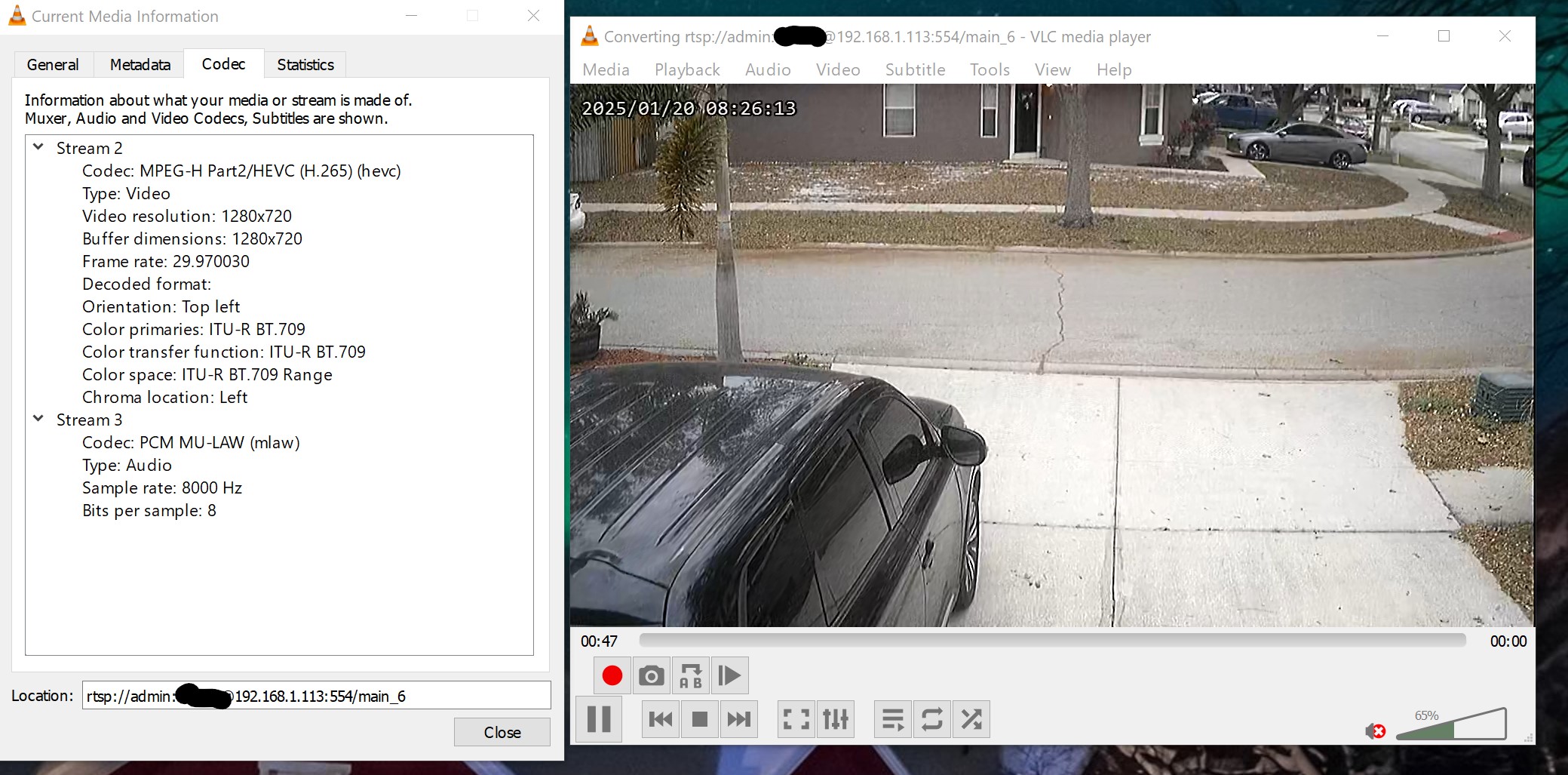
Again, I appreciate any help/ideas.
Thank you,
Will
A couple of things:

  • If you are going to call a binary, use absolute paths; but more importantly,
  • Why are you including a call to ffmpeg in the first place? (Channels will call ffmpeg to handle transcoding/remuxing as needed.) Channels can handle the RTSP protocol in M3U playlists just fine.

As I mentioned not to look at the first 2 channels, I was trying other things mentioned in this forum because I could not get it to work... so a basic handling of the RTSP protocol is not working fine for me, just look @ channel 1.3 in a most basic format, I do not understand why it won't work.

#EXTINF:-1 channel-id="Garage Camera" channel-number="1.3" tvg-name="Garage Camera" tvc-guide-title="Garage Camera View" tvc-guide-description="Live View of Garage",Garage Camera
rtsp://admin:[email protected]:554/main_6

It works in VLC and many others use that format as mentioned in this forum. Again, consider me a novice, I have only been using channels for 2 weeks and started looking at the camera streaming a few days ago.

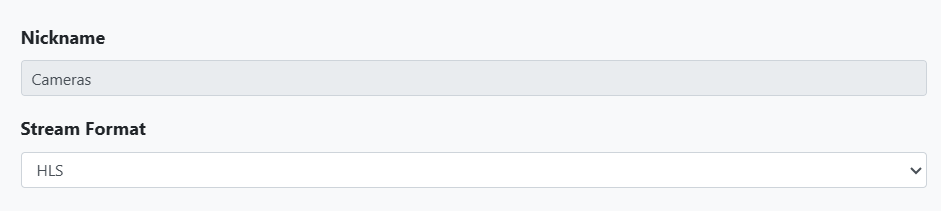
rtsp works for me ... I am using WYZE cameras with wyze Bridge .... I use format HLS.

#EXTM3U
#EXTINF:-1 channel-id="Front Porch" channel-number="1.1" tvc-guide-placeholders="86400",Front Porch
rtsp://192.168.50.83:8554/front-porch-cam

#EXTINF:-1 channel-id="Front-yard" channel-number="1.2" tvc-guide-placeholders="86400",front-yard
rtsp://192.168.50.83:8554/front-yard

#EXTINF:-1 channel-id="Back-yard-cam" channel-number="1.3" tvc-guide-placeholders="86400",Back-yard-cam
rtsp://192.168.50.83:8554/back-yard-cam

#EXTINF:-1 channel-id="Garage" channel-number="1.4" tvc-guide-placeholders="86400",Garage-cam
rtsp://192.168.50.83:8554/garage

looking at this your port looks weird.

No 554 is the default RTSP port for all the security cameras that I've ever used.

some require a format like:
rtsp://192.168.1.74:554/user=admin&password=******&channel=1&stream=0.sdp

VLC might turn the admin:***** into filling in the user/password prompts upon connection, if the initial format fails.

1 Like

Update: I was not able to get it to work with the current suggestions. Curious the difference between VLC and Channels formatting. e.g. what does VLC add/translate that Channels does not?

Thanks @Wally_Bkg, I will try that when I get back from work.
The port is right and still works in VLC. Also, I have tried without the user/pass in VLC and it does not work, although it does work in the format I listed above. Tigersec reached back out to me to follow up and will see if they have any ideas. I have an idea that there "may" be a timeout when attempting to connect via Channels. When connecting with VLC it takes about 8 sec to "connect". Is there a command I could add to increase the "seek" time? Otherwise, I have no clue. I will be awaiting TigerSec's reply for their ideas. Thank you everyone for providing ideas. Another note: do you think using the "UID" of the security system in the rtsp pathname may be required?

1 Like

Note than I just illustrated an alternate username password format, the tail of the command is camera dependent. The &channel=1&stream=0.sdp part of the command is camera dependent. Tigersec should have the answer. Another source is the BlueIris PC security DVR/NVR has a large collection of camera URLs for any camera they have been able to make work.

Well, I'm shelving it for now. I will check back if there are ever any ideas. TigerSec said what most everyone said should work:

I recommend checking the Channels app support documentation or community forums to confirm whether the app requires a specific RTSP format, prefix, or UID. Based on our DVR's capabilities, the only supported RTSP format is:
rtsp://admin:[email protected]:554/main_6

This topic was automatically closed 30 days after the last reply. New replies are no longer allowed.