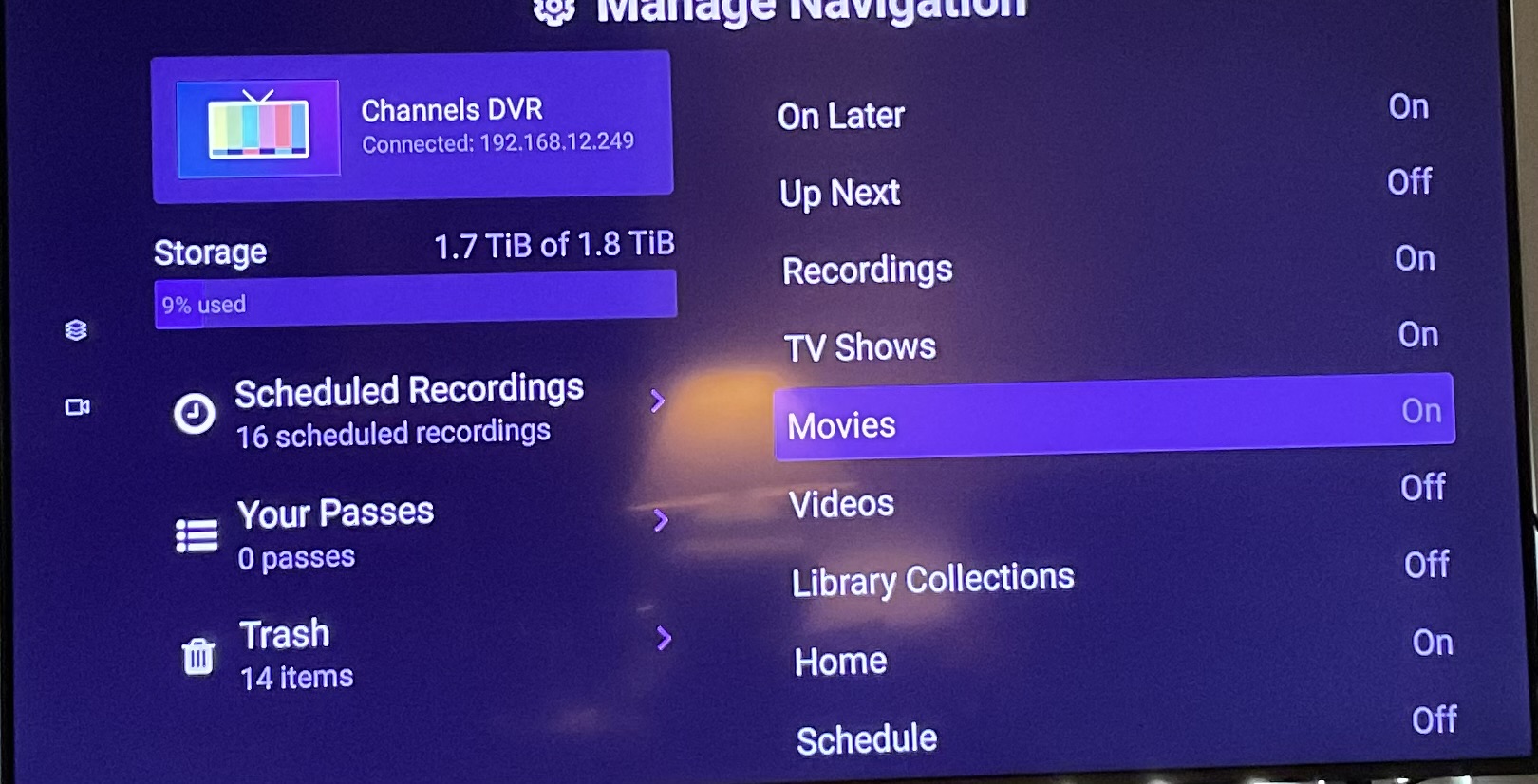
Can’t get the channels ever to display menu items chosen from general>navigation

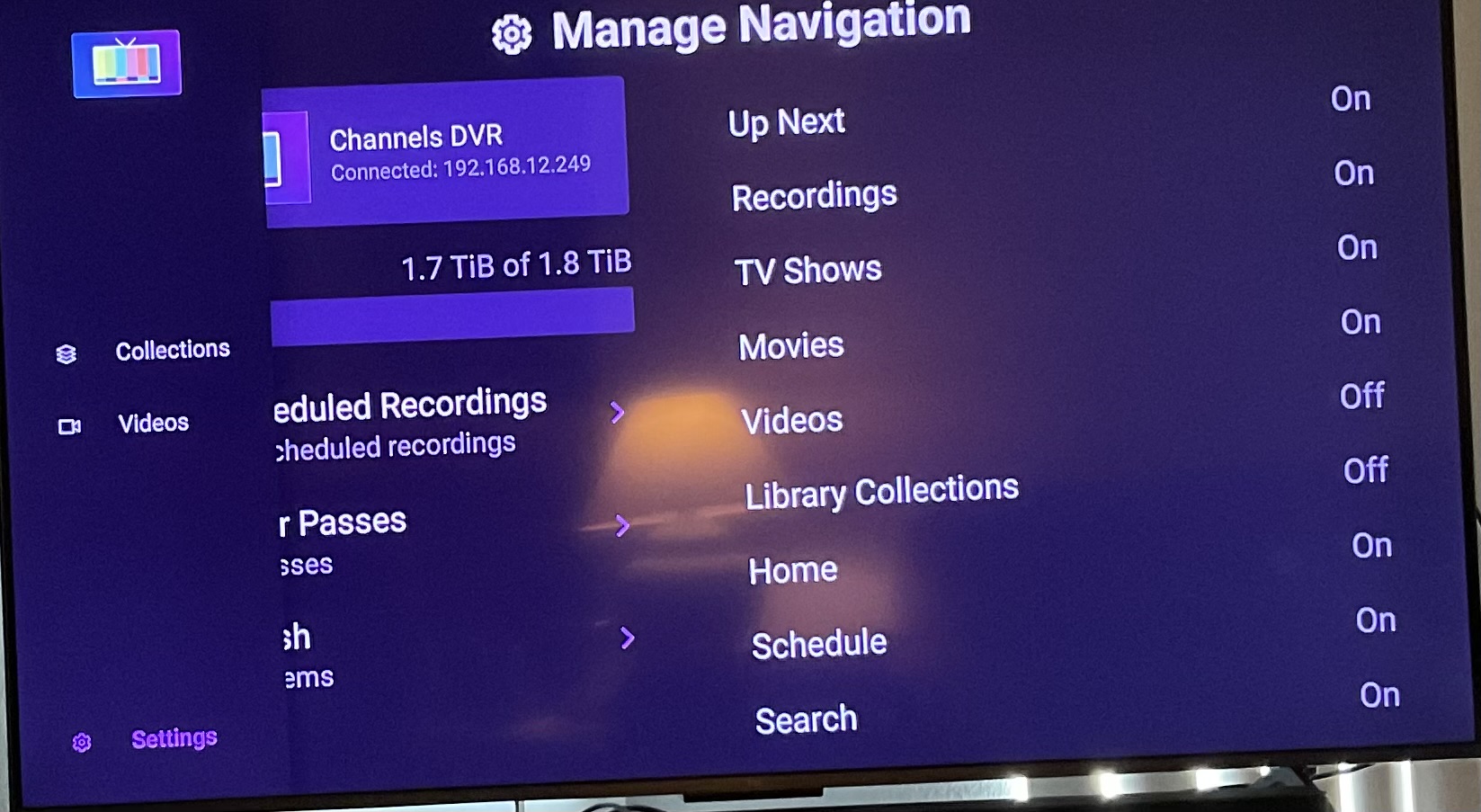
I have selected all the navigation elements on the Manage Navigation but the only thing that shows up on the menu to access the tv and movies I would like to view is the “movie, video; I would like to access recordings and other things but I can’t seem to get them to show up.

My tablet shows everything correctly and I can use airplay from it but it is really laggy; just not very smooth. Yesterday I was using the channels app directly from the tcl tv and the movies worked for the most part much better.

What would cause the navigation menu to disappear on the channels app loaded on my tv and not the navigation on my apple tablet. I can’t seem to add or remove elements using manage navigation???

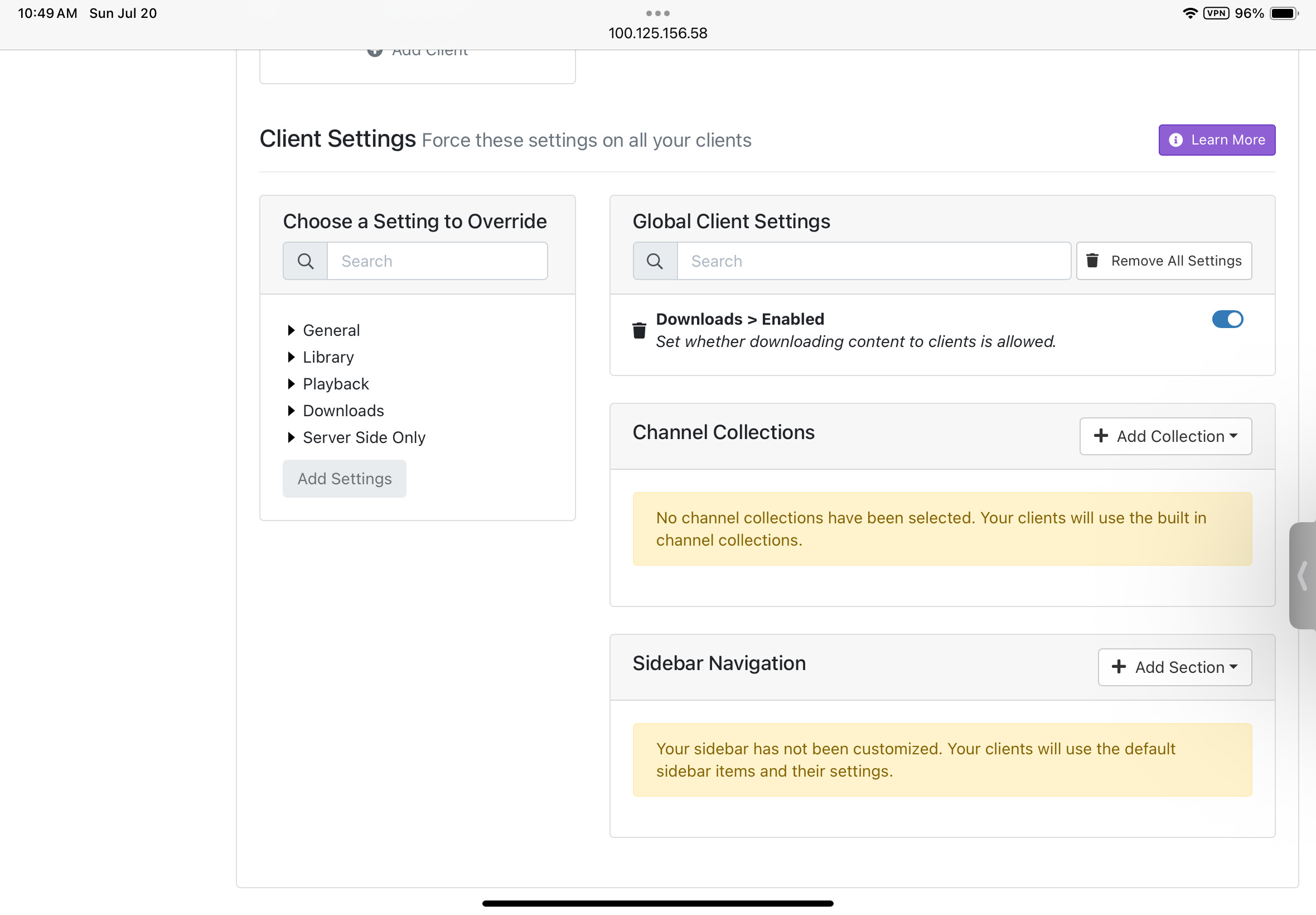
the client settings are on default!!

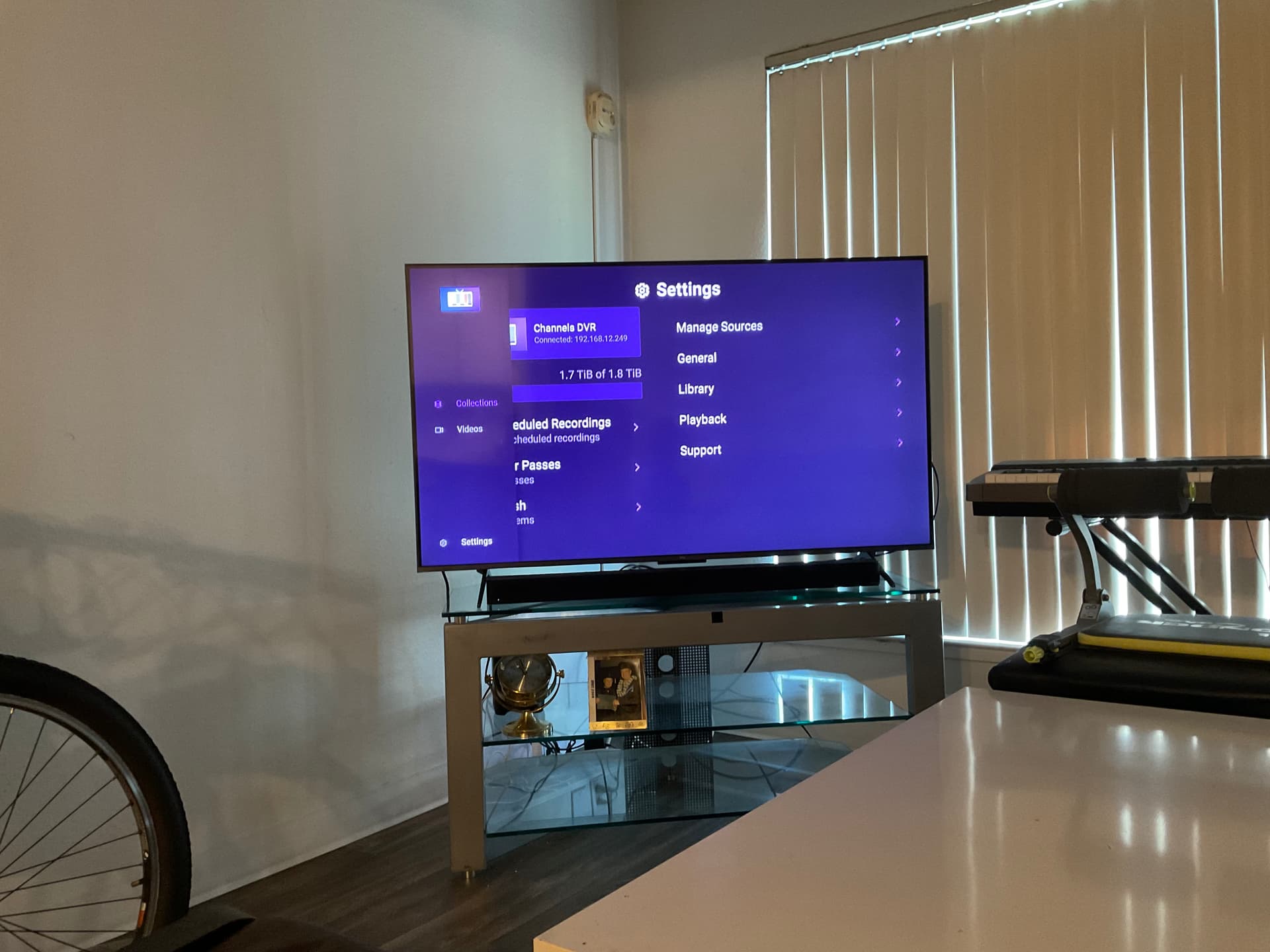
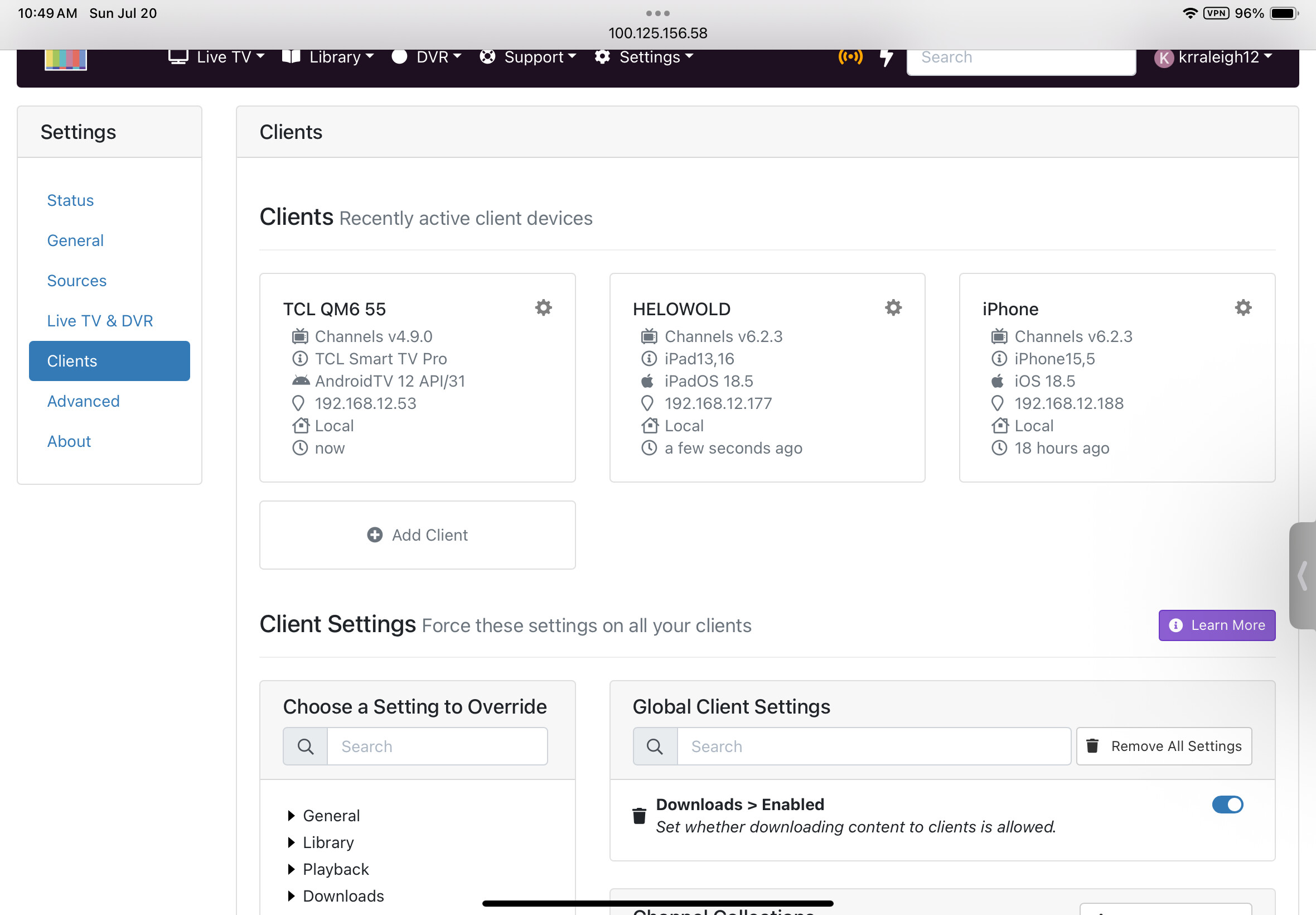
Maybe these screen shots will help…


Thank You Kevin

I've read this 4 times and I still can't understand what the issue is or what you are trying to do. You included a screenshot of your wifi settings as well as the web UI showing the downloads setting. I'm struggling to understand how those are relavent. Can you be more descriptive and include relevant screenshots and if you take a pic of the TV ui maybe get closer?

Maybe you have navigation settings on the TV. Click the :gear: next to TCL TV

If I’m being vague I apoligize; thanx for your time :wink:

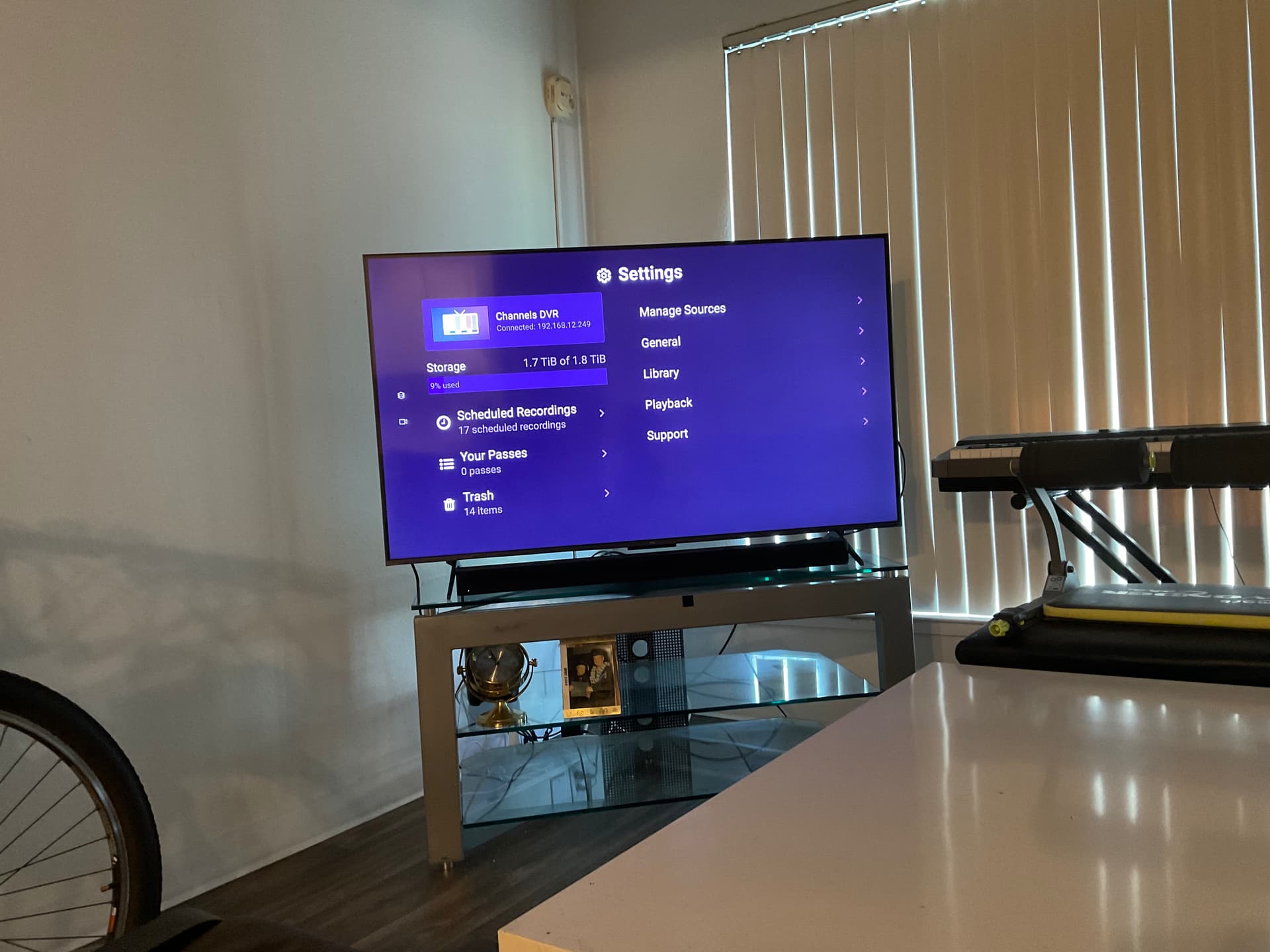
To choose movies and tv shows I have downloaded I need a menu on the channels app

I don’t have one

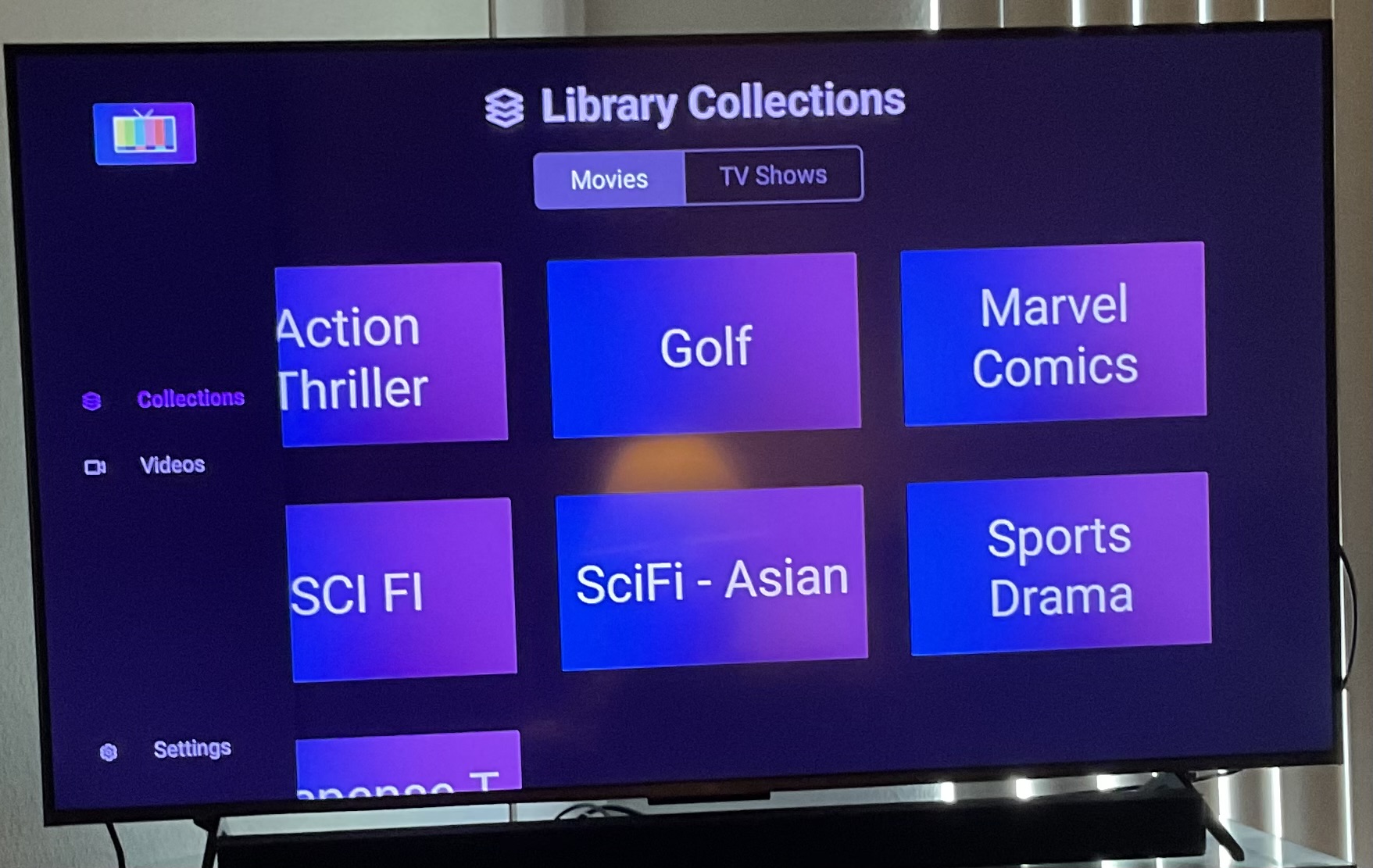
The menu shows
Movies
Videos

As the picture shows

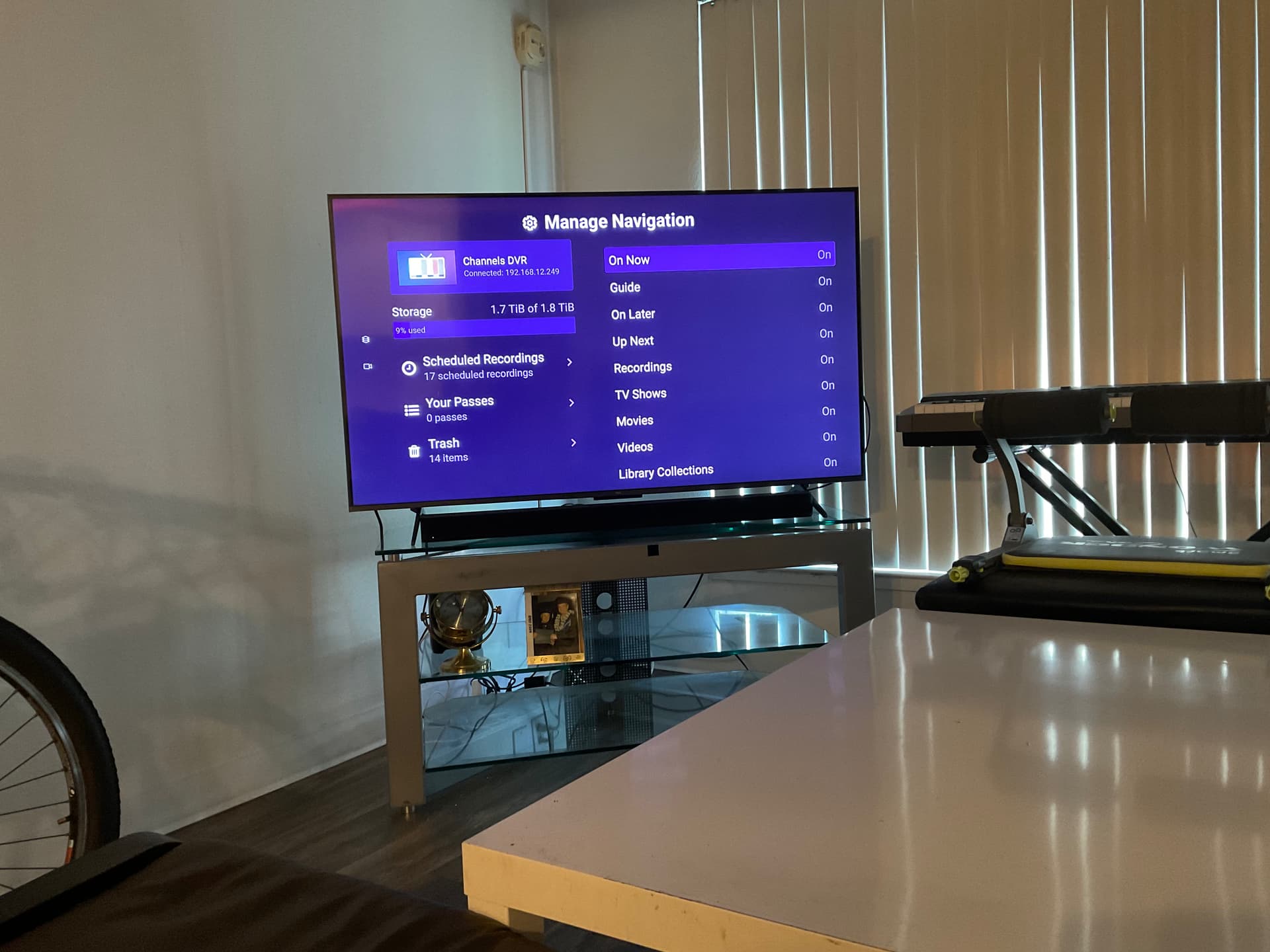
I went into the general section to choose the menu and selected everything.
None of them show.
Strange…

Picture of what the tv’s channels app is giving me…

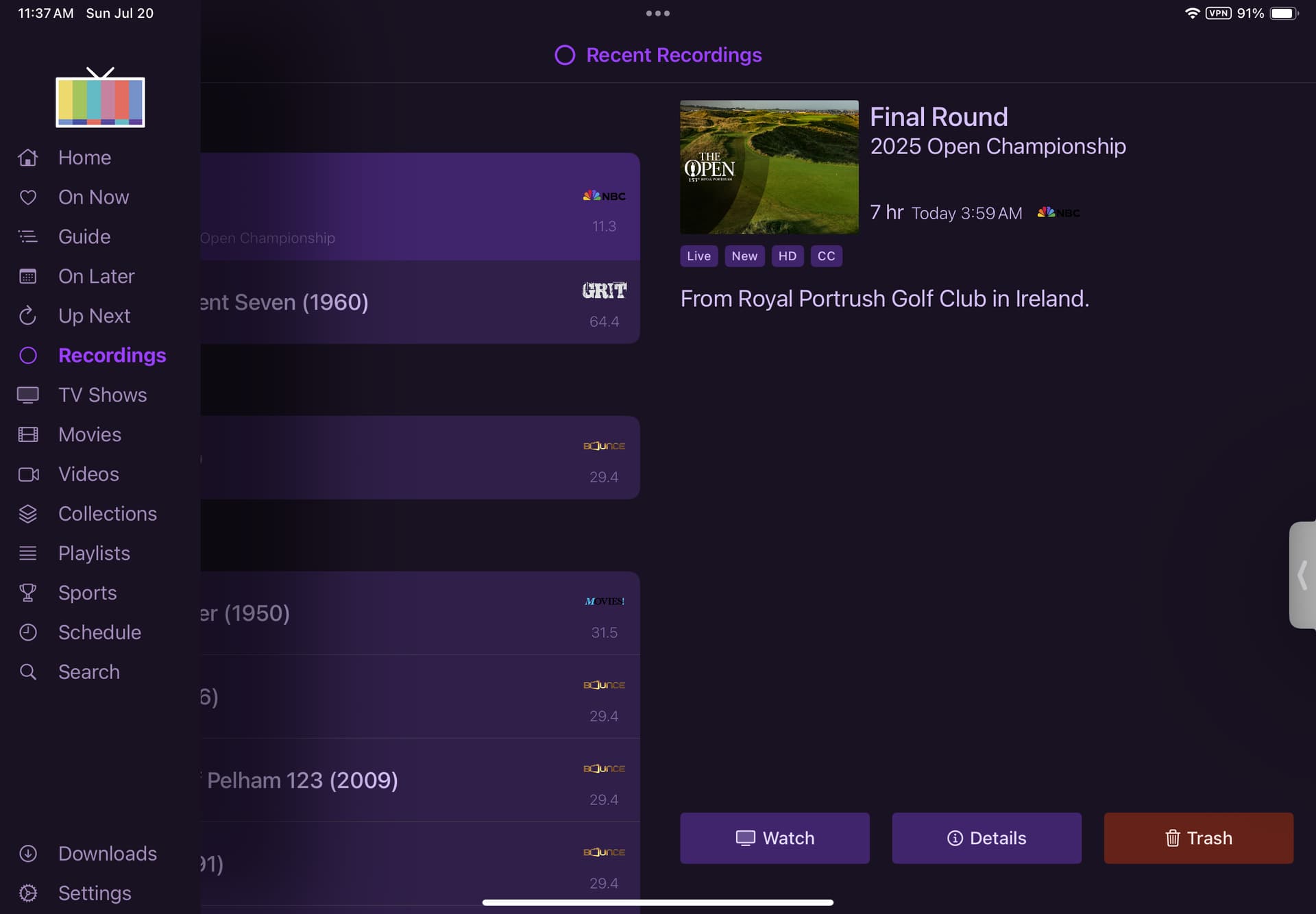
This is my app located on my iPad:

Does this help clarify my question?
Just nearly getting the hang of this??
Thanx kevin

This screen shot shows me trying to change the menu on the left by removing collections and video but there isn’t any change…

Thank You
Kevin

Check the server side settings for the TCL TV client. You most likely set the navigation items there and don’t remember.

I just reinstalled the server side channels app on the tv and this is what manage navigation looks like

;

I’m looking at my Windows 11 channels server desktop setup and I have nothing changed on:
Client > Settings > Sidebar Navigation

I use my apple tablet to get around and it shows really good functionality
I have been able to edit the nav menu using General > …

Does this narrow things down..

Kevin

Go to your Channels DVR Server web admin and visit Settings > Clients and click the settings icon next to your TCL client.

Clients can have their own settings set for them and it’s likely that yours does for navigation.

You got me… :wink:

I must have trying things out forgot how to get in there

Thank You

2 Likes