
On the admin dashboard for settings on my computer I go into my providers list then go to managelineup on whatever one I choose and I hit the circle with the line through it to bring it red to block a channel from showing up on my channels dvr server yet it’s there EVERY TIME. So I got a ton of stupid adult swim channels shopping channels and news stations I want removed yet they never disappear when watching. What am I doing wrong
Did you sync the Client Source to the Server sources.
1 Like
I typically "favorite" the few channels that I would possibly watch (the heart next to the circle with the line), then on the clients at the very upper left of the guide grid change the dropdown from "All" to "Favorites" so it only shows those.

I’ve never had to do this what is it
I’ve done this just not for all the channels
Go to Settings manage sources you Click on a source and sync import from source.
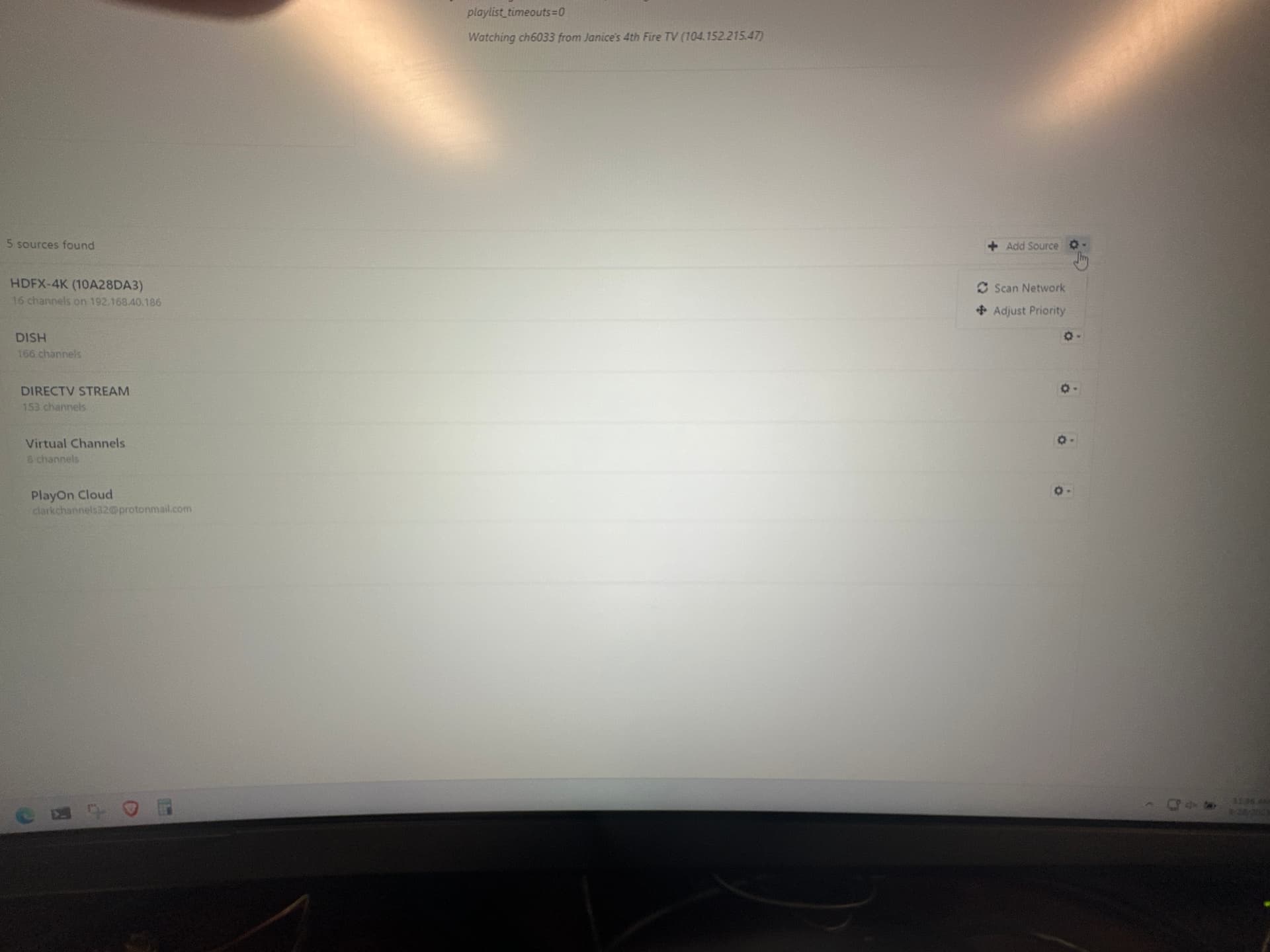
Sync on the client
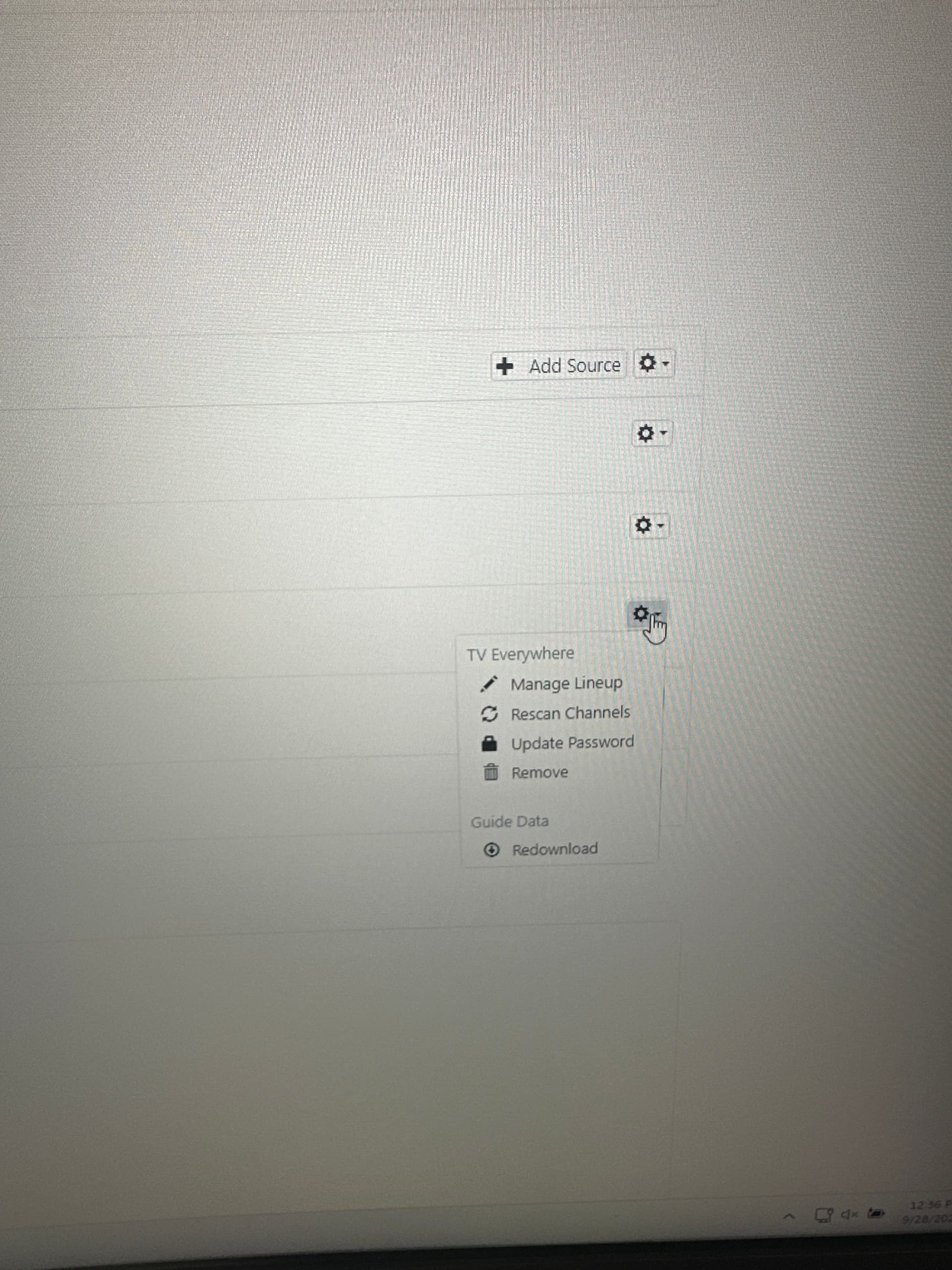
There isn’t one
We are talking about the Clients on your TV tablets/phone etc ... not the web page.
i finally got around to importing from the source on the channels app and all the channels are still showing up that should be hidden
Any time I make changes to channels at the DVR server, I always Delete and Recreate the guide database after. After you do this on the DVR server, then sync your client.
1 Like
What client devices are you seeing that problem on?
i.e. AppleTV, iOS, Fire TV, Android TV, etc.
sorry late response but FireTV is what i use for everything
This topic was automatically closed 365 days after the last reply. New replies are no longer allowed.