What is the IP of the computer
What is the IP of the Apple TV

What is the IP of the computer
What is the IP of the Apple TV
Computer 10.0.0.238 wired shows connected in router also static
TV 10.0.0.3 wired static shows connected in router
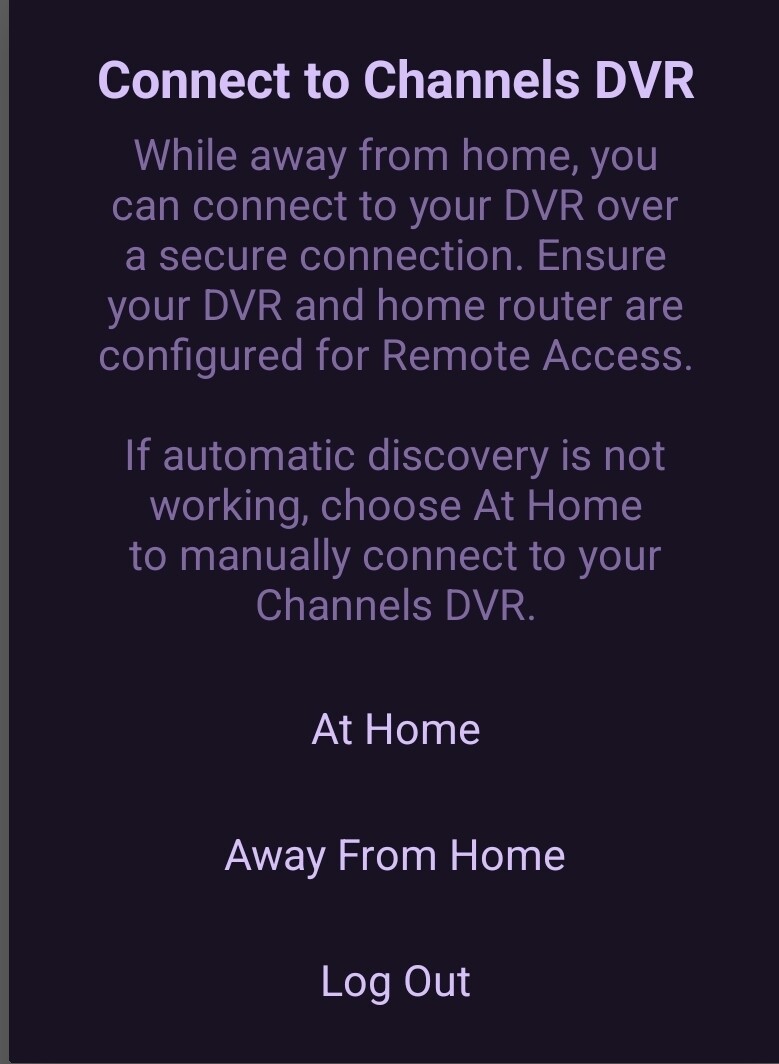
When I go to setting in Channels and try to enter the computer, it says Server Not Found
It is not an Apple TV. I am using a Firestick on a Samsung TV which is 10.0.0.172 and shows connected
My PI is connected to 10.0.0.191 and working
I have tried everything I can think of, but I have been unsuccessful.
Any help or thoughts are greatly appreciated.
Have you manually entered the ip address 10.0.0.238 on the settings page of the client under the connecting from home section?
Yes, and I get the message Ni Server Found.
What about from another device? Phone, tablet etc
Try ditching the 10.0.0.238 and assign a different ip reserved dhcp that hasn’t been assigned before. Reboot server and router before trying to connect again
can you ping the IP of the Fire TV from the computer?
Yes from another computer, same results.
I can ping the Firestick at 10.0.0.172 from the new WIN11 computer and from another computer, but can only ping the Windows 11 computer at 10.0.0.238 on the new Windows computer, but not from any other location.
I am about to give up and crash the new WIN11 computer and reinstall from scratch. I am frustrated too badly to keep fishing for a solution. I need to get the PI replaced.
Just as an off-chance guess, is the network on the Win 11 PC set to Private and not Public? It should be on Private. Win 11 has a bad habit of switching that...
I uninstalled Windows and reinstalled Windows, and everything seems to be working. Can I unplug my USB drive from my Pi and plug it into my Windows 11 computer and get my data off the USB drive??
I have reinstalled the sources, and it appears to be working properly. Silicon Dust and TVE are working.
Thanks for all the attempts to help me. What a fiasco!
FINAL QUESTION
Depends on the format. If it's NTFS or FAT32, you should be good to go.
if it is ext4 you could use this
I never used the RPi project, but pretty sure it used the exfat file system.
YEP, see BETA: Channels DVR Server for Raspberry Pi 4 (USB BOOT IMAGE)
I think that may be an outdated project. It looks like there is a newer fork if it on GitHub. No idea is it's any better.
It has been quite some time since I have used it. I usually just transfer files via samba but trying to keep things simple here.
This topic was automatically closed 30 days after the last reply. New replies are no longer allowed.