
Devs... I am getting really sick and tired of fighting this snap error.
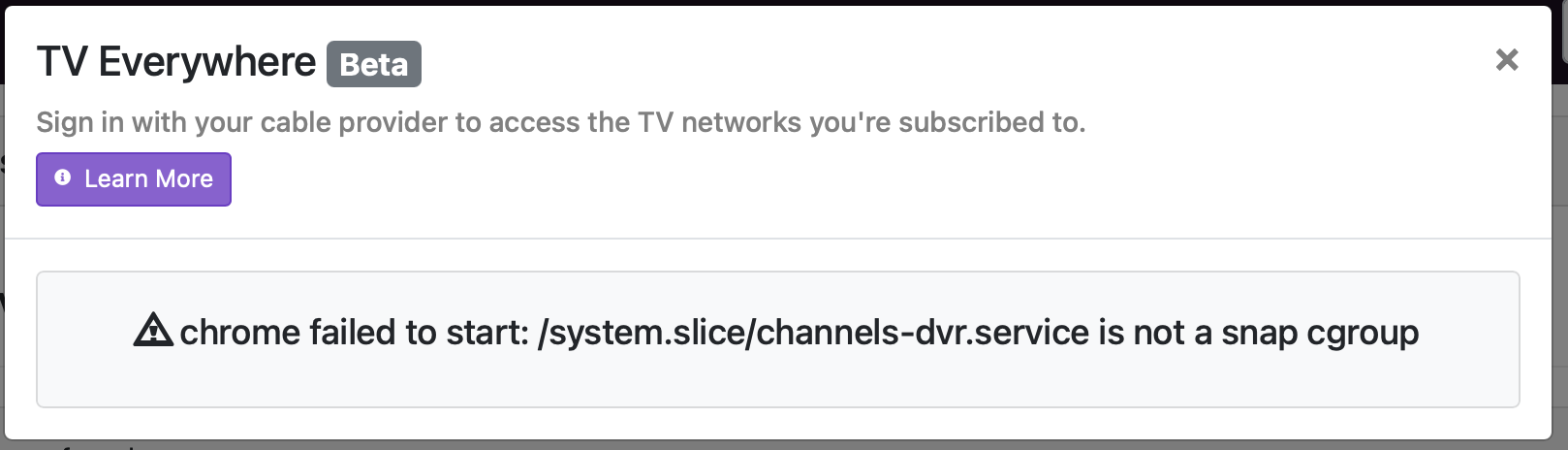
Philo was missing channels tonight so I did all of the things... made sure to disable snap, rescanned channels, signed in etc... I finally removed Philo as a source and decided to add it back. Logged in successfully and when the DVR went to start scanning and puked:
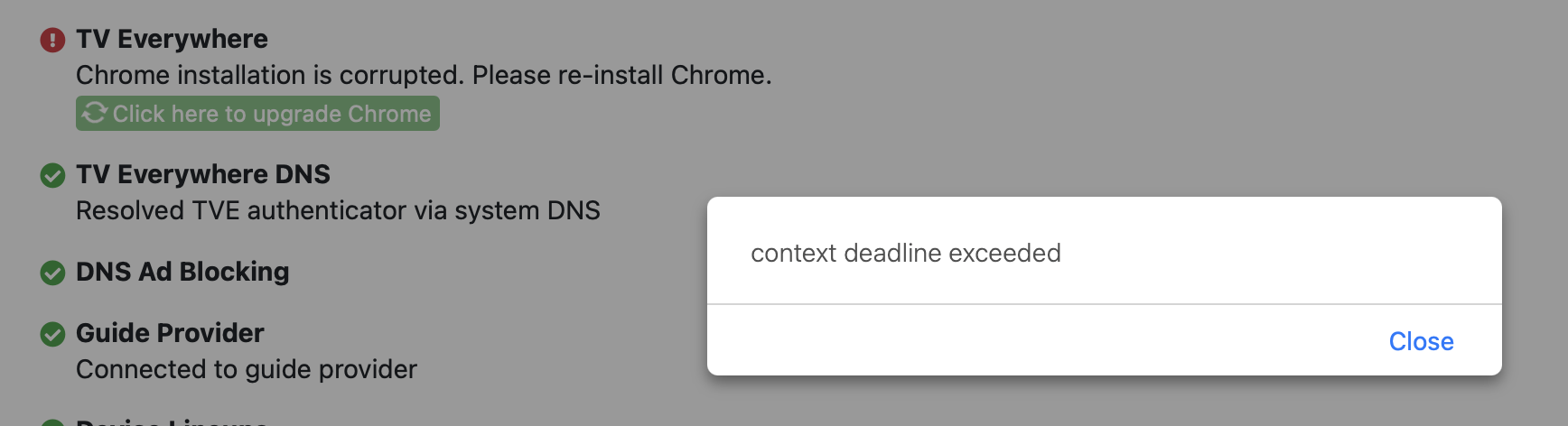
Tried Troubleshooting -> Click here to upgrade Chrome and received an error "context deadline exceeded" message:
There has got to be a better solution on the DVR side than having the users continually run through steps to get the current version of Chrome on the server.
Is it possible to ship the DVR with a version of Chrome that's guaranteed to work? Or perhaps build the next working version of Chrome into the updates so it just works?
At this point any suggestion would be helpful.
Ubuntu 24.04.3 LTS
UPDATE: 01/11/26
Confirmed this is working, although I eliminated the version number in the solution below so I could grab the only the latest stable version.
In the terminal:
1 sudo snap remove chromium
2 wget https://dl.google.com/linux/direct/google-chrome-stable_current_amd64.deb
3 sudo dpkg -i google-chrome-stable_current_amd64.deb
4 sudo apt --fix-broken install
5 cd /usr/bin
6 sudo rm -rf chromium-browser
7 sudo ln -s google-chrome-stable chromium-browser
Finally I went to the troubleshooting section of the DVR server side settings and ran the option to 'fix the browser'. Everything seems to be working now.
I'm tempted to write a CRON to just run this as a script once a week to make sure I'm keeping current and don't have to fool around with that SNAP garbage any longer.
Thanks fo the devs, as always, for sourcing the solution.