I want to use Channels to be able to access all of my content in one spot. I have several movies I have purchased from Apple over the years that I want to be able to incorporate into my Channels library.
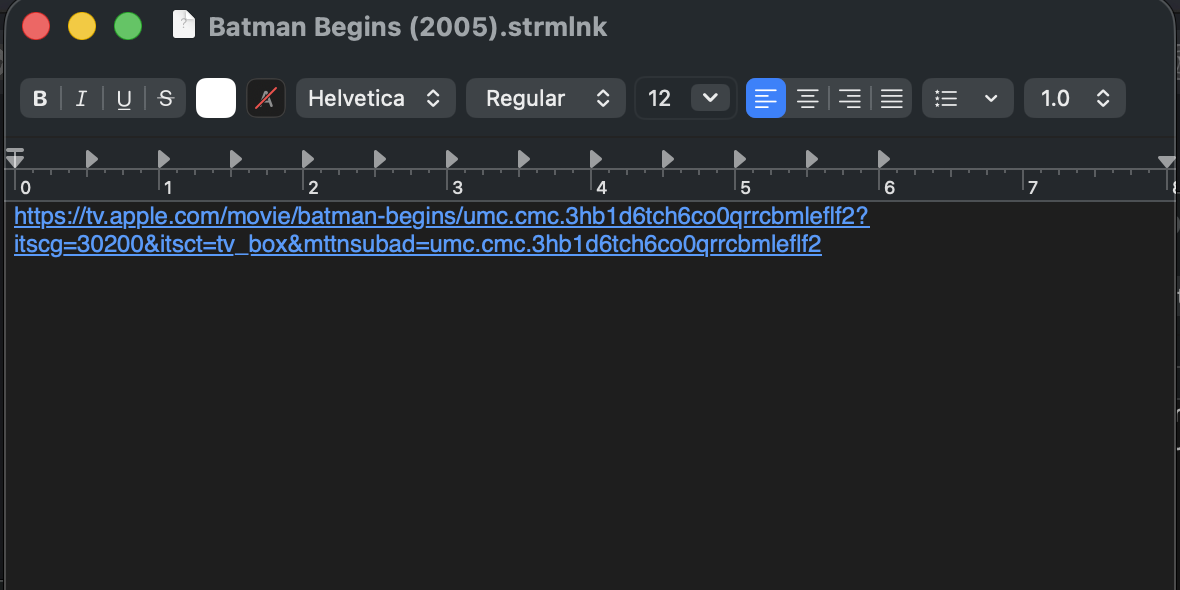
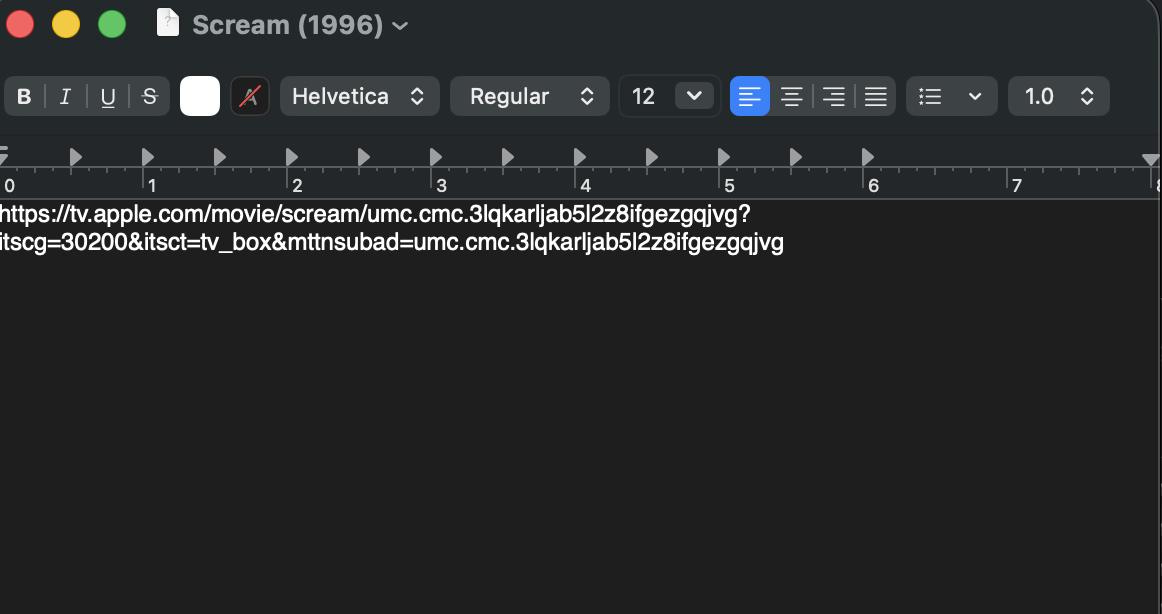
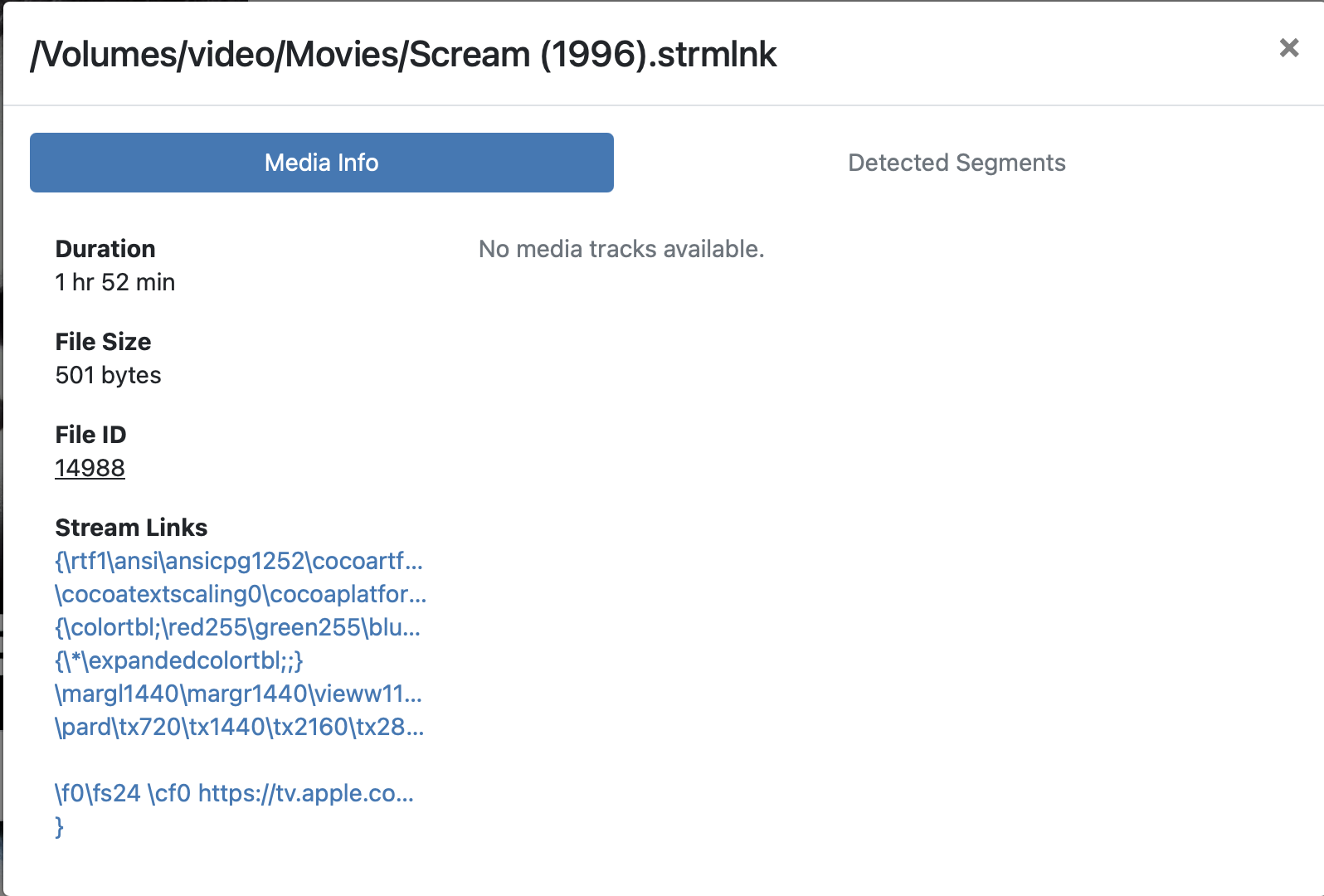
I have added strmlink files to the correct hard drive path and Channels will successfully scan them and add them to the library. I went to the Apple marketing tools website to get the link and verified that the links will go to a page where I could view the content. However, if I click the "Watch" button - either within the Channels app or in the web administration interface for testing - the movies will not open.
In the app, literally nothing happens when you click the "Watch" button.
In the Apple marketing tools dropdown, I have tried both "Mobile/Web" and "Smart TV and Streaming Devices" versions of the links and the results appear identical.
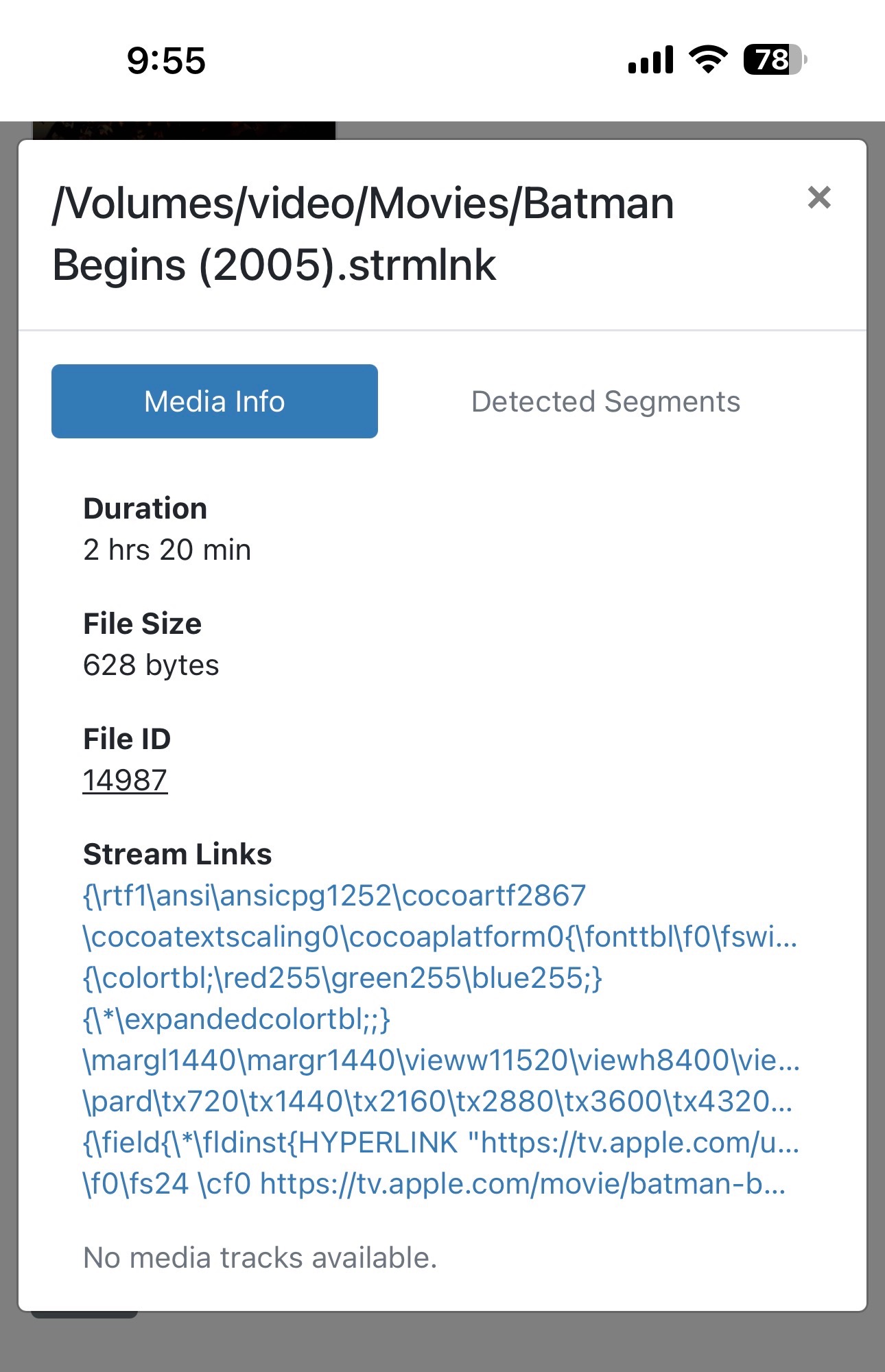
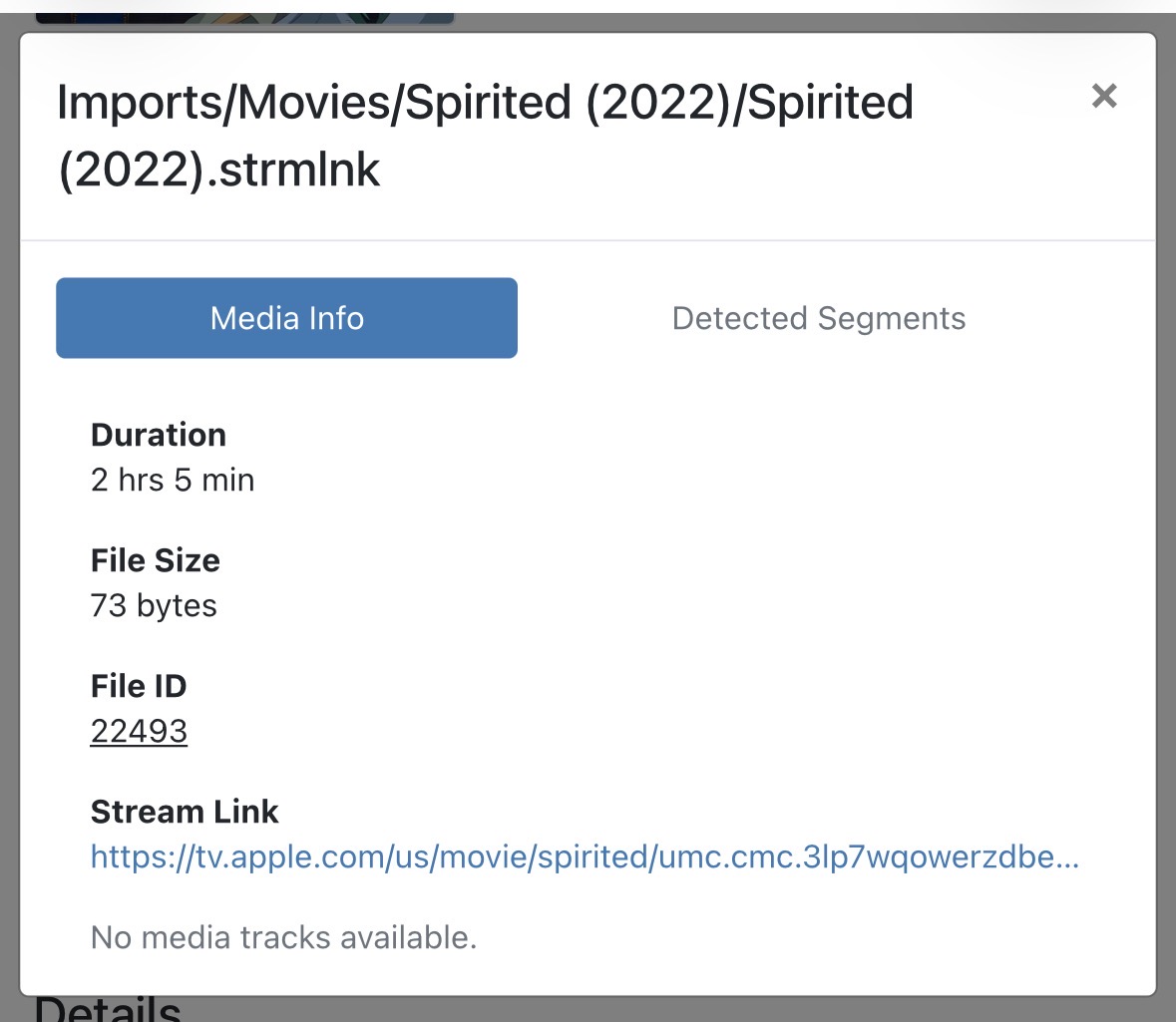
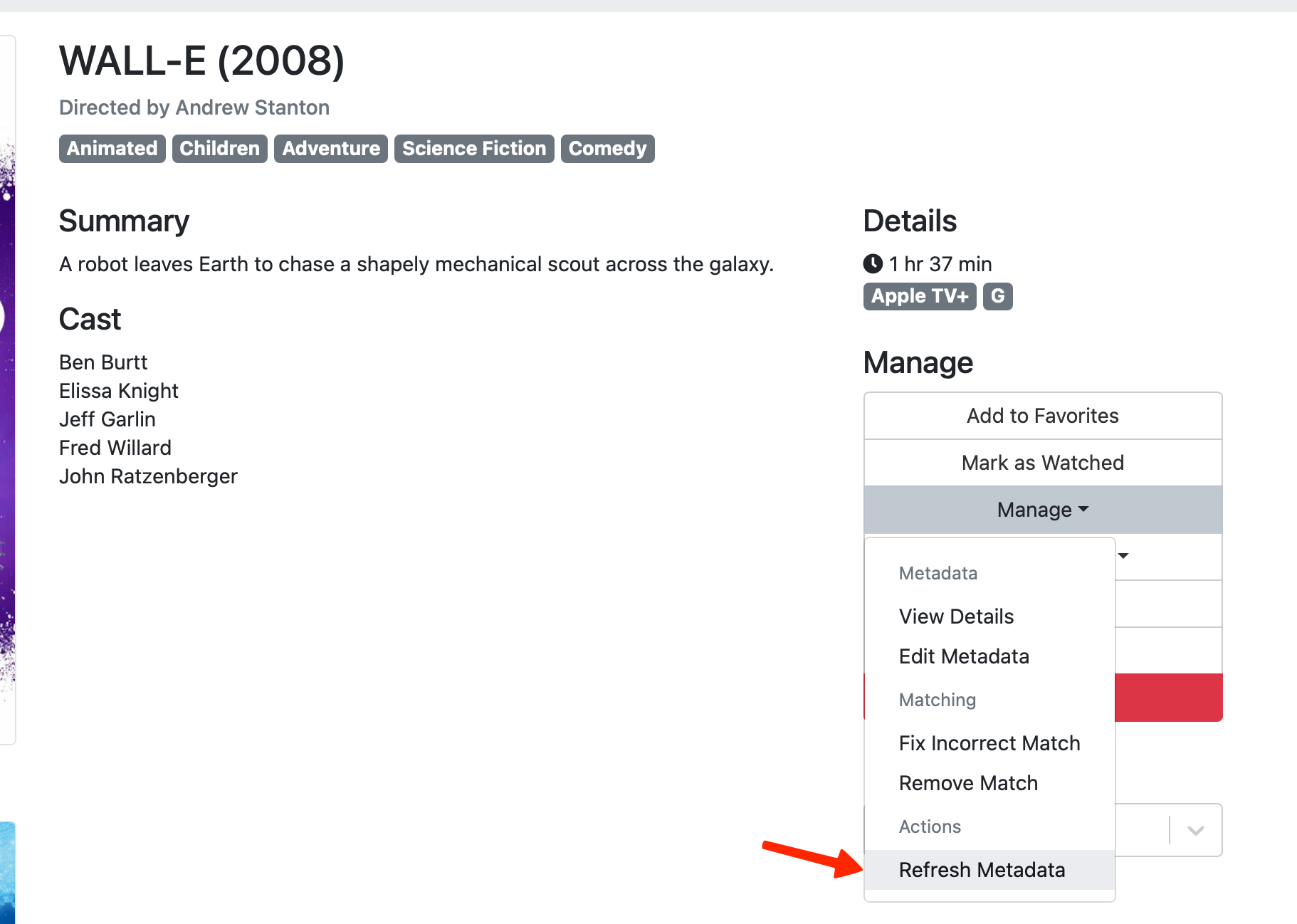
Does anyone have any suggestions? I note that when I look at the movie in the web admin interface and select Manage>View Details, there is a lot of seemingly random text listed under "Stream Links," some of which includes the link I have provided but none of which can be clicked to get to the movie.
I assume there is no way to do this now, but given that there is data listed there under "Stream Links," I wonder if it would ever be possible to edit the stream link from within the movie listing, This would seem to be an easy way to test various different links.
I should probably also note that I am trying to ultimately make this work on an AppleTV box, but I have also tried on my Mac, phone, etc.