Can't get ChDVR to see and catalog my movie files

I'm a dope. Not sure what I'm doing wrong...

I have Channels DVR 'Personal Media' set to C:\channels-data\Movies

I have my collection of movies at D:\movies.

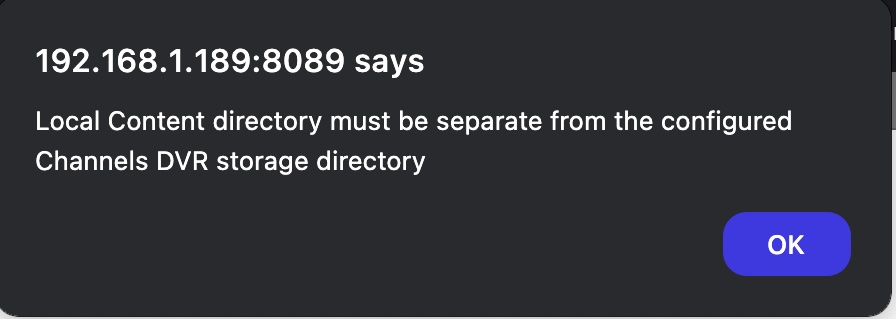
When I try to add D:\movies to 'Personal Media' it gives me that 'Local Content directory must be separate from the configured Channels DVR storage directory' message.

OK. But then I can't get Channels to index and catalog all my moves at D:\movies.

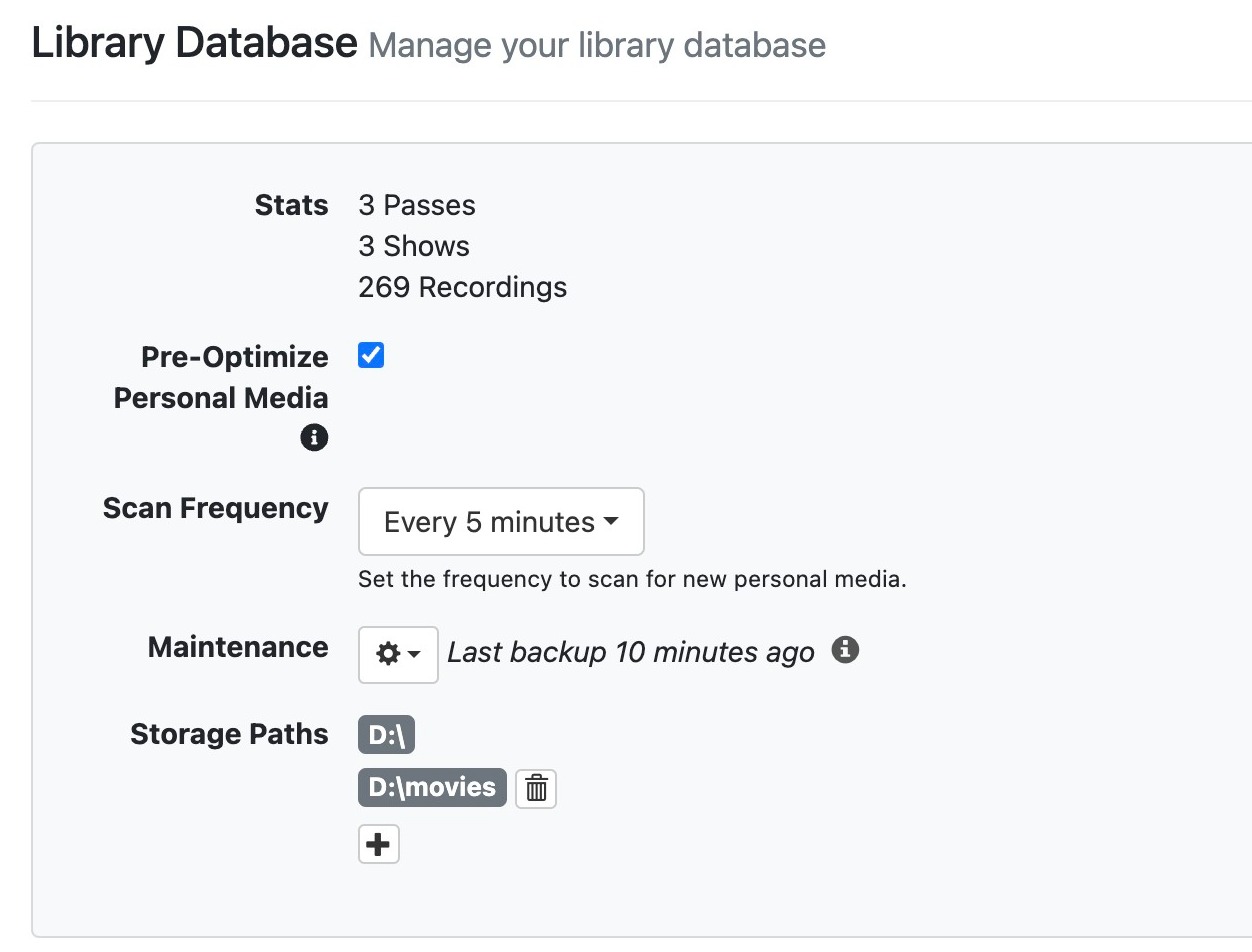
I have D: and D:\movies added to 'Library Database' under the 'General' settings.

What am I doing wrong?

Thank you!

John A


This is not how you add your own personal media to Channels DVR Server. You need to add it as a Source.

You need to remove those directories from Storage Paths first.

Please read through the documentation.

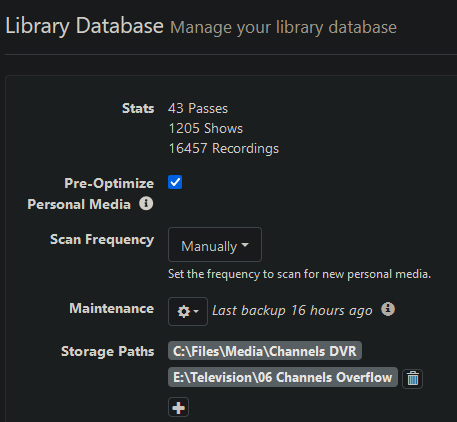
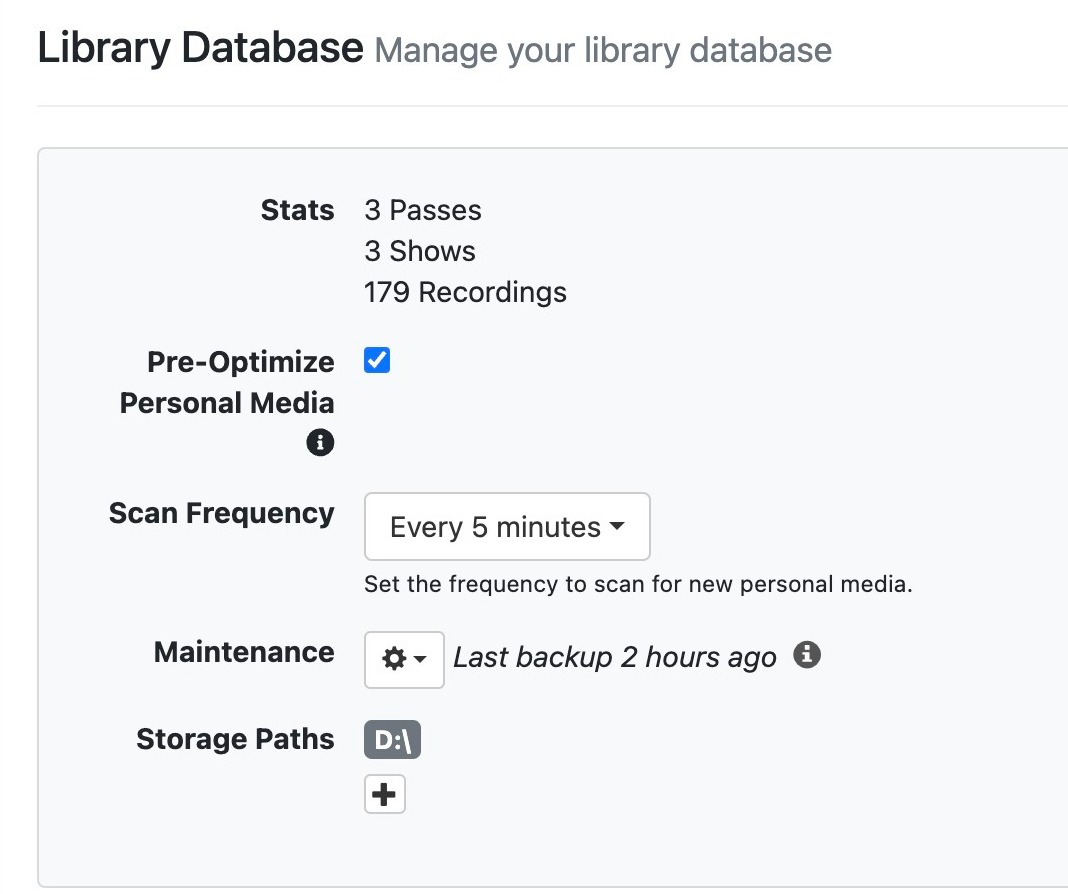
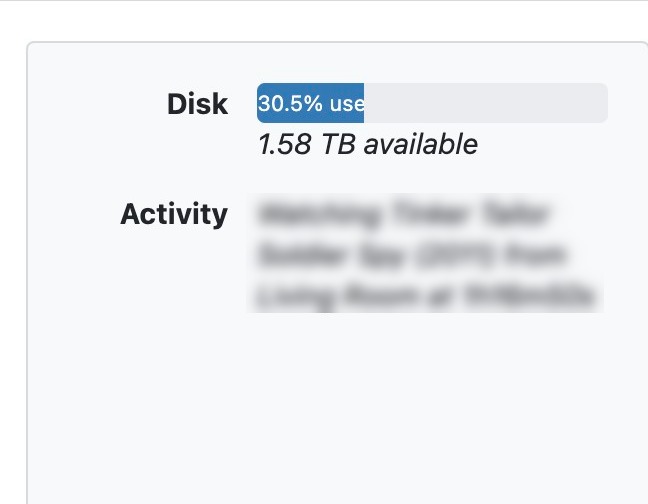
Library Database is for where Channels stores its recordings and imported content like Stream Links/Files. Here's mine:

image

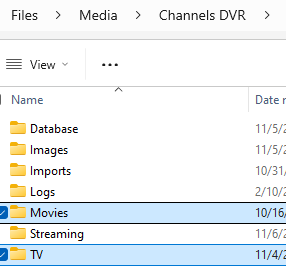
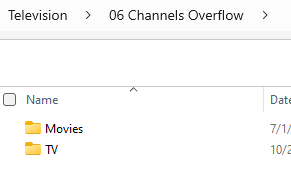
You should not list subdirectories under here; Channels already assumes its core directories exist in this folder:

image

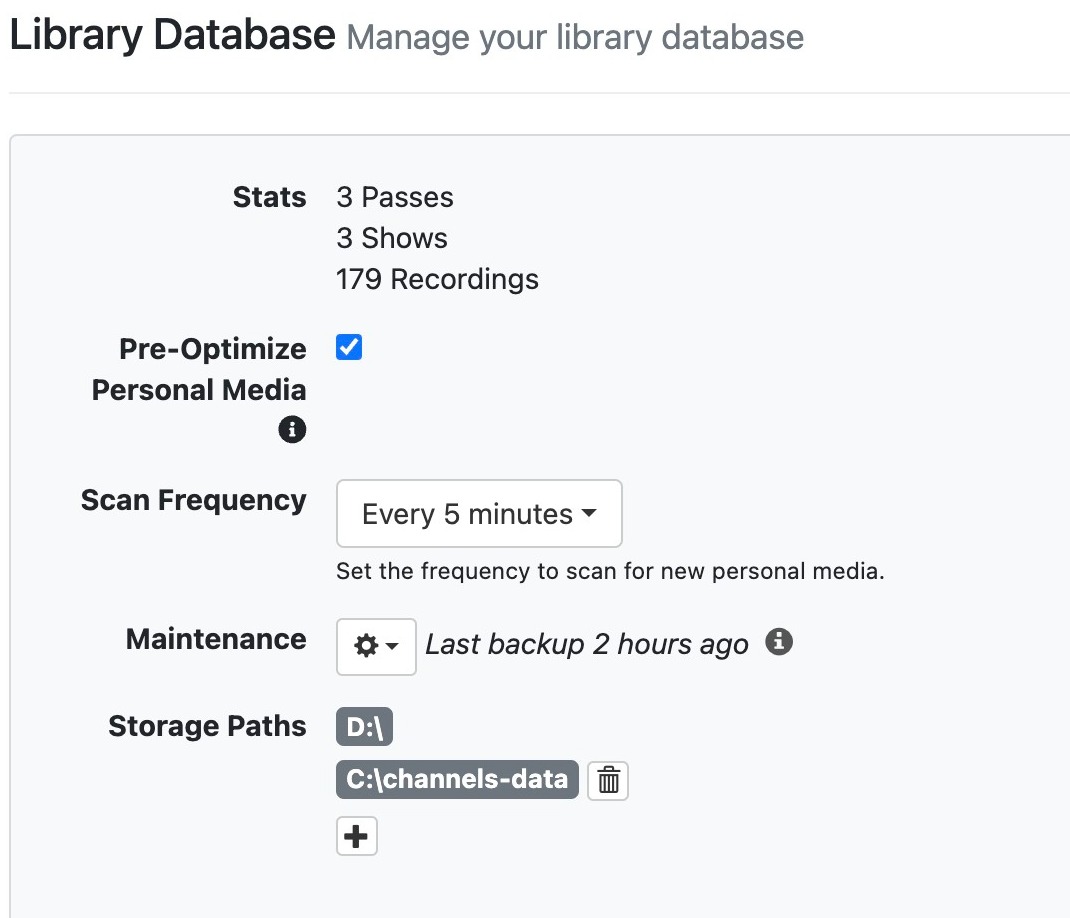
For me, the second one is a replica of the structure of the first one so I can move recordings off my main SSD to an external one and free up space:

image

Channels will look for its own files in the first directory, and if it doesn't find them will move to the subsequent ones. However, it will always initially store to the first directory. It sounds like you want this to be C:\channels-data. Again, no subdirectories.

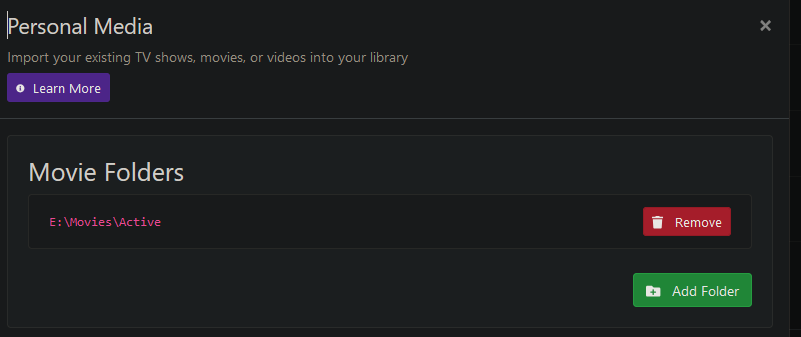
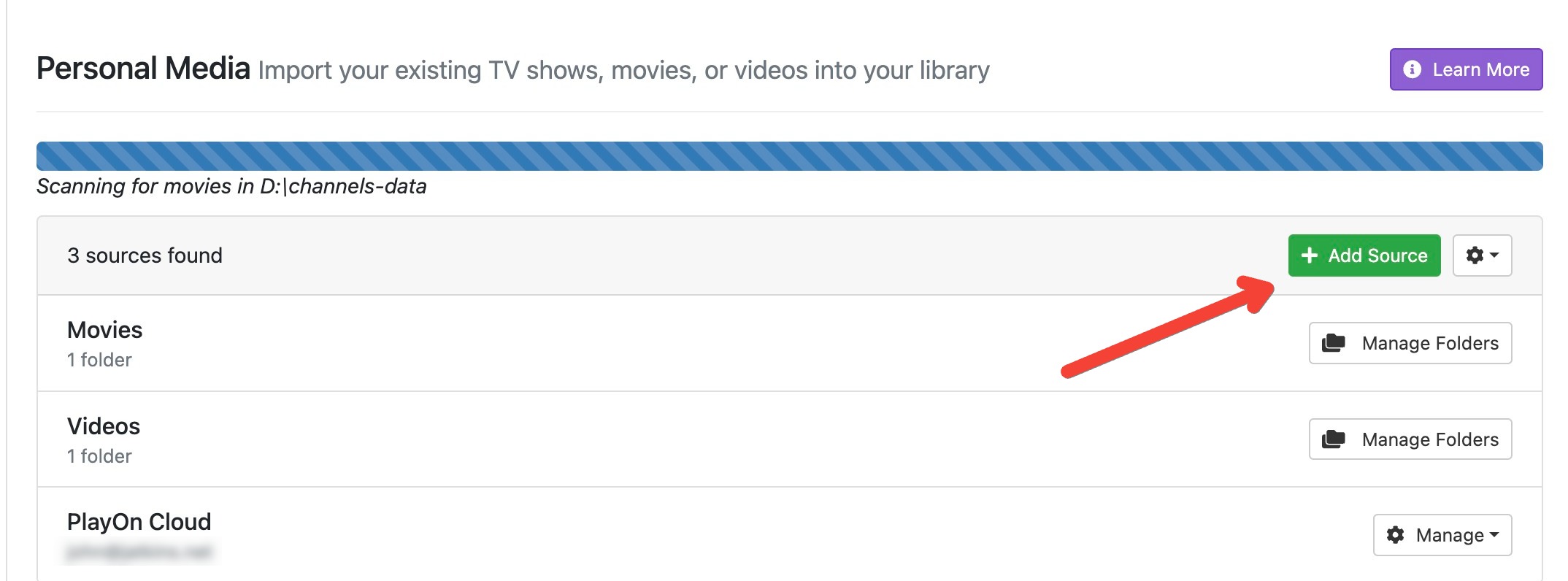
D:\movies will then be in your Personal Media, like so:

3 Likes

That’s a little extra info for just importing movies.

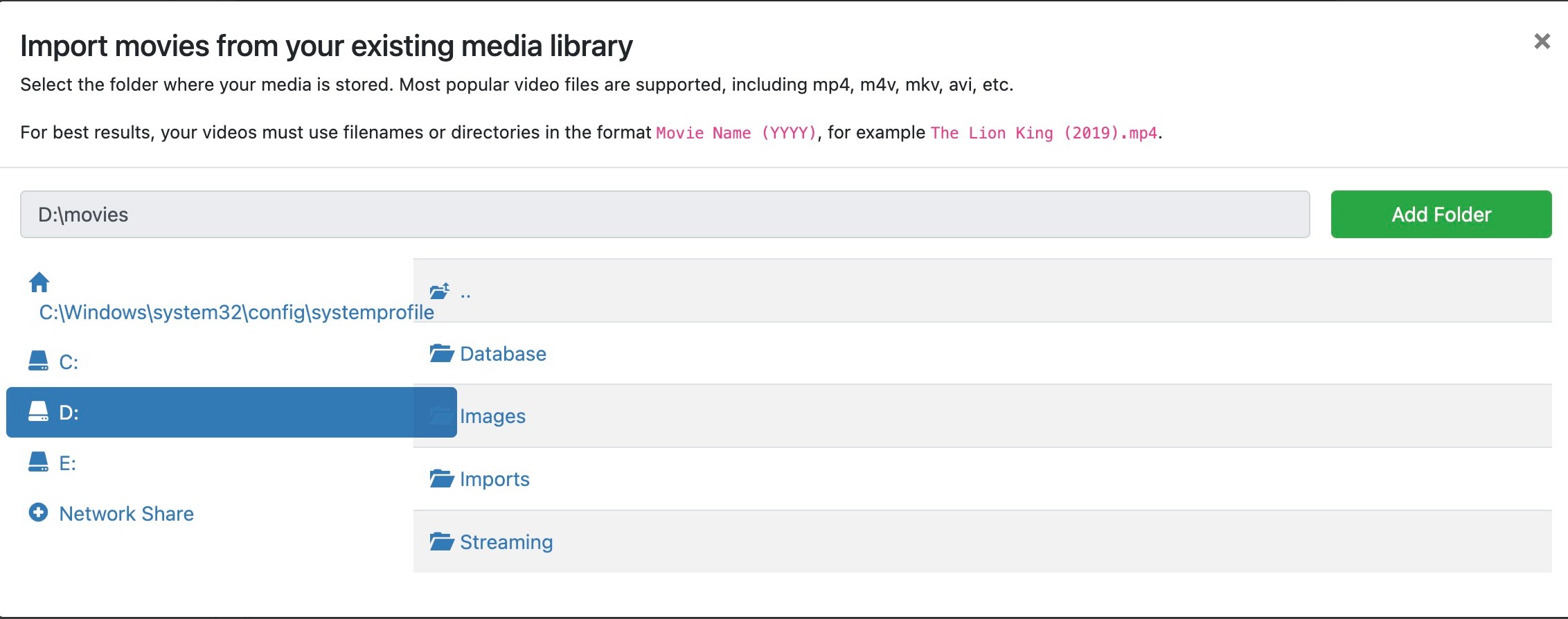
If you want to add your own movies, please just go to Settings > Sources > Personal Media and use the Add Source button. Choose Movies as your content type, and provide the directory.

It will begin importing your movies to your Channels library.

Thank you, babsonnexus! Appreciate the directions, I'll give it all a go.

So here is where I get stuck: I can add whatever folder I want to 'Storage paths', but I cannot delete the 'D:' path. That prevents me from adding my movie collection in 'D:\movies'.

I don't really care where Channels DVR saves broadcasts it records. I just want Channels DVR to see the movies I have in 'D:\movies'.

Channels DVR is seeing my 'D:' drive, though (1.5T storage can only come from the USB drive attached to the computer running the Channels app.)

Sorry about this. I know I'm missing something, but can't figure it out. Beating my head against a wall....

Thanks!


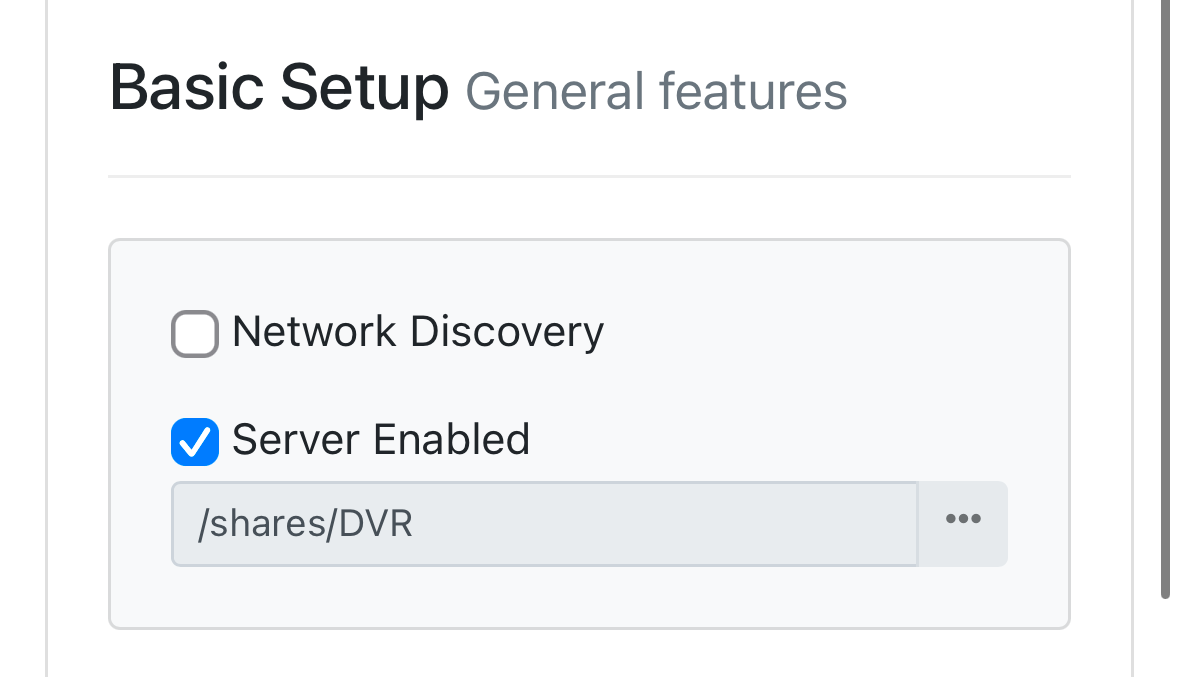
Change your main DVR path in Settings > General > Basic Setup

And do not use Storage Path for importing Personal Media.

I'm truly a dumbass. So the red arrow, it points to a dropdown that lets you choose 'Videos' in the list before 'Movies'. I never made it past 'Videos', equating it with 'Movies'.

CDVR is running as expected and correctly now.

I'm sorry for wasting your time. My bad.

I do love CDVR a lot. I appreciate what you and the other developers have done with it, and continue to do with it.

Thanks again!

This topic was automatically closed 30 days after the last reply. New replies are no longer allowed.