
It's hosted on my WD EX2 Ultra NAS.
What is the IP address of the NAS?
i.e. 192.168.?.?
Have you tried restarting the Channels DVR Server from your NAS
I restarted the DVR app from my NAS yesterday and all it has done is spin while trying to log into the website UI.
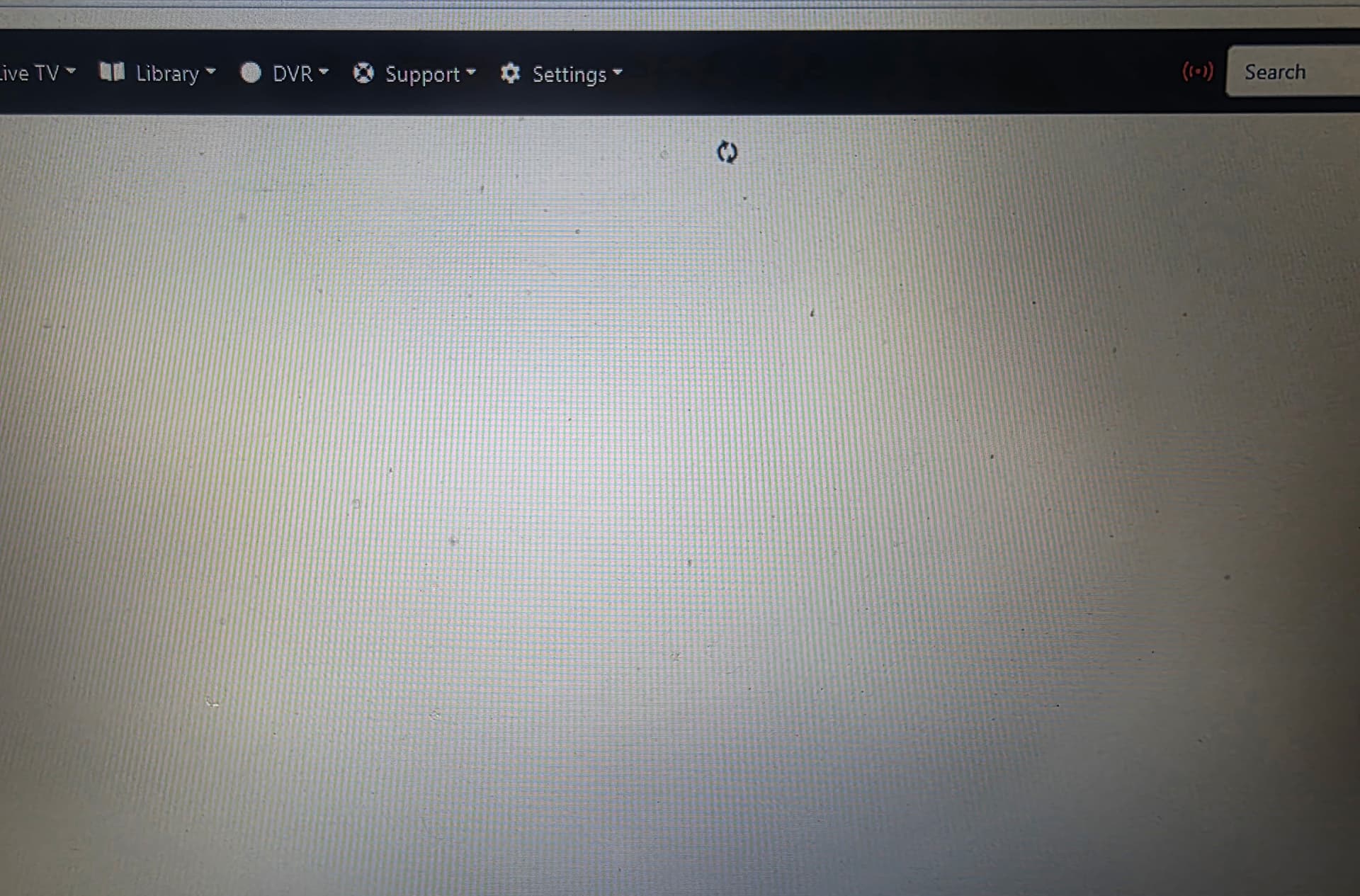
And
Use it to get to the DVR log and post it here.
Replace 192.168.0.112 below with the actual IP address of your NAS
http://192.168.0.112/log

This looked like my screen when my Rasberry PI decided to quit working!
1 Like
Is your NAS still at that IP address 192.168.0.112 ?
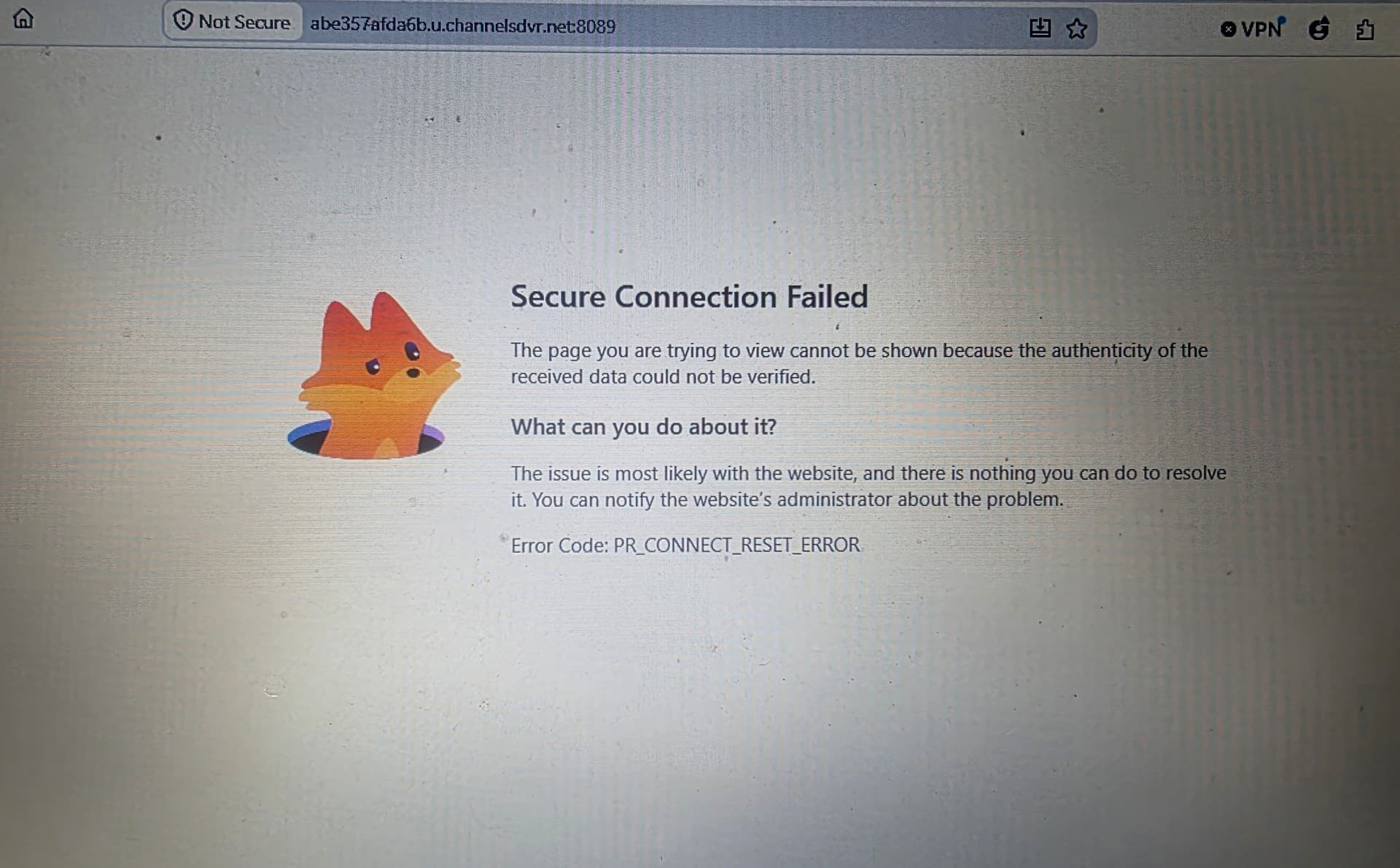
Yes
Can you access and view the log
No
1 Like
Any more ideas?
Probably you will need to remove and reinstall the DVR from the NAS, then select the restore backup option
Well, that worked, but it's taken 5 days to restore everything when it should have taken only a few hours.
And today, I can't get back on the server at all.
Do you have a failing harddrive?
No. The diagnostics say it's fine, and I have perfect FTP access and network access through my PC into it.
This topic was automatically closed 30 days after the last reply. New replies are no longer allowed.