
Is anyone else unable to get onto the DVR server website? I can't get it to open at all.
1 Like
May need to reboot your NAS
2 Likes
Done that and no dice.
Is your ipaddress reserved?
Yes
1 Like
Just to confirm, you mean your local web server admin page at http://x.x.x.x:8089/admin?
Correct
Can you connect with a client?
What's it located on?
This is the website UI. I can't log into it to access my server.
What are you running the DVR Server on?
Nvidia Shield Pro
It can be used as a Channels client device, but Channels DVR Server is not supported on that.
So how does that affect me not being able to log into the website UI? I've had no problems doing so until this past weekend.
It's hosted on my WD EX2 Ultra NAS.
What is the IP address of the NAS?
i.e. 192.168.?.?
Have you tried restarting the Channels DVR Server from your NAS
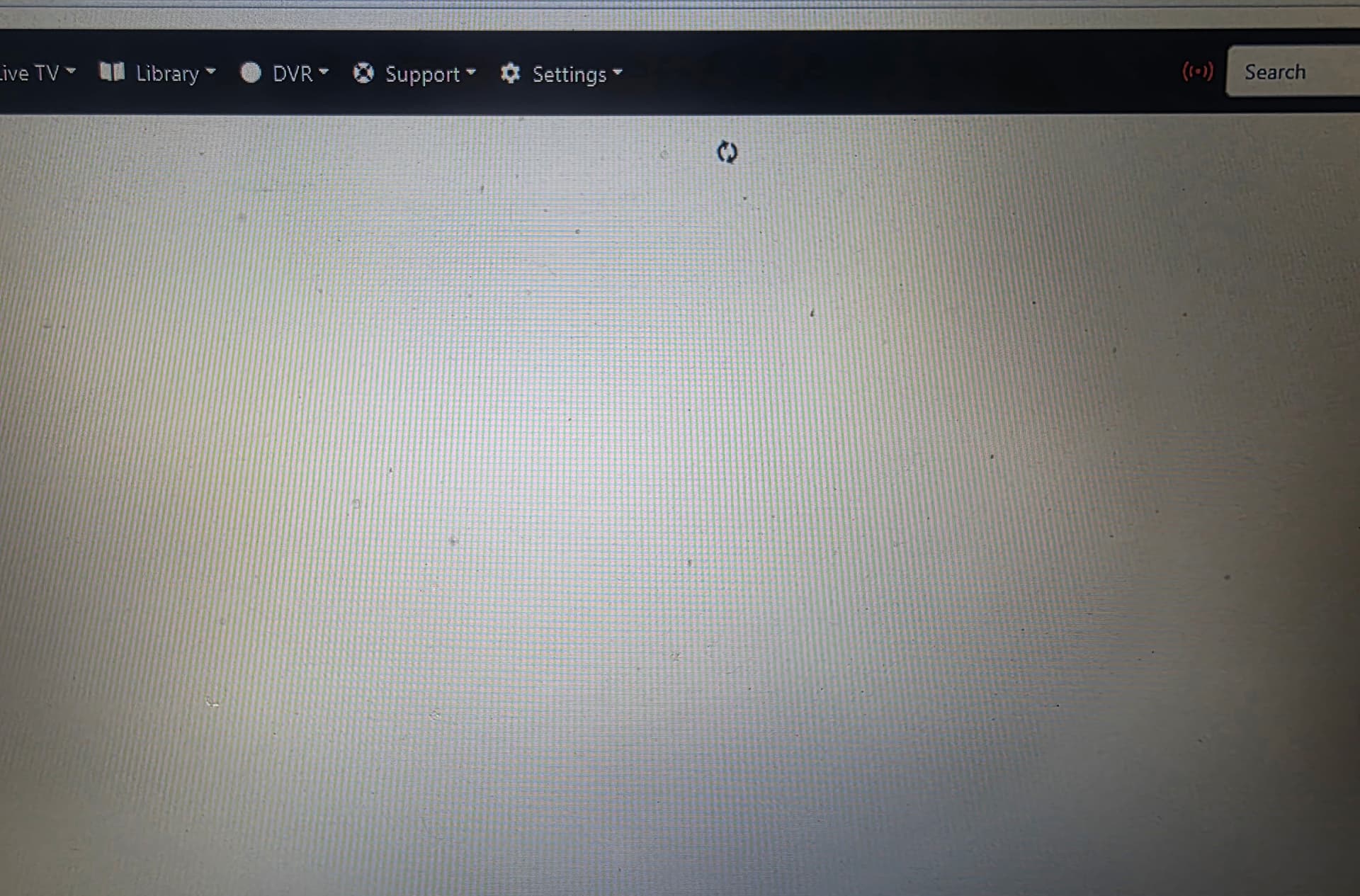
I restarted the DVR app from my NAS yesterday and all it has done is spin while trying to log into the website UI.
And
Use it to get to the DVR log and post it here.
Replace 192.168.0.112 below with the actual IP address of your NAS
http://192.168.0.112/log

This looked like my screen when my Rasberry PI decided to quit working!
1 Like