Can't tune into non-guide channels. Bug?

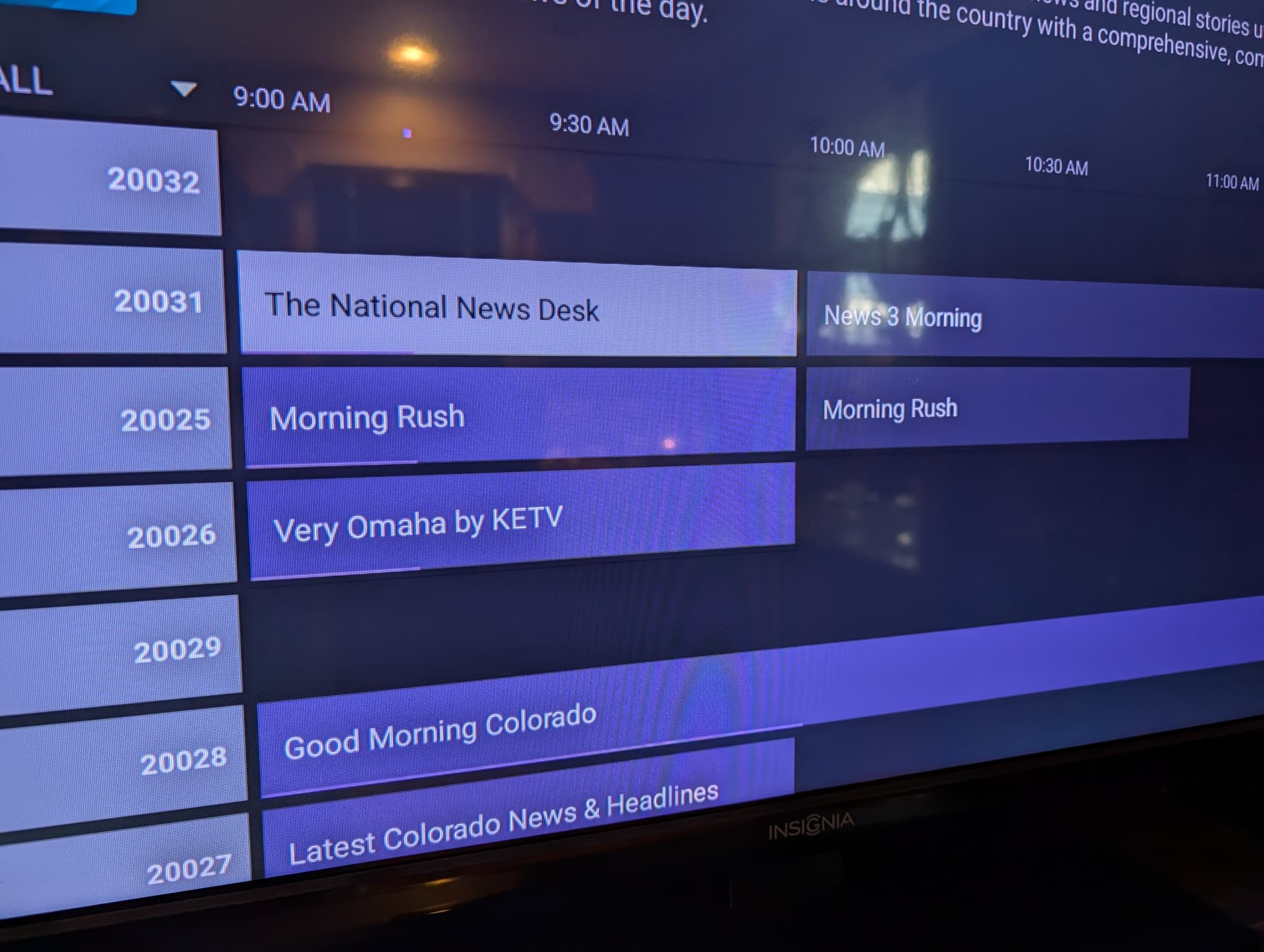
Super annoying. Sometimes a channel or a few won't have guide data for some reason at the current moment. The channel is there and works but I can't click on it to view!!?!?!? Apple TV users tell me to hover over the channel number and long press the button and it will ask to tune but that doesn't work on Android. It either scrolls over the channel or stops like a brick wall on the channel before it.

As a ghetto fix I can tune the channel next to it then when watching I can press down and from the quick guide scroll over 1 and then start it that way. Obvious not a good way to start the channel.

Please Help!
Did you Delete and recreate your guide data from the DVR web UI

Lots of times. Is there a way to tune channels when the guide data isn't populated on Android?

1 Like

:question: I don't use android
Do the channels populate on the DVR web UI grid guide?
I know that using the DVR web UI if no guide data shows in the grid, I can pick the channel from ON NOW and watch it.

Some of those channels from custom channels, (outside the 6000 series)
have a short time-frame on their guide data, maybe 6 , 12, 24, 36 hours.
If it hasn't refreshed recently you might see this blank Guide for some channels
depending on how long a program might last,
a long movie or program that started before the showing guide but not yet finished might show nothing at 9am
Refresh your Guide data in settings.
But even with that if the provider hasn't refreshed on their end it may not do any good till later.

Right so how to tune when the guide hasn't updated?

I don't see how you can, there's nothing to click on, not even for it to say RECORD instead of playing.
You mentioned if you channel Up/Down into that channel, or something like that,and it plays if I understood.
That's all I can see if Refreshing the Guide or maybe the m3u does not do it.

I don't use android, but what happens when you click on the channel number?

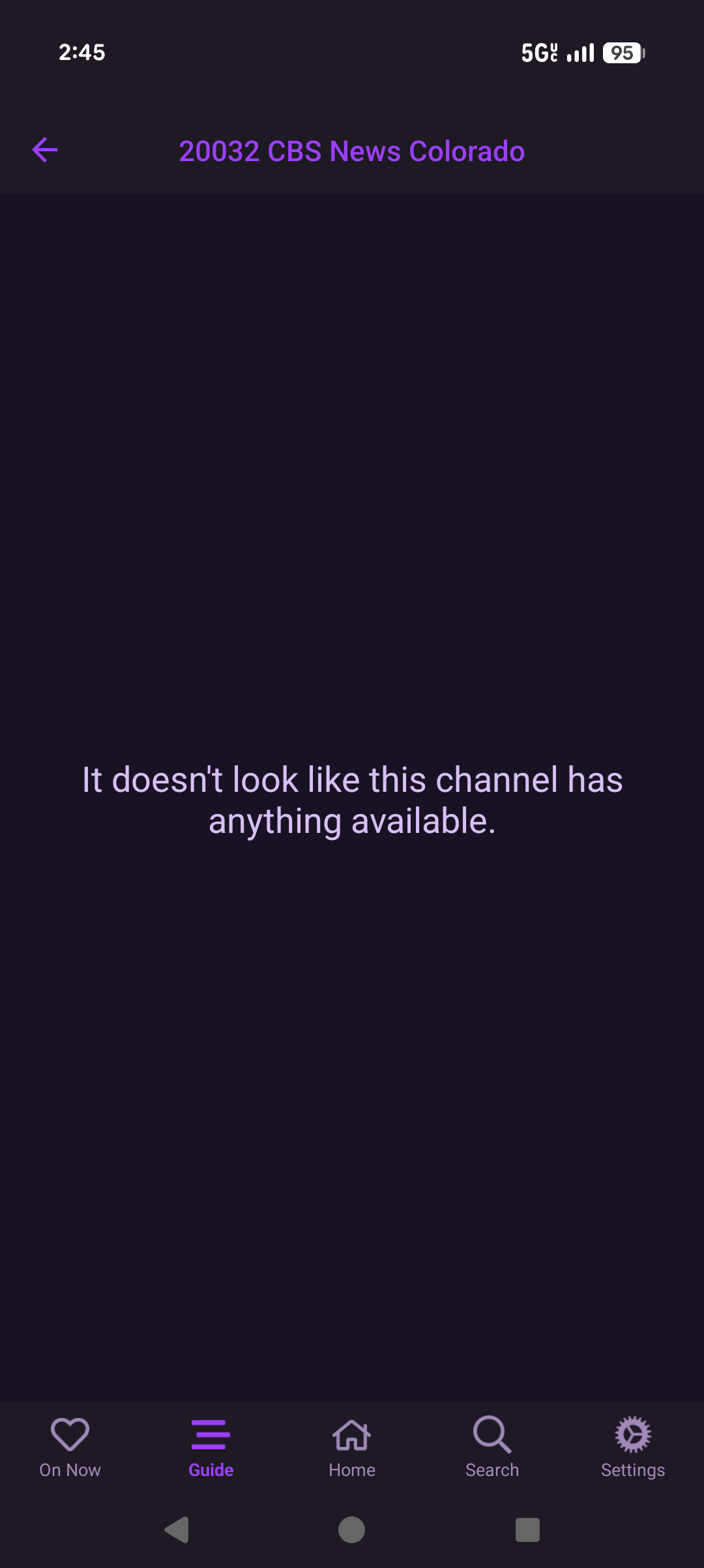
You get this. Nothing to click on to tune.

Funny thing is Emby is set up to pull all M3U chamnels from CDVR and every one of these plays fine :cry:.

Treat the disease not the symptoms. Fix your guide data by either assigning the channel in manage lineup or if that’s not possible use a text based m3u source with Gracenote ids.

I'll work on that when I get time but shouldn't we still be able to tune a channel if guide ID is funky?!?!?

Does that channel populate with a guide listing on the CDVR web UI grid guide?

Most of the time yes. It's hit or miss on the clients. Some update, some don't. Sucks. Wish they would stay in sync. It's a real problem.

At minimum, there should be a single 'update guide' option somewhere on the client to easily do manually.

2nd this. although it's Up Next that give me the most trouble not showing recent recordings.

this is a glitch with the guide one way or another as even with populated guide data, this happens when a show ends anywhere exept the 30min increments. scrolling the guide gets stuck on the show blocks that have ended but are still showing blank. if the blank blocks could be selected i believe it would solve many 'minor' issues.

Right now...

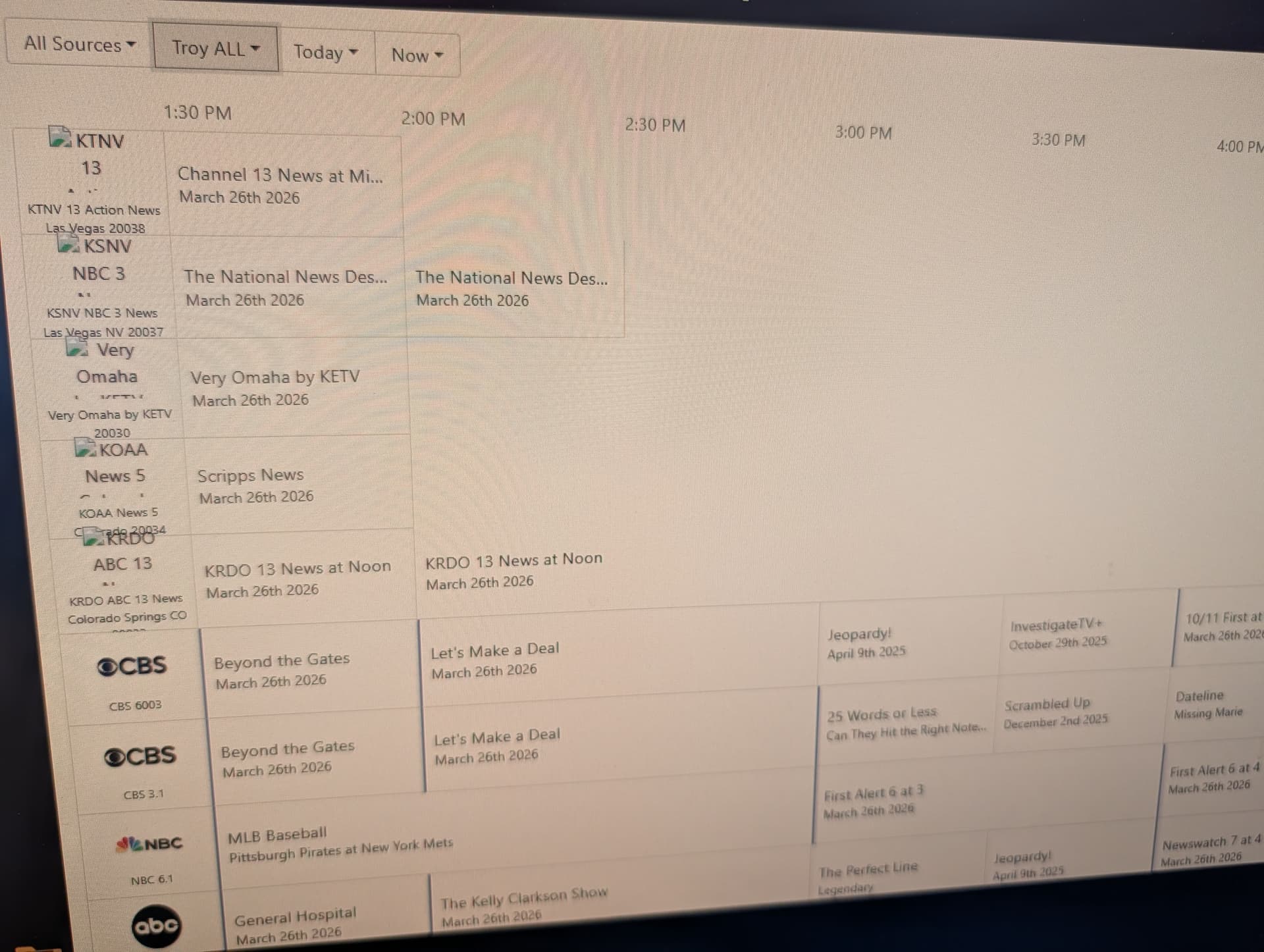
Web Guide (I can click on and play all of the channels)

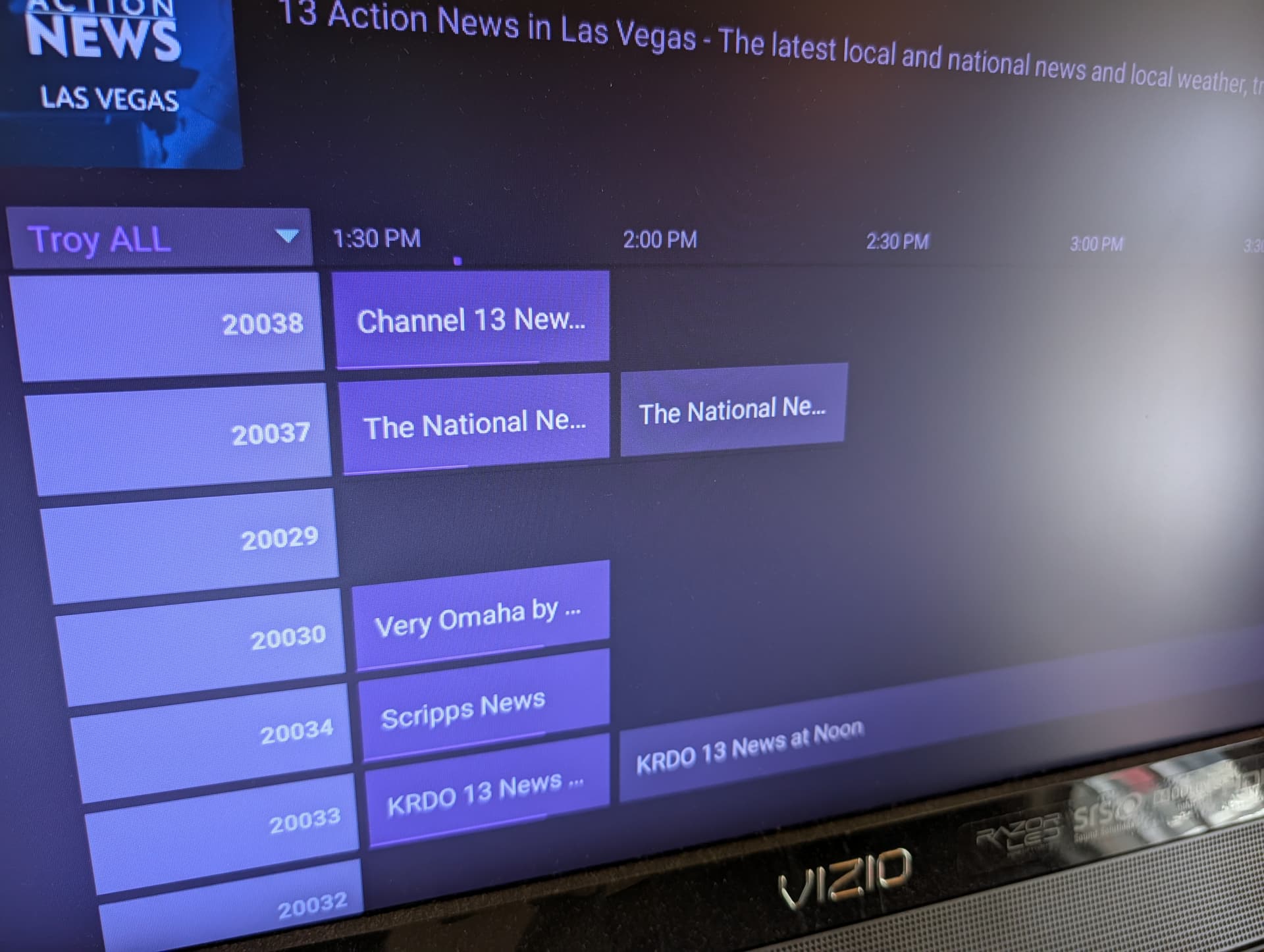
onn 4K Plus Android TV (Can't click on or play the blank channels. No option to do so. Can play in Emby)

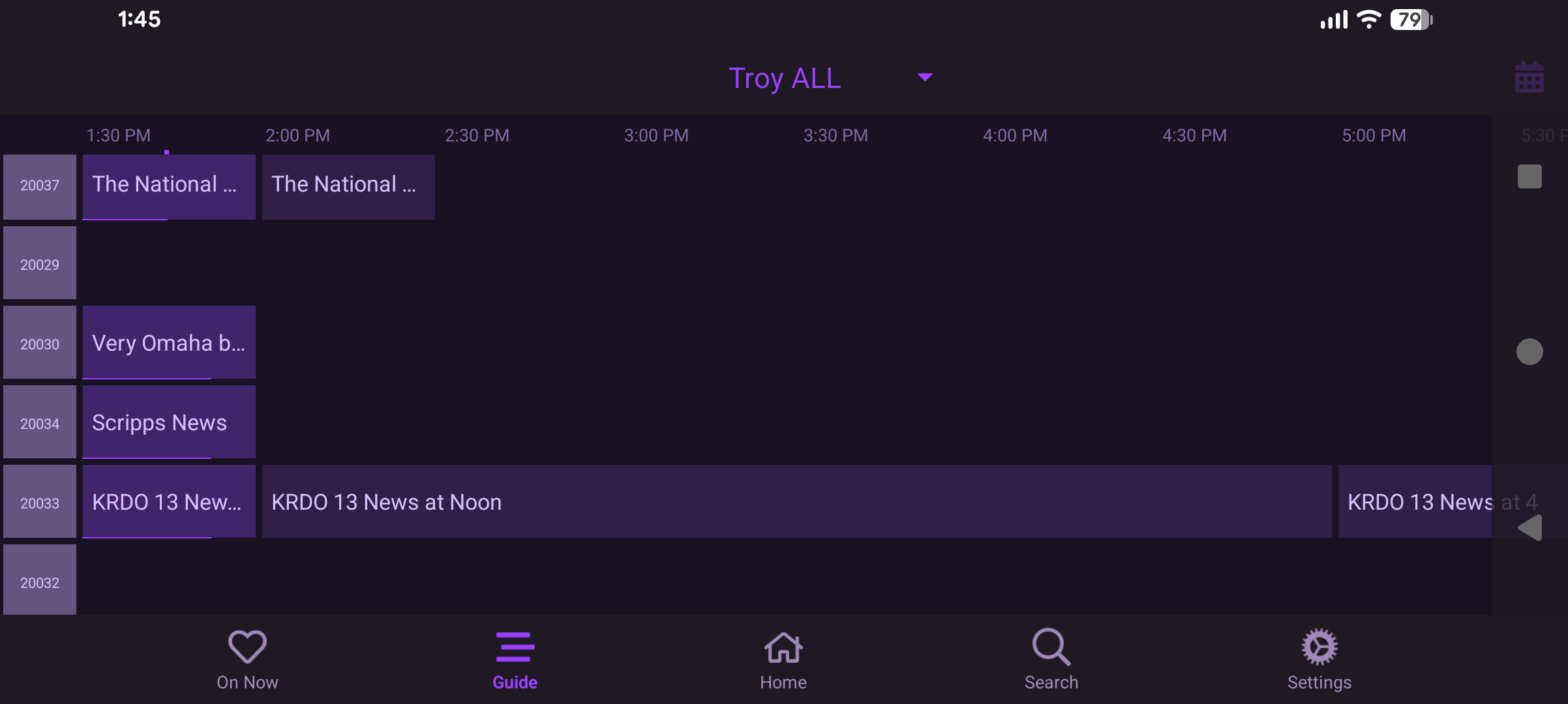
Pixel 10 Pro XL (Can't play any of the blank channels. No option to do so. Can play in Emby.)

Another thing that sucks is that when/if the top channel is showing blank, not only can you not play it, you can't use the page up option to wrap around and scroll up from the bottom of the guide. Just hits a brick wall so you have to scroll down a thousand times to get to the bottom channels. Lame.

As you've stated there seems to be an issue where you can't play a channel in the client if there's no guide data. I'm sure the developers will look into that.

If I were you, I would fix the underlying issue of why you're not getting guide data.
Call it a workaround if you like, but that's the first thing I would do.

my first channel is a virtual channel so show times end randomly, many times when I pull up the guide the first block is black the ONLY navigation I can do is arrow right, which then jumps an hour (to the show after the one currently 'on')
so say the time is currently 1:15. the first column of blocks is 1-1:30. a show ended at 1:05 and a new one is currently showing. however up/down 'cursor' tries to move to the show @ 1, which is not showing the guide data as it has ended.

I realize my issue is slightly different than @troyhough but result is the same. I just don't want this issue dismissed as 'missing guide data'

I will get the channels guide figured out, however as @Shaggylive can attest, we need the ability to tune any channel at any time whether Guide data is perfect or not. @eric ?

Just long press on the channel number and click watch. It’s been there for years. On Apple TV anyway.