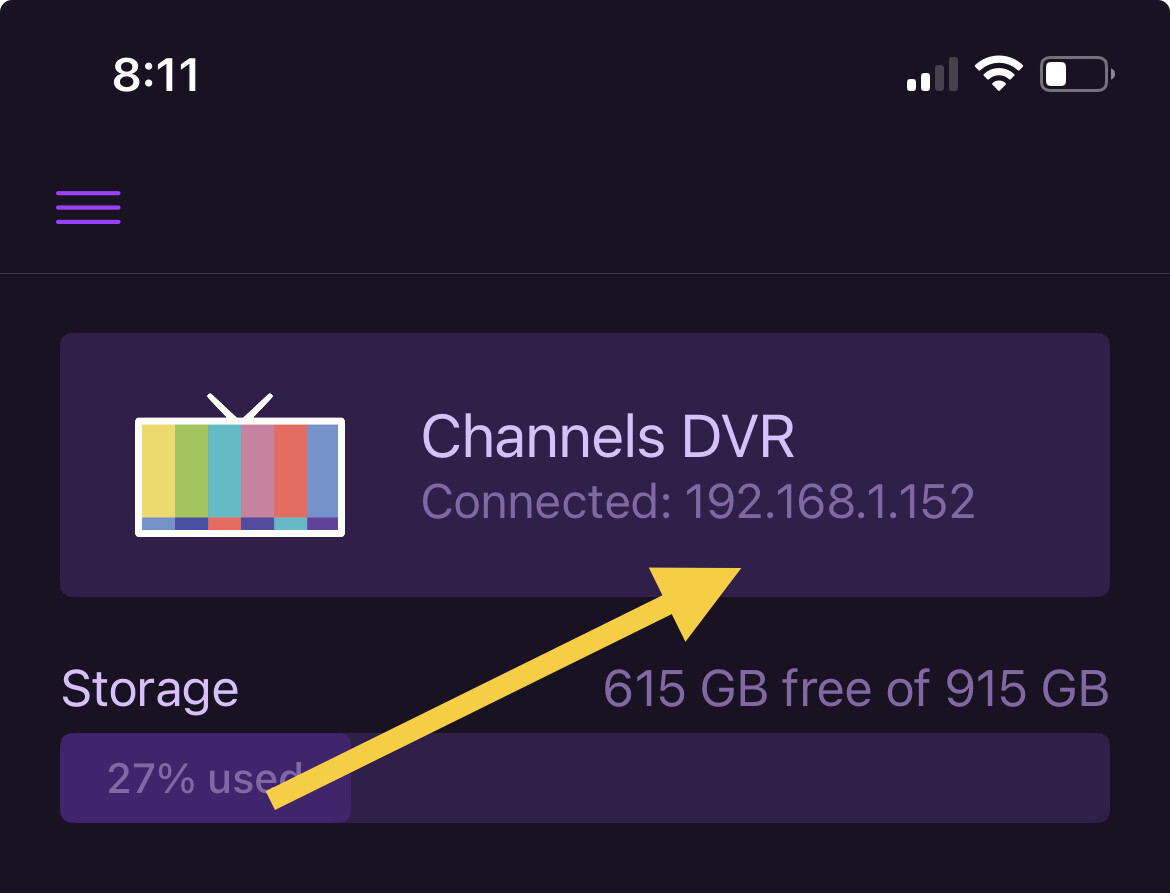
I am able to access from iOS and Android as well as view shows on the server laptop, but when I try to access from another laptop in the same house it isn't working. It was working fine yesterday. Already tried rebooting everything and using multiple browsers. Any ideas? Error message below, but I replaced the characters at the beginning of the URL with __________ since I don't know if that is a unique ID that I shouldn't be posting publicly for security? Thanks
This site can’t be reached
___________.u.channelsdvr.net took too long to respond.
Try:
- Checking the connection
- Checking the proxy and the firewall
- [Running Windows Network Diagnostics](javascript:diagnoseErrors())
ERR_CONNECTION_TIMED_OUT